

AI Code Converter: Rebuild Your Code as a Web App
Got a Python script, a spreadsheet formula, or a backend API that needs a frontend? Describe what it does and YouWare builds a working React web app you can share instantly.
Free to start · No credit card required
Trusted by 1M+ creators. Featuring integrations from:

What Is an AI Code Converter?
YouWare doesn't convert code line by line. It rebuilds your logic as a React web app from a plain-language description.
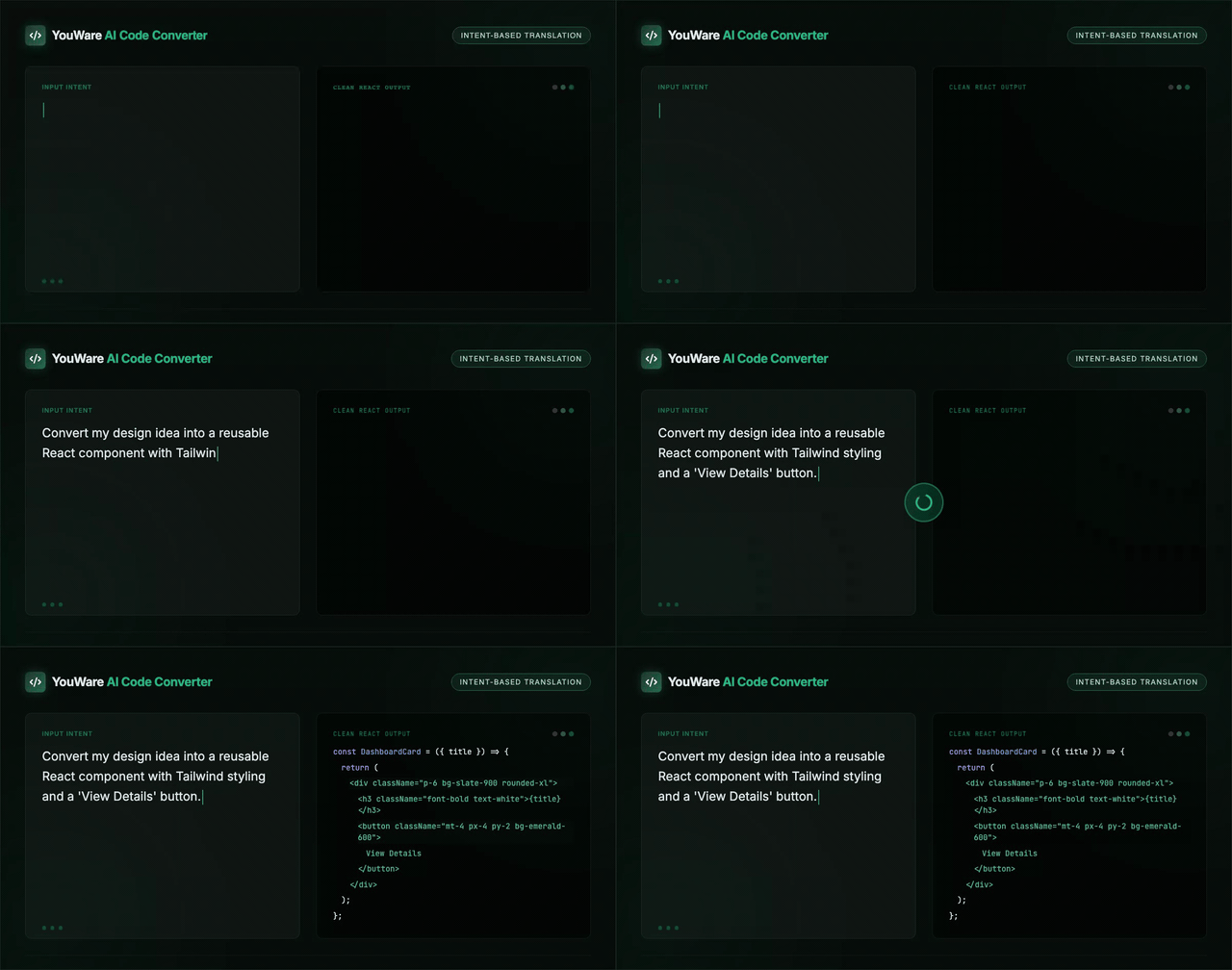
Intent-Based Code Translation
An AI code converter traditionally means a tool that translates code from one programming language to another. Most work line by line — turning Python syntax into JavaScript syntax — which often produces code that technically runs but doesn't feel native to the target language.
YouWare isn't a transpiler. Instead of converting syntax, you describe what your existing code does in plain language, and AI generates a complete React web app from scratch. The output is always React — HTML, CSS, and JavaScript — designed for the browser. You can edit, preview, and publish directly from your browser without any local setup.
Convert Ideas Into Working Web Projects
10,000+ projects built so far. Here's how YouWare handles code conversion differently.

From Description to a React Web App
You have working logic in Python or a Google Sheet, but sharing it means emailing files or walking people through a terminal. Describe what the code does — not the syntax, the intent — and get a React web app with a proper interface. Edit it visually, share with a link.
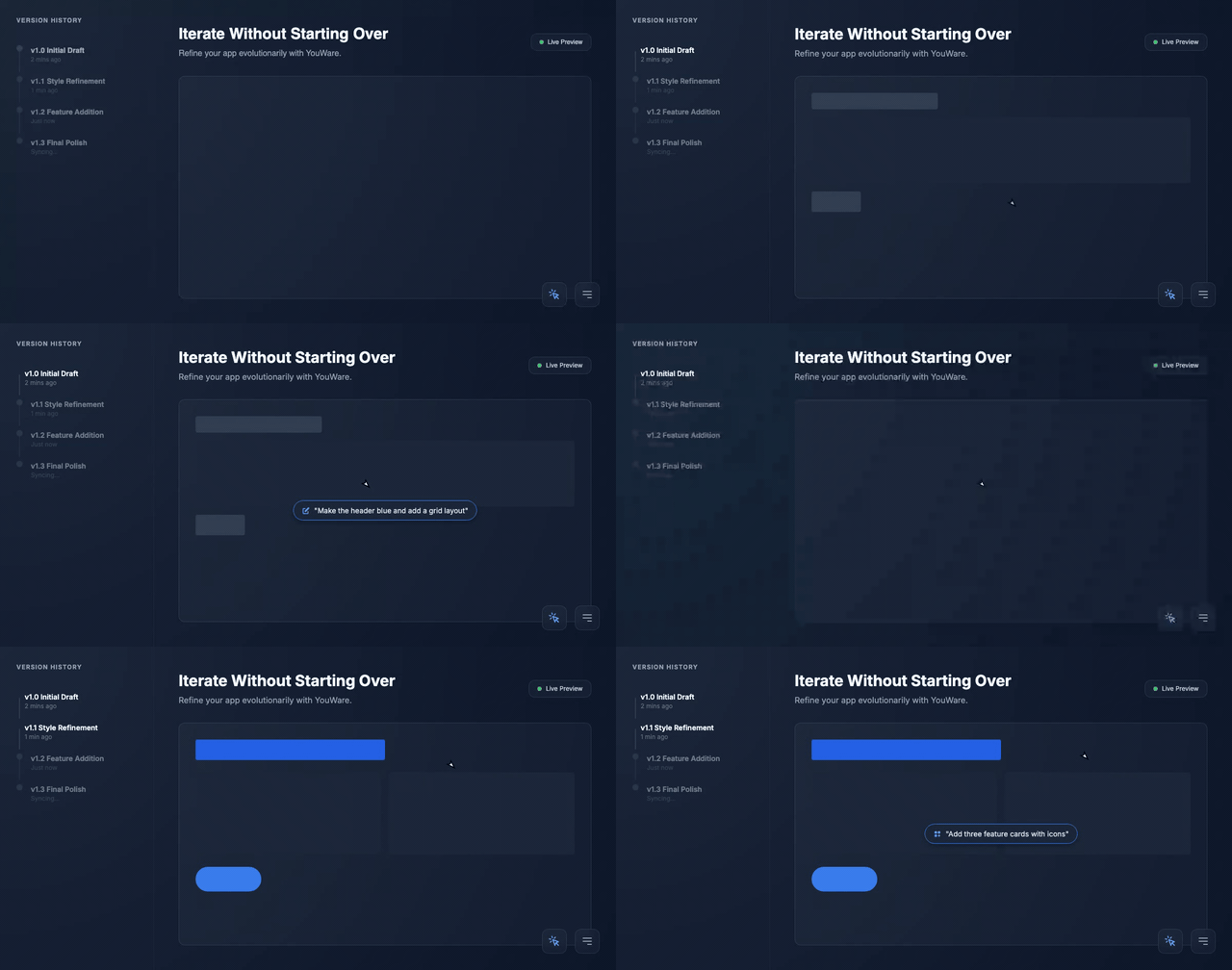
Iterate Without Starting Over
Traditional converters give you a one-shot output. If the result isn't right, you regenerate everything and lose your tweaks. YouWare keeps your full version history. Refine with follow-up prompts, use Visual Editing for pixel-level changes, and rewind with Credit Care if something goes sideways.
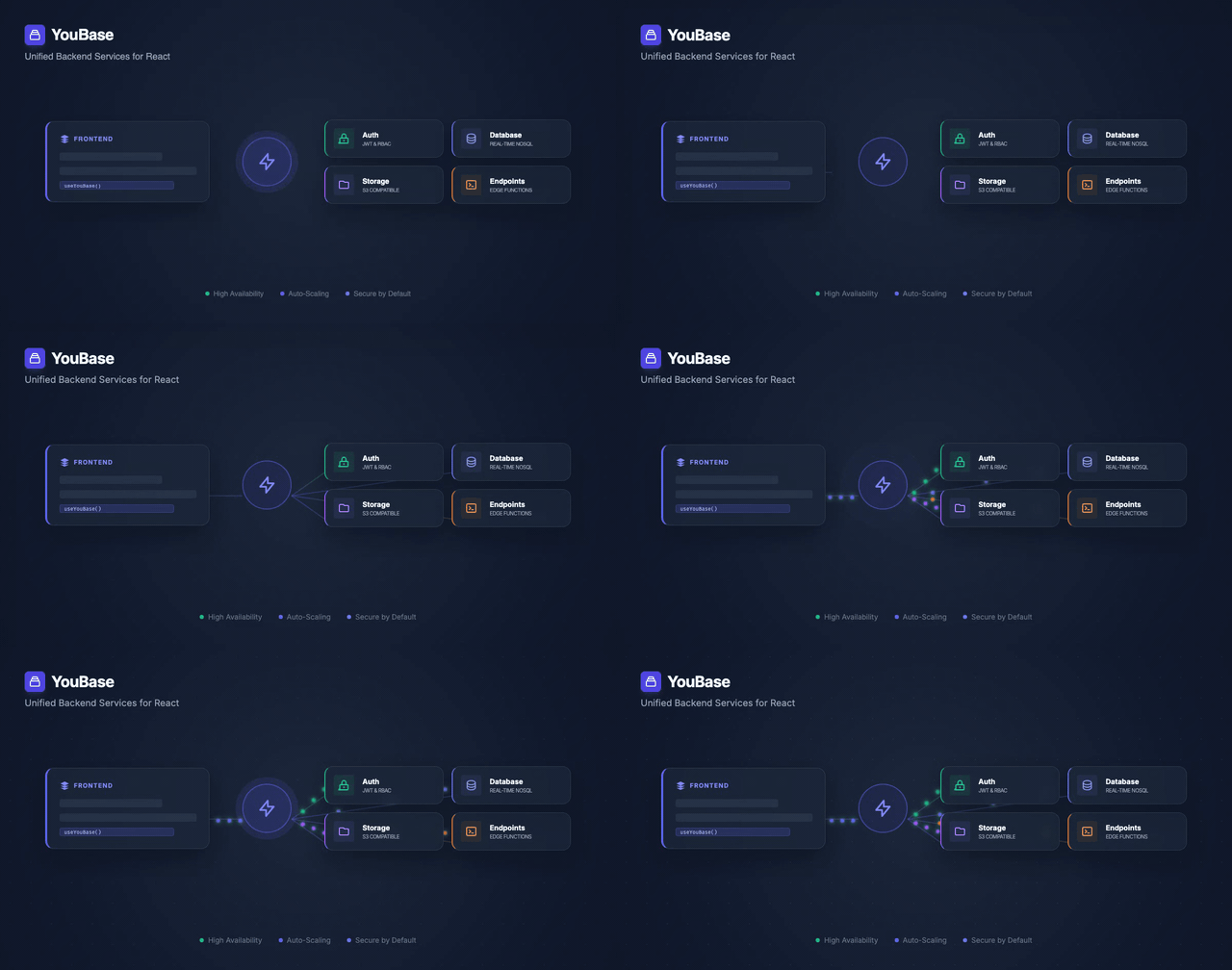
Add Backend Logic Your Original Code Needs
Your Python script reads a database and processes data. A simple frontend conversion loses that entire backend. YouBase gives your React web app a real backend — database, authentication, file storage, and API endpoints — so the web version does everything the original did.
How to Convert Code with AI
Step 1: Describe Your Code's Purpose
Tell YouWare what your existing code does — the inputs, the logic, and the expected output. You don't paste source code. Describe the functionality in plain language, and AI builds a React web app that recreates it.
Step 2: Refine the Generated Project
AI builds a complete React project. Use follow-up prompts to adjust features, Visual Editing to tweak the design, or Code View to modify the React source directly.
Step 3: Publish and Share
Click Publish and your converted project goes live with a shareable link. Add a custom domain, password protection, or make it public in the community gallery.
AI Code Converter vs Traditional Transpilers
Why Founders, Developers, and Students Choose This AI Code Converter
Non-Technical Founders
You built your MVP as a spreadsheet or a Python notebook. Now you need it to look real. Describe the logic and get a polished React web app — no developer required.
Developers Switching Stacks
You know how it works in Flask, but the team wants a web frontend. Instead of rewriting from scratch, describe the endpoints and business logic. YouWare generates a React app with a modern UI.
Students Building Portfolios
Your professor assigned a Python project. You want to show it off. Describe it and get a web version you can link from your portfolio. Code View lets you study how the web version works.
Code Conversion Examples You Can Build Today
Real projects, not hypotheticals. Here's what people are converting.
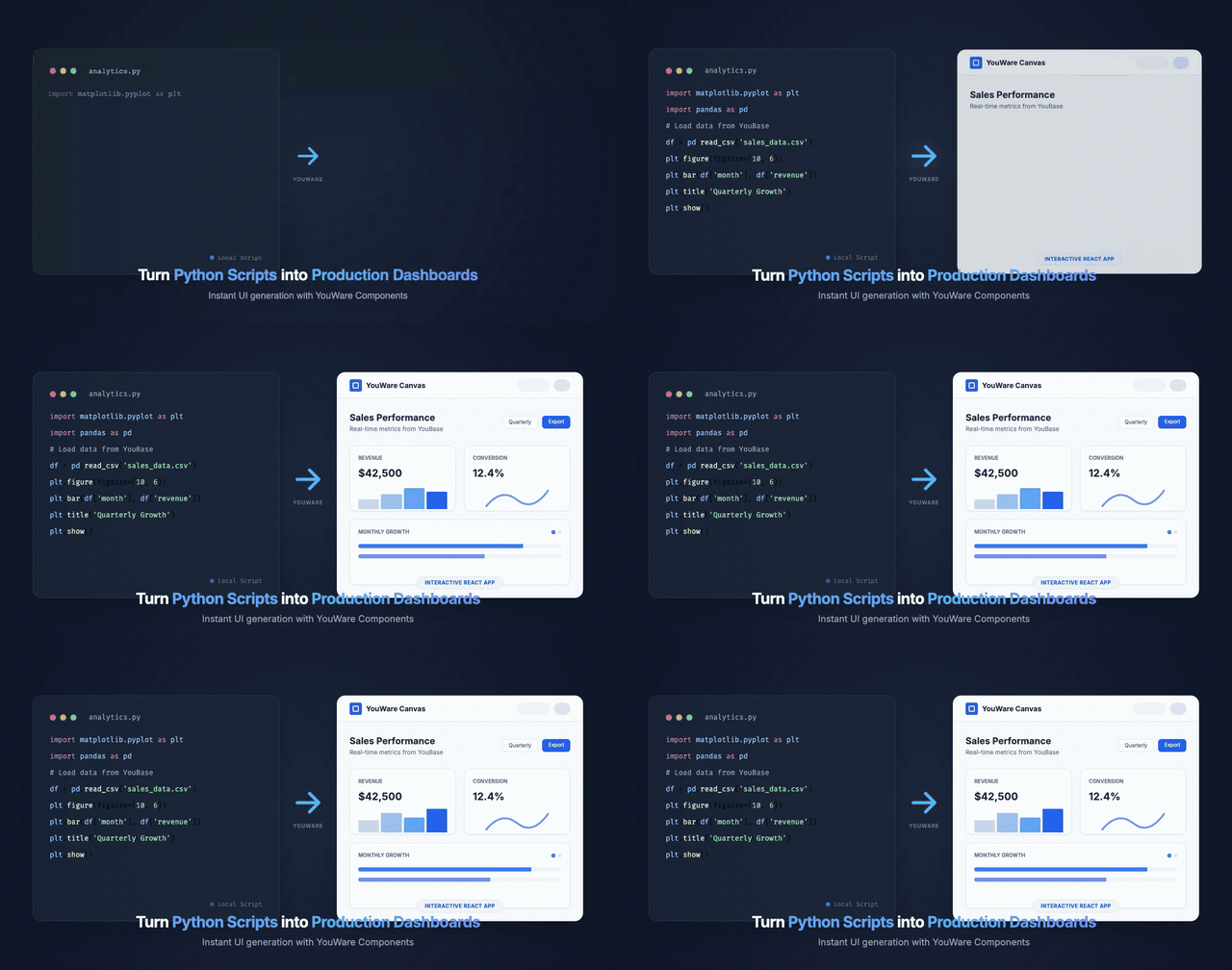
Python Script → React Dashboard
Your data analysis script generates charts in matplotlib. Describe the data sources and visualizations, and get an interactive React dashboard with filtering, sorting, and responsive layout — no matplotlib dependency required.

Spreadsheet → Interactive Calculator
That Excel model with 47 tabs? Describe the inputs, formulas, and outputs. YouWare builds a clean React web calculator anyone can use without installing Excel. Add YouBase and it saves results between sessions.

CLI Tool → Shareable Web App
Your command-line tool takes flags and spits out results in the terminal. Describe the inputs and outputs. Get a web interface with a form, input validation, and styled results — then share it with a link instead of a README.
Frequently Asked Questions About AI Code Conversion
Not line by line — and that's by design. YouWare isn't a traditional transpiler. Instead of converting Python syntax to JavaScript syntax, you describe what your code does, and AI generates a React web app from scratch. The result is clean React code — not a mechanical translation of your original source.

