

AI Code Editor: Describe What You Want, Get Working Code
Got an app idea at 3 AM? Open your browser, describe it, and wake up with a working project. No installs, no terminal, no dependencies — just a prompt and a publish button.
No credit card required — 10,000+ projects shipped so far
Trusted by 1M+ creators. Featuring integrations from:

What Is an AI Code Editor?
A new kind of development tool — no IDE install, no local setup, no dependency hell.
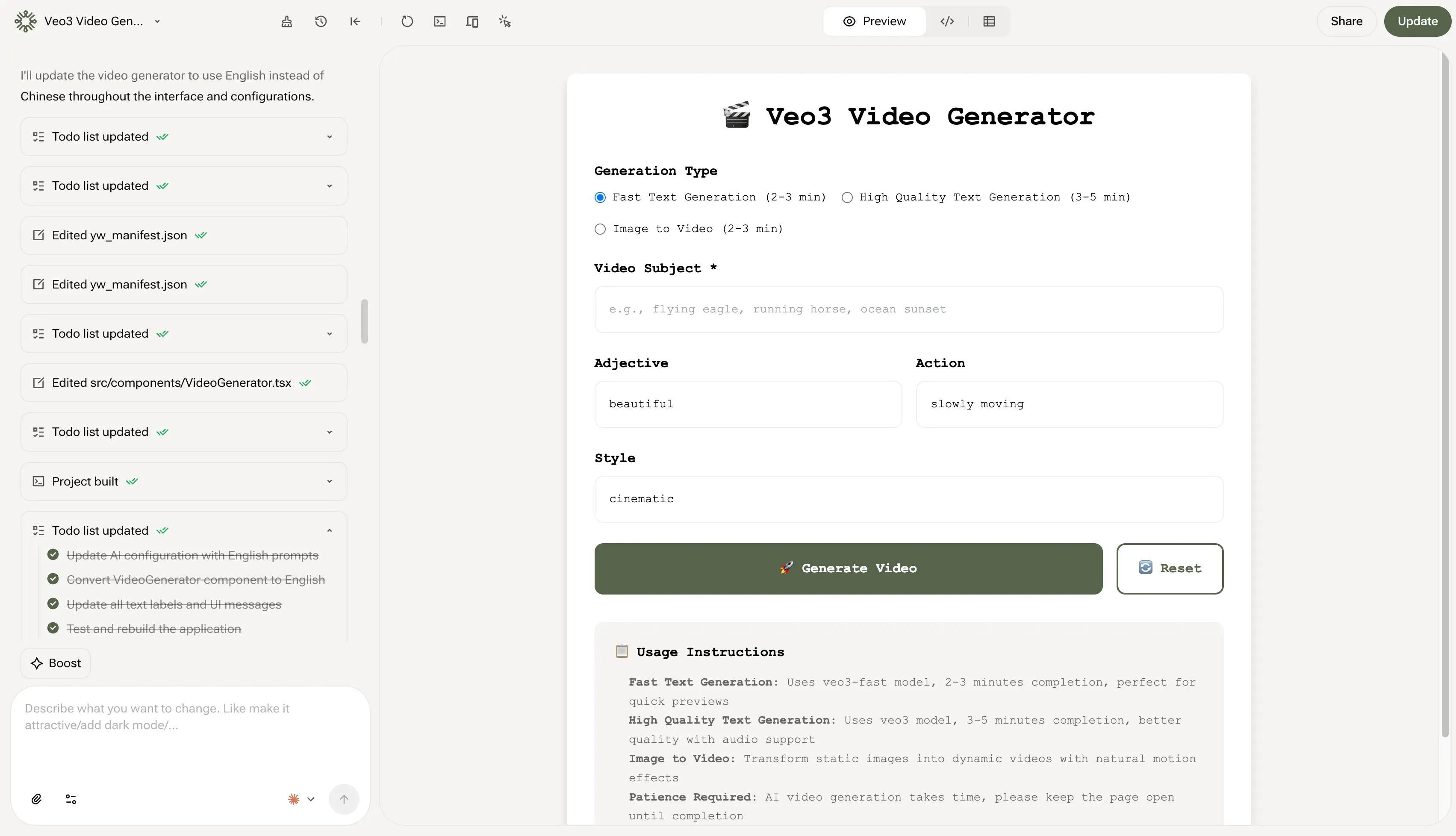
Natural Language In, Working Code Out
An AI code editor is a browser-based development environment where you describe what you want in plain English, and AI generates the code. Unlike traditional IDEs where you write every line yourself, or copilot-style assistants that only suggest completions within your existing workflow, YouWare generates complete, working projects — HTML, CSS, JavaScript — and lets you refine with both code editing and visual tools. It compresses the gap between "I have an idea" and "I have a live website" into minutes.
AI Code Editor Features: From Prompt to Production
10,000+ projects built so far. Here's what keeps creators coming back.
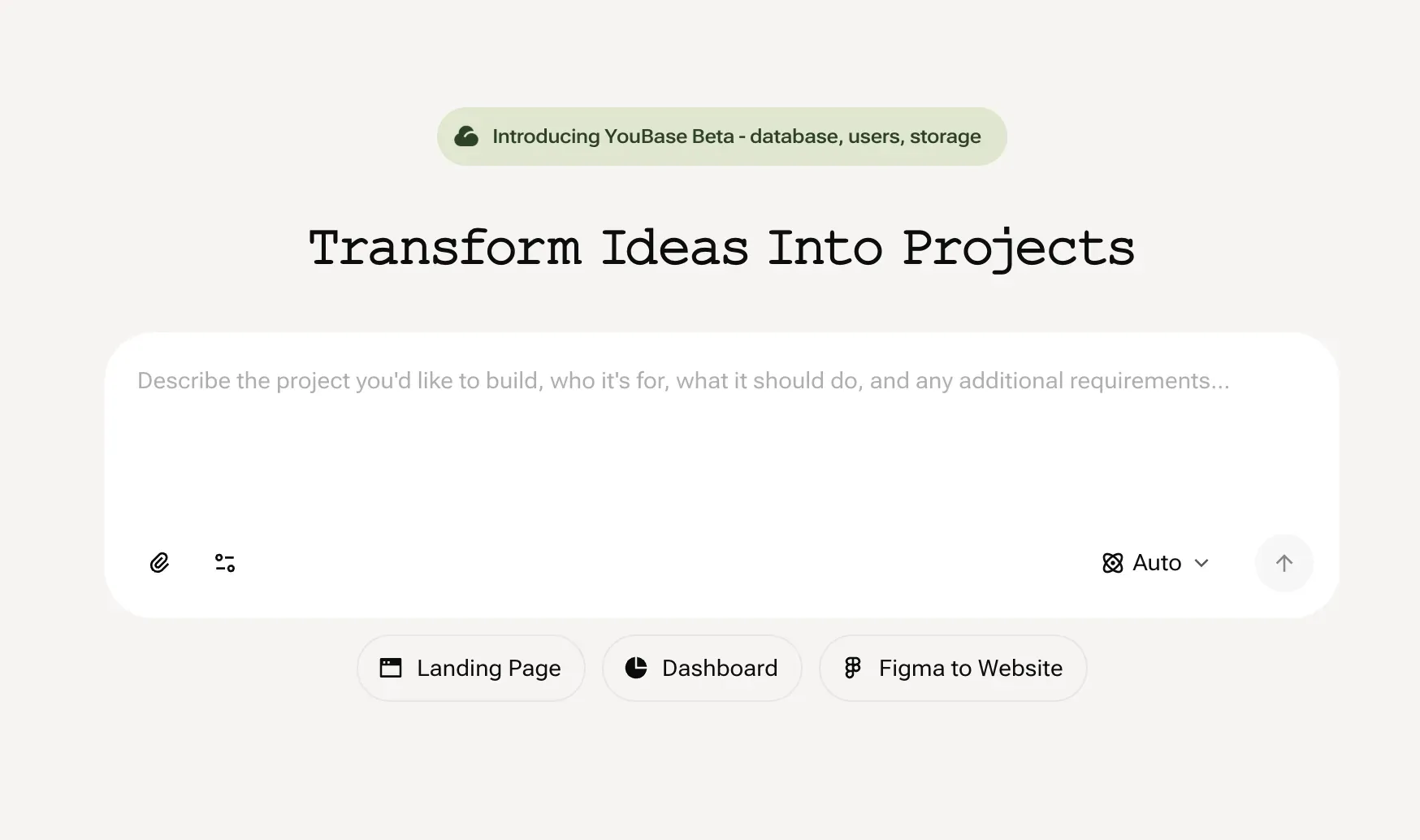
Vibe Coding: Describe It, Build It
You just want a landing page for your side project. But first: install Node, run npm init, configure a bundler, set up a dev server... or skip all of that. Type what you want in plain language and get working HTML, CSS, and JavaScript in seconds — ready to preview and publish. No terminal, no package manager, no config files.
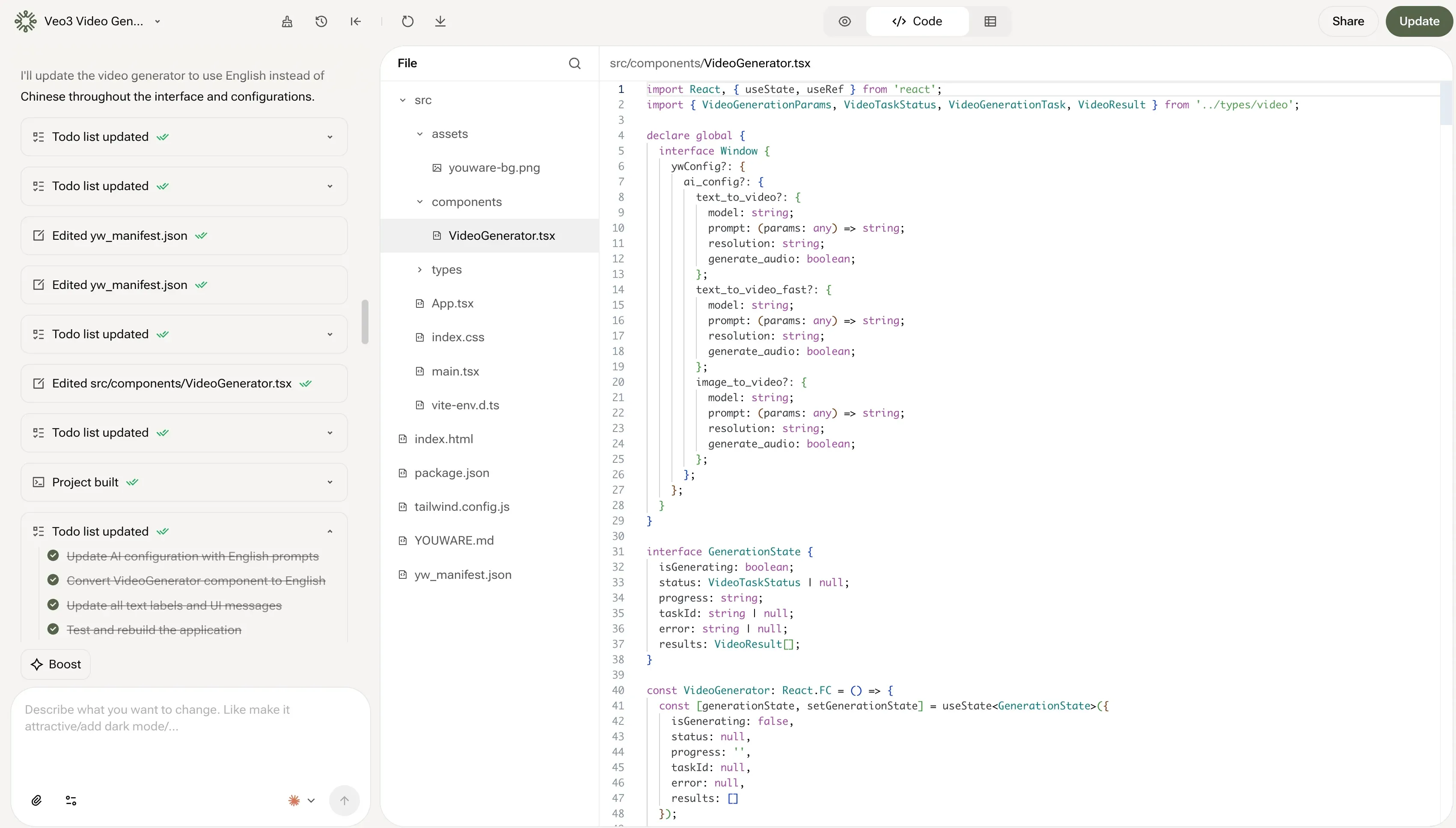
Visual Editor: Browse and Edit Every File
AI gave you a perfect navbar — except the logo is 3px off center. You don't want to regenerate the whole page for one line of CSS. Visual Editor lets you open any file with syntax highlighting and live preview. See the code, tweak it, watch changes appear instantly. Pro and Ultra subscribers can edit files directly in the browser.
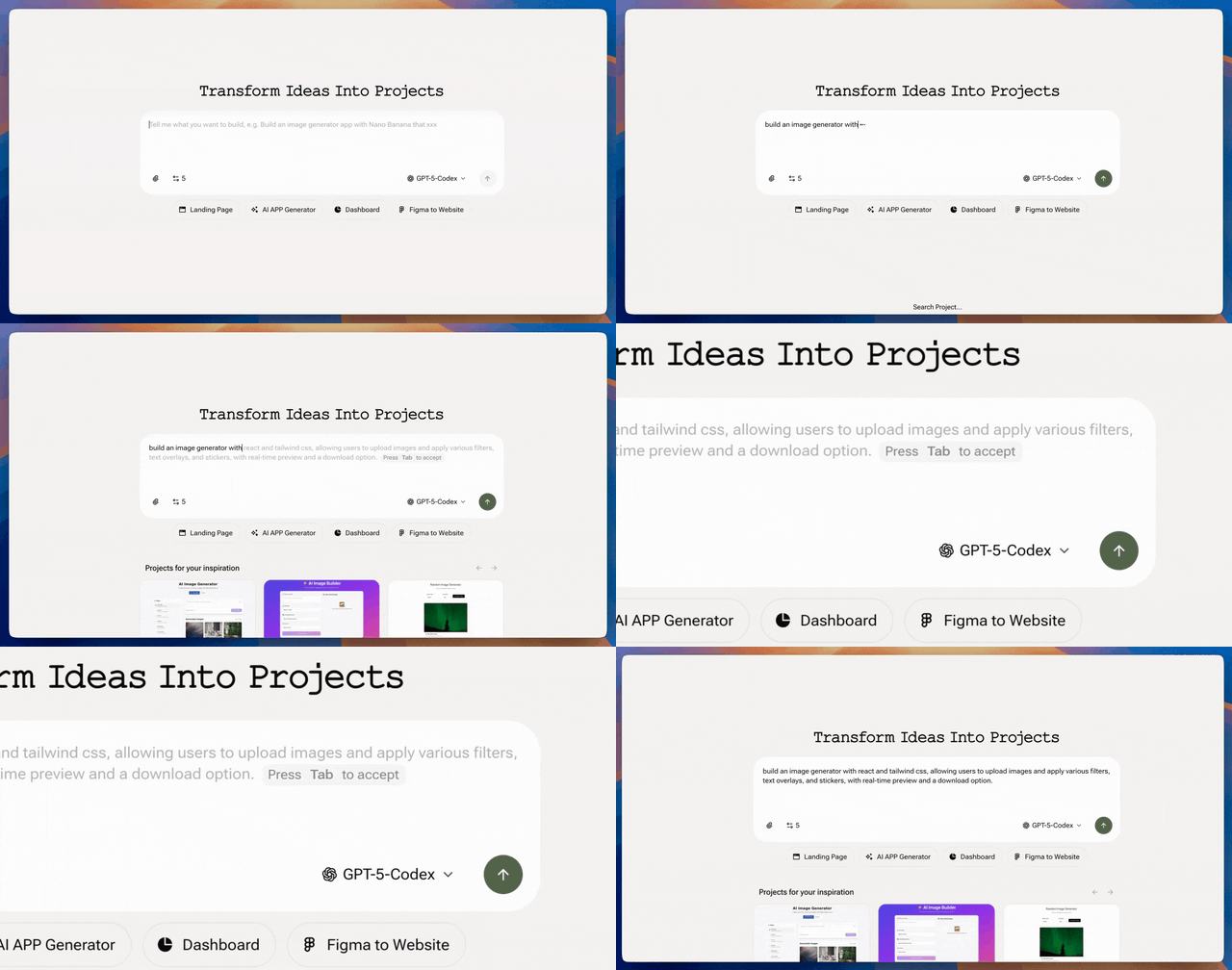
Tab Tab Completion: Context-Aware Autocomplete
Third time today writing a fetch request and still second-guessing the syntax. Tab Tab Completion analyzes your entire project — not just the open file — and suggests what comes next based on your actual code patterns. Press Tab, keep building. It gets smarter the more you work on a project.
From Idea to Live App in 3 Steps
Step 1: Describe Your Idea
No terminal, no git, no webpack. Type what you want in plain language — AI generates the HTML, CSS, and JavaScript.
Step 2: Refine with Code or Clicks
Use Visual Editor for precise code edits, Visual Editing for instant UI tweaks, or keep chatting with AI to iterate on the design.
Step 3: Publish and Share
One click to deploy. Get a live URL instantly. Connect your own domain on Pro or Ultra, and share your project with the world.
Built for Real Development, Not Just Prototypes
Prototypes are fun. But real apps need backends, databases, and debugging tools.
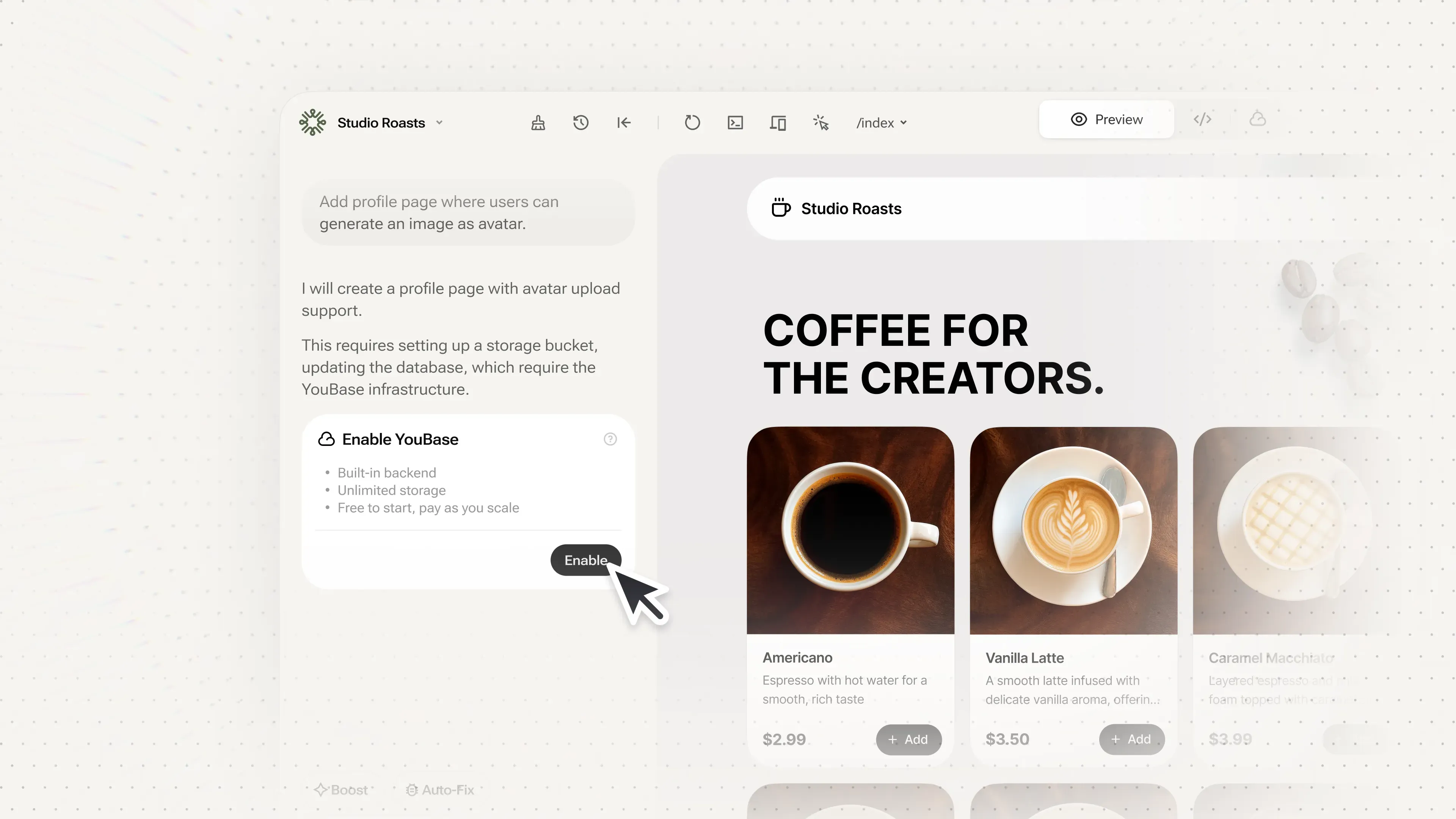
Add Backend with YouBase
Your app works great — until someone asks 'can I save my progress?' Suddenly you need a database, user authentication, and file storage. YouBase adds all of that without leaving your workspace — just tell AI what backend features you need. Database tables, auth flows, file uploads, even API secrets management. Available on Pro ($20/mo) and Ultra plans.
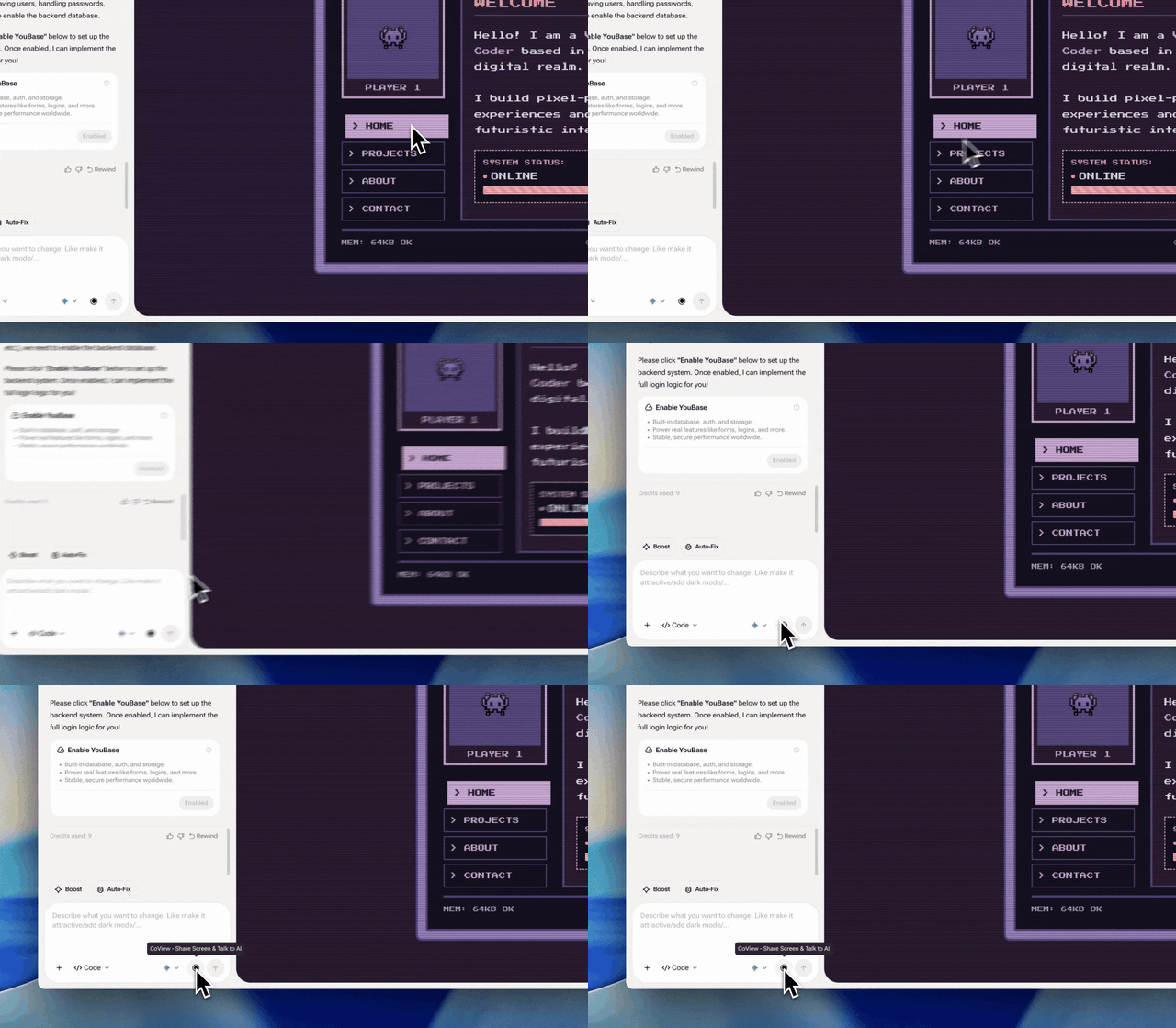
Debug Visually with CoView
Typing 'the button doesn't work' never helped anyone debug anything. CoView lets you record your screen, point at the broken element, and talk through what's wrong. AI sees the layout, the timing, and the interaction — like sharing your screen with a colleague who also reads code. Keep clips under 30 seconds for best results.
Frequently Asked Questions
Yes — that's exactly what Vibe Coding is for. Describe what you want like you're texting a friend: 'build me a recipe app with a search bar.' AI writes the HTML, CSS, and JavaScript. If you do know code, Visual Editor gives you full file access to fine-tune everything.

