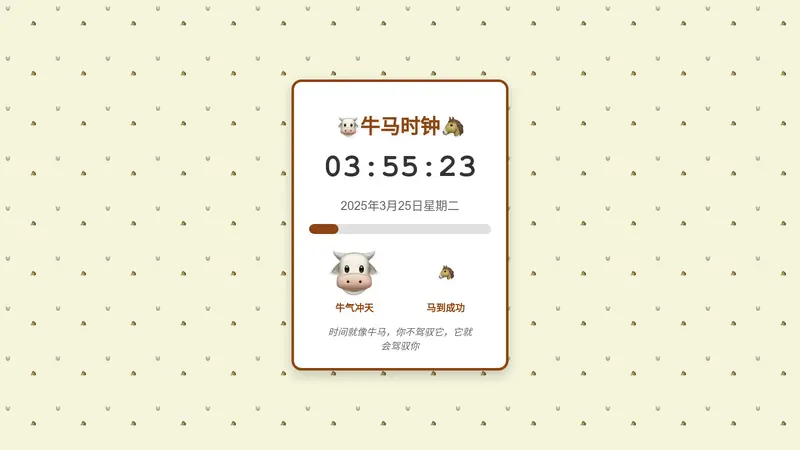
Free Classroom Timer — Full-Screen, Shareable & Instant
Set a countdown or stopwatch, share the link with your class, and display it full-screen on any projector or screen.
No credit card required
Trusted by 1M+ creators. Featuring integrations from:

Why Teachers Love Shareable Timers
A classroom timer should work instantly on any screen, from your laptop to the classroom projector. YouWare lets you build a custom timer that fits exactly how you teach — with full-screen mode, live sharing, and custom labels for every activity.
Full-Screen Display
Works on projectors and smartboards. No login required for students to view the timer.
Custom Countdowns
Set any duration from 1 minute to 60 minutes. Add a label like 'Quiz Time' or 'Group Work'.
Share a Live Link
Send your timer link to students. Everyone sees the same countdown in real time.
Classroom Timer Ideas by Subject
A good classroom timer helps students stay focused, transitions run smoothly, and activities finish on time. Here are some proven ways teachers use countdown timers in class.
Math Tests
Set a 20-minute countdown for timed math drills. Students focus better with a visible timer.
Group Discussions
Give each group a 5-minute turn. The timer keeps everyone on track.
Reading Sessions
Use a 15-minute sustained silent reading timer. Add a gentle visual cue when time is up.
Why Choose YouWare for Your Classroom Timer
Works on Any Screen
Display the timer on a projector, smartboard, TV, or individual student devices — all from the same shareable link. No extra hardware needed.
Fully Free to Use
The classroom timer is completely free. No sign-up, no account, no install — just open the link and start the countdown.
Built for Teachers
Large, clear digits visible from the back of the room. Add a custom label for each activity so students always know what's happening.
Share a Live Timer Link
Send one link to your whole class. Students can follow the countdown on their own phones or tablets — everyone stays in sync.
No Install Needed
Runs entirely in the browser. Works on Chromebooks, iPads, Android tablets, and any device with a modern web browser.
Build Your Own Timer App
Need something more custom? Use YouWare to build a branded classroom timer with sounds, colors, and features tailored to your teaching style.
How to Build Your Own Classroom Timer App
Describe Your Timer
Tell the AI what features you want — countdown duration, full-screen mode, custom label, alert sounds, and any special classroom features you need. Plain language is all it takes.
Generate & Customize
The AI builds your classroom timer as a working web app — complete with your specified features, colors, and layout. Adjust and iterate until it fits your classroom perfectly.
Share with Your Class
Hit publish and get a shareable link. Display it on your projector, send it to students, or embed it in your classroom management platform.
Classroom Timer Use Cases
From timed tests to group work rotations, here is how teachers and students use classroom timers every day.
What Teachers Are Saying
More Tools You Can Build for Your Classroom
Explore more teacher and student tools on YouWare — build and share custom apps for any classroom need.
Classroom Timer Online — Common Questions
Yes, completely free. No account needed to create or share a timer.
Explore and Remix Projects From Community
Browse community projects and reuse ideas in ways that fit your own needs.