

HTML Web Creator — Skip the Code, Keep the HTML
Describe what you want in plain English. YouWare's AI builds a working website you can preview, edit visually, refine in code, and publish — in minutes, not days.
Free to start. No credit card required.
Trusted by 1M+ creators. Featuring integrations from:

What Is an HTML Web Creator?
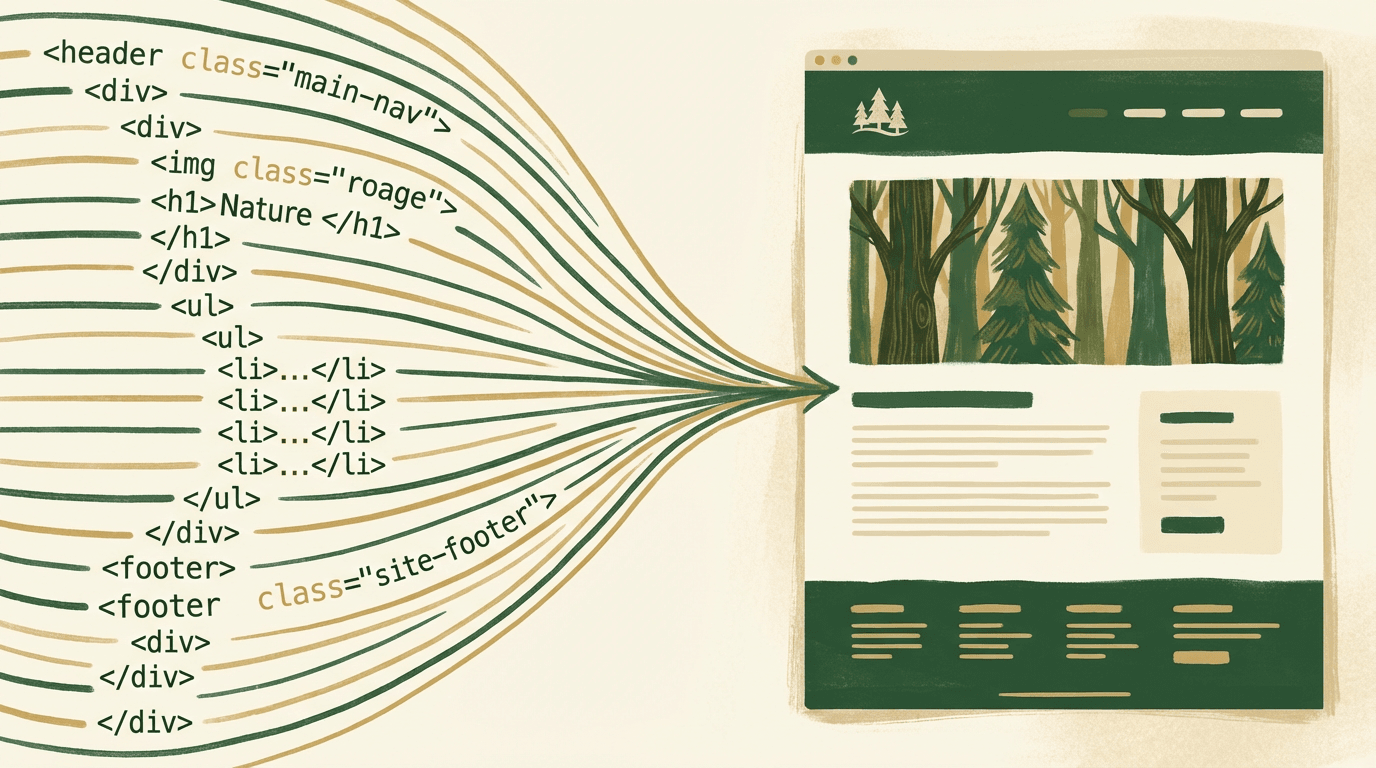
From Text Prompts to Real Web Pages
An HTML web creator is any tool that helps you build websites — pages that browsers render as HTML. Traditionally, that meant opening a code editor and writing every tag by hand. Or using drag-and-drop builders that locked your work inside their platform.
YouWare takes a modern path. You describe what you want — a pricing page, a personal blog, a product showcase — and AI builds a fully working website using modern web technologies. Under the hood, it uses React (the same framework behind Instagram and Airbnb), which compiles down to the HTML your browser actually displays. You get a real, working codebase you can open in Code View, read, and edit. You own what gets built.
This isn't a locked-down template system. It's an AI that writes production-grade code the way a developer would — except you don't need to be one.
How YouWare Works as an HTML Web Creator
AI writes the code. You guide the result.
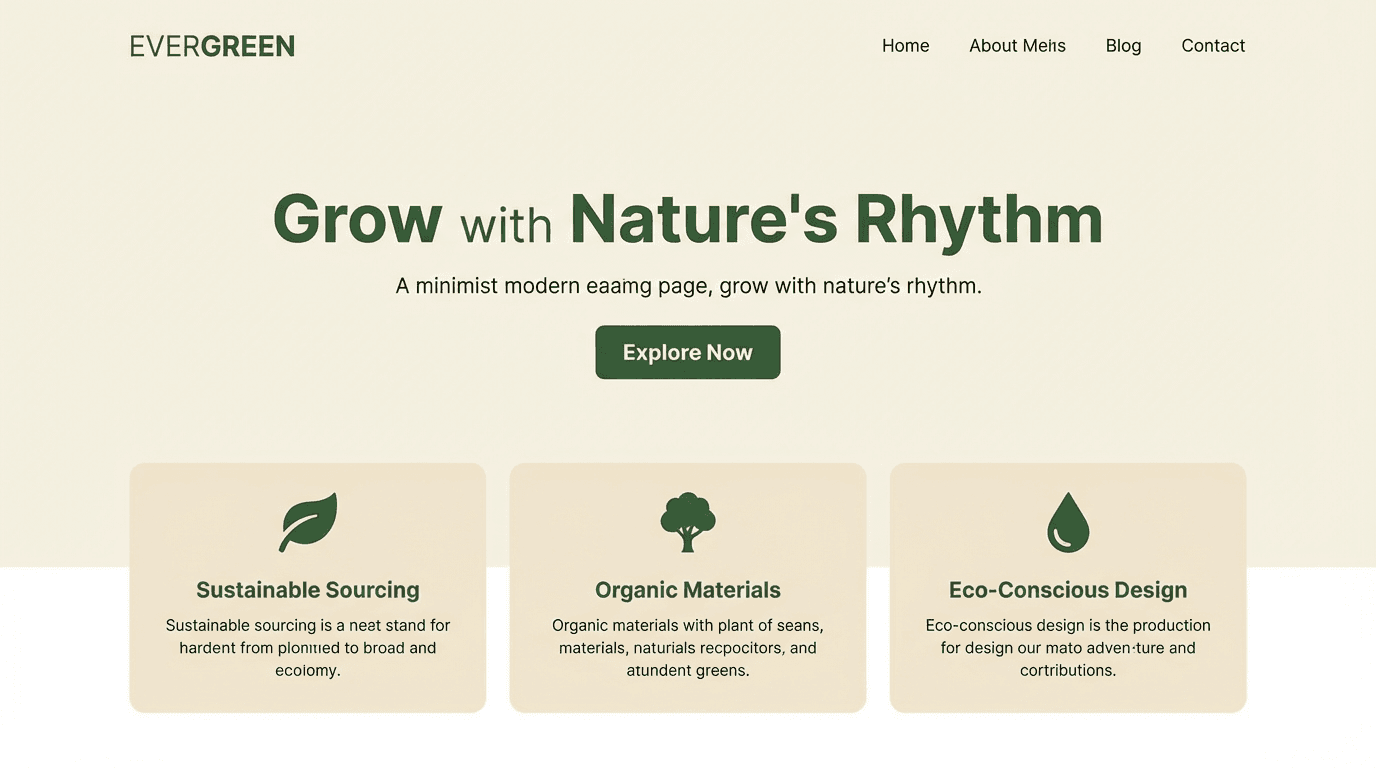
AI Builds Your Website from a Prompt
Type a description, and YouWare builds a complete website — layout, styling, interactions, all of it. No boilerplate templates. Each project is generated fresh from your prompt using modern web frameworks, so the result is a real, functional site that browsers render as HTML.

Visual Editing Without Touching Code
Click any element on the page and change it — text, colors, images, spacing. Visual Editing costs zero credits and shows changes instantly. Perfect when you want to adjust the output without opening a code editor.

Full Source Code Access
Open Code View to browse every file in your project — components, styles, logic. Pro and Ultra subscribers can edit source code directly in the workspace. No need to export first — your code lives right where you build.
Create an HTML Website in 3 Steps
What You Can Build with This HTML Creator
Real projects, not just demos.
Portfolio Sites
Show your work with a clean, responsive portfolio. Add project galleries, bio sections, and contact forms. Publish with your own domain when you're ready to share with clients or employers.

Landing Pages & Product Sites
Launch a startup page, a product showcase, or an event registration site. YouWare generates hero sections, feature grids, pricing tables, and CTAs — all as real web pages that search engines can crawl and index.

Small Business Websites
A local bakery, a consulting firm, a fitness studio — describe the business, and AI builds the site. Add maps, hours, team bios, and service pages. Update content visually whenever you need to, no developer required.
HTML Web Creator: YouWare vs Hand-Coding
Why Choose YouWare as Your HTML Web Creator
Real Code, Not a Black Box
YouWare builds websites using React — the same framework behind Instagram and Netflix. Open Code View and you'll see real, readable source code. The browser renders it as HTML. No proprietary format locking you in.
No Lock-In
Your project lives in a workspace you control. Publish on YouWare's hosting, connect a custom domain, or push to GitHub with the VS Code extension. Your code, your choice.
Zero to Published in Minutes
Traditional HTML development means hours of setup before you see a live page. Here, you go from a prompt to a published URL in under five minutes.
Visual + Code, Not Either/Or
Most tools force you to pick: visual builder or code editor. YouWare gives you both. Click to edit visually, or open Code View and work with the source directly.
AI That Iterates with You
Need to add a section? Change the color scheme? Ask in plain language and the AI updates the code. Tab Tab autocomplete predicts your next move and keeps the flow going.
Built-In Version Safety
Every change creates an automatic snapshot. If an edit breaks something, rewind to any previous version. Credit Care even refunds credits if AI output wasn't what you wanted.
Frequently Asked Questions
YouWare builds real websites — not proprietary blocks you can't access. Under the hood, it uses React (a modern web framework) that browsers render as HTML. You can open Code View and see every line of source code. The difference from traditional HTML editors is how you get there: instead of writing markup by hand, you describe what you want and AI builds the whole project.

