

AI Meme Maker — Create Memes Online Free
Make memes with a drag-and-drop editor and AI text suggestions — customize fonts, colors, and placement on any image. Or build your own meme maker app with YouWare AI in minutes.
No credit card required
Trusted by 1M+ creators. Featuring integrations from:

What Is an AI Meme Maker?
An AI meme maker is a drag-and-drop editor for creating memes with full text control — place text anywhere, choose fonts and colors, and let AI suggest captions. YouWare takes it further: build and publish a custom meme maker app with your own templates and features.
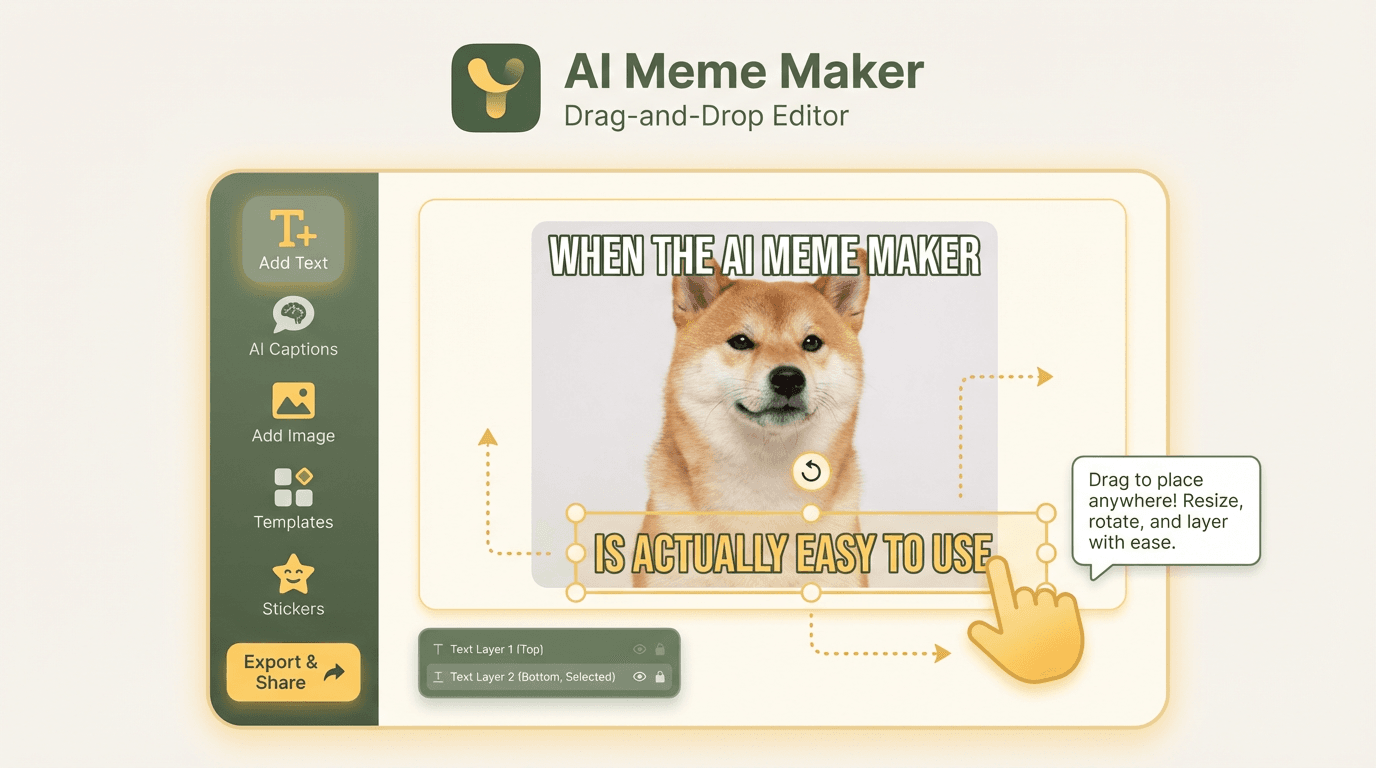
Drag-and-Drop Meme Editor
Place text precisely anywhere on your image with a drag-and-drop interface. Resize, rotate, and layer text elements. Choose custom fonts, colors, outlines, and shadows for the perfect meme aesthetic.
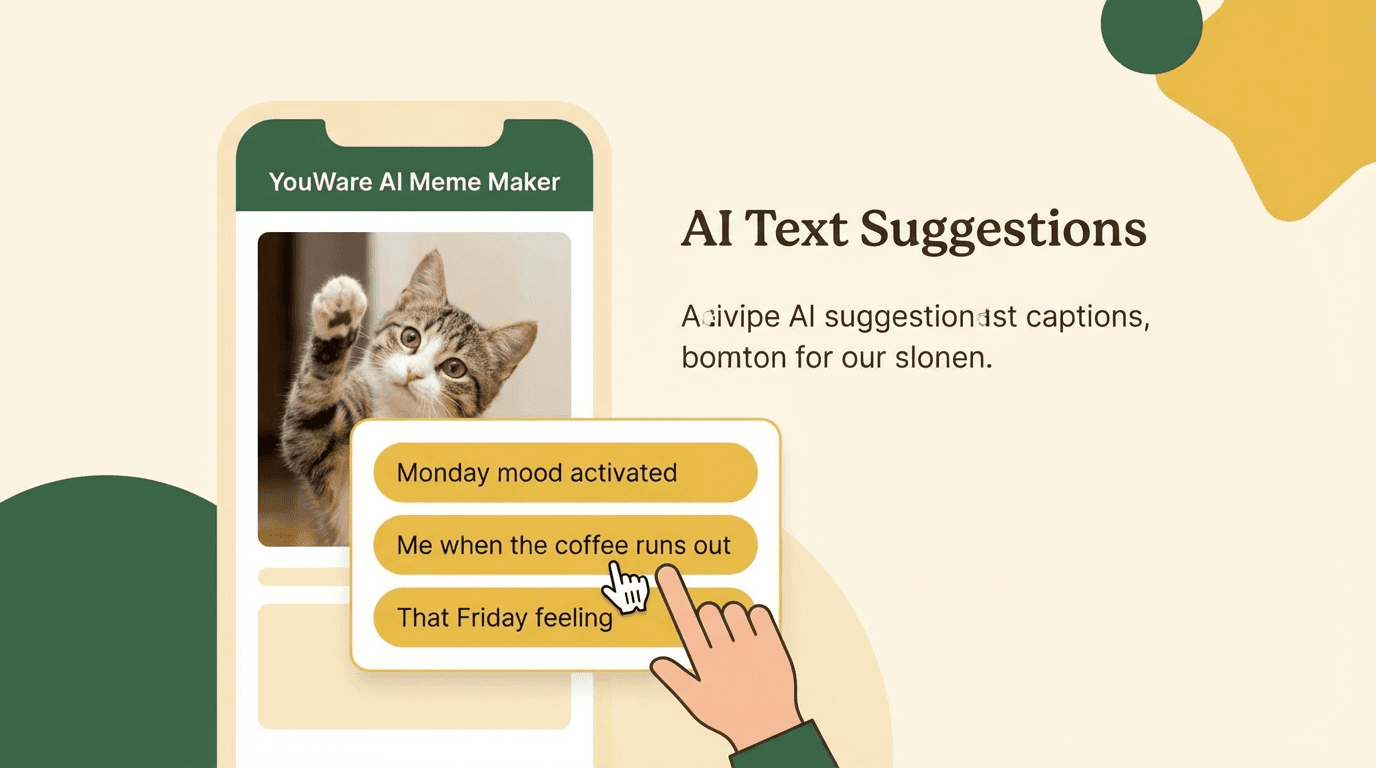
AI Text Suggestions
Not sure what to write? YouWare's AI suggests contextually funny captions based on your image and vibe. Pick from suggestions or use them as inspiration to write your own.
Key Features of the Meme Maker
From custom fonts to instant sharing — every feature is built for creating memes that look exactly how you want them.

Custom Fonts, Colors & Styles
Choose from a library of meme-optimized fonts, or apply custom colors and outlines to your text. Impact, bold cursive, or clean sans-serif — style your meme to match the moment.
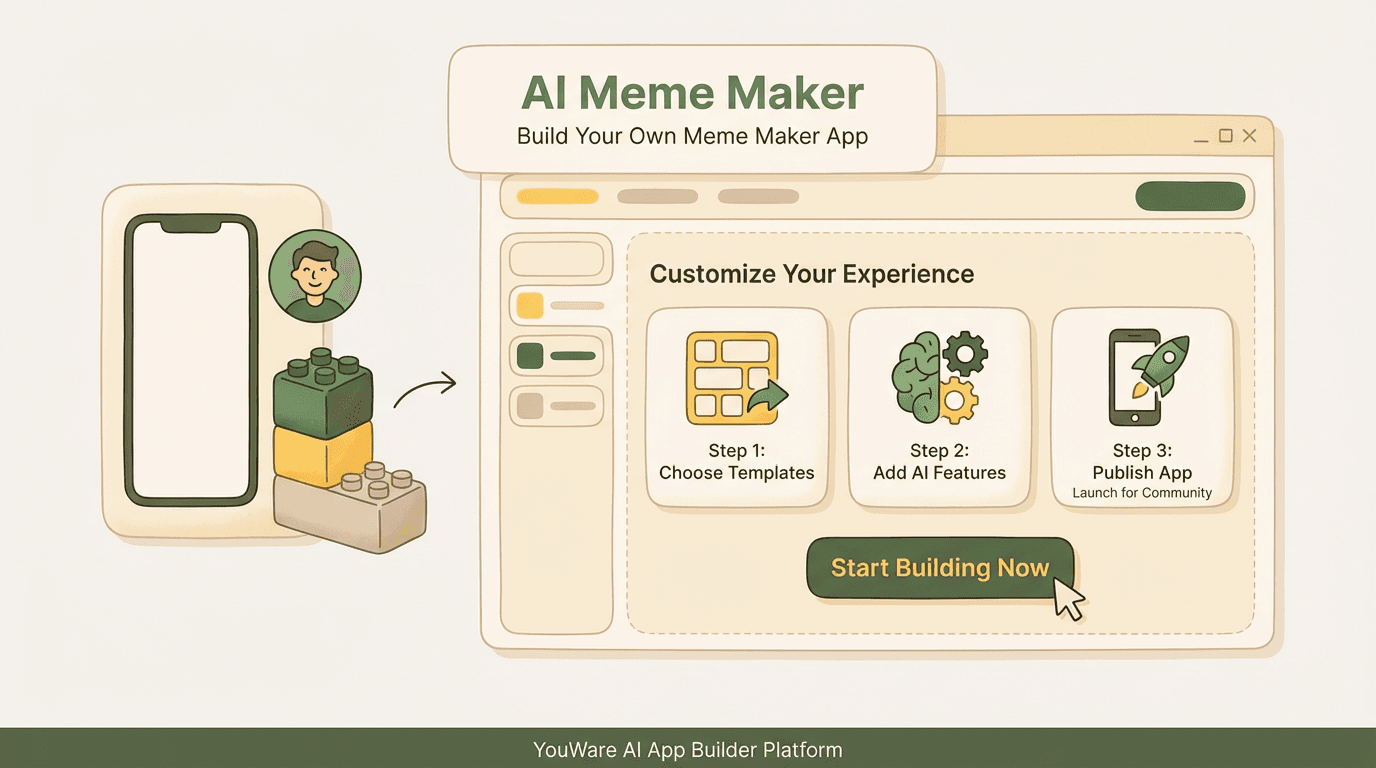
Build Your Own Meme Maker App
Want a fully custom meme creation experience for your community? Use YouWare AI to build a complete meme maker app — custom editor, your own templates, AI captions, and a shareable link. No coding required.
Who Uses an AI Meme Maker?
From individual creators to Discord communities — here is how people use the AI meme maker every day.
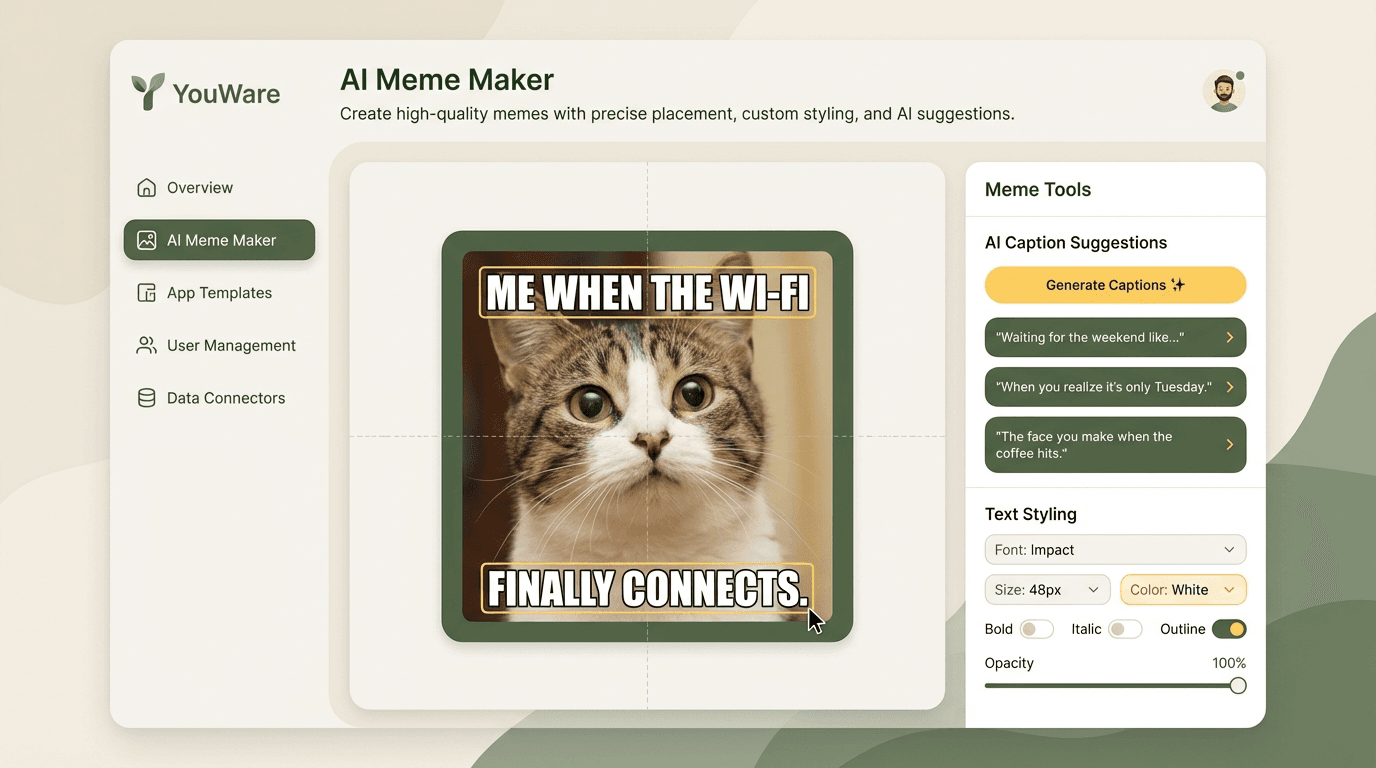
Why Choose YouWare for Making Memes
Drag-and-Drop Editor
Full control over text placement with a drag-and-drop interface. Place text precisely anywhere on the image, resize, rotate, and layer elements freely.
AI Text Suggestions
YouWare's AI generates funny, contextually relevant caption suggestions based on your image. Pick from options or use them as starting points.
Custom Fonts & Colors
Choose from meme-optimized fonts, custom colors, outlines, and text shadows. Make memes that look exactly how you want them to look.
Instant Share, No Watermark
Download your meme in full resolution with no watermarks. Share directly to any platform the moment it's done.
Build Your Own Meme App
Use YouWare AI to build a complete custom meme maker app — your editor, your templates, your AI — and publish it with a shareable link.
No Signup, Completely Free
Start making memes immediately with no account required. The full meme maker is free to use, as many times as you want.
What Users Say
More Creative Tools You Can Build
Explore the full suite of content creation tools on YouWare — build and share custom apps for any creative use case.
Frequently Asked Questions
A meme maker gives you full drag-and-drop editing control — place text anywhere, choose fonts and colors. A meme generator typically uses fixed template zones. YouWare's meme maker combines both: full editing freedom plus AI text suggestions.
AI Meme Maker vs Alternatives
How to Build Your Own Meme Maker App
Describe Your Meme Maker
Tell the AI what you want — drag-and-drop editor, template library, AI caption features, custom fonts. Plain language, no code.
Generate & Customize
YouWare AI builds your meme maker as a working web app. Add features, adjust the editor, and refine until it's exactly right.
Publish & Share
Hit publish and get a shareable link. Share with your community, embed on your site, or let others remix it.

