

Build a News Aggregator in Minutes with AI
Tired of jumping between 10 tabs to stay informed? Describe what sources you follow, and AI builds a custom feed reader that pulls everything into one place.
Free to start • No credit card required
Trusted by 1M+ creators. Featuring integrations from:

What Is a News Aggregator?
A single dashboard that collects and displays content from multiple sources so you stop tab-hopping.

Feed Reader Meets Custom Dashboard
A news aggregator is a web app that pulls content from blogs, RSS feeds, APIs, and social media into one organized view. Unlike traditional RSS readers that just show raw feeds, or news apps that lock you into their sources, YouWare lets you build a fully custom aggregator — choose your sources, design the layout, add filtering and search, and deploy it in minutes. Perfect for staying on top of industry news, monitoring competitors, or curating content for your audience.
Build Your Feed Reader — No Backend Setup Required
10,000+ developers have built news tools, dashboards, and content curation systems. Here's what makes YouWare different.

Connect Any Source You Follow
Your news comes from everywhere — RSS feeds, Reddit, Twitter, HackerNews, company blogs. Traditional aggregators force you into their pre-selected sources. YouWare's AI writes the code to fetch from any API or feed you specify. Describe what you want to track, and the platform generates working API calls, handles rate limits, and formats the data into a clean UI.
Build the Dashboard You Actually Want
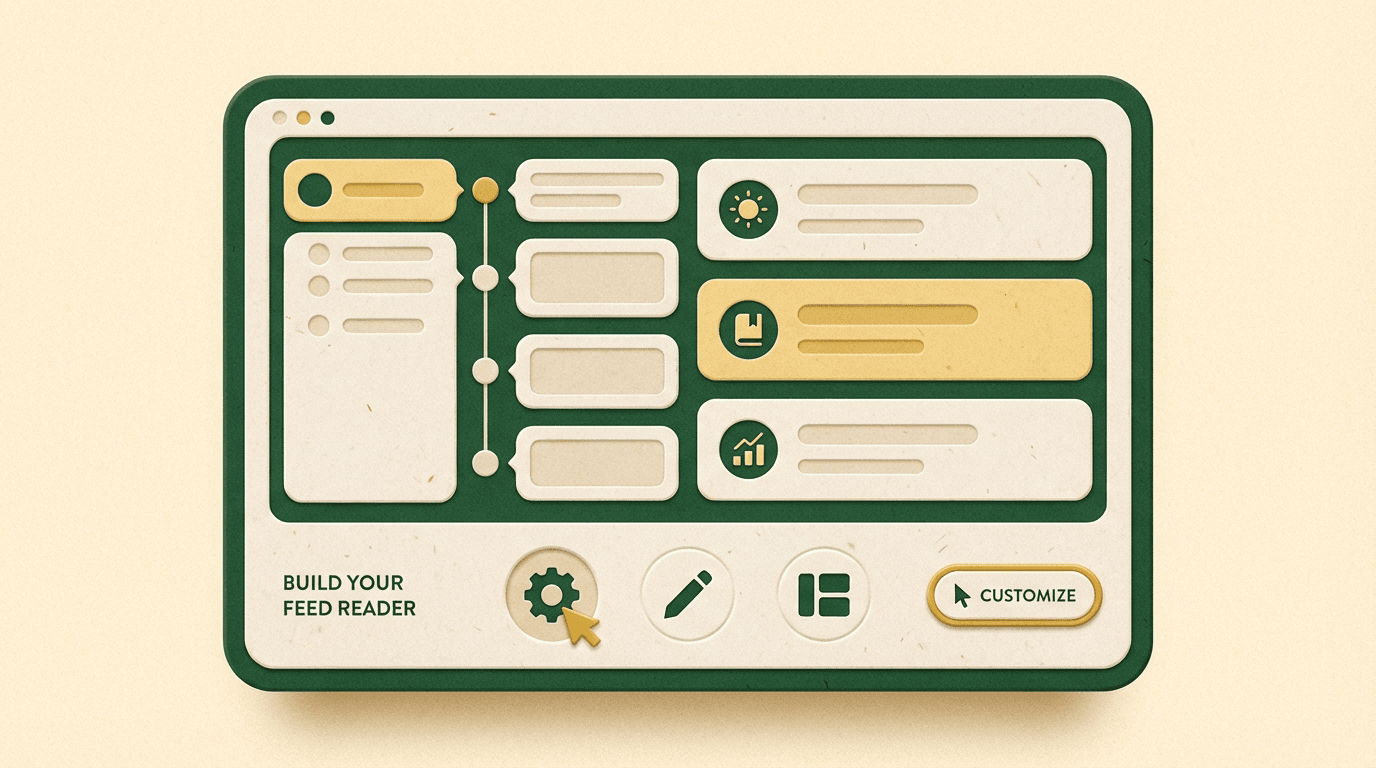
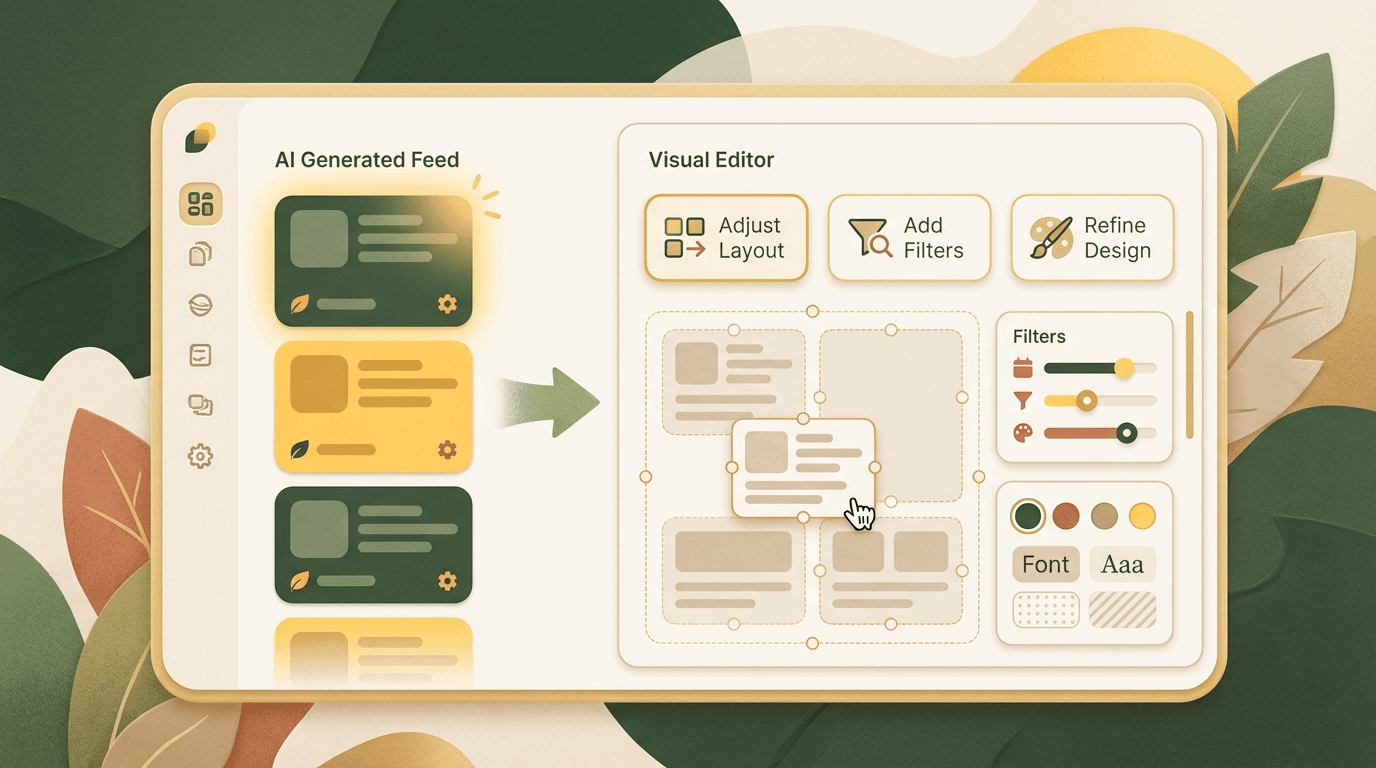
Feedly shows you their layout. Flipboard shows you theirs. You're stuck adapting to what they built. With YouWare, you design the interface: grid view, timeline, cards with full previews, or a minimalist headline list. Want dark mode? A sidebar for saved articles? Filtering by keyword or date? Just describe it. The Visual Editor lets you click and adjust spacing, colors, and layout without touching code.

Add Real Features — Search, Bookmarks, Notifications
A basic feed reader just dumps articles on the page. You need search, bookmarking, read/unread tracking, maybe email digests for breaking news. Most no-code builders can't do backend logic. YouWare includes YouBase — a built-in backend that handles databases, user accounts, and scheduled jobs. Tell AI you want saved articles stored in a database, and it writes the backend code. Want daily email summaries? Describe it, and the system sets up the automation.
How It Works — From Idea to Live Aggregator
Step 1: Describe Your Sources
Tell AI what content you want aggregated: RSS feeds, APIs, social media, or specific websites. No need to find API docs — just name the sources.
Step 2: Customize the Interface
AI generates a working dashboard with your sources. Use Visual Editor to adjust layout, add filters, or refine the design without code.
Step 3: Deploy and Share
Publish your feed reader with one click. Get a shareable link, or download the code to host anywhere. Add features later as your needs grow.
News Aggregator Builder vs Traditional Feed Readers
Why Content Curators and Researchers Choose This News Aggregator
Fast
Describe your sources and get a working aggregator in minutes, not days of setup and API wrangling
Flexible
Connect any feed or API — not limited to pre-approved sources or paid integrations
Full-Featured
Add search, bookmarks, user accounts, and automation with YouBase backend — not just a static feed display
News Aggregator Projects You Can Build
Real examples of content aggregation tools built with YouWare.

Industry News Dashboard
Build a dashboard that tracks tech news from HackerNews, ProductHunt, TechCrunch, and your favorite blogs. Add filters by topic, bookmarking for later reading, and daily email digests. Perfect for staying on top of your industry without tab overload.
Social Media Feed Aggregator
Build a unified view of Twitter threads, Reddit posts, and LinkedIn updates from specific accounts or hashtags. Add search, sentiment filtering, and save favorite posts to a database. Monitor brand mentions or track competitors without opening 5 different apps.

Research Content Curator
Build a tool that pulls academic papers from arXiv, blog posts on a specific topic, and YouTube videos into one organized dashboard. Add tagging, search by keyword, and export saved items to CSV. Perfect for researchers or students tracking specific subjects.
Frequently Asked Questions
Yes. Describe what sources you want to track and what features you need, and AI writes the code. Use Visual Editor to adjust the layout without touching code. If you want to add search or bookmarks later, just describe it and the backend logic gets generated.

