

AI Password Generator — Strong & Secure
Generate strong, randomized passwords instantly. Or build a fully custom password generator app for your team, product, or security policy — no coding required.
No credit card required
Trusted by 1M+ creators. Featuring integrations from:

What Is the AI Password Generator?
The AI Password Generator creates strong, randomized passwords based on your security requirements — length, character types, special characters, and memorability options. Generate a single password instantly, or build a custom password generator app for your team, product, or organization — no coding required.
Strong Passwords, Your Rules
Specify your password policy — length, required characters, excluded symbols, passphrase format, or memorability requirements. The AI generates a password that meets your exact security specifications. No compromises between security and your policy requirements.
Build a Custom Password Generator App
Need a branded password generator for your product or team? Build a custom app on YouWare — with your password policy, UI, strength meter, and copy functionality — and publish it as a web app. Share it with your team or embed it in your product. No developer needed.
Key Features of the Password Generator
Built for security-conscious users and teams — configurable rules, passphrase support, strength indicators, and publishable apps.
Configurable Security Policy
Set password length from 8 to 128 characters, require uppercase, lowercase, numbers, and specific special characters, exclude ambiguous characters, and enforce minimum requirements per character type. The generator respects every constraint in your security policy.
Passphrases & Memorable Formats
Generate memorable passphrases — random word combinations with separators — for situations where memorability matters without sacrificing entropy. Also supports pronounceable password formats that are easier to type without being less secure.
Password Generator Use Cases
From personal security to enterprise policy compliance, here's how individuals and teams use the YouWare password generator.
How to Generate a Password
Describe Your Requirements
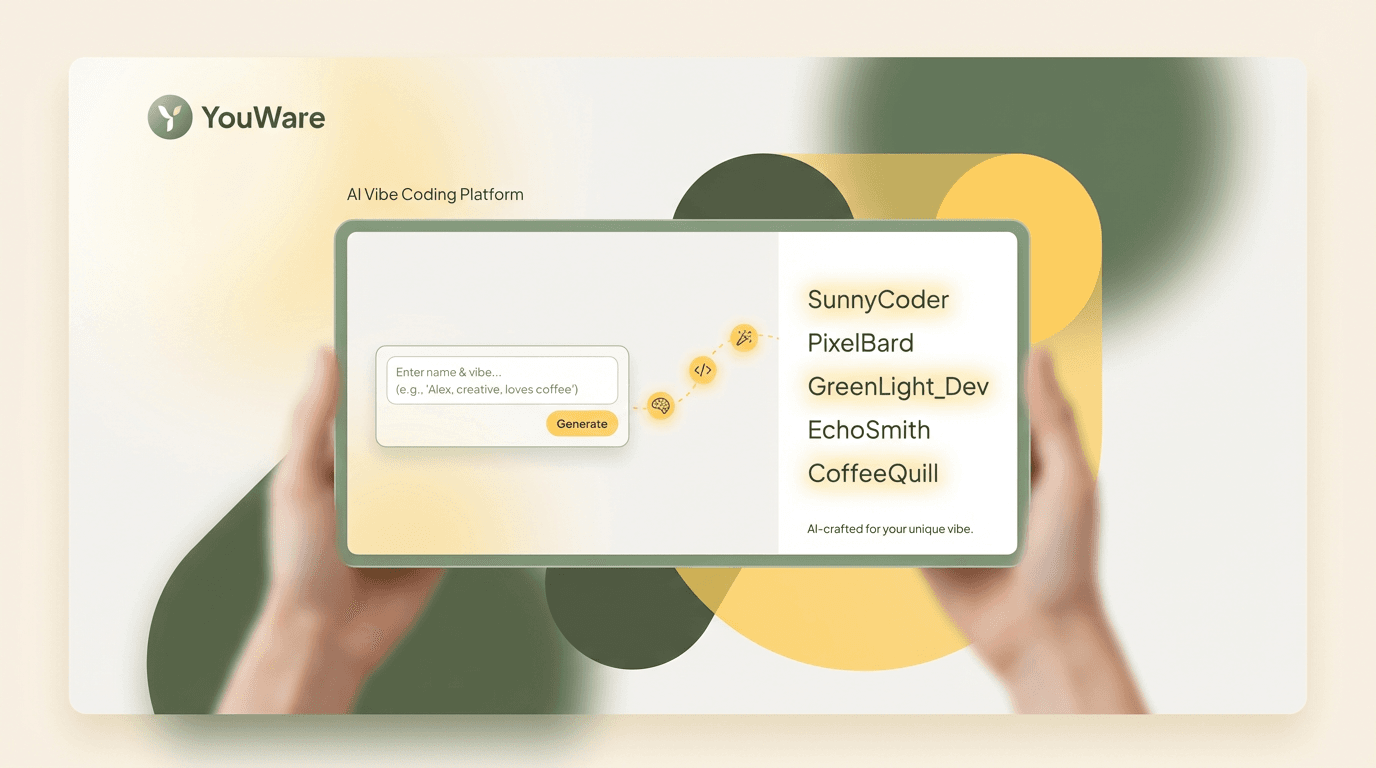
Tell the AI your password length, required character types, any excluded characters, format preferences (passphrase, random, pronounceable), and any specific policy constraints you need to meet.
Generate & Review
The AI generates a password meeting your specifications — with a strength indicator and policy compliance check. Generate multiple options, adjust the rules, and find the format that works best for your use case.
Copy or Publish
Copy your generated password instantly — or publish the whole password generator as a web app for your team or product. Your app generates compliant passwords on demand, no developer needed.
AI Password Generator vs Alternatives
Why Choose YouWare for Password Generation
Policy-Compliant by Design
YouWare understands security policies — minimum lengths, character class requirements, complexity rules, and entropy standards. Generate passwords that pass your organization's security audit without trial and error.
Build Once, Deploy for Your Team
Most tools generate one password. YouWare lets you build a password generator app and share it with your team, customers, or organization — with your policy rules built in and your branding applied.
Every Format Supported
Random character strings, pronounceable passwords, word passphrases, PIN codes, API keys, and hex tokens — YouWare generates every password format you need from a single tool.
Free to Start, Fast to Launch
YouWare offers trial credits with no credit card required. Generate a password in seconds, or build and publish a custom password generator app in under 30 minutes. No developer budget needed.
No Storage, No Risk
Generated passwords are never stored or logged. They appear in your browser and you copy them — nothing is sent to a server. Your credentials stay private.
Works on Any Device
Generate passwords from your laptop, phone, or tablet without installing anything. Open your browser, describe your requirements, and copy your password in seconds.
What Security Teams Say
Explore and Remix Projects From Community
Browse password generators and security tools built by the community.






More Utility Tools on YouWare
Explore the full collection of AI-powered utility tools — build and share apps for your team or product.
Frequently Asked Questions
An AI password generator creates strong, randomized passwords based on your security requirements — length, character types, special characters, and memorability options. YouWare lets you generate passwords instantly or build a custom password generator app for your team or product.

