

Website Mockup Software That Builds Real Sites
Most mockup tools stop at static screens. YouWare turns your description into a working React app you can publish, share, and iterate on — in minutes.
No credit card required
Trusted by 1M+ creators. Featuring integrations from:

What Is Website Mockup Software?
And why YouWare takes a different approach
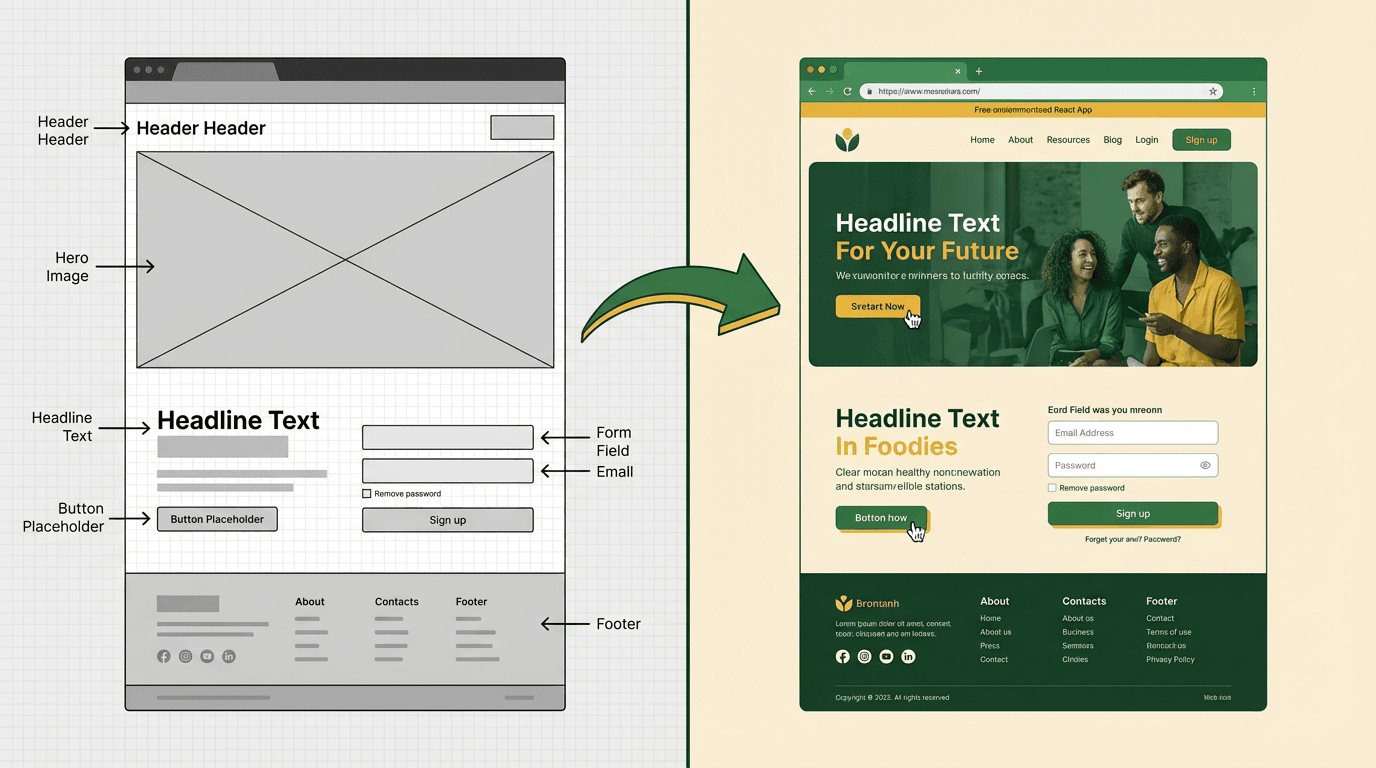
From Static Screens to Working Websites
Website mockup software traditionally means tools like Figma, Sketch, or Adobe XD — you draw screens, add placeholder content, and hand the files to a developer who rebuilds everything from scratch. The mockup itself doesn't do anything.
YouWare flips that process. Instead of drawing a mockup first, you describe what you want in plain language. AI generates a real React application — with working buttons, forms, and layouts — that you can publish immediately. You skip the mockup-to-code handoff entirely.
If you already have a Figma mockup, YouWare can import it and convert the design into functional React code. Either way, you end up with a live website — not a static screenshot.
Website Mockup Features That Actually Ship
Design, iterate, and publish — all in one place
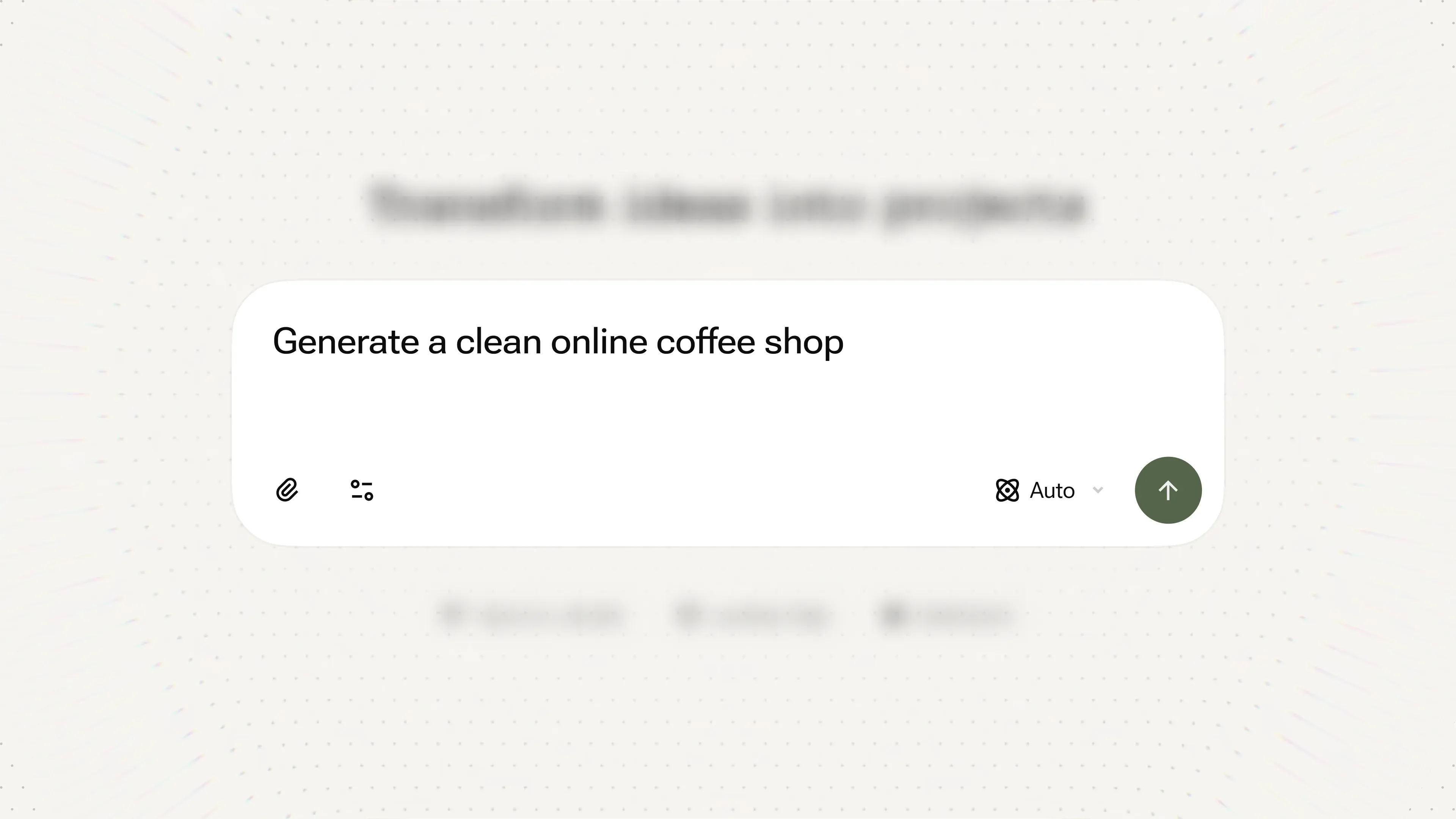
Describe and Generate
Type what you need — "a restaurant website with a menu section and reservation form" — and get a complete React project. No wireframing step required.
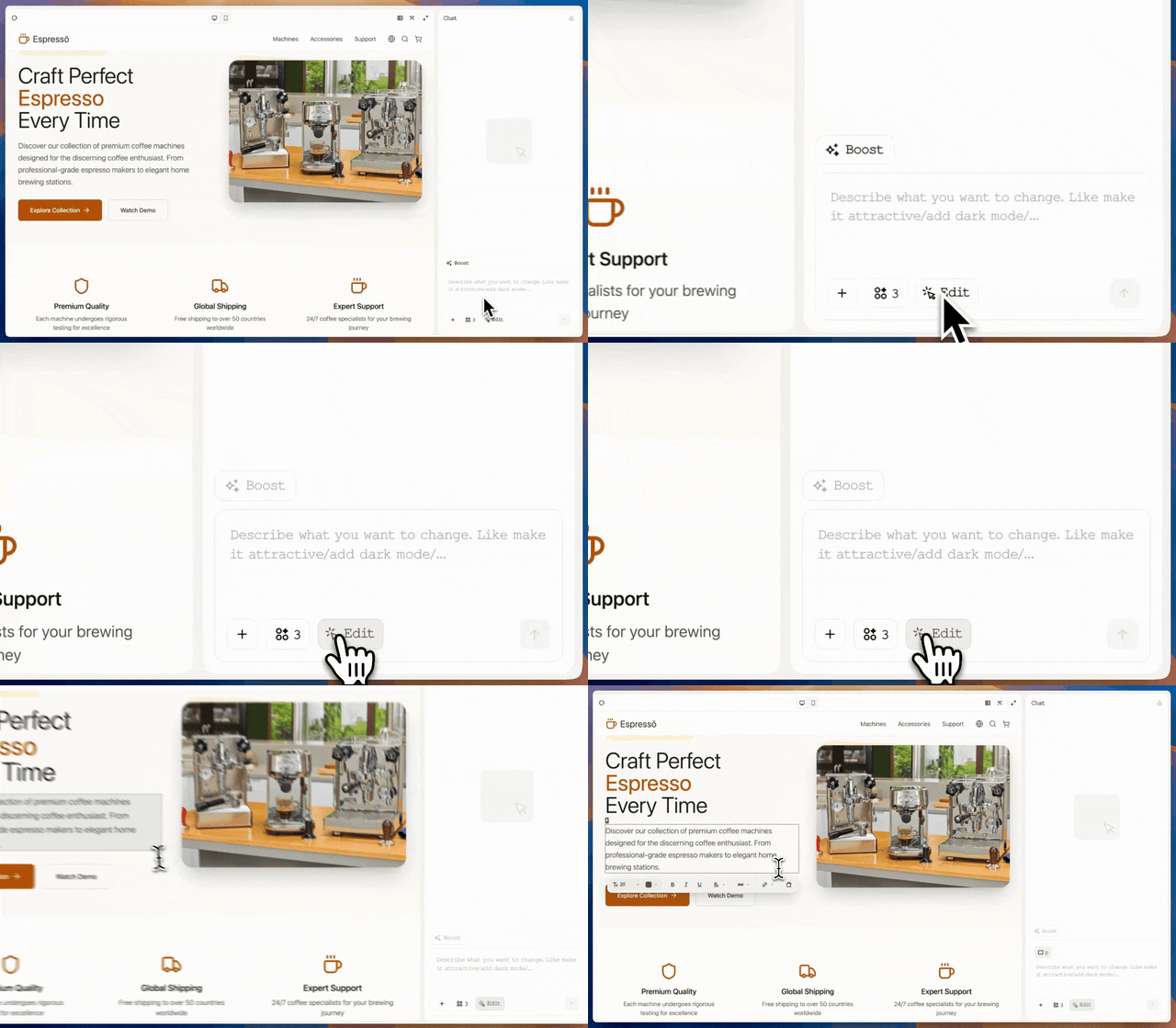
Visual Editing in Preview
Click any element on the live page to change text, swap images, adjust colors, or tweak spacing. Zero credits, instant feedback — like editing a mockup, but on the real site.

Figma Import
Already have mockups in Figma? Import them into YouWare and convert static designs into editable React components. Your design decisions carry over — fonts, spacing, colors stay intact.
How to Build a Website Mockup in 3 Steps
Step 1: Describe Your Vision
Tell YouWare what you're building. A portfolio site, a SaaS landing page, an online store — be as specific or as loose as you want. AI handles the structure.
Step 2: Refine with Visual Editing
Use the visual editor to tweak text, swap images, and adjust layouts directly on the page. Or chat with AI to add new sections, change the color scheme, or restructure navigation.
Step 3: Publish or Export
Hit publish to get a live URL instantly. Or download the full React project and deploy it on your own server. The code is yours — clean, exportable, production-ready.
Beyond Static Website Mockups
What you can build when your mockup tool generates real code

Working Forms and Data
Traditional mockups show a contact form that does nothing. YouWare builds forms that actually submit, connect to YouBase for data storage, and send email confirmations. Your "mockup" is already functional.

Real User Authentication
Need login and signup? YouBase handles user accounts, passwords, and sessions. No extra backend setup. Your client sees a working demo, not a "imagine this button works" mockup.
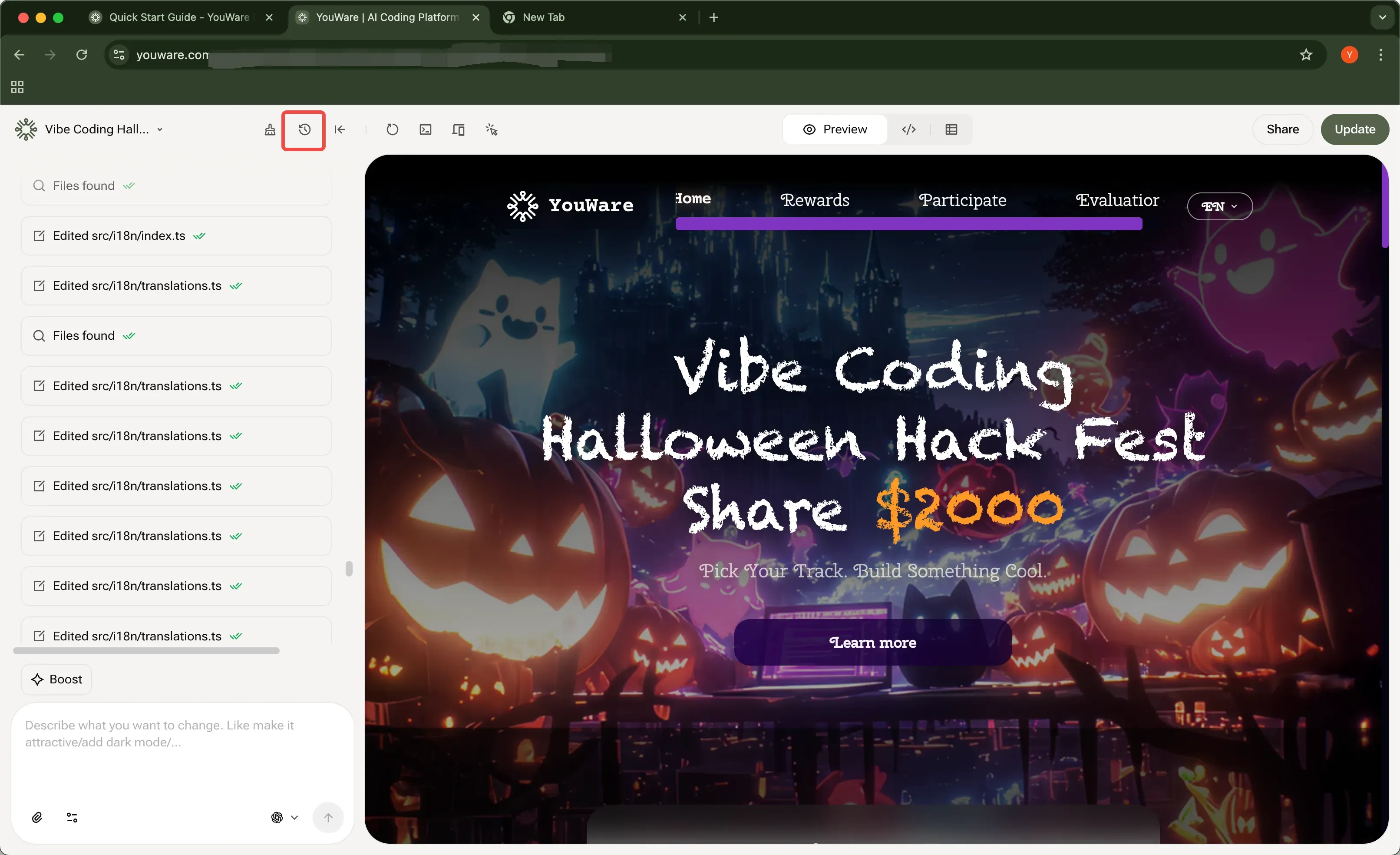
Version History Built In
Every change saves automatically. Made a wrong turn? Rewind to any previous version with Credit Care. It's like unlimited "undo" across your entire project.
Website Mockup Software vs YouWare
Why Choose YouWare for Website Mockups
No Design Skills Needed
You don't need to know Figma or Sketch. Describe your website and AI handles layout, typography, and responsive design.
Functional from the Start
Your mockup isn't a picture — it's a live React app. Forms work, buttons click, pages navigate. Share a URL, not a PDF.
Free to Start, Pro When Ready
Begin with free credits to test your ideas. Pro plan at $20/month gives you 3,000 credits, custom domains, and code export.
Export Clean React Code
Download the full project and deploy anywhere. The code is real, readable, and production-ready — not locked inside the platform.
Built-In Backend with YouBase
Need a database, user accounts, or file storage? YouBase adds backend features without leaving the editor.
Visual Editing at Zero Cost
Tweak text, images, and styles directly in the preview. Visual edits use zero credits — iterate as much as you want.
Frequently Asked Questions
Not in the traditional sense. Tools like Figma and Sketch create static mockups that need a developer to turn into code. YouWare skips that step — you describe your website and get a working React application. Think of it as mockup software where the mockup is already the real thing.

