

Create Wherever You Are, Powered by Mobile AI
Turn downtime into build time. Use your Android device to brainstorm, prototype, and ship without opening your laptop.

Trusted by 1M+ creators. Featuring integrations from:

Why Use YouWare for Android?
Core capabilities that make mobile creation practical.
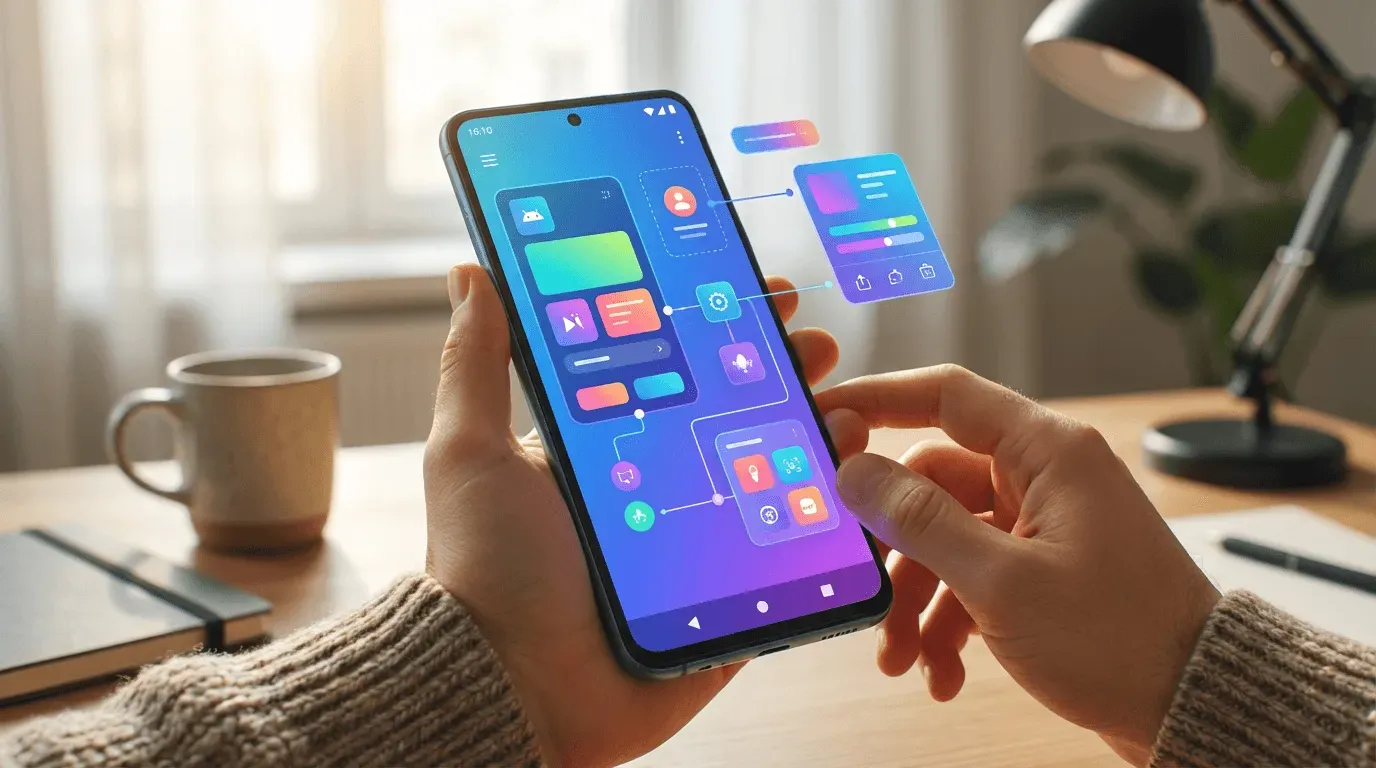
Leading AI Models in One App
Access leading AI models directly on Android, including Gemini 3 Pro, Claude, GPT-5.2, MiniMax, and more, all in a single app.

Just Speak to Create
Speak your idea out loud to create a working draft or project direction. It's a fast, natural way to capture ideas when typing isn't convenient.
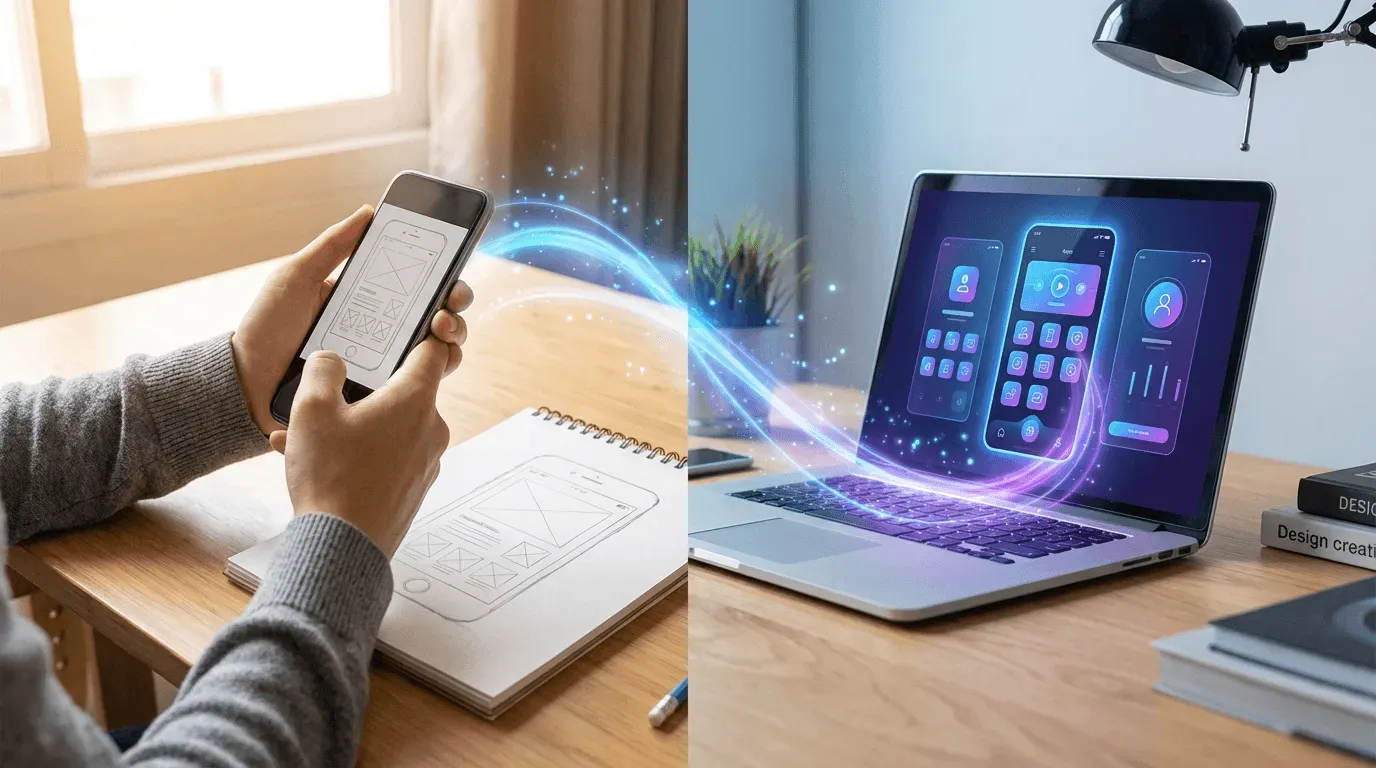
Turn Photos into Context
Take photos of sketches, notes, or whiteboard drawings and use it as context to guide your project. Bring offline ideas into your workflow instantly.
Get Notified When It's Ready
Start a task and move on with your day. YouWare for Android sends real-time notifications when there's progress, so you can check back only when it matters.
Tools That Fit Mobile Workflows
TabTabTab
Refine and complete prompts as you type. TabTabTab helps turn rough thoughts into clearer directions without interrupting your flow.
Design Boost
Improve visual quality with a single tap. It adjusts colors, typography, and layout so projects look clean without manual tweaking.
Remixing and Co-creation
Start from community projects instead of a blank screen. Remixing makes it easier to reuse structure and adapt existing ideas.
Private Access
Projects stay private by default. You decide when to share and who can view your work.
YouBase Backend (Coming Soon)
Store data for your projects. YouBase will let you add basic data storage and user sign-in so drafts can grow into more functional products.
Screen Sharing with CoView (Coming Soon)
Share your screen and talk through changes with AI. CoView helps the AI understand your project by seeing what you see.
Hear What Users Say About YouWare for Android
Real feedback from people using YouWare on mobile.
How to Use YouWare Vibe Coding App for Android

Open and Start
Open YouWare for Android and enter what you have in mind. You can type a few words, speak your idea, or pick a community project to start from.

Let YouWare Work
Submit your idea and put your phone away. YouWare starts working in the background, turning your input into drafts, content, or project updates.

Check In and Continue
Get notified when there's progress. Review the result, make quick adjustments on your phone, or continue working later on desktop.
Start from a Community Project
Explore and remix projects on YouWare to get started without a blank page.







FAQs About YouWare for Android
You can create early versions of projects such as small apps, interactive pages, learning activities, and demos. Most people use YouWare for Android to start ideas, experiment with structure or logic, and shape something usable before continuing later on desktop.
