

Turn a business card into a follow-up email worth opening
After an event, the cards pile up while the context fades. YouWare 2.0 is being built to read the card, use the notes you provide, research the company, and prepare one editable follow-up draft for each person. You review every word before anything is sent.
Trusted by 1M+ creators. Featuring integrations from:

The follow-ups that usually fall through the cracks
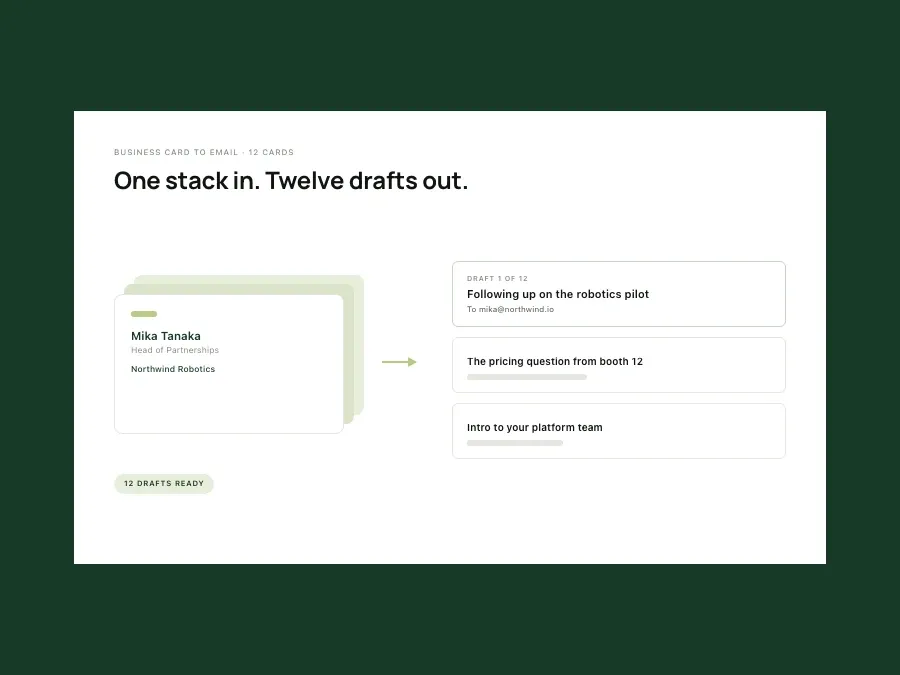
The post-event card stack
You return with a stack of names and good intentions, but only the first few people get a message. Add the cards and your short meeting notes, and the planned workflow prepares a separate draft and next step for each contact so the queue is visible instead of living on your desk.
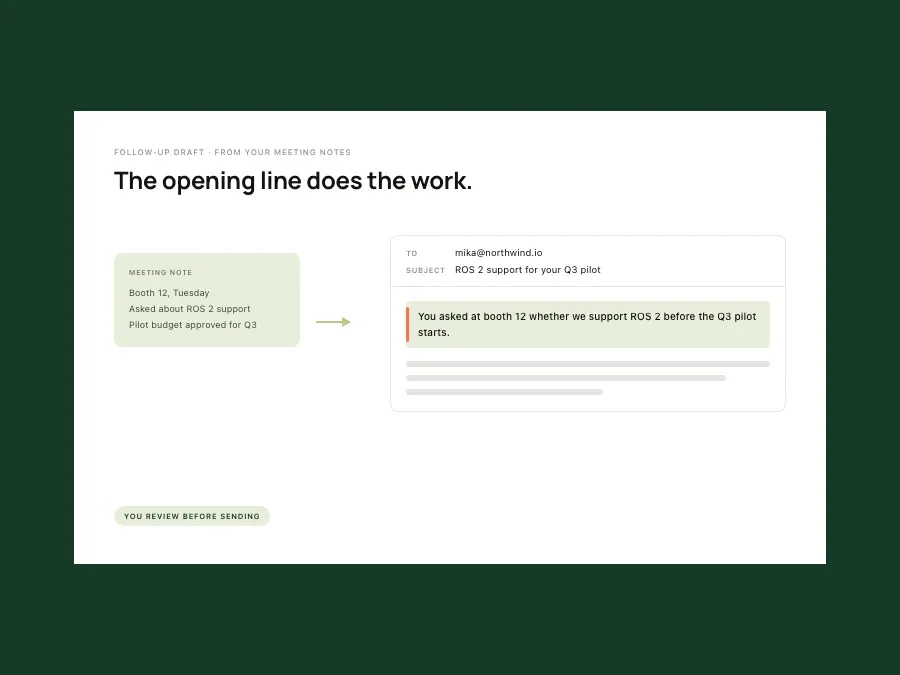
The opening-line problem
A first email has to be warm without pretending there is already a relationship. The draft uses the meeting context you provide, addresses the person directly, and keeps the tone appropriate to their role rather than dropping every contact into the same greeting.
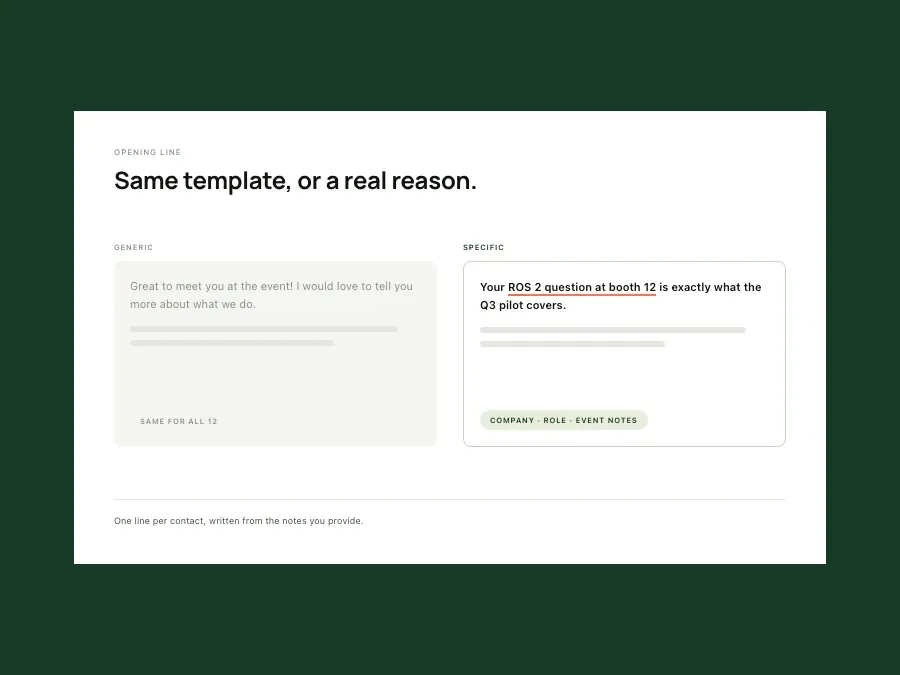
The template everyone recognizes
Changing the name in a generic thank-you email is quick, and it reads that way. The planned workflow uses the company, role, event notes, and a relevant public detail to prepare one specific line that explains why you are following up with this person.
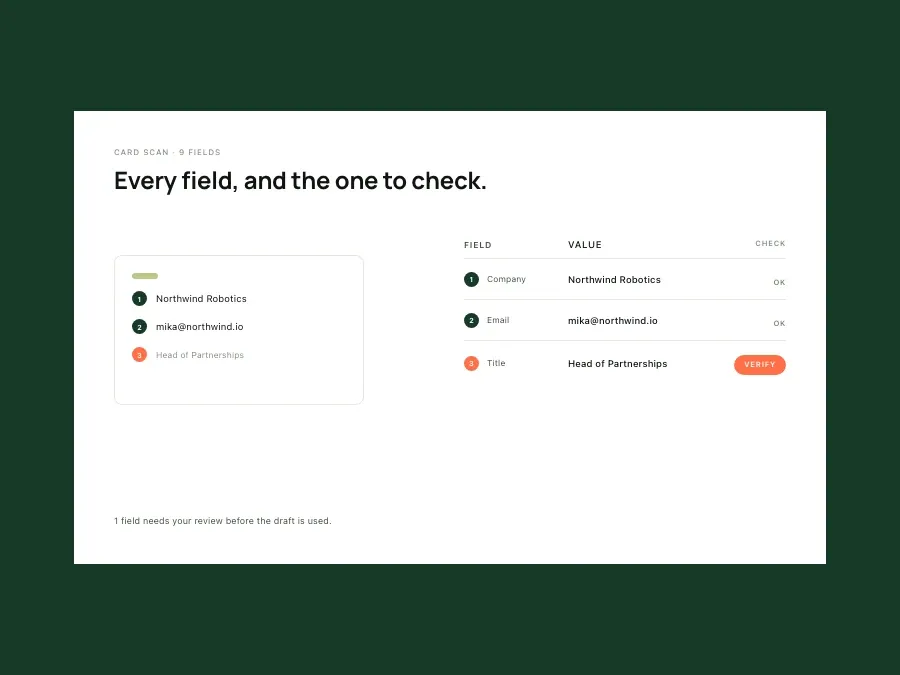
The manual-entry bottleneck
Company, title, email, meeting notes, subject line — copying each field by hand slows the actual follow-up and creates mistakes. The launch goal is a reviewable contact summary and email draft prepared from the card image, with uncertain fields visibly marked for you to correct.
Research, drafting, and review in one follow-up workflow
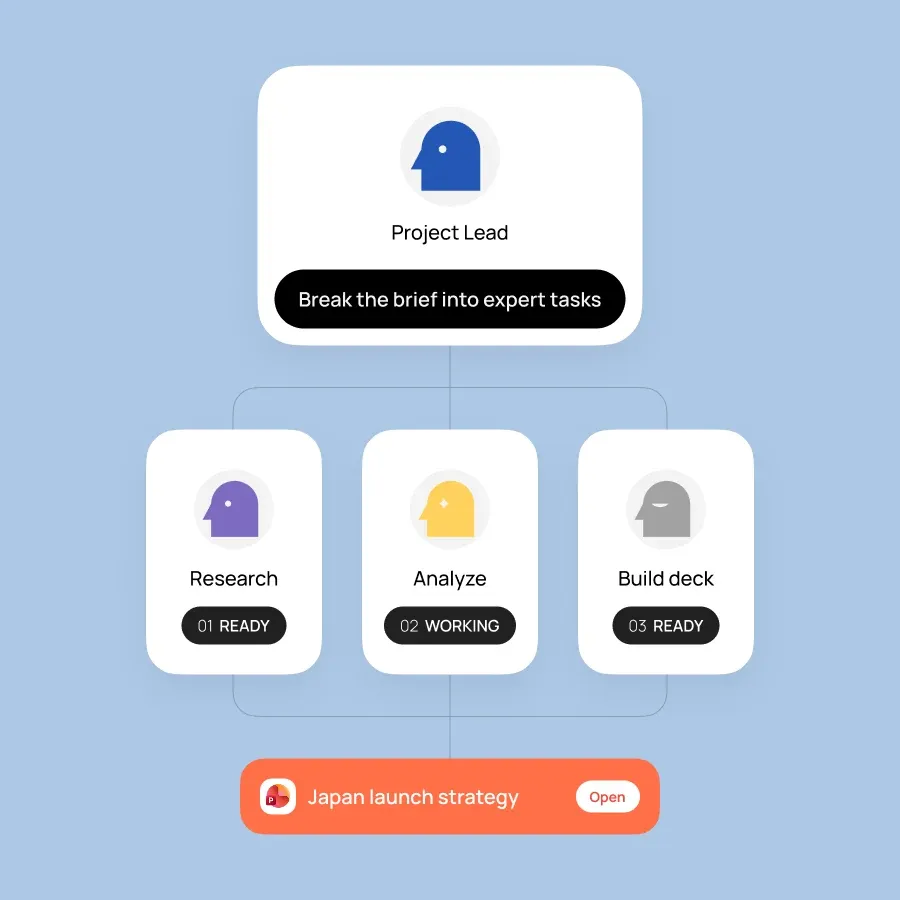
A team handles the handoffs
One specialist identifies the contact and company, another gathers relevant context, and another drafts and checks the message. The lead keeps the meeting goal attached to every step so the final email is about the next conversation, not a generic introduction.
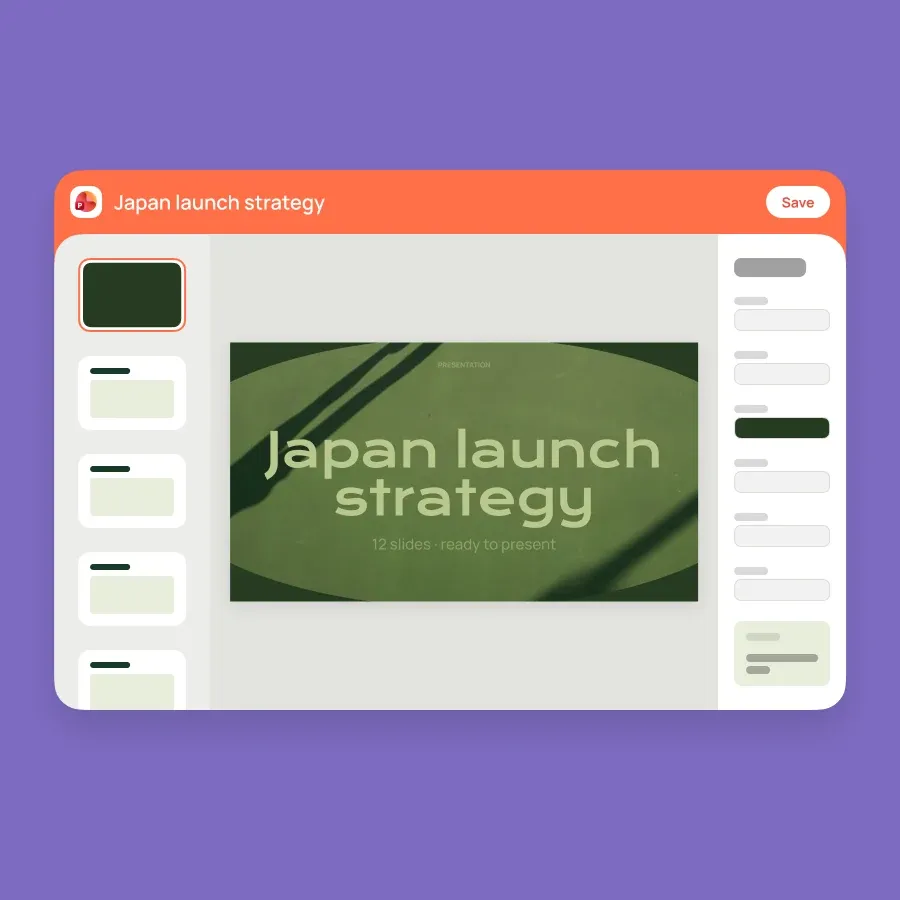
A draft first, a send only after review
The result is an editable subject and body with the recipient details filled in for review. Change the tone, correct a field, or add what you discussed, then move the approved draft into the email workflow you already use.
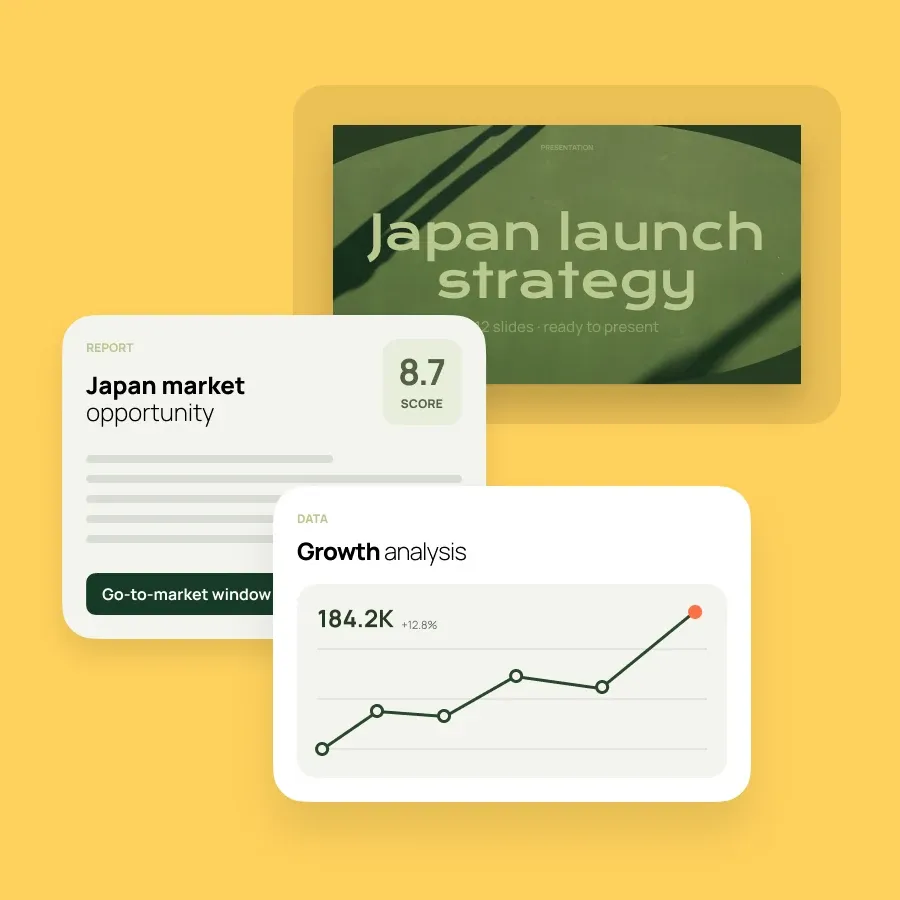
Each card keeps its own context
Process several contacts without turning them into a mail merge. Each draft keeps its own company, role, meeting note, and next step, so you can review the details that make the message worth sending.
Follow-up drafts worth opening.
Describe what you need and an expert team builds it — editable, sourced, and ready to share.
No setup · Editable output