Best Vibe Coding Tools for Non-Developer HTML Creators (Beginner-Friendly!)


"Vibe coding refers to using AI assistance to build software by describing what you want in natural language rather than coding everything manually."
Vibe coding refers to using AI assistance to build software by describing what you want in natural language rather than coding everything manually. This approach lowers barriers for non-developers by letting them "code by vibe" – you tell the AI the vibe or functionality you want, and it generates the HTML, CSS, and JavaScript for you.
Below, we compare several beginner-friendly AI coding tools that support front-end web development (including HTML/CSS/JS and even libraries like Three.js for 3D graphics) in terms of their features, pricing, ease of use, use cases, and pros/cons.
AI Chatbot Coding Assistants
| Tool | Features | Pricing | Ease of Use | Use Cases | Advantages | Disadvantages |
|---|---|---|---|---|---|---|
| ChatGPT (OpenAI) | Natural language code generation, conversational iteration, supports HTML/CSS/JS and libraries | Free tier Plus at $20/mo | Very High; conversational interface | Simple front-end, prototyping, education | Highly accessible, versatile, great explanations | Code may require tweaking, limited free tier |
| Claude (Anthropic) | Large-context, detailed instructions, supports multi-file projects, HTML/CSS/JS, artifact previews, real-time interactions | Limited free access Pro at $20/mo | High; conversational with larger context | Multi-file front-end apps, complex prompts, real-time previews and interactive prototyping | Currently the best coding model. Excellent for large codebases, handles complex prompts, interactive previews | Access limited through third parties, verbose responses |
 Source: Unsplash - Dima Solomin
AI IDE Assistants
| Tool | Features | Pricing | Ease of Use | Use Cases | Advantages | Disadvantages |
|---|---|---|---|---|---|---|
| Cursor | AI-integrated code editor, chat within IDE, multi-file support | Free tier Pro $20/mo | Medium; IDE-based interface with AI chat | Front-end projects, iterative coding, code exploration | Context-aware AI, free, full code control | IDE learning curve, not purely chat-based |
| Windsurf | AI agent-powered IDE, Cascade technology for deep codebase understanding, multi-file editing, natural language commands | Free tier Pro $15/mo | Medium; IDE-based interface with advanced AI integration | Code generation, debugging, complex task handling | Advanced AI integration, deep contextual awareness, efficient multi-file editing | Performance may vary depending on complexity of tasks |
| Devin | AI agent-powered autonomous code generation, debugging, project planning, deployment capabilities, integrates with shell, code editor, and browser within a sandboxed environment | Team $500/mo | High; intuitive interface with real-time collaboration | End-to-end software development, bug fixing, learning new technologies, deploying applications | High autonomy, capable of complex problem-solving | Expensive |
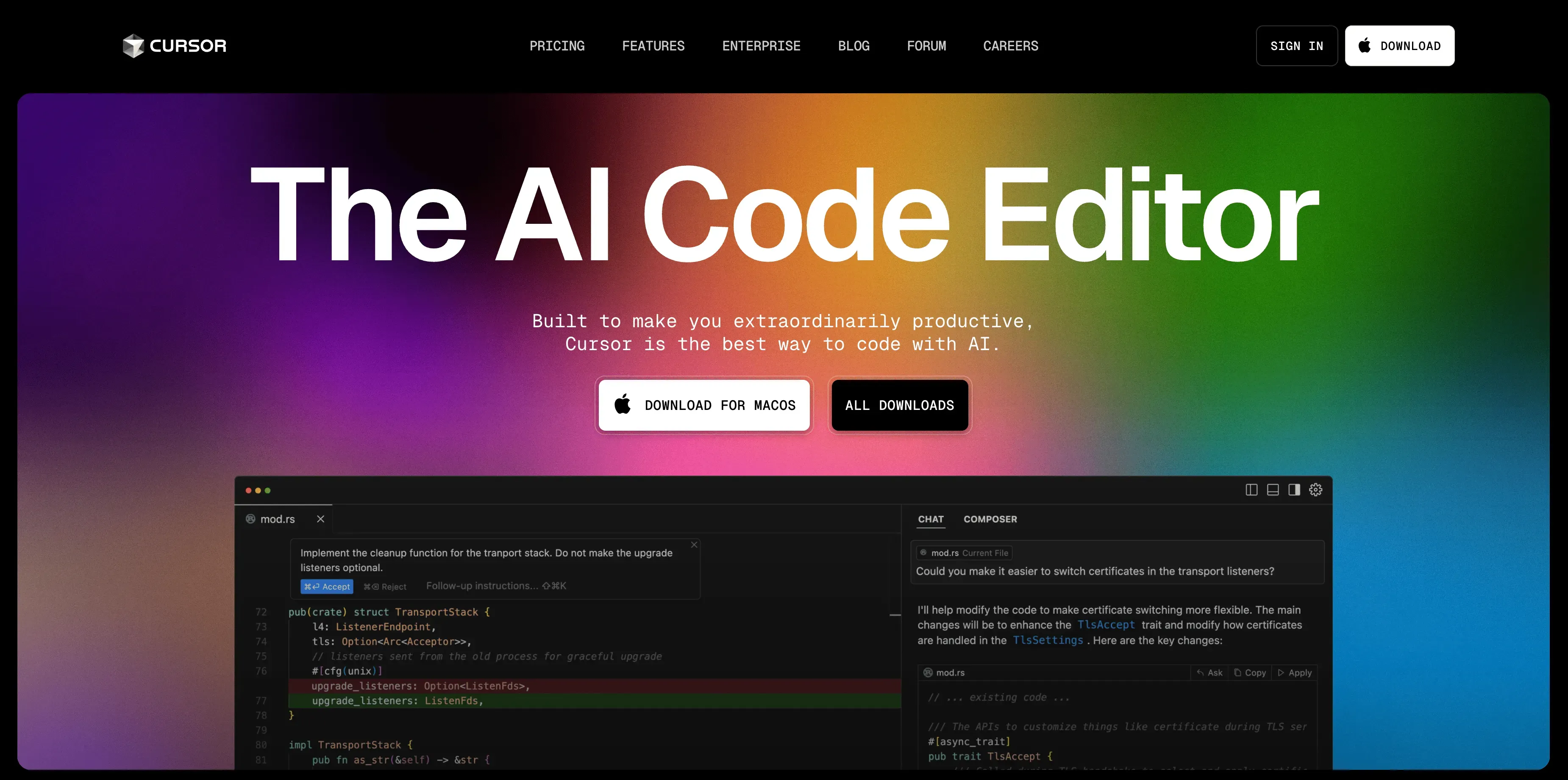 Source: Cursor Website
AI Web App Generator
| Tool | Features | Pricing | Ease of Use | Use Cases | Advantages | Disadvantages |
|---|---|---|---|---|---|---|
| Replit | Cloud IDE, AI-driven app builder, multi-language, deployment built-in | Free tier Pro $25/mo | High; cloud-based, no setup needed | Rapid prototyping, front-end and backend integration, education | All-in-one solution, easy deploy, collaborative, versatile | Some complexity for beginners |
| v0.dev | Next.js and React-focused UI generation, chat-based, instant preview/deploy | Free tier Pro $20/mo | Very High; conversational UI | Front-end UI, fast prototyping, polished results | Front-end UI, fast prototyping, polished results | Limited backend, React/Next.js-specific |
| Bolt.new | Full-stack app generation, live IDE, built-in deployment | Free tier Pro $20/mo | High; browser-based, comprehensive but slightly technical | Full-stack prototypes, education, games/apps, iterative dev | Powerful, flexible, full-stack capable, error detection | Complexity of generated code may overwhelm absolute beginners |
| Lovable | Front-end web app builder, database/backend support, iterative editing | Free tier Starter $20/mo | Very High; natural language & visual editing | Front-end web apps, startups, rapid builds | User-friendly UI, easy refinement | Limited advanced customization |
 Source: Lovable Website
One-Click Deployment and Sharing
After using vibe coding tools to create your website or app, the final step is getting it online. **YouWare **is a deployment platform specifically designed for people who have code (often AI-generated) but lack the expertise in web hosting or DevOps. It provides a super simple way to publish your AI-generated HTML/CSS/JS project.
You don't need to use Git, the command line, or cloud platforms manually. For example, if you used an AI to generate a todo-list-app.html, you can drag-and-drop that file on YouWare's site. Within seconds, YouWare will host it and give you a live URL that you can share.
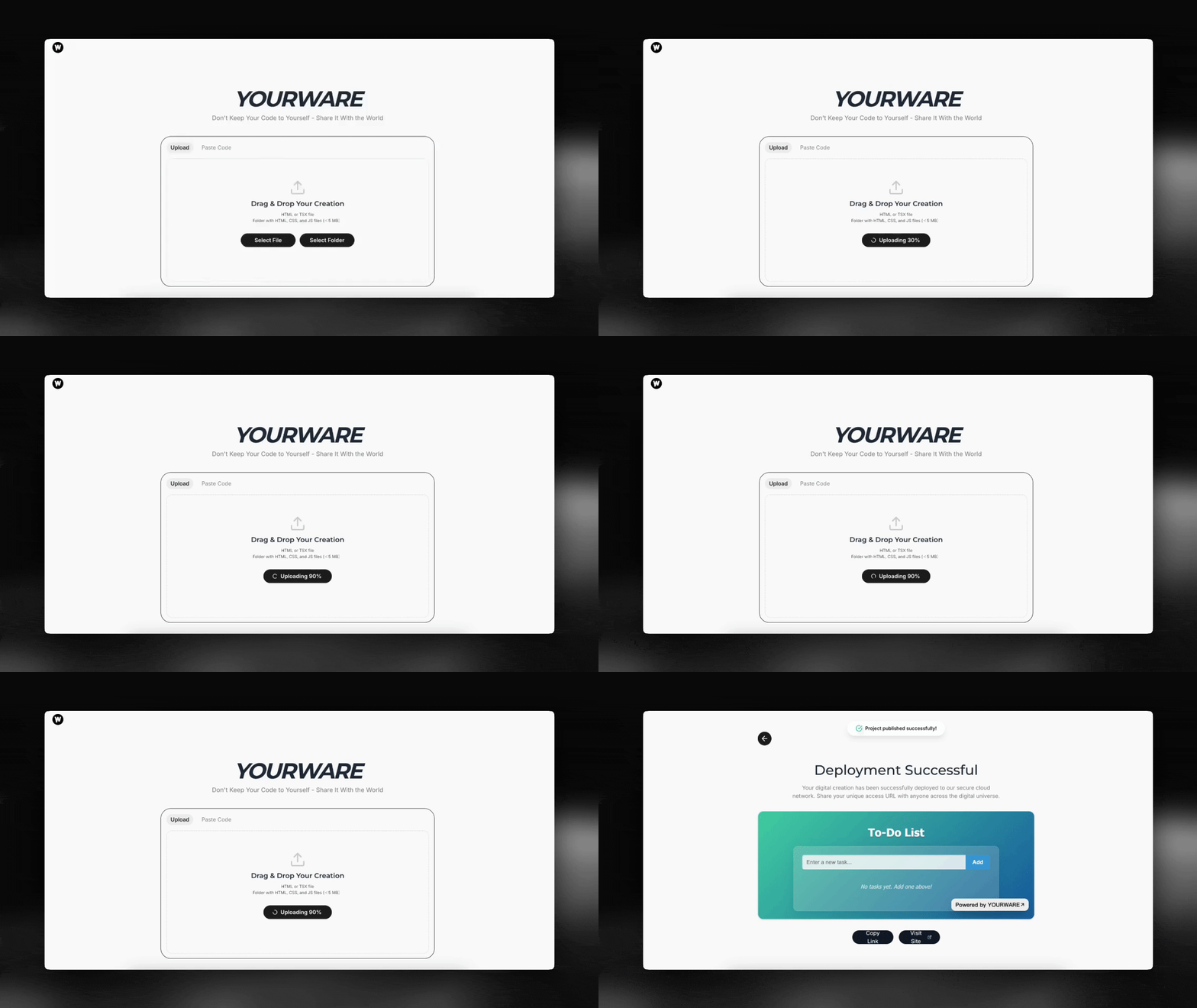 Source: YouWare Deployment Demo
YouWare lets you deploy a web app by simply uploading the files or pasting the code, without any configuration. It's built for non-developers, so it's extremely straightforward. Perfect for personal projects, prototypes, hackathon demos, or learning projects – basically any small to medium web app that doesn't require complex server infrastructure. YouWare is ideal for static front-ends or simple apps. If your app consists of an index.html and maybe some JS/CSS files, it's perfect.