Bubble Apps: What They Are, Real Examples, and Alternatives (2026 Guide)

Bubble has become one of the most widely used platforms for building web applications without heavy coding. Instead of starting with a traditional programming framework, developers create Bubble apps through a visual environment where pages, data, and workflows are configured directly in the interface. On its homepage, Bubble describes itself as an AI-powered app builder for web and mobile apps, highlighting use cases such as SaaS platforms, marketplaces, and internal tools.
Summary
Bubble apps are web applications built with Bubble, a popular no-code and low-code development platform. Using a visual interface, developers and founders can design pages, manage data, and create workflows without writing extensive code. Bubble apps are commonly used for SaaS products, marketplaces, and internal tools, especially for startup MVPs. However, the platform also comes with limitations such as learning curve, customization constraints, and platform dependency. This guide explains what Bubble apps are, what they can build, real examples of Bubble apps, and an alternative approach using AI-powered builders like YouWare.
What Are Bubble Apps?
Bubble apps are products created inside Bubble's visual development environment. Instead of starting with a code framework, users build by designing pages, organizing data, and setting up logic through workflows. Bubble describes its system around three core layers: design, data, and logic.
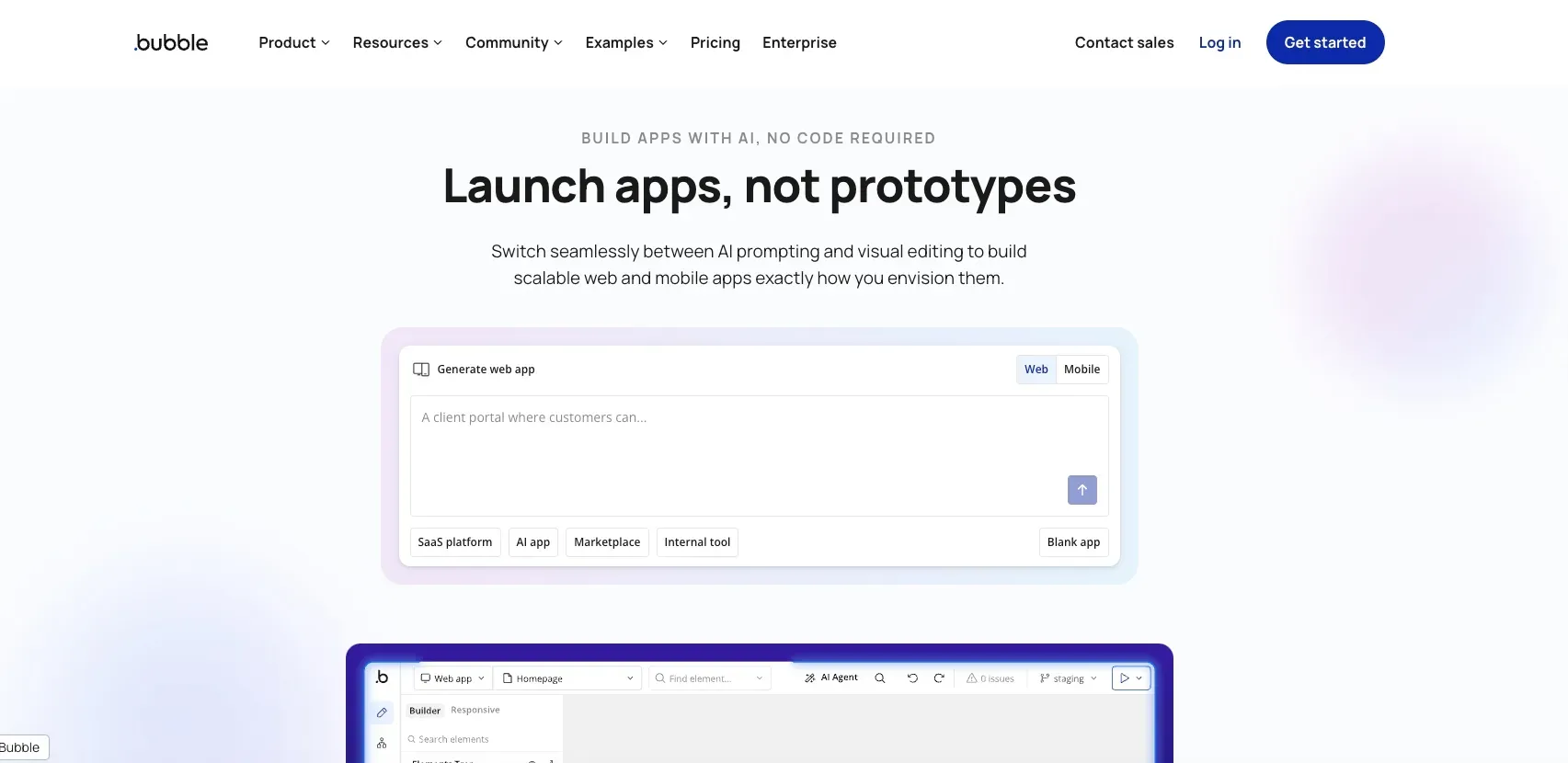
That is why Bubble is often described as both bubble no code and bubble low code. For non-technical founders, it lowers the barrier to building software. For product teams, it offers a way to move from idea to working product faster than a traditional engineering process. Bubble also frames itself as a platform for "launching apps, not prototypes," which helps explain why it is often discussed as more than a simple website builder.
In practical terms, a Bubble app usually means a web product with real functions — user accounts, dashboards, forms, workflows, structured data, and integrations. That is also why many founders evaluate Bubble not just as a tool, but as a serious bubble app maker for MVPs and early software products. You can see that positioning clearly on Bubble's homepage, where Bubble emphasizes full-stack app creation rather than static page building.
What Can You Build With Bubble Apps?
Bubble apps are commonly used for business software rather than simple brochure sites. Bubble's own site highlights categories like SaaS platforms, marketplaces, internal tools, subscriptions, and AI apps, which matches the way the product is usually discussed in no-code circles.
For startups, one of the most common uses is SaaS. A team might use Bubble to build a lightweight CRM, a client portal, a booking dashboard, or a subscription-based service. These products need user authentication, data management, and multi-step workflows, which fit Bubble's core strengths.
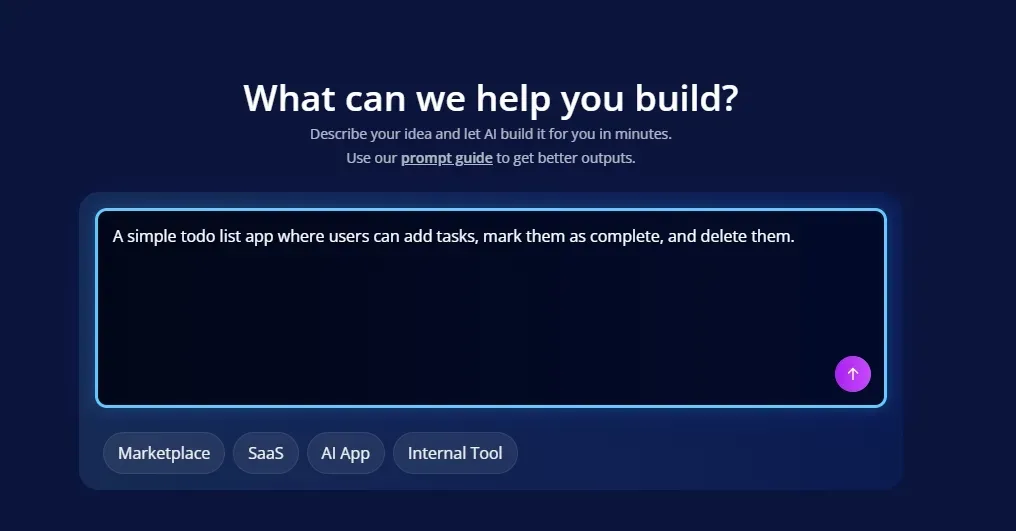
Marketplaces are another natural fit. Bubble's gallery includes marketplace-tagged products and e-commerce style examples, showing how founders use it for platforms that connect buyers and sellers or organize listings and transactions. The gallery also includes internal-tool and SaaS-tagged examples, which reinforces Bubble's practical range.
Internal tools are especially important here. Many companies do not need a fully custom engineering build for an operations dashboard, internal workflow system, or approval tool. In those cases, Bubble apps can be a fast way to create software that solves a real business problem without building everything from scratch.
Real Examples of Bubble Apps
Many people searching for "Bubble apps" want to see real examples of what has actually been built with the platform. They are not just asking what Bubble is. They want to know what people actually build with it.
Bubble's own homepage and gallery give that validation. On the homepage, Bubble showcases products and categories including Hive Health, ChurchSpace, SWriteHuman, Dyspute.ai, Cuure, and My AskAI, spanning marketplaces, internal tools, subscription products, and AI SaaS.
The app gallery reinforces the same point. It shows examples across categories like marketplace, internal tool, SaaS, e-commerce, social network, productivity, and mobile. Even without turning this into a long case-study section, the takeaway is clear: Bubble apps are not limited to toy projects. They are commonly used for startup MVPs, business software, and customer-facing products with real workflows and data.
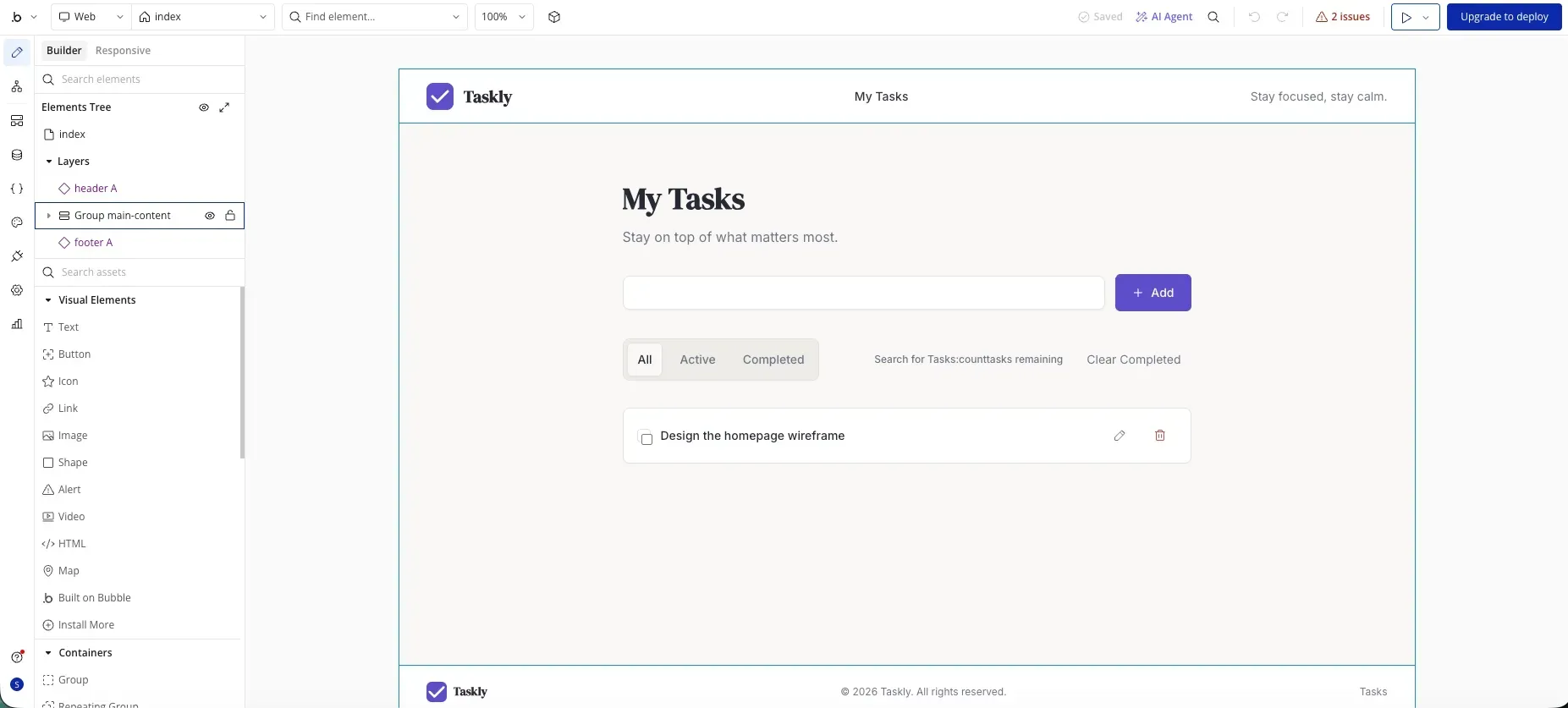
That is probably the most useful way to understand Bubble apps: not as a single app type, but as a category of web applications built through visual logic rather than traditional coding.
Limitations of Bubble Apps
Bubble apps are flexible, but they also come with tradeoffs. When evaluating Bubble apps, it is also important to understand the platform's trade-offs.
One challenge is onboarding and complexity. Even though Bubble is part of the no-code movement, it still asks users to learn how visual logic, workflows, and data models fit together. A third-party comparison from UI Bakery summarizes this by saying Bubble may not be easy to onboard due to interface complexity. The same page also notes limitations in the free plan and points out that a separate plan may be needed for each new app.
Another limitation is flexibility at the edges. Bubble can cover a wide range of app use cases, but some teams eventually run into customization or long-term platform questions as products become more complex. That does not make Bubble a bad choice. It simply means that Bubble apps are often best understood as a speed-focused solution for specific kinds of web products, rather than the ideal answer for every possible software architecture.
So for many readers, the real decision is not whether Bubble works. It is whether Bubble is the right way for them to build.
An Alternative to Bubble Apps: YouWare
If you like the idea of building apps quickly but do not want to configure everything manually inside a visual workflow system, YouWare is worth a look.
The main difference is the building experience. Instead of assembling app logic step by step, YouWare is designed around natural-language creation: you describe the app idea, and the platform can generate a working project in about 30 seconds. It also includes YouBase as a built-in backend, covering database, users, storage, and secrets, so you do not need to stitch together a separate backend service for many common web-app scenarios.
Another useful difference is interaction. YouWare includes CoView, which lets users record the screen and explain changes by voice, making it easier to communicate UI issues or desired edits without relying only on typed instructions. That is especially relevant for founders, designers, and non-technical creators who want to move fast but do not want to manage every workflow manually.
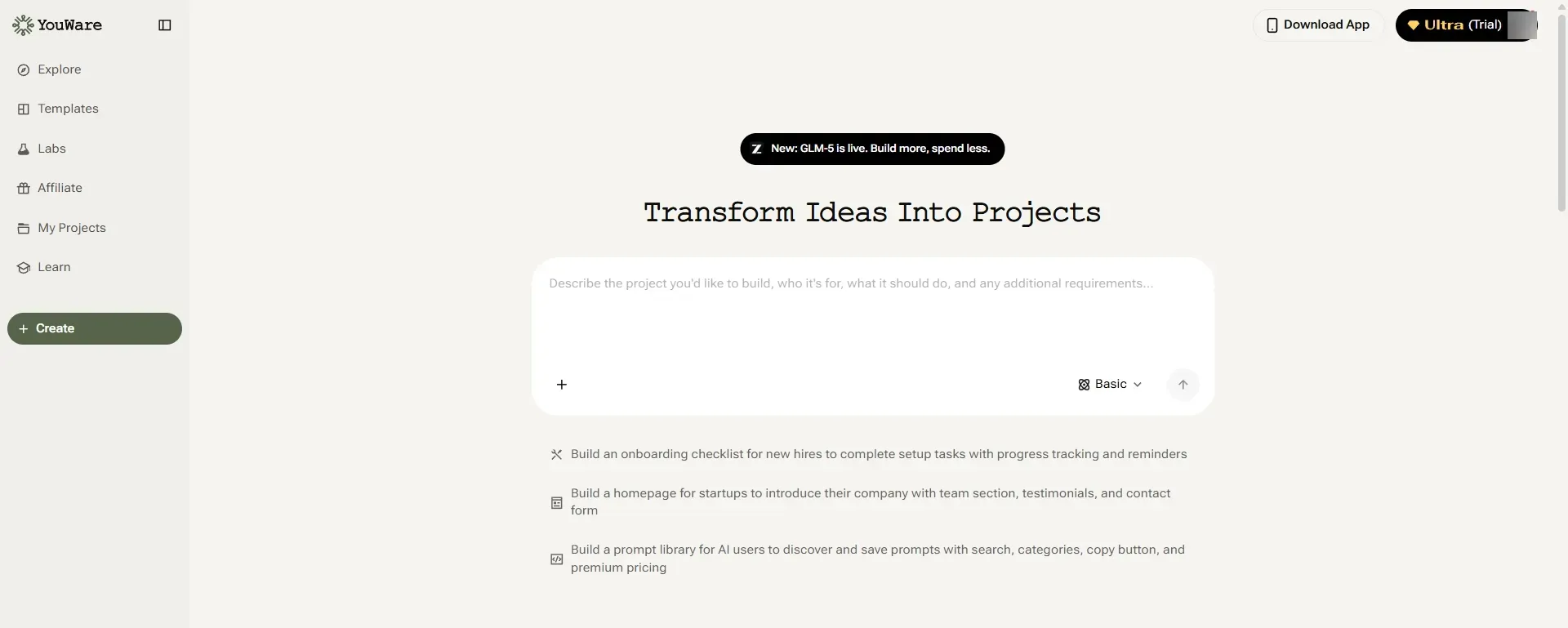
So if your main goal is simply to build a web app faster, Bubble is one path. But it is not the only one. If you want a more AI-native workflow, YouWare offers a more direct alternative.
Describe your app, get working code
Start BuildingFAQ About Bubble Apps
Can Bubble build mobile apps?
Bubble is primarily designed for web applications. It is best understood as a web app builder rather than a native mobile development platform. However, some teams extend Bubble apps to mobile through wrappers or additional tools.
Is Bubble good for startups?
Yes, Bubble is often a strong choice for startups that want to launch an MVP quickly, test a business idea, or build internal tools without hiring a full engineering team at the beginning.
Is Bubble better than coding?
That depends on the goal. Bubble can be faster for early-stage products and non-technical teams, while traditional coding may offer more control and flexibility for highly customized or large-scale products.
Are there alternatives to Bubble?
Yes. Common alternatives include FlutterFlow, Adalo, Webflow for certain use cases, and newer AI app builders for teams that want a more prompt-driven workflow.
What is the easiest way to build an app today?
For many beginners, the easiest path depends on what they want to build. Traditional no-code tools work well for visual assembly, while AI app builders may offer a faster route for people who prefer describing ideas and iterating with prompts.

Skip the learning curve — build with AI
Try YouWare Free