What Is a GUI? Graphical User Interfaces Explained

8 mins read


Before GUIs existed, using a computer meant memorizing cryptic commands—cd, ls, rm -rf—and hoping you didn't break anything. The GUI changed all of that, turning computers from specialist tools into something anyone could use. Today, every app you tap, swipe, or click is powered by GUI principles that have barely changed since the 1980s.
A GUI (Graphical User Interface) is a visual way of interacting with a computer using elements like buttons, icons, windows, and menus instead of typed commands. The term is pronounced "gooey."
The alternative is a CLI (Command Line Interface)—a text-only interface where you type commands to make things happen. GUIs replaced CLIs for most everyday use because they're faster to learn and more intuitive to navigate.
Think of it this way: a CLI is like sending a letter to your computer; a GUI is like having a conversation face-to-face.
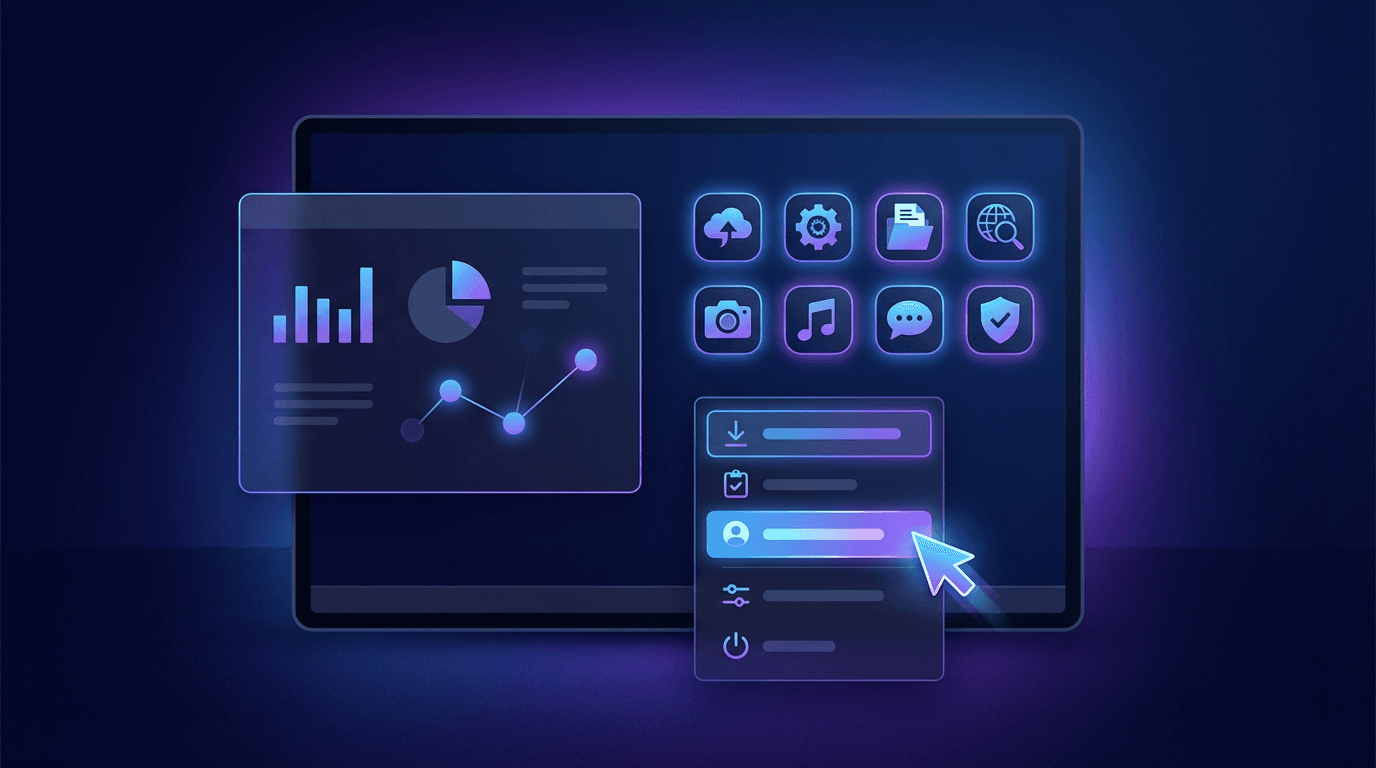
The four core elements of any GUI:
This is where the acronym WIMP comes from—Windows, Icons, Menus, Pointer. It's the foundational pattern that every major operating system (Windows, macOS, Linux) still uses today.
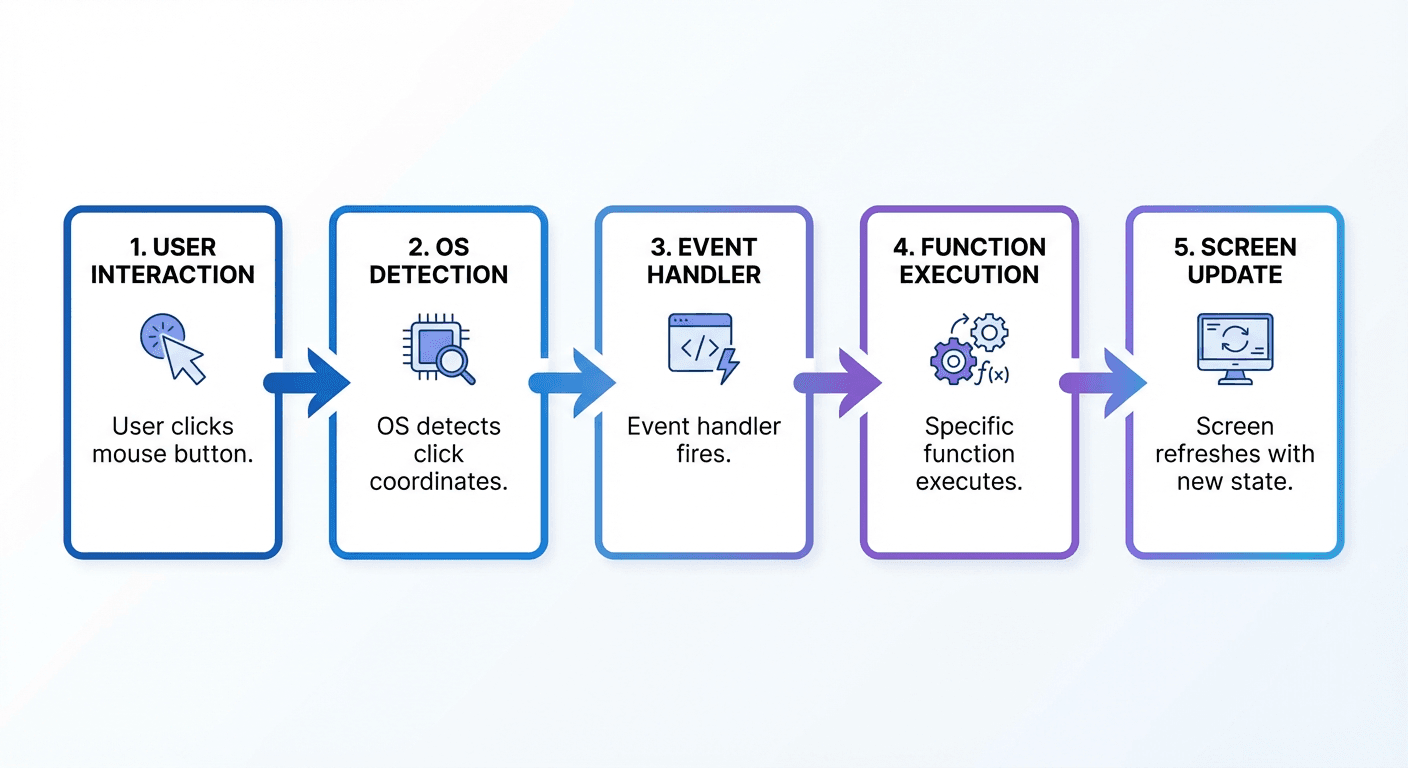
Under the hood, a GUI is a software layer between you and the computer's operating system. When you click a button, here's what actually happens:
This event-driven architecture is the engine behind every GUI. Modern GUIs are built on frameworks—React, Vue, SwiftUI, Flutter—that handle the heavy lifting of rendering visuals and managing state.
Web GUIs vs. Native GUIs:
| Type | Examples | Runs On |
|---|---|---|
| Web GUI | Web apps, Chrome extensions | Any browser |
| Native GUI | macOS apps, iOS apps | Specific OS |
| Desktop GUI | Windows apps, VS Code | Local hardware |
| Mobile GUI | Android, iOS apps | Mobile OS |
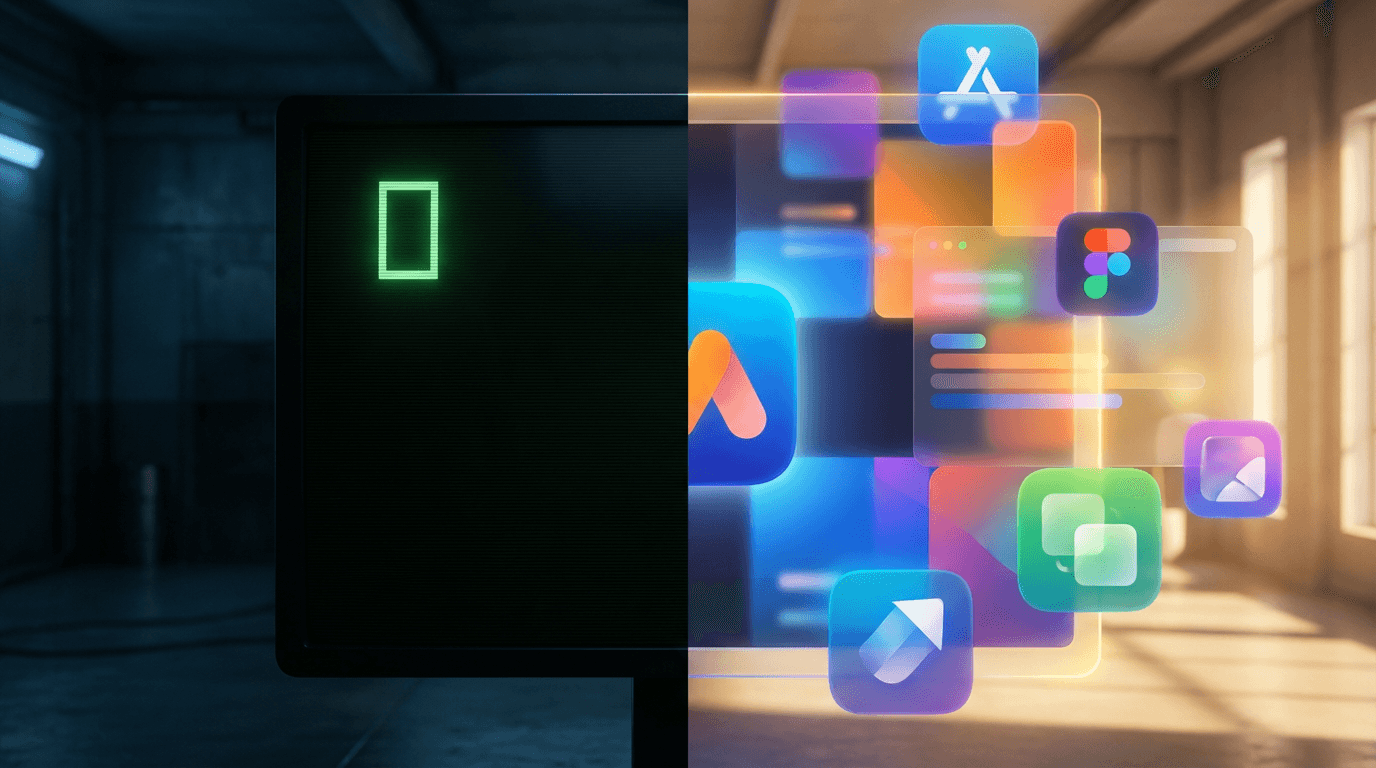
The shift from CLI to GUI wasn't just cosmetic—it was a social revolution in computing.
In 1984, Apple launched the Macintosh with the first commercially successful GUI. Before that, personal computers were largely limited to hobbyists and professionals willing to learn command syntax. The GUI opened computers to everyone else.
Today, GUIs matter for three reasons:
1. Accessibility: Anyone can learn to use a touchscreen. Not everyone can learn shell commands. GUIs democratized digital literacy.
2. Speed: Visual scanning is faster than reading command documentation. A well-designed GUI reduces the cognitive load of using software.
3. Error prevention: Menus and buttons constrain user input to valid choices. A CLI lets you type anything—including commands that delete your entire hard drive.
The same logic applies to web apps, mobile apps, and AI tools. If users have to think hard to use your product, they'll use something else.
GUIs are everywhere—and each type has its own design patterns:
The desktop you're using right now is a GUI. macOS, Windows, and Linux (GNOME, KDE) all render windows, toolbars, and file managers as visual interfaces on top of a Unix or NT kernel.
Every website is technically a GUI. When you log into Gmail, add items to a shopping cart, or edit a Google Doc, you're interacting with a web GUI built in HTML, CSS, and JavaScript.
iOS and Android apps are GUIs designed for touch input. Swipe gestures, tap targets, and pull-to-refresh are mobile-specific GUI patterns that don't exist on desktop.
Figma, Photoshop, Excel—all GUIs. The canvas, toolbar, and layers panel are visual abstractions over complex underlying operations like vector rendering or spreadsheet calculation.
Platforms like YouWare let you build custom GUI apps without writing a single line of code. Describe what you want—"a dashboard showing sales data" or "a booking form with a calendar"—and the AI generates the full visual interface, logic, and backend for you.
Ten years ago, building a GUI app required learning HTML/CSS, a frontend framework, and a backend language. Today, you can skip most of that.
Option 1: Traditional development
Time: weeks to months. Requires coding knowledge.
Option 2: No-code builders
Time: days. Limited flexibility.
Option 3: AI-powered building (like YouWare)
Time: minutes. No coding required.
YouWare's visual editor lets you click any element on the page and change it directly—like editing a presentation. The Boost feature analyzes your app and automatically improves the design, layout, and user experience. And if the AI output isn't quite right, Credit Care refunds your credits so you can try again risk-free.
Build your GUI app free
Try It Free"GUIs are just for non-technical users"
Not true. Many developers prefer GUI tools—IDEs, database managers, Git clients—because they're faster than CLI for certain workflows. Even hardcore terminal users rely on GUI browsers and email clients.
"GUIs are always easier than CLIs"
GUIs are easier to start with. But for repetitive tasks, automation, and bulk operations, a CLI can be far more efficient. A grep command can search a million files in seconds. Doing that through a GUI file manager is painful.
"Mobile and web GUIs are fundamentally different"
They share the same core principles but optimize for different input methods. A web GUI assumes mouse precision; a mobile GUI assumes fat fingers and no hover state. Responsive design bridges the gap.
"You need design skills to build a good GUI"
With AI tools, you don't. AI can apply design principles—spacing, color contrast, typography hierarchy—automatically. You describe the function; AI handles the form.
UI (User Interface) is the broader term—it includes GUIs, CLIs, voice interfaces, and any other way users interact with a system. A GUI is specifically the graphical subset: visual, screen-based interfaces you navigate with a mouse, touch, or pointer.
Yes. Every website you view in a browser is a GUI. It uses HTML for structure, CSS for visual styling, and JavaScript for interactivity. The browser renders these as a visual interface you can click and navigate.
The modern GUI concept was pioneered by researchers at Xerox PARC in the 1970s, particularly with the Alto computer. Apple popularized it with the Lisa (1983) and Macintosh (1984). Microsoft followed with Windows 1.0 in 1985.
Yes. AI-powered platforms like YouWare let you describe your app in plain language and generate the full visual interface automatically. You can then edit elements visually, add data connections, and deploy—all without writing code.
Web GUIs use HTML, CSS, and JavaScript (React, Vue, Angular). Desktop GUIs typically use C++, C#, Swift, or Java. Mobile GUIs use Swift (iOS), Kotlin (Android), or cross-platform frameworks like Flutter or React Native.
GUIs turned computers from machines for engineers into tools for everyone. The core idea—visual elements you can directly interact with—hasn't changed much since the Macintosh, but the technology behind them has evolved dramatically.
Today, you don't need to understand event loops or rendering engines to build a great GUI. AI handles the implementation; you focus on what the interface should do and how it should feel.
Start building with AI
Start Free