Bubble vs WordPress Comparison: Which Platform Is Right for You?

You need to build something on the web. Maybe it is a SaaS dashboard, a membership site, or a portfolio. You Google "Bubble vs WordPress" and instantly face a wall of trade-offs: one platform excels at apps but struggles with SEO, the other dominates content but chokes on custom logic. This guide breaks down the Bubble vs WordPress comparison on every dimension that matters — use cases, pricing, performance, customization, and SEO — so you can pick the right tool (or discover a third option you had not considered).
Summary
Bubble wins for custom web applications and complex workflows; WordPress wins for content-heavy sites, SEO, and plugin variety. Both have real trade-offs: Bubble locks you into its hosting and scores poorly on SEO, while WordPress demands plugins and maintenance for anything beyond a blog. If you want AI-generated React code you actually own, YouWare is a faster path for prototypes, landing pages, and lightweight apps — with a free tier and full code export on Pro ($20/month).
Bubble vs WordPress at a Glance
Before diving into details, here is a side-by-side snapshot.
| Dimension | Bubble | WordPress |
|---|---|---|
| Best for | Custom web apps, SaaS, MVPs | Blogs, content sites, eCommerce |
| Coding required | No (visual logic builder) | No for basics; PHP for deep customization |
| Hosting | Fully managed | Self-hosted or WordPress.com |
| SEO score (G2) | 6.1/10 | 8.4/10 |
| Starting price | Free (limited); $32/mo Starter | Free (self-hosted); hosting ~$3-10/mo |
| Code ownership | No export | Full source access |
| Plugin ecosystem | 2,000+ plugins | 60,000+ plugins |
| Learning curve | Moderate-steep | Easy for basics, steep for dev work |
This table tells the high-level story: WordPress is the safer pick for content and SEO, Bubble is stronger for app logic and workflows.

Use Cases in the Bubble vs WordPress Comparison
Bubble is the better choice when your project needs custom application logic — think multi-step workflows, user dashboards, conditional forms, or real-time data manipulation. Startups building MVPs love Bubble because you can prototype a SaaS product without hiring a developer. Typical Bubble projects include internal tools, marketplace platforms with buyer and seller flows, SaaS products with subscription billing, and CRM or project management apps.
WordPress is the better choice when content drives your business. Over 40% of all websites run on WordPress, and for good reason: its plugin library is unmatched, its SEO tooling is battle-tested, and its theme ecosystem lets you launch a professional site in an afternoon. Typical WordPress projects include blogs, small business brochure sites, WooCommerce online stores, portfolio sites, and membership platforms.
The gap neither platform fills. Both Bubble and WordPress assume you want to stay inside their ecosystem. Bubble locks you into its proprietary hosting — you cannot export your code. WordPress gives you source access, but "customization" often means stitching together a dozen plugins and hoping they do not conflict.
Christina, a retired Army veteran and full-time mom in the US, put it bluntly:
In WordPress it took weeks and I still couldn't get a good website; with AI it generated a demo in minutes.
If you want AI-generated, exportable code that deploys instantly and does not lock you in, platforms like YouWare take a different approach. You describe what you want in plain English, and the AI writes real React code you can download, edit, and host anywhere — whether that is a landing page for a product launch or an internal tool for your team.
Customization and Flexibility Compared
Bubble gives you pixel-level control over layout and logic through its visual editor. Every element, workflow, and database query is configurable without code. The downside: it is Bubble's proprietary system, so your skills and your project do not transfer elsewhere.
WordPress relies on themes for design and plugins for functionality. You can customize deeply if you know PHP, but the average user is limited to what their theme and plugins offer. Plugin conflicts are a real headache — updating one can break another.
For developers who want full control without the overhead of either platform, an AI code generator can produce real React components you can read, modify, and deploy anywhere — no visual builder lock-in, no plugin conflicts.
SEO Capabilities in the Bubble vs WordPress Comparison
This is where WordPress pulls ahead significantly. WordPress was built for content, and its SEO infrastructure reflects that:
- Clean URL structures out of the box
- Mature SEO plugins (Yoast, Rank Math)
- Fast server-side rendering
- Schema markup support
Bubble's SEO is functional but limited. Dynamic pages can be harder to optimize, page speed tends to lag, and the SEO tooling is basic compared to WordPress's ecosystem. If organic search traffic is critical to your business, WordPress has a clear advantage.

Performance and Pricing Breakdown
WordPress performance depends heavily on your hosting provider and how many plugins you install. A well-optimized WordPress site on quality hosting is fast. A bloated WordPress site with 30 plugins is painfully slow. Bubble manages hosting for you, which removes server configuration headaches. But Bubble apps tend to have heavier page loads due to client-side rendering. For content-heavy pages, WordPress generally wins on speed.
On pricing, WordPress is generally cheaper:
| Plan Tier | Bubble | WordPress (self-hosted) |
|---|---|---|
| Free | Limited features, Bubble branding | Free software; hosting $3-10/mo |
| Starter/Basic | $32/mo | Hosting + premium theme (~$15-20/mo total) |
| Growth/Business | $134/mo | Hosting + plugins (~$30-50/mo total) |
| Enterprise | $498/mo | Managed hosting ($50-200/mo) |
Bubble's pricing climbs fast once you need more capacity or team features. WordPress is famously beginner-friendly for basic sites, but the moment you need custom post types or WooCommerce configuration, the learning curve steepens. Bubble has a steeper initial curve — expect a few weeks of learning before you are productive. If budget is a concern and you just need a portfolio site or a simple business page, YouWare's free tier covers that without monthly hosting fees.

Build websites in seconds with AI vibe coding
Try YouWare FreeThe AI-Powered Alternative to Bubble and WordPress
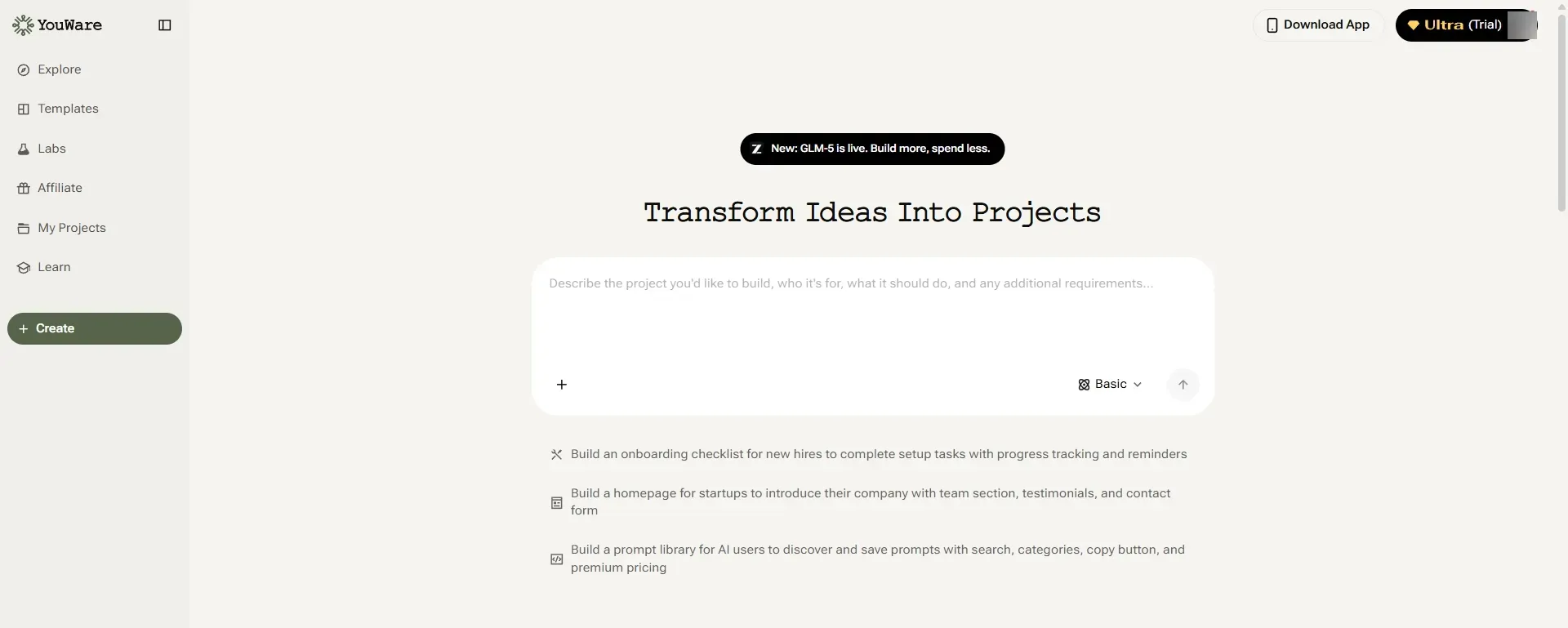
Here is the gap in the Bubble vs WordPress comparison that most articles miss: both platforms were designed before AI could write production code.
YouWare works differently:
- Describe your project in plain English — "Build me a portfolio site with a contact form and project gallery"
- AI generates real React code — not a template, not a locked-in visual builder, but actual components you can read and modify
- Deploy instantly — your app goes live on Cloudflare in seconds
- Export and own your code — download the full React project and host it anywhere (Pro plan)
| Dimension | Bubble | WordPress | YouWare |
|---|---|---|---|
| Build speed | Hours to days | Hours to days | Minutes |
| Code ownership | No export | Full access | Full export (Pro) |
| AI generation | No | No (plugin-level only) | Core feature |
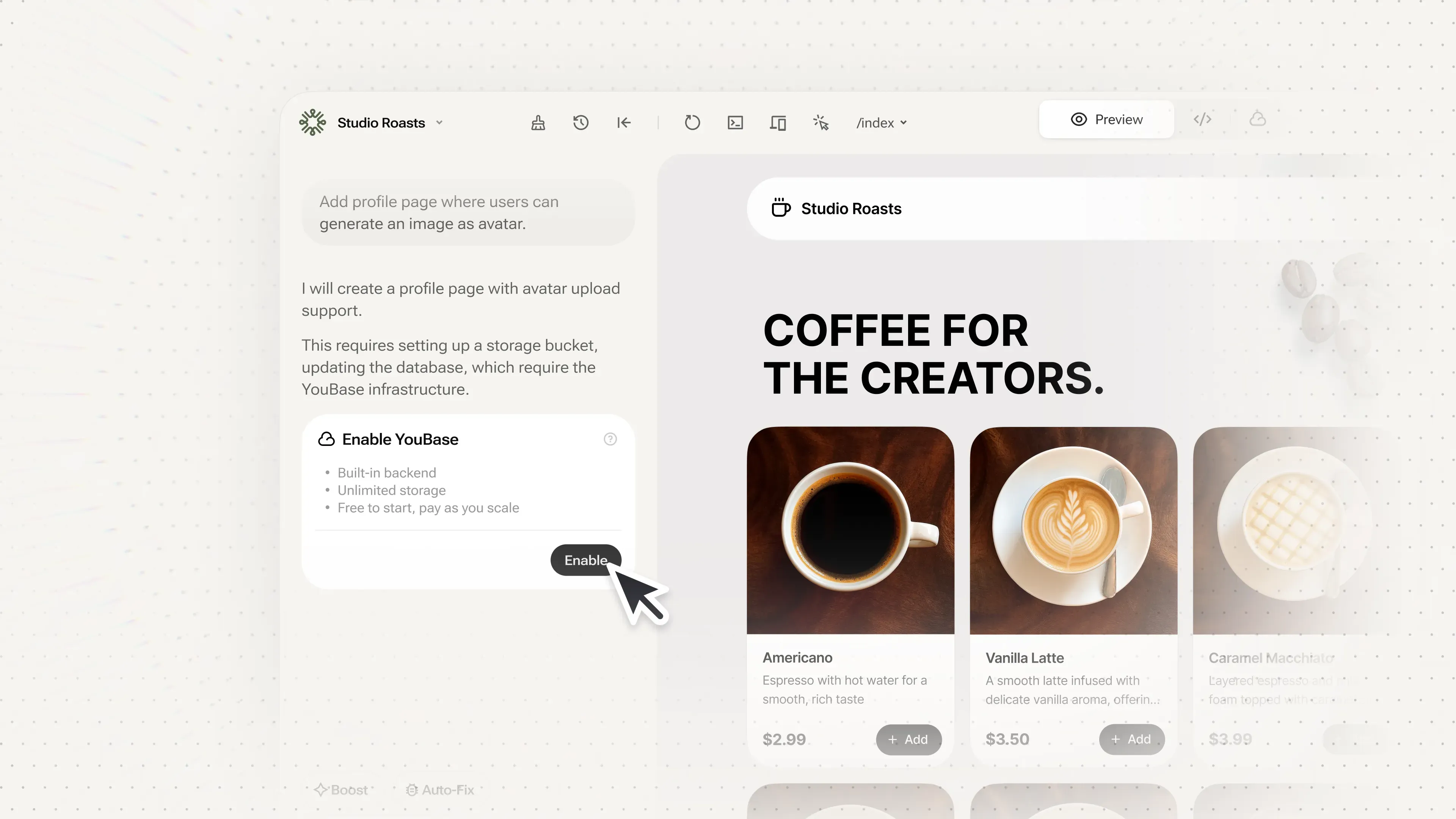
| Backend included | Yes (Bubble DB) | No (need plugins) | Yes (YouBase) |
| Custom domain | Paid plans | Yes (self-hosted) | Yes (Pro, $20/mo) |
| Monthly cost | $32+ | $3-20+ | Free / $20 Pro |
YouWare is not a replacement for every Bubble or WordPress use case. If you need a complex multi-user marketplace with dozens of integrations, Bubble's workflow engine is hard to beat. If you need a content-heavy blog with advanced SEO, WordPress is still the gold standard.
But real users are already building production apps with it. Joseph Richardson built a social web app for a virtual nightclub with 400 members, 74 staff across 8 countries:
What YouWare allows me to do is insane. Square and Wix have nothing on YouWare.
If you want to ship a working SaaS prototype fast, YouWare gets you there in minutes instead of days.
Full Bubble vs WordPress Comparison Table
| Feature | Bubble | WordPress | YouWare |
|---|---|---|---|
| Best for | Web apps, SaaS | Content, blogs, eCommerce | Fast prototypes, AI-built apps |
| Coding needed | None | None to moderate | None |
| SEO tools | Basic | Excellent (plugins) | Good (React SSR) |
| Plugin count | 2,000+ | 60,000+ | AI-generated features |
| Code export | No | Yes | Yes (Pro) |
| Hosting | Managed | Self or managed | Managed (Cloudflare) |
| AI generation | No | Limited | Full AI code gen |
| Free tier | Yes (limited) | Yes (self-hosted) | Yes |
| Paid from | $32/mo | ~$3/mo + plugins | $20/mo |
How We Evaluated This Bubble vs WordPress Comparison
We compared Bubble and WordPress across seven dimensions that matter most when choosing a web platform:
- Use case fit — what type of projects each platform handles best
- Customization — how deep you can go without code, and what happens when you need more
- SEO capability — built-in tools, plugin ecosystem, and real-world SEO scores
- Performance — page speed, hosting quality, and scalability
- Pricing — total cost of ownership at different scales
- Learning curve — time to first productive output
- Code ownership — whether you can take your project elsewhere
We also consulted G2 user ratings, TrustRadius reviews, and hands-on testing to validate claims.
Build websites in seconds with AI vibe coding
Try YouWare FreeFAQ
Is Bubble better than WordPress for building web apps?
Yes, for most custom web applications. Bubble's visual workflow builder lets you create complex app logic — conditional flows, database queries, API integrations — without writing code. WordPress can handle simple apps through plugins, but anything beyond basic forms or membership features typically requires custom PHP development or multiple plugin combinations that may conflict with each other.
Which is cheaper, Bubble or WordPress?
WordPress is generally cheaper, especially for content sites. A self-hosted WordPress site can run on $3-10/month hosting with free themes and plugins. Bubble's free tier is limited (Bubble branding, restricted features), and paid plans start at $32/month. However, WordPress costs can add up quickly if you need premium plugins, managed hosting, or WooCommerce extensions — total cost may reach $30-50/month for a full-featured business site.
Can I export my code from Bubble?
No. Bubble does not offer code export. Your application runs entirely on Bubble's infrastructure, and if you leave the platform, you would need to rebuild from scratch. This is one of the biggest trade-offs: Bubble's speed and power come at the cost of vendor lock-in. WordPress, by contrast, gives you full access to your source files. YouWare also offers full React code export on its Pro plan ($20/month), so you can download and self-host your project whenever you want.
Which platform is better for SEO, Bubble or WordPress?
WordPress, by a significant margin. WordPress has mature SEO plugins like Yoast and Rank Math, clean URL structures, fast server-side rendering, and schema markup support. G2 users rate WordPress 8.4/10 for SEO versus Bubble's 6.1/10. If organic search traffic is a primary growth channel for your business, WordPress is the stronger choice. Bubble's SEO is functional for basic needs but lacks the depth and tooling that WordPress offers.
Is there a better alternative to both Bubble and WordPress?
It depends on what you are building. If you want AI-generated, exportable code with instant deployment, YouWare fills a gap that neither Bubble nor WordPress covers. You describe your project in plain English, and YouWare generates real React applications with a built-in backend (YouBase). It is not a replacement for WordPress's content ecosystem or Bubble's complex workflow engine, but for landing pages, dashboards, portfolios, and SaaS prototypes, it is significantly faster — and you own the code.