

Business Management Software for Small Business: Build Your Own with AI

You've got a spreadsheet for invoices, another for inventory, a free CRM that barely works, and a scheduling tool that sends reminders to the wrong people. Sound familiar? Running a small business shouldn't feel like juggling ten different apps that don't talk to each other.
The truth is, enterprise companies have had custom business management software for decades. Small businesses? They've been stuck choosing between expensive off-the-shelf tools that do 80% of what they need, or hiring developers at $150/hour to build something from scratch.
That's changing fast. AI-powered no-code platforms now let you build business management software for small business operations in minutes — not months. And it costs a fraction of what you'd pay for traditional development.
Key Takeaways
- Small businesses waste hours switching between disconnected tools for CRM, inventory, invoicing, and scheduling
- Custom business management software used to require expensive developers or clunky off-the-shelf solutions
- AI no-code builders like YouWare let you describe what you need in plain English and get working software
- YouBase provides built-in database, authentication, and storage — no backend setup required
- You can build, iterate, and publish custom business tools for under $20/month
Why Generic Software Fails Small Businesses
Here's what happens when you try to manage a small business with generic tools:
Your CRM doesn't connect to your invoicing system. Your inventory tracker can't send alerts to your phone. Your scheduling app doesn't know about your customer database. You end up being the integration layer — manually copying data between apps at 11 PM.
Generic SaaS tools are built for everyone, which means they're optimized for no one. You're paying for features you'll never use while missing the one workflow that matters most to your business.
The Real Cost of "Free" Tools
That free project management tool? It caps at 10 users. The free invoicing app? It adds their branding to every invoice your clients see. The free CRM? It limits you to 500 contacts — right when your business starts growing.
Before you know it, you're spending $50-200/month on a patchwork of tools that still don't work together. And you're spending hours every week on manual data entry between them.
What Business Management Software for Small Business Actually Needs
Forget the feature checklists from enterprise software companies. Small businesses need software that does three things well:
- Fits your actual workflow — not the other way around
- Grows with you — from solo operation to small team without rebuilding
- Connects your data — one source of truth, not ten scattered spreadsheets
Here's what that looks like in practice:
| Business Need | Traditional Approach | Custom-Built Approach |
|---|---|---|
| Customer tracking | Generic CRM ($25-75/mo) | Custom CRM with your exact fields |
| Invoicing | Separate invoicing tool ($15-30/mo) | Integrated with your customer data |
| Inventory | Spreadsheet or $40/mo tool | Real-time tracking with alerts |
| Scheduling | Calendar app + manual reminders | Auto-scheduling tied to your CRM |
| Reporting | Export CSV, paste into Sheets | Live dashboards pulling from all data |
Build Custom Business Software Without Writing Code
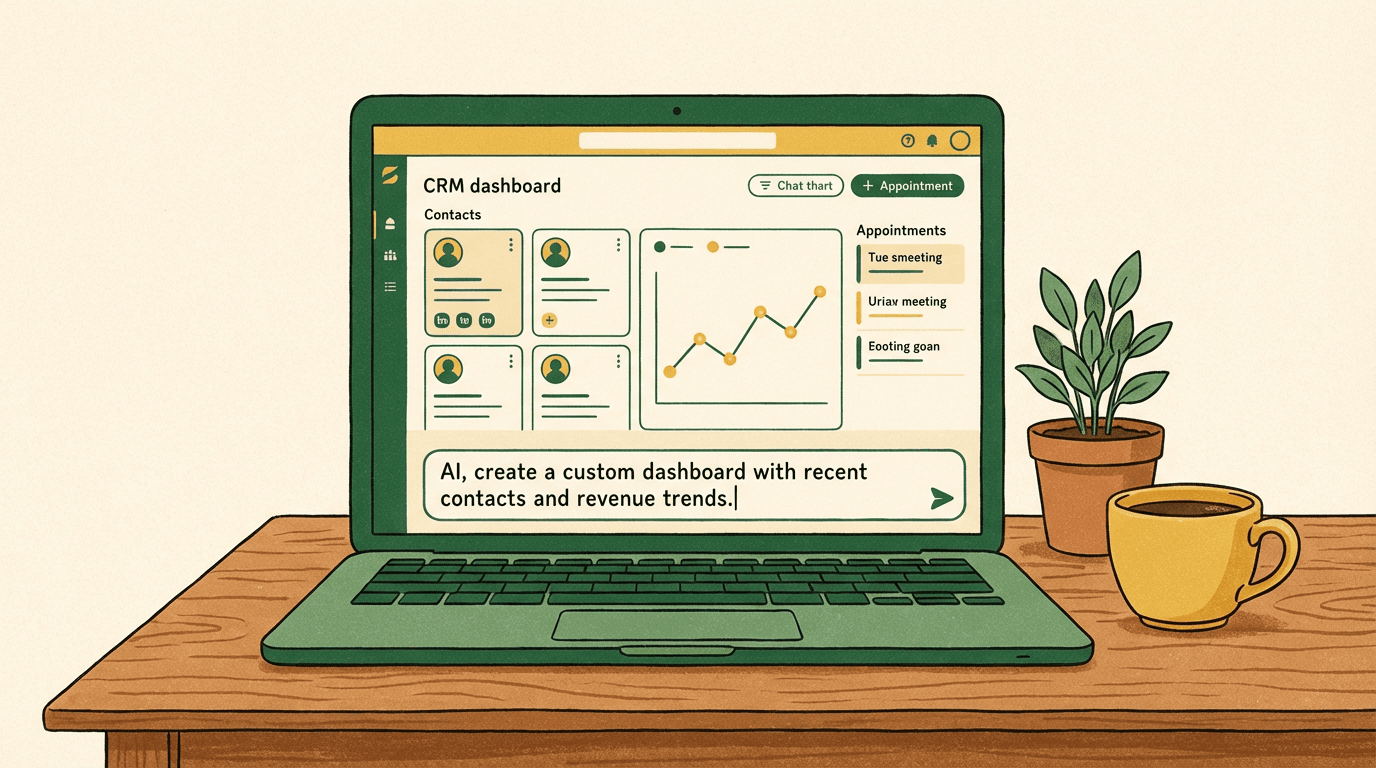
This is where things get interesting. AI no-code platforms have reached the point where you can describe your business tool in plain English and get working software back.
With YouWare, you type something like:
"Build me a customer management system with a contact list, appointment scheduler, invoice generator, and a dashboard that shows monthly revenue."
And you get a working application. Not a mockup. Not a wireframe. A functioning tool with a real database behind it.
How It Works
- Describe what you need — Type or speak your requirements in natural language
- AI generates the app — YouWare's AI creates the full application: frontend, logic, and database
- Customize visually — Use Visual Editing to tweak layouts, colors, and content without touching code
- Add your data — YouBase provides built-in database, authentication, and file storage
- Publish and share — Deploy to a custom domain or share a link with your team
The whole process takes minutes, not weeks. And if something isn't quite right? Just tell the AI what to change. It's like having a developer on call — except they respond in seconds and never charge overtime.
Five Business Tools You Can Build Today
Let's get specific. Here are five tools that small business owners are building with AI — each one replacing expensive subscriptions or messy spreadsheets.
1. Custom CRM
Track leads, manage contacts, log interactions, and automate follow-ups. Unlike Salesforce or HubSpot, your CRM has exactly the fields and workflows your business uses — nothing more, nothing less.
What to include:
- Contact database with custom fields (industry, referral source, deal size)
- Interaction timeline for each contact
- Automated email reminders for follow-ups
- Pipeline view showing deals by stage
- Search and filter by any field
2. Inventory Management System
Real-time stock tracking with low-inventory alerts. Connect it to your sales data so you know exactly when to reorder — and how much.
What to include:
- Product catalog with photos, SKUs, and pricing
- Stock level tracking with automatic alerts
- Supplier contact integration
- Reorder point calculations
- Sales velocity reporting
3. Invoice and Payment Tracker
Generate professional invoices, track payments, and see who owes you money — all in one place. No more switching between QuickBooks and your email.
What to include:
- Invoice templates with your branding
- Automatic invoice numbering
- Payment status tracking (sent, viewed, paid, overdue)
- Monthly revenue dashboard
- Client payment history
4. Appointment Scheduler
Let clients book time with you without the back-and-forth emails. Sync with your calendar and send automatic confirmations.
What to include:
- Available time slot management
- Client self-booking portal
- Automatic confirmation and reminder emails
- Calendar integration
- No-show tracking
5. Team Task Manager
Assign tasks, track progress, and keep your small team aligned. Built for how you actually work, not for how Jira thinks you should work.
What to include:
- Task creation with due dates and priorities
- Assignment to team members
- Status tracking (to-do, in progress, done)
- Simple reporting on completion rates
- Comments and file attachments
Why YouBase Changes Everything for Small Business
Here's where most no-code tools fall short: they let you build a pretty frontend, but when you need a real database, user authentication, or file storage, you're on your own.
YouBase solves this. It's YouWare's built-in backend that gives you:
- Database — Store customer records, inventory, invoices, and any structured data
- Authentication — Add user login so your team (or clients) can access the app securely
- File Storage — Upload documents, images, and attachments directly in your app
- Secrets Management — Store API keys and credentials securely (never exposed in frontend code)
All of this is included with the Pro plan at $20/month. No separate hosting fees. No database configuration. No DevOps headaches.
Pros
Cons
Getting Started: Your First Business Tool in 10 Minutes
Ready to stop duct-taping spreadsheets together? Here's how to build your first business management tool:
Step 1: Sign up for YouWare — The free plan gives you trial credits to experiment. Upgrade to Pro ($20/month) when you need YouBase for database storage.
Step 2: Describe your tool — Be specific about what you need. Instead of "build me a CRM," try: "Build a customer tracker with name, email, phone, company, deal value, and status fields. Include a dashboard showing total pipeline value and deals by stage."
Step 3: Review and iterate — Look at what the AI built. Use Visual Editing (zero credit cost) to adjust layouts and styling. Tell the AI to add features or change functionality.
Step 4: Add your data — Start entering real customer, inventory, or invoice data. YouBase stores it securely.
Step 5: Publish and share — Deploy to your custom domain or share a link with your team. Set access controls so only authorized people can log in.
That's it. No waiting weeks for a developer. No compromising with generic software. Just the tool your business actually needs.
Start Building FreeHow Real Small Businesses Use Custom Software
A freelance designer built a client portal that tracks project milestones, stores design files, and generates invoices — all from one dashboard. They replaced three separate subscriptions and saved over $80/month.
A local bakery created an order management system that lets customers place custom cake orders online, tracks ingredient inventory, and schedules production. Their previous process involved sticky notes and a shared Google Calendar.
A consulting firm built an internal knowledge base with client case studies, proposal templates, and a time tracking tool. New hires get up to speed in half the time because everything lives in one searchable system.
These aren't hypothetical examples. They're the kinds of tools that small businesses build every day with AI no-code platforms.
FAQ
I'm not technical at all. Can I really build business software?
Yes. YouWare's entire point is that you describe what you want in plain English — no coding, no technical jargon. The AI handles the code generation. You handle the business logic by simply explaining your workflow. If you can describe how your business operates, you can build software for it.
How much does it actually cost compared to off-the-shelf tools?
YouWare Pro costs $20/month and includes 3,000 credits, YouBase (database, auth, storage), and custom domain support. Compare that to a typical small business software stack: CRM ($25-75/mo) + invoicing ($15-30/mo) + project management ($10-25/mo) + scheduling ($15-30/mo). You're replacing $65-160/month in subscriptions with one $20/month platform — and getting software that's actually built for your workflow.
What if I outgrow it? Can I export my code?
Pro and Ultra subscribers can download all source code at any time. Your data lives in YouBase, which you fully control. You're never locked in. If you need to scale beyond what YouWare offers, export your code and host it anywhere.
Is my business data secure on YouBase?
YouBase runs in a private cloud environment. Your data is isolated and not shared with other users. Sensitive credentials like API keys are stored in Secrets — a secure vault that keeps them out of your frontend code. Authentication features let you control exactly who can access your app.
Can I connect my custom tool to other services I use?
Yes. You can integrate external APIs — payment processors, email services like Resend (3,000 free emails/month), mapping services, and more. Store API keys securely in YouBase Secrets, and the AI can help you set up the integrations.
Stop Managing Your Business from a Spreadsheet
Every hour you spend copying data between disconnected tools is an hour you're not spending on what actually grows your business. The tools exist now to build exactly what you need — custom, connected, and yours.
Business management software for small business doesn't have to mean expensive enterprise solutions or janky free tools. With AI no-code builders, you get enterprise-level capability at small business prices.
Your competitors are still using spreadsheets. What are you building?
Build your custom business tool today — no coding required
Get Started Free

