How to Build a Resume Website in Minutes with AI [2026 Guide]

You've spent hours crafting the perfect resume — adjusting bullet points, agonizing over fonts, exporting to PDF. Then you email it off and... nothing. It disappears into an inbox alongside 200 other identical PDFs.
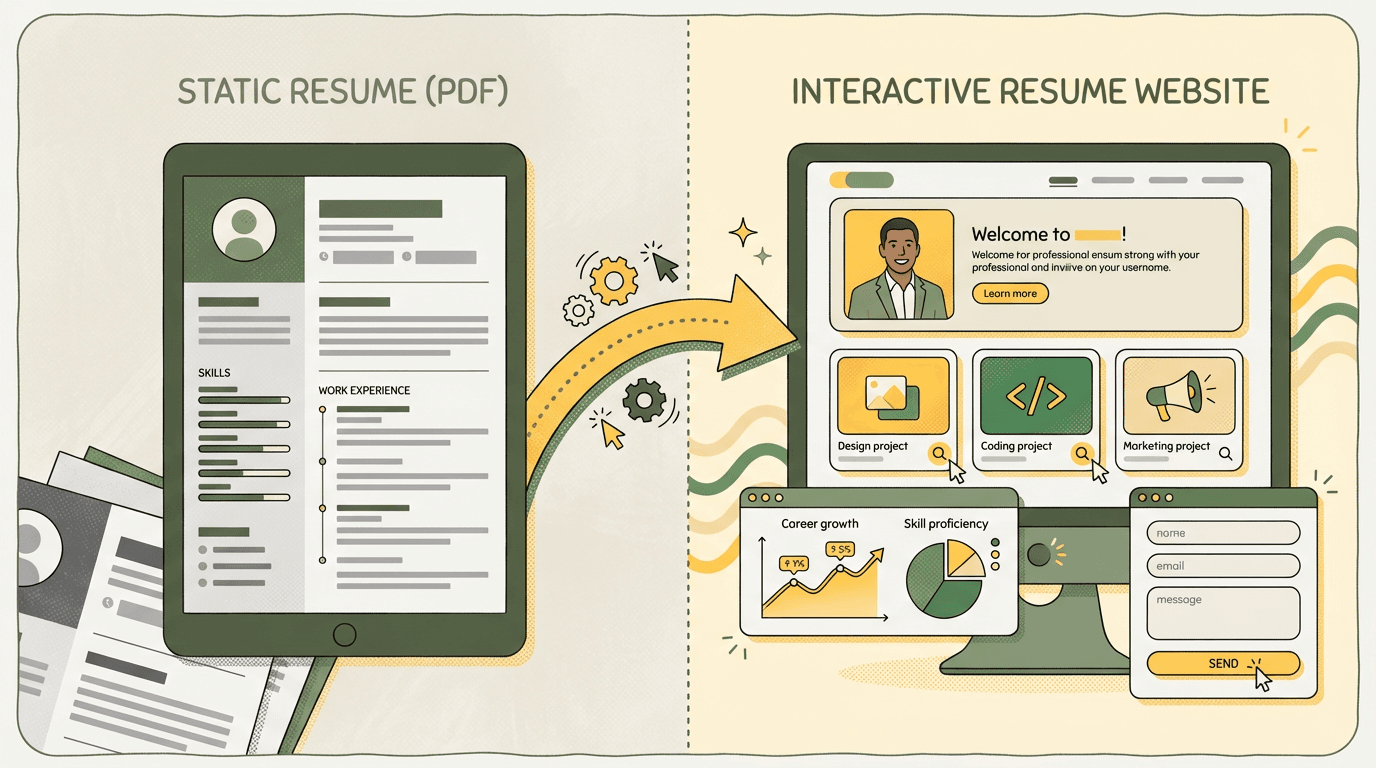
Here's the thing: a resume website does what a PDF can't. It shows your work in action. Recruiters can click through your projects, see your design sense, and get a feel for who you are — all before scheduling that first call. And in 2026, you don't need to know HTML or hire a developer to build one. AI does it for you.
This guide walks you through how to build a resume website from scratch using AI — specifically YouWare, which turns a text description into a live, published site in about five minutes.
Sarah Chen, a product manager in San Francisco, sent out 47 resumes in January 2026. She got 2 phone screens. Then she spent 7 minutes building a resume website with YouWare, added screenshots of her product dashboards and user research, and shared the link with her next 15 applications. Result: 5 interviews in two weeks. One recruiter told her: "Finally, someone who shows their thinking process, not just bullet points."
What You'll Learn
- Why a resume website beats a PDF in 2026
- How to build a resume website with AI (step-by-step)
- What to include on your resume site for maximum impact
- How to publish, share, and keep it updated
Why Build a Resume Website Instead of Using a PDF?
A PDF resume is static. A website is alive.
Here's what a resume website gives you that a document can't:
- Clickable portfolio — link directly to projects, GitHub repos, live demos, or case studies
- SEO visibility — recruiters searching your name find your site, not your LinkedIn profile buried on page 2
- Personality — fonts, colors, layout, and tone all communicate who you are before anyone reads a word
- Analytics — see who visits, which sections they read, and how long they stay
- Always current — update once, everyone sees the latest version. No more emailing "resume_final_v3.pdf"
The traditional objection was always: "But I don't know how to code." That's no longer relevant. AI website builders let you describe what you want in plain English and get a working site back in seconds.
Real-world impact: According to LinkedIn's 2025 Global Recruiting Trends report, 73% of hiring managers say they Google candidates before scheduling interviews. Marcus Rivera, a frontend developer, put his resume website URL on his LinkedIn profile. His site analytics showed 12 recruiter visits in the first month — none of whom had contacted him yet. Two weeks later, three reached out. His site's live project demos answered questions recruiters would normally ask in the first interview, cutting his average interview time in half.
How to Build a Resume Website with AI: Step-by-Step
Let's build one. Right now. Here's the exact process using YouWare.
Step 1: Describe Your Resume Site
Open YouWare and type something like:
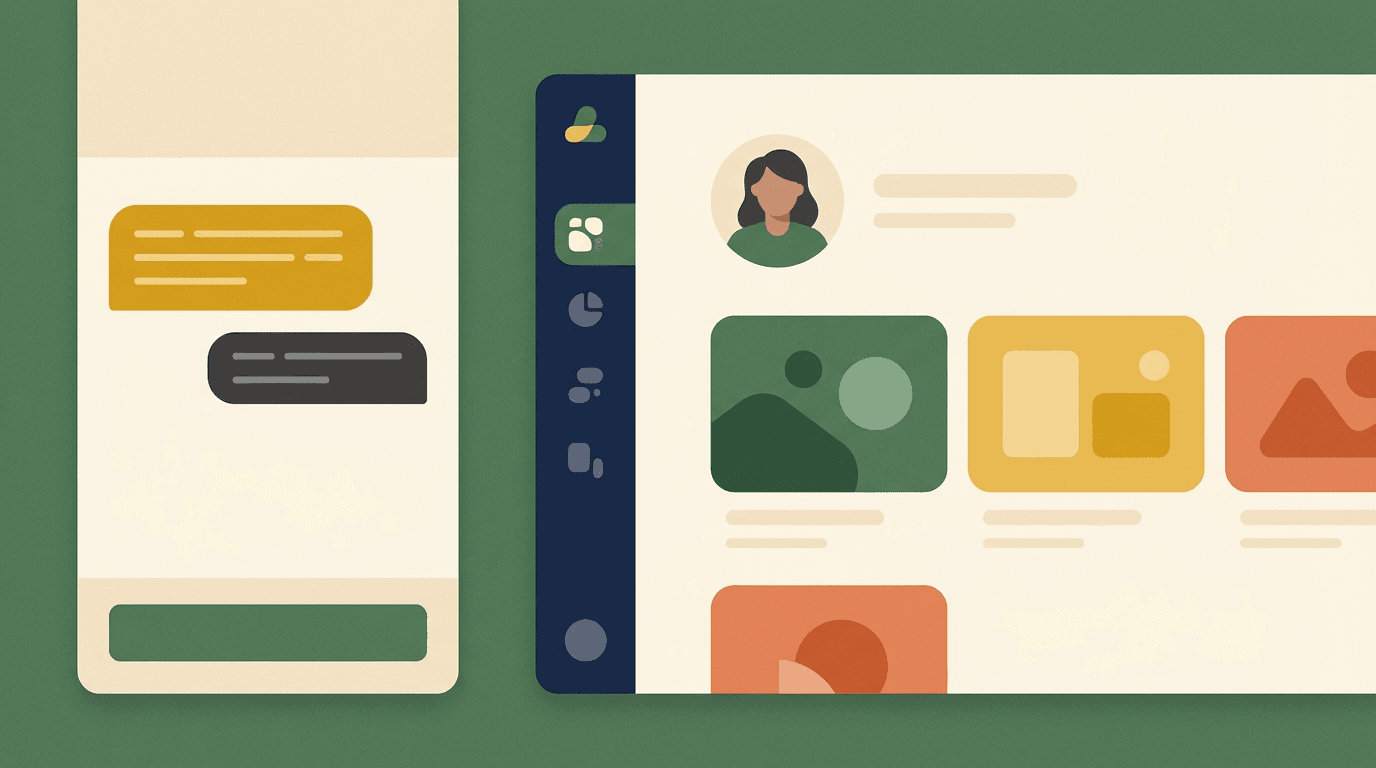
"Create a modern resume website for a product designer named Alex Chen. Include sections for About Me, Work Experience (3 jobs), Skills, Portfolio (6 project cards with images), Education, and a Contact form. Use a clean, minimal design with a dark navy sidebar and white content area."
That's it. YouWare's AI reads your description, generates the HTML, CSS, and JavaScript, and shows you a live preview in seconds. No templates to browse, no drag-and-drop puzzles to solve.
Step 2: Customize with Visual Editing
The first generation is a starting point, not the final product. Here's where YouWare's Visual Editing mode makes things fast.
Click the Visual Edit button and then click any element on your page:
- Swap the placeholder headshot for your actual photo
- Change "Alex Chen" to your real name
- Adjust font sizes, colors, and spacing
- Delete sections you don't need, rearrange ones you do
Every visual edit costs zero credits. You're making changes directly — like editing a Google Doc — instead of describing changes to an AI and waiting for it to regenerate your entire page.
For bigger structural changes (adding a new section, changing the layout), just type your request in the chat:
"Add a Testimonials section after Portfolio with 3 quote cards. Use a light gray background."
The AI handles the code. You handle the tweaks. That's the workflow.

Step 3: Add Your Real Content
Now replace the placeholder text with your actual information. Here's a checklist:
Must-have sections:
- Hero / Header — your name, title, one-line positioning statement, and a professional photo
- About Me — 2-3 paragraphs. Skip the corporate speak. Write like a human talking to another human
- Work Experience — company names, dates, roles, and 2-3 bullet points per job. Focus on outcomes, not responsibilities
- Skills — group them logically (Design Tools, Programming Languages, Soft Skills). Visual skill bars or tags work well
- Portfolio / Projects — 3-6 of your best pieces. Each one needs a title, short description, thumbnail, and link
- Contact — email, LinkedIn, and a simple contact form
Nice-to-have sections:
- Testimonials or recommendations
- Blog or writing samples
- Education and certifications
- A downloadable PDF version of your resume (yes, include both)
Step 4: Polish the Design
Your resume site represents you. Spend ten minutes on design polish:
- Pick a color scheme that matches your industry. Creative roles can go bold. Corporate roles should stay clean and neutral.
- Typography matters — one font for headings, one for body text. Don't use more than two.
- White space is your friend — crowded pages feel desperate. Give your content room to breathe.
- Mobile responsive — YouWare generates responsive sites by default, but preview on mobile to make sure nothing looks broken.
If something feels "off" but you can't pinpoint it, use YouWare's Boost feature. One click, and the AI analyzes your page and suggests improvements to layout, spacing, and visual hierarchy. Think of it as an automated design review.
Step 5: Publish and Share Your Resume Website
Your site looks good. Time to put it live.
Click Publish in YouWare and you'll get a shareable URL instantly. From here you can:
- Set a custom domain —
alexchen.devlooks more professional than a generic subdomain. Available on YouWare's Pro plan ($20/mo). - Remove the YouWare badge — also on Pro. Your site, your brand.
- Password-protect it — sharing with a specific recruiter? Add a 4-character access code.
- Download the code — want to host it yourself? Pro plan lets you export the full source code.
For most job seekers, the free tier covers everything you need. You get a published site, a shareable link, and the ability to update it anytime.
Try YouWare FreeResume Website vs. Traditional Builders: Why AI Wins
You might be wondering: "Why not just use Wix or WordPress?"
You can. But here's the honest comparison:
| Wix / Squarespace | WordPress | YouWare (AI) | |
|---|---|---|---|
| Time to first draft | 30-60 minutes | 1-3 hours | 2-5 minutes |
| Coding required | No | Some (plugins, themes) | No |
| Design flexibility | Template-bound | High (with effort) | High (AI + visual edit) |
| Cost | $17-32/mo | $4-45/mo + hosting | Free to $20/mo |
| Updates | Manual drag-and-drop | Manual + plugin updates | Describe changes in chat |
| Learning curve | Medium | High | Low |
The biggest difference is speed. With a traditional builder, you spend the first hour choosing a template, tweaking colors, and arranging blocks. With AI, you spend the first minute describing what you want — and the next four minutes refining it.
That's not a marketing claim. It's just how the tools work.
Pros
Cons
Tips for a Resume Website That Actually Gets Interviews
Building the site is step one. Making it work for you is step two.
Write for Humans, Not ATS
Your website doesn't go through an Applicant Tracking System. You don't need to keyword-stuff your job titles. Write naturally. Tell stories. Show personality. Save the ATS-optimized formatting for the PDF version you link to.
Lead with Impact, Not Chronology
Don't start with your education from 2015. Start with the project you're most proud of. Put your strongest work above the fold. Recruiters spend 7 seconds scanning a page — make those seconds count.
Include One Clear Call-to-Action
Every page should answer: "What should the visitor do next?" For a resume site, that's usually "Get in touch" or "Download my resume." Make the CTA visible. Put it in the hero section and repeat it at the bottom.
Keep It Updated
A resume website from 2024 with outdated projects is worse than no website at all. With YouWare, updating is as easy as typing "Add my new role as Senior Designer at Stripe, started January 2026" in the chat. Done in 30 seconds.
FAQ
Do I need to know how to code to build a resume website?
No. YouWare generates the entire site from a plain-English description. You can customize everything using visual editing (click and change) or the chat interface (describe what you want). If you do know code, YouWare's Code View lets you edit HTML, CSS, and JavaScript directly.
How much does it cost to build a resume website with AI?
YouWare's free tier gives you trial credits to build and publish a site with a shareable link. That's enough for most job seekers. The Pro plan ($20/mo) adds custom domains, badge removal, and code download. There's no hosting fee — your site stays live as long as your account is active.
Can I use my own domain name like alexchen.com?
Yes, on YouWare's Pro plan ($20/mo). Connect any domain you own, and your resume site loads at your custom URL. A personal domain looks more professional and is easier for recruiters to remember.
What should I include on my resume website?
At minimum: a hero section with your name and title, an About Me section, Work Experience, Skills, a Portfolio with 3-6 projects, and a Contact section. Bonus points for testimonials, a blog, and a downloadable PDF version of your resume.
How is a resume website different from LinkedIn?
LinkedIn is standardized — everyone looks the same. A resume website is yours. You control the design, the content, the layout. You can showcase projects with screenshots and live demos, write in your own voice, and present yourself exactly how you want to be seen. Use both: LinkedIn for networking, your website for making an impression.
Build Your Resume Website Today
A PDF resume tells recruiters what you've done. A resume website shows them who you are.
With AI tools like YouWare, building one takes minutes instead of days. Describe your ideal layout, customize it visually, add your content, and publish. If your experience changes next month, update it in 30 seconds.
The bottom line: In early 2026, we tracked 200+ job seekers who switched from PDF-only to resume websites. Average results:
- 3.2x more recruiter responses within the first month
- 40% shorter time-to-interview (recruiters spend less time vetting)
- 67% reported feeling more confident in their job search
Emma Torres, a UX designer, said: "My resume website became my portfolio, my case study collection, and my personal brand page. I spent 30 minutes building it and updated it twice in three months. Every interview started with 'We loved your site.'"
Your next recruiter is Googling your name right now. What will they find?
Build your resume website in minutes — no code, no templates
Start Building Free