

Build Clickable Product Flows with an AI Prototype Generator
An AI prototype generator helps teams turn product ideas, user flows, and screen requirements into a clickable prototype they can review and improve. YouWare generates editable browser-based prototypes from natural language so product managers, designers, founders, and teams can validate faster and iterate with less friction.
Free to start · Browser-based and editable
Trusted by 1M+ creators. Featuring integrations from:

What Is an AI Prototype Generator?
An AI prototype generator helps you move from product idea to a clickable prototype without waiting for every screen to be designed manually first. Instead of treating prototyping as a separate, slow handoff step, teams can describe the goal, user flow, and key screens in plain language, generate a first version in the browser, and immediately start reviewing what works and what needs to change.
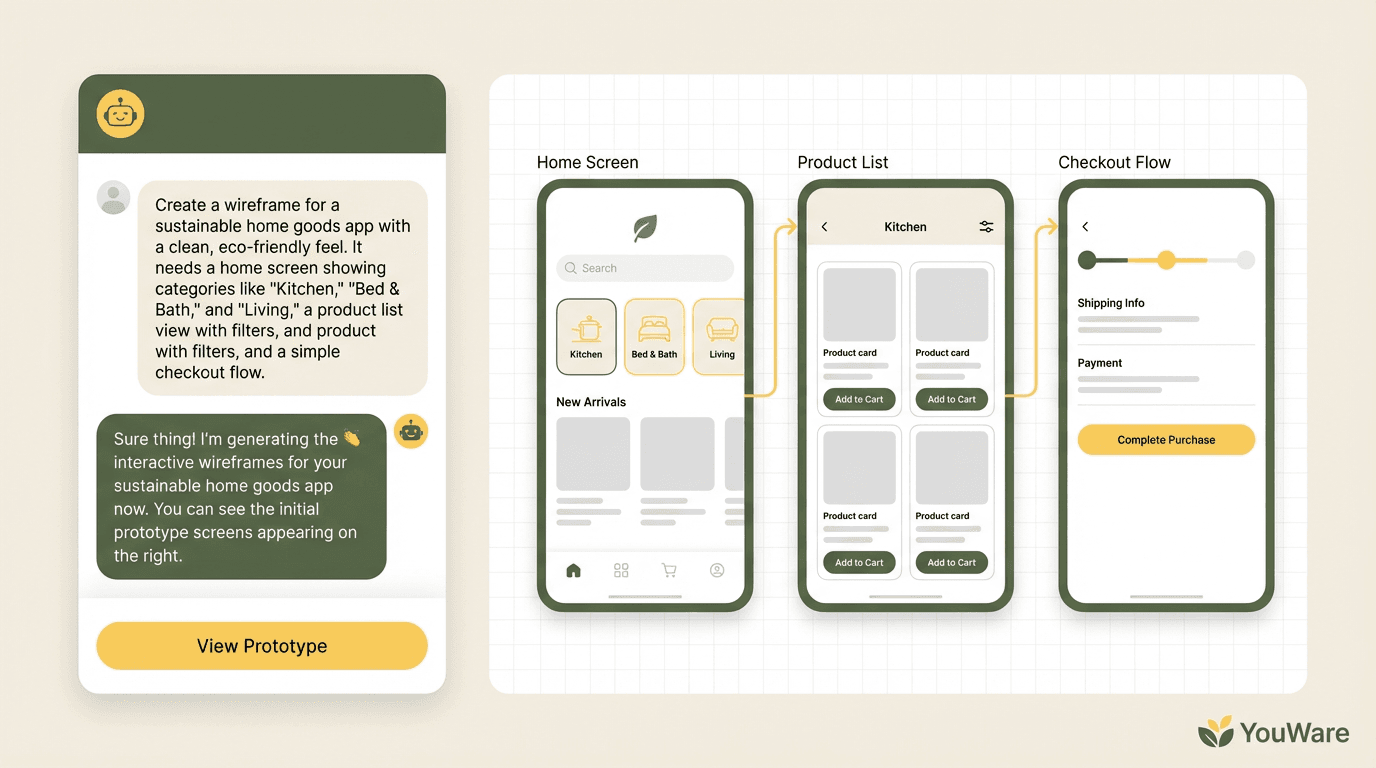
Turn Ideas Into Clickable Screens
Describe the product concept, target user, and key workflow in natural language. YouWare can generate an initial browser-based prototype with screens, interface structure, and flow logic that stakeholders can actually click through. That makes early discussion more concrete than static notes or verbal descriptions.
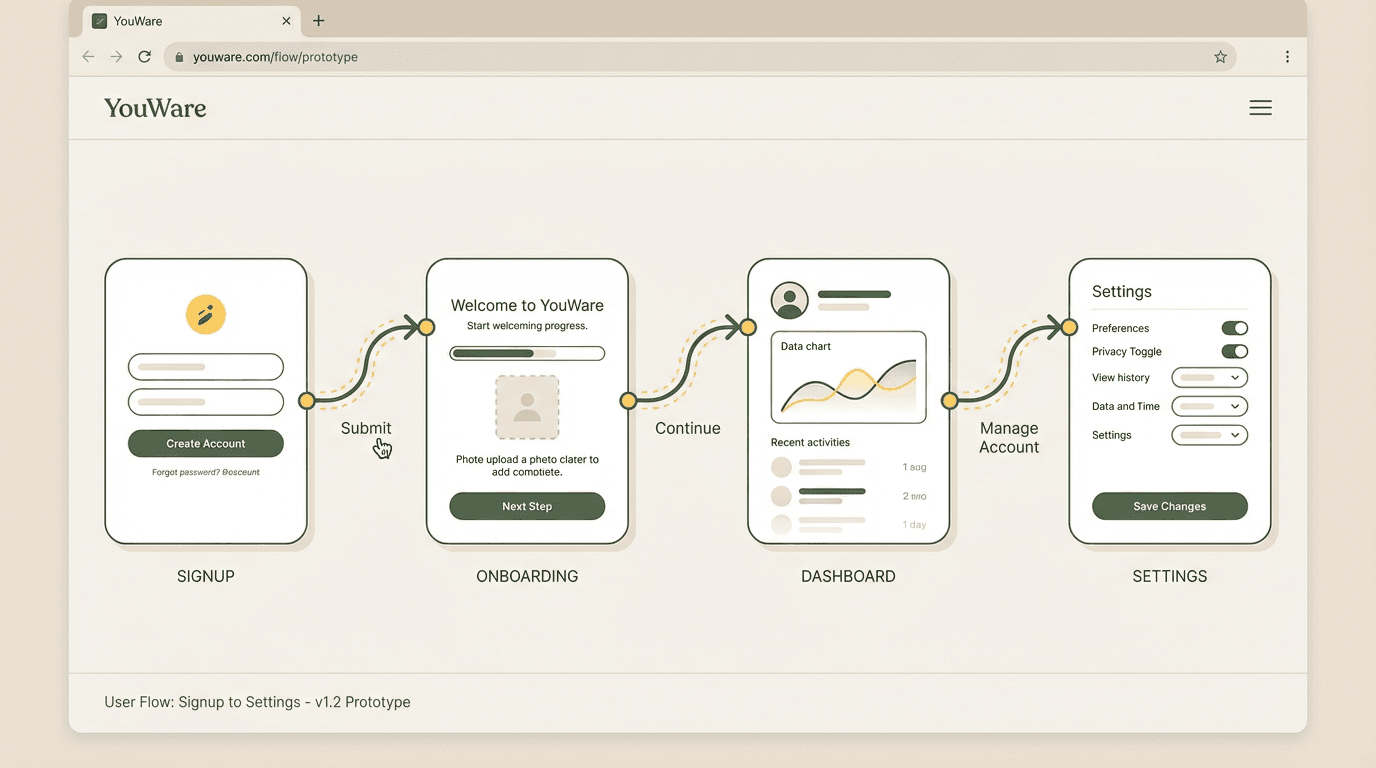
Prototype Around User Flows, Not Just Screens
A good prototype is not only a collection of screens. It should show how users move from one step to the next. YouWare helps teams frame prototypes around onboarding, approval loops, dashboards, forms, and other flows so they can validate the interaction path instead of only the visual surface.
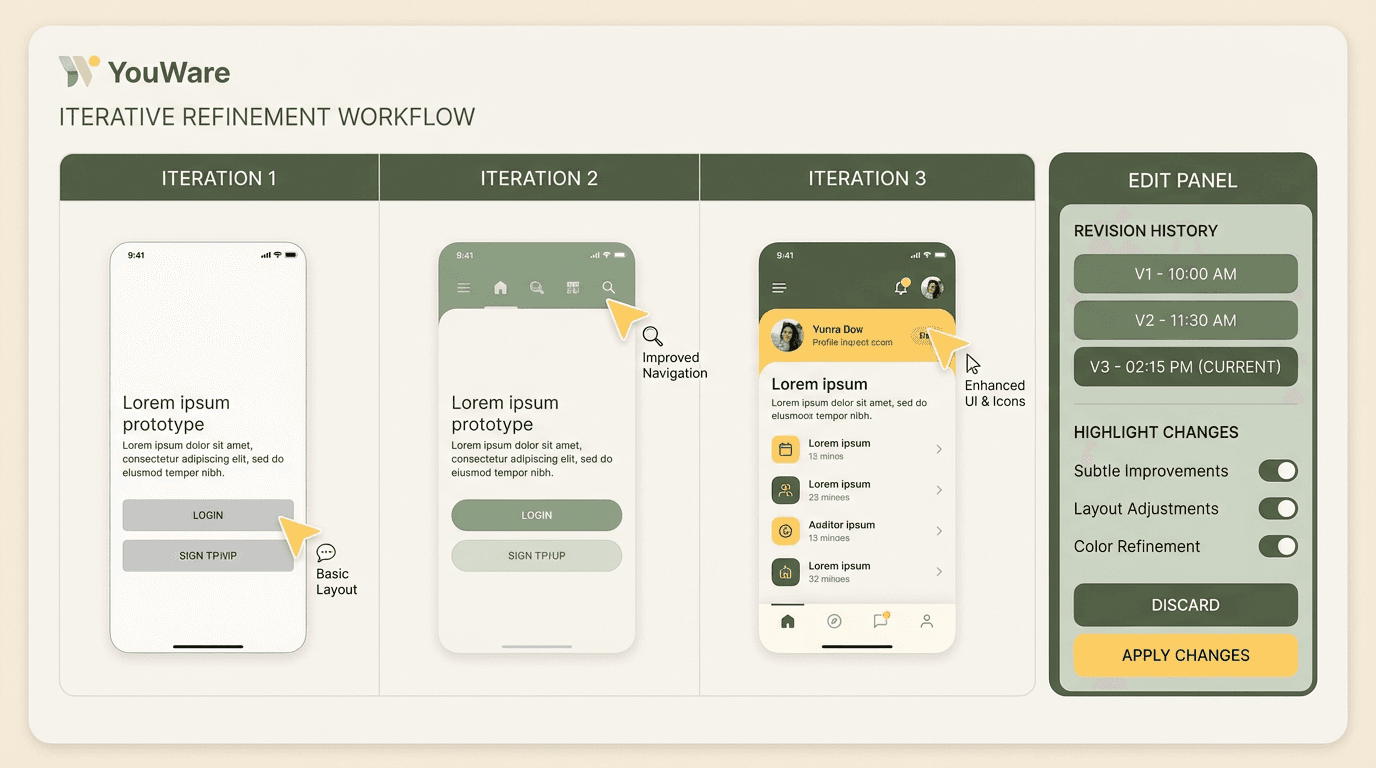
Built for Fast Validation and Revision
Prototype work is useful only when it is easy to change. After generation, teams can refine copy, reorder sections, add missing states, and adjust interaction logic. That lets product managers, designers, and founders keep learning from feedback instead of freezing the prototype too early.
Why AI Prototyping Matters for Product Teams
Teams often lose speed between the first product idea and the first thing users can react to. AI prototyping reduces that gap. Instead of waiting for multiple rounds of wireframing and handoff before validation starts, teams can create a prototype early, test assumptions sooner, and keep improving the same asset as they learn.
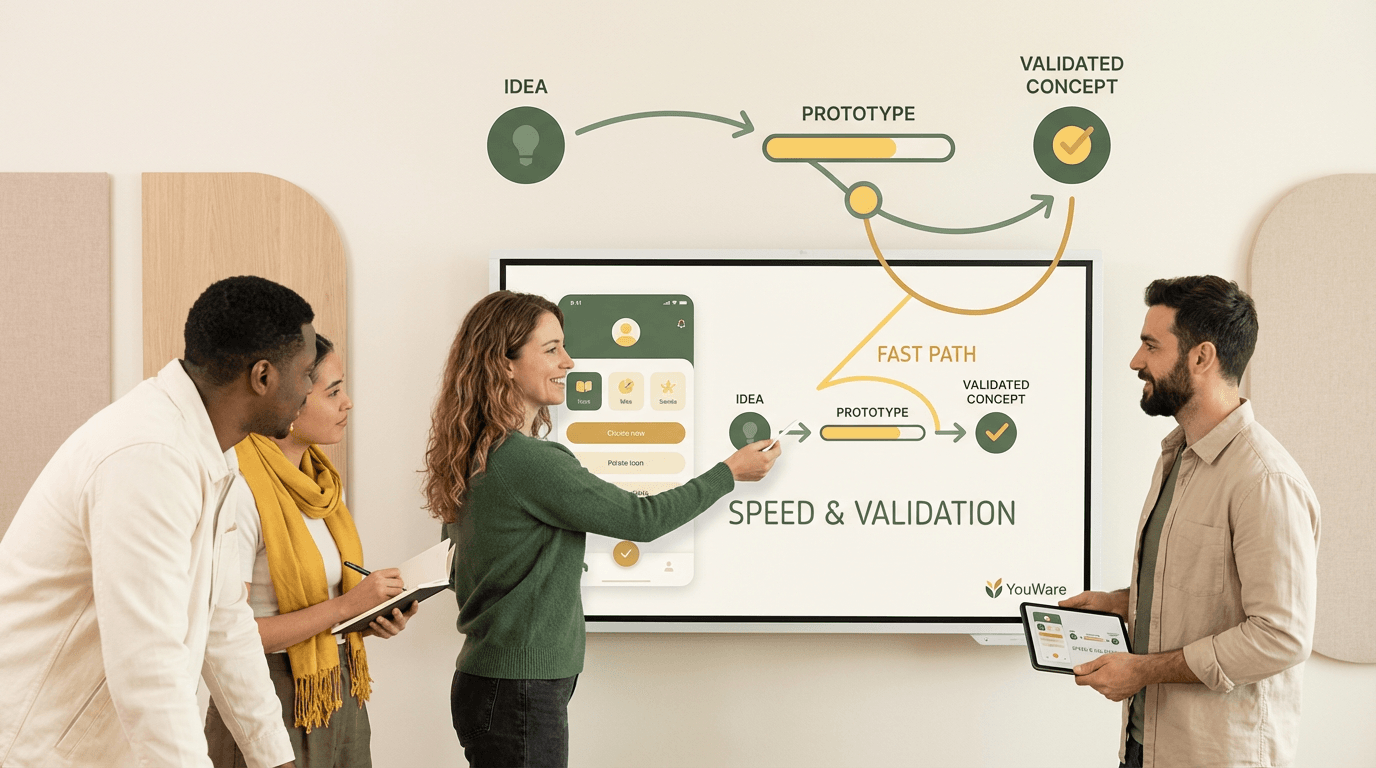
Validate Flows Before Full Build
When the question is whether a flow makes sense, you usually do not need a full production build yet. You need something clickable enough to review navigation, screen sequence, and user understanding. YouWare helps teams get to that stage quickly so they can test direction before investing more deeply.
Align Product, Design, and Founders Faster
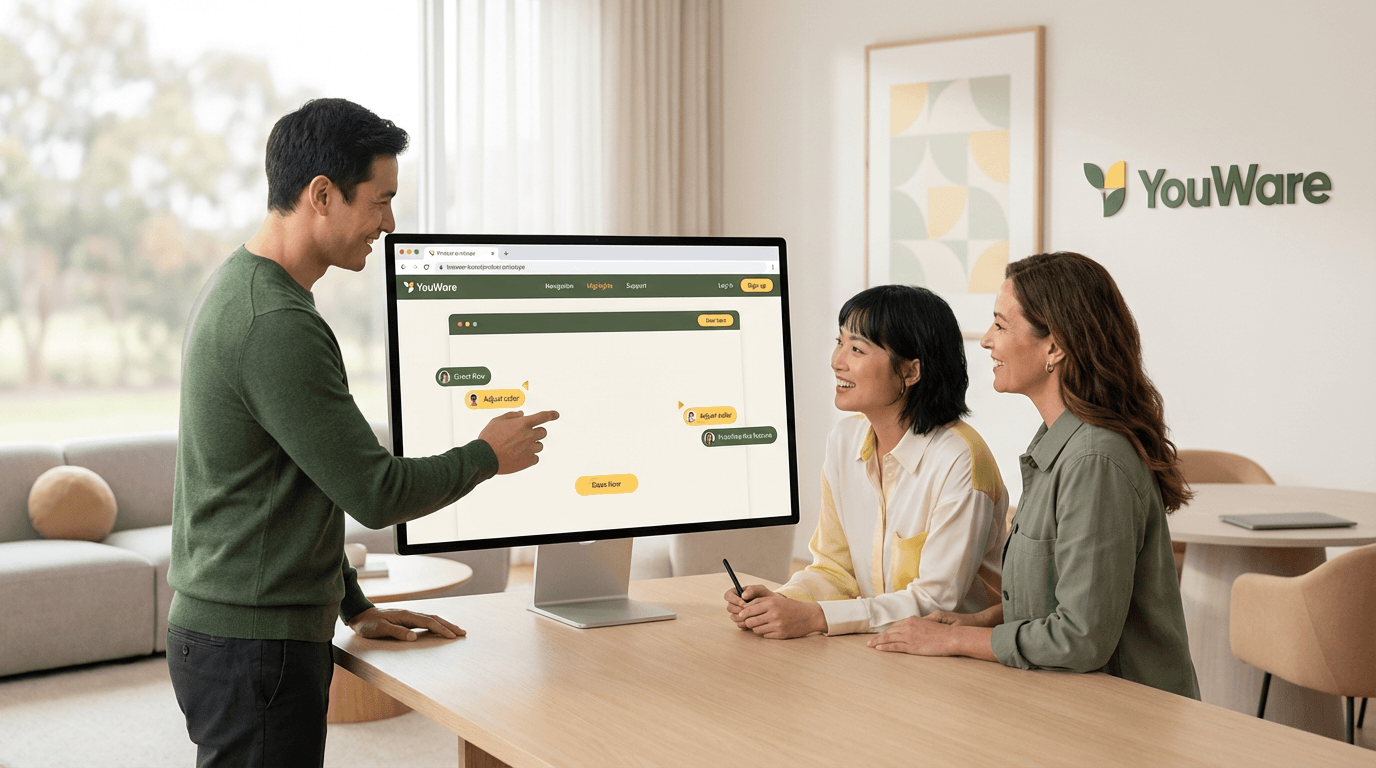
A browser-based prototype gives teams a shared object to react to. Product managers can explain intent, designers can refine interface details, and founders can judge whether the concept is clear enough to show. CoView also helps reviewers record screen and voice feedback so AI can understand what to revise next.
Keep Iterating Toward Real Product Creation
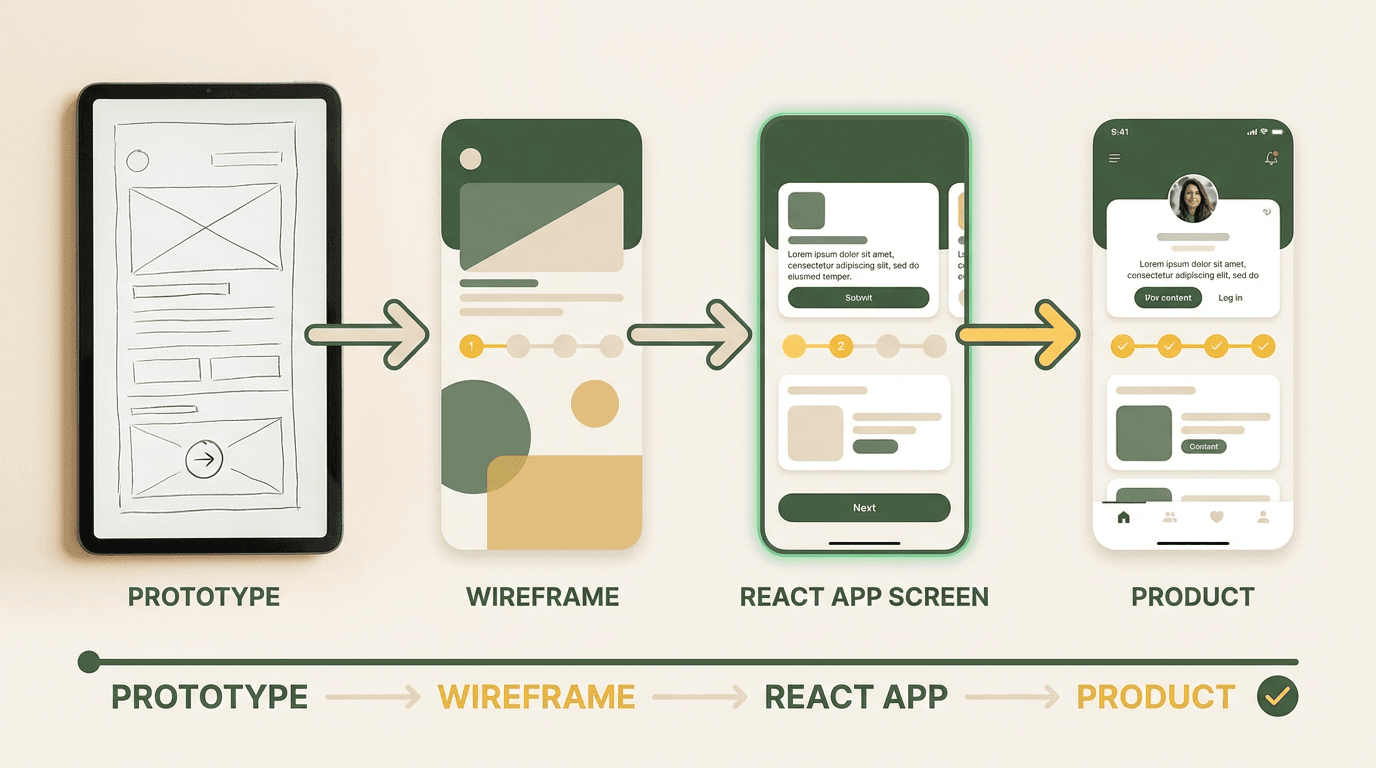
The strongest prototype workflow is one that does not dead-end after review. YouWare is useful here because it supports browser-based real product creation, not only static mockups. Teams can start with prototype intent, refine screens and flows, and continue evolving the result as requirements become clearer.
Key Capabilities for AI Prototype Generation
If you are comparing prototype tools, these are the capabilities that matter when your goal is to create testable, editable product flows rather than only static design artifacts.
How to Use an AI Prototype Generator in 3 Steps
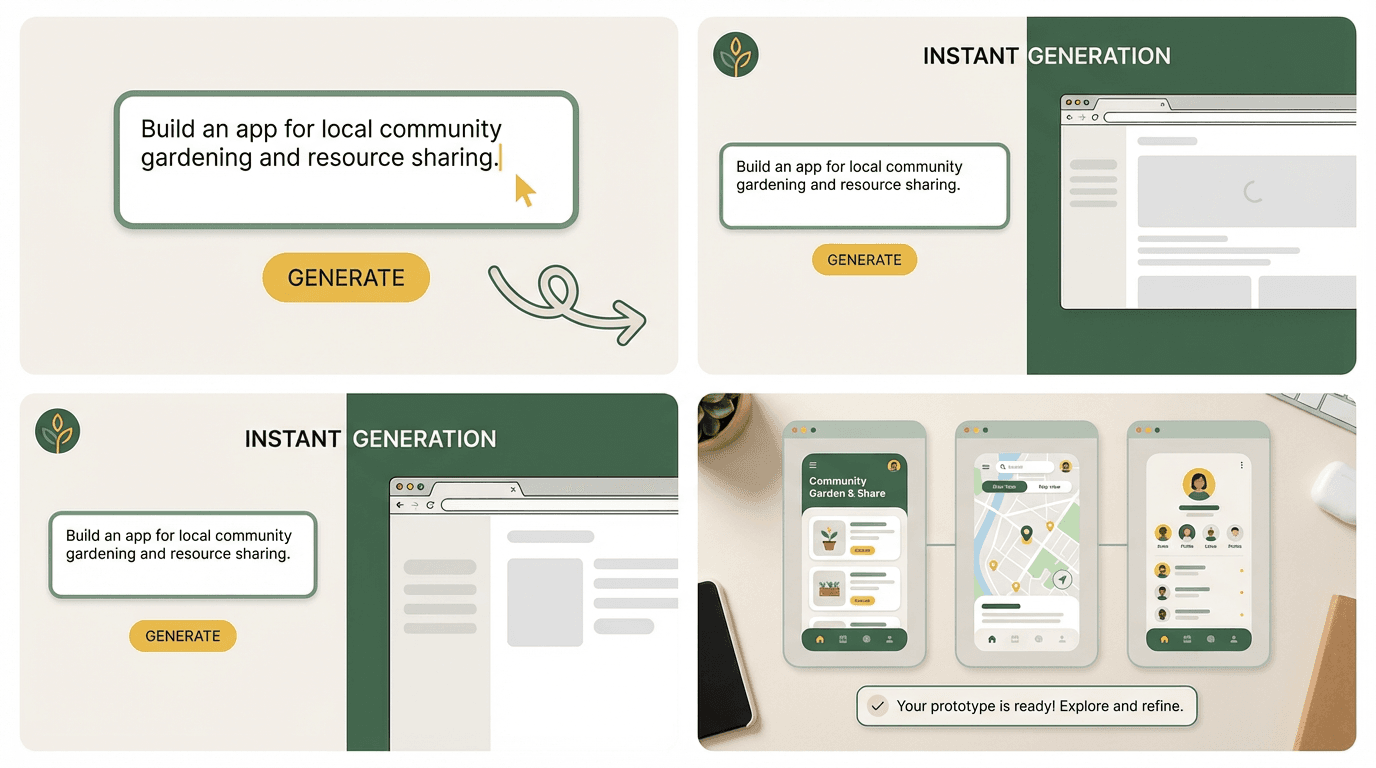
1. Describe the Product Idea and Flow
Start with who the prototype is for and what users need to accomplish. For example, you might describe an onboarding flow, a task approval dashboard, a marketplace checkout path, or a scheduling app with booking confirmation. Clear user intent and screen sequence lead to a more useful first prototype.
2. Generate Screens and Review the Journey
YouWare creates a browser-based prototype you can click through. Review whether the main screens exist, whether the sequence feels right, and where users might get confused. This is the stage for validating scope, structure, and clarity before polishing too early.
3. Iterate, Validate, and Share
Refine the screens, adjust copy, add missing states, and improve the flow based on stakeholder or user feedback. Then share the prototype for additional review and keep iterating until the direction is strong enough to carry into the next product step.
YouWare vs Traditional Prototyping vs Other Tools
What Teams Like About Prototyping with YouWare
Prototype Use Cases You Can Build on YouWare
MVP and Startup Concepts
Founders can turn early ideas into shareable prototypes for fundraising conversations, user interviews, or team alignment. The value is not only speed but also having something concrete enough to discuss and improve.
Product and UX Validation
Product managers and designers can build onboarding flows, dashboards, checkout experiences, and internal workflows to test whether navigation, content, and next-step logic are clear before deeper implementation.
Internal Team Reviews and Client Demos
Agencies, consultants, and cross-functional teams can use clickable prototypes to show concepts to clients or internal stakeholders, gather comments, and rapidly revise direction without a slow design-development loop.
AI Prototype Generator: Frequently Asked Questions
An AI prototype generator turns a product idea, user flow, or feature request into a clickable prototype or early working web experience. Instead of drawing every screen manually before you can test anything, you can describe the workflow, generate an initial version, and iterate from there. On YouWare, that process stays browser-based and editable so teams can move from rough idea to testable prototype faster.
Related YouWare Features
Explore nearby workflows if you want to move from prototype ideas into websites, dashboards, portfolios, and full app building.

