

Build a Freelancer Portfolio Site You Can Actually Share
A freelancer portfolio builder helps independent creators turn their work, services, and contact information into a portfolio website clients can review. YouWare lets designers, developers, photographers, consultants, and other freelancers generate an editable browser-based portfolio site, refine the message, and publish faster.
Free to start · Shareable in the browser
Trusted by 1M+ creators. Featuring integrations from:

What Is a Freelancer Portfolio Builder?
A freelancer portfolio builder helps independent professionals create a site that explains what they do, shows examples of their work, and gives prospects a reason to get in touch. Instead of assembling every page manually, you can generate a strong first version, then refine positioning, case studies, trust signals, and calls to action until the site reflects how you want to sell your services.
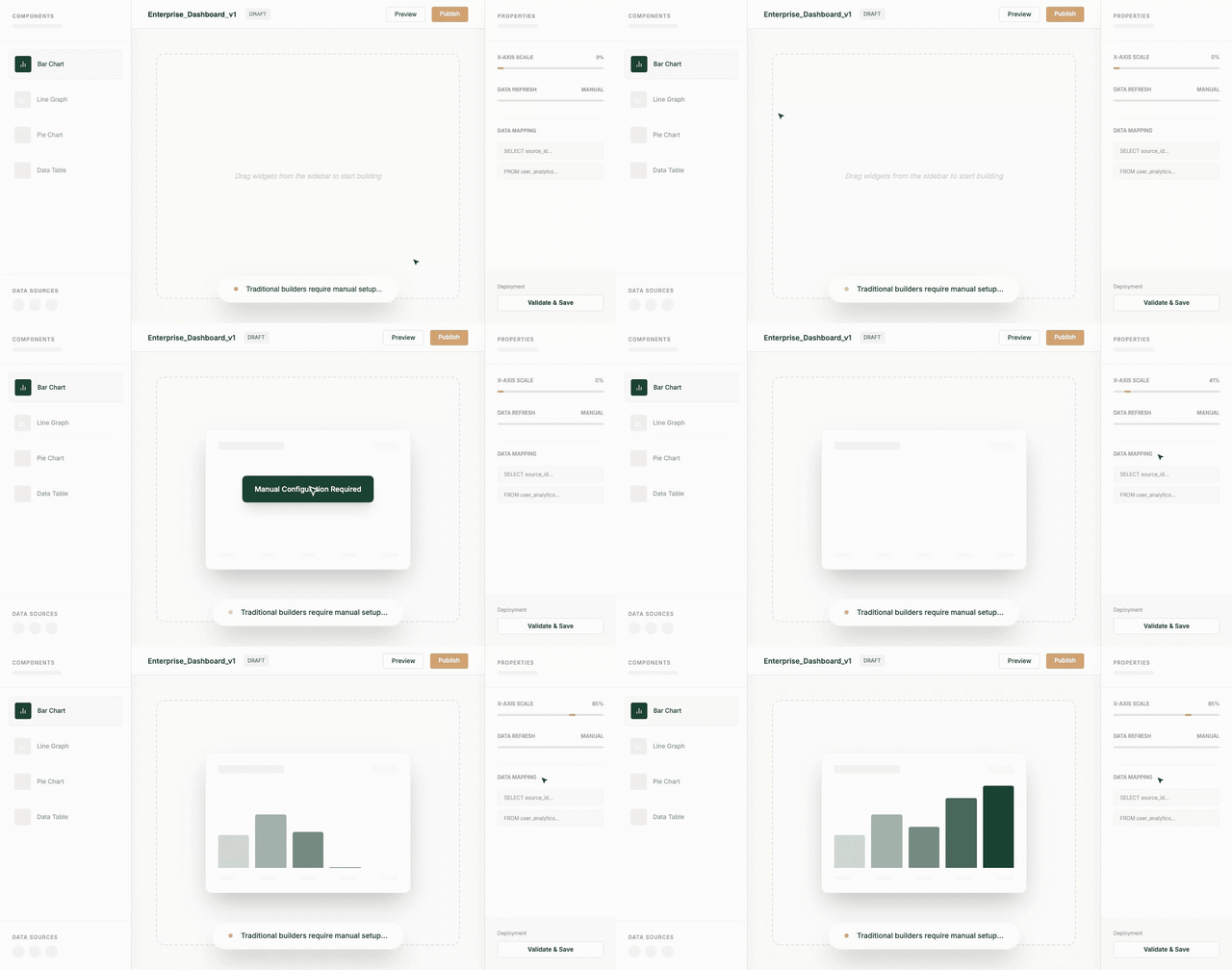
Show Your Best Work Clearly
A good portfolio site makes it easy for clients to understand what you have done and whether you can solve a similar problem for them. YouWare helps freelancers organize projects, visual examples, and short case-study style explanations into a site that is easier to review than a scattered set of links or social posts.
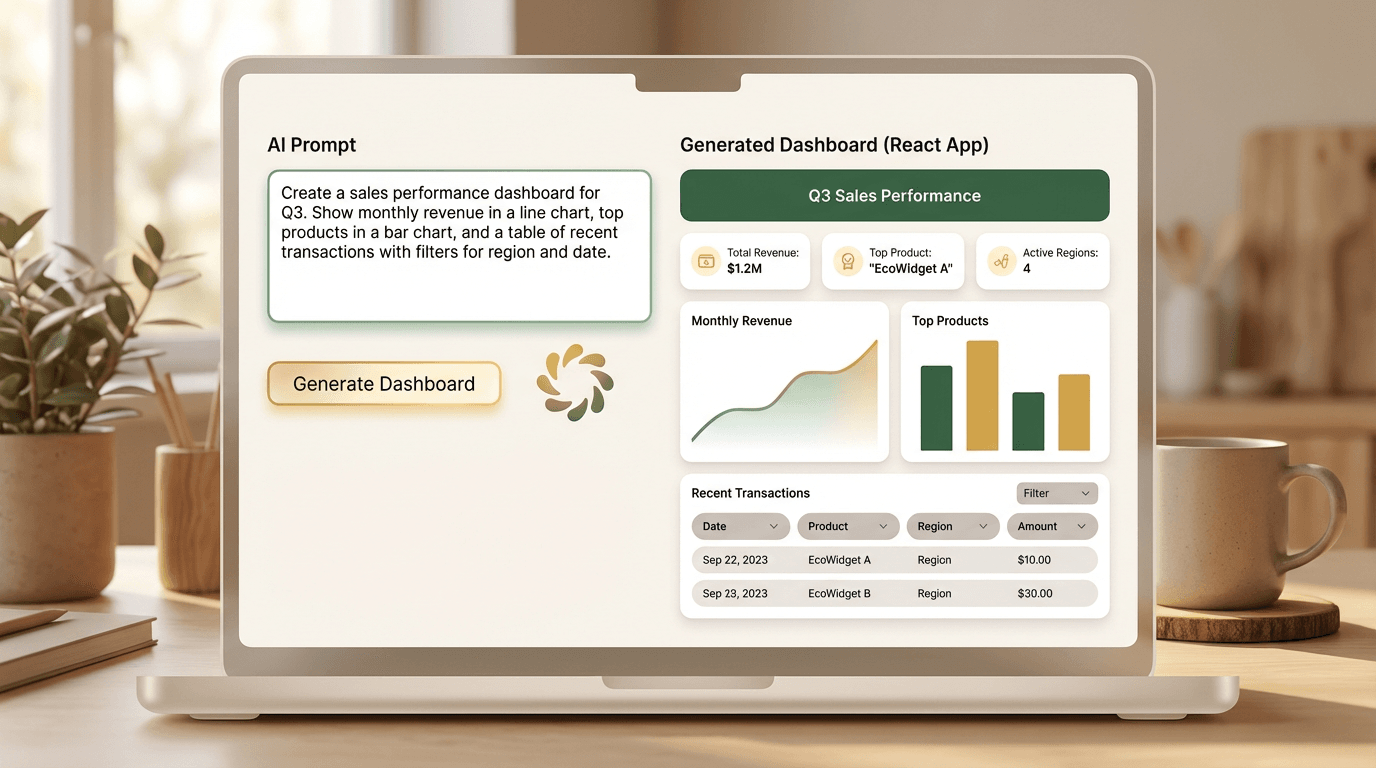
Explain Services and Positioning
Clients do not only look for examples. They also want to know what you offer, who you work with, and what kind of outcomes you help create. A freelancer portfolio builder should make room for service descriptions, working style, niche focus, and the kind of projects you want to attract.

Turn Browsing Into Contact and Conversion
A portfolio should help someone take the next step. That might mean sending an inquiry, booking a call, requesting a quote, or replying to your outreach. YouWare helps you build a portfolio site with clear contact pathways so the site can support conversion, not just passive display.
Why Freelancer Portfolio Sites Matter
Freelancers often rely on referrals, social profiles, or PDFs to explain their work. Those can help, but they rarely give prospects a clean, confident path to understand your offer. A portfolio site gives you a reusable place to showcase projects, establish credibility, and make it easier for the right clients to reach out.
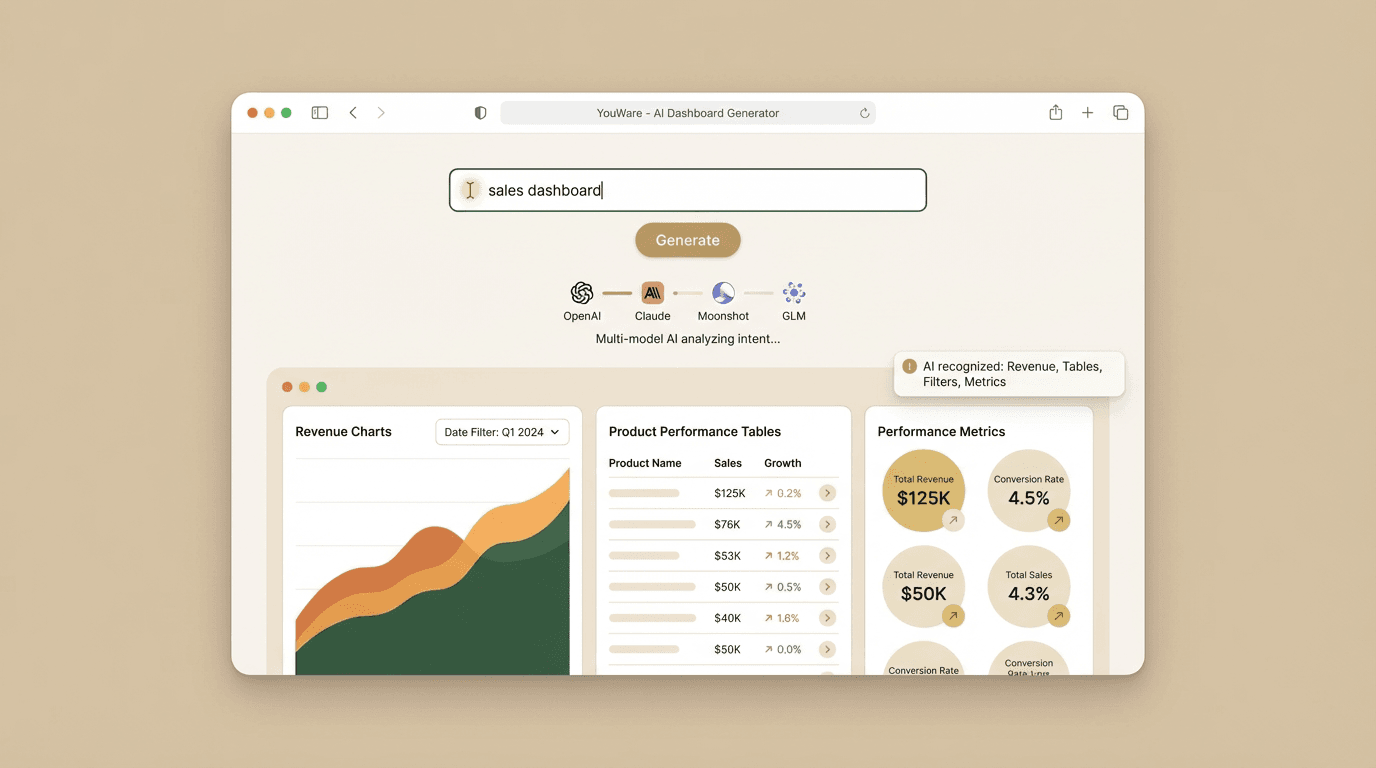
Build Trust Faster
Potential clients usually make a first judgment quickly. When your work samples, service scope, and contact details live in one clear site, it is easier to look credible and professional. That matters whether you are a solo designer, developer, photographer, consultant, or other independent creator.
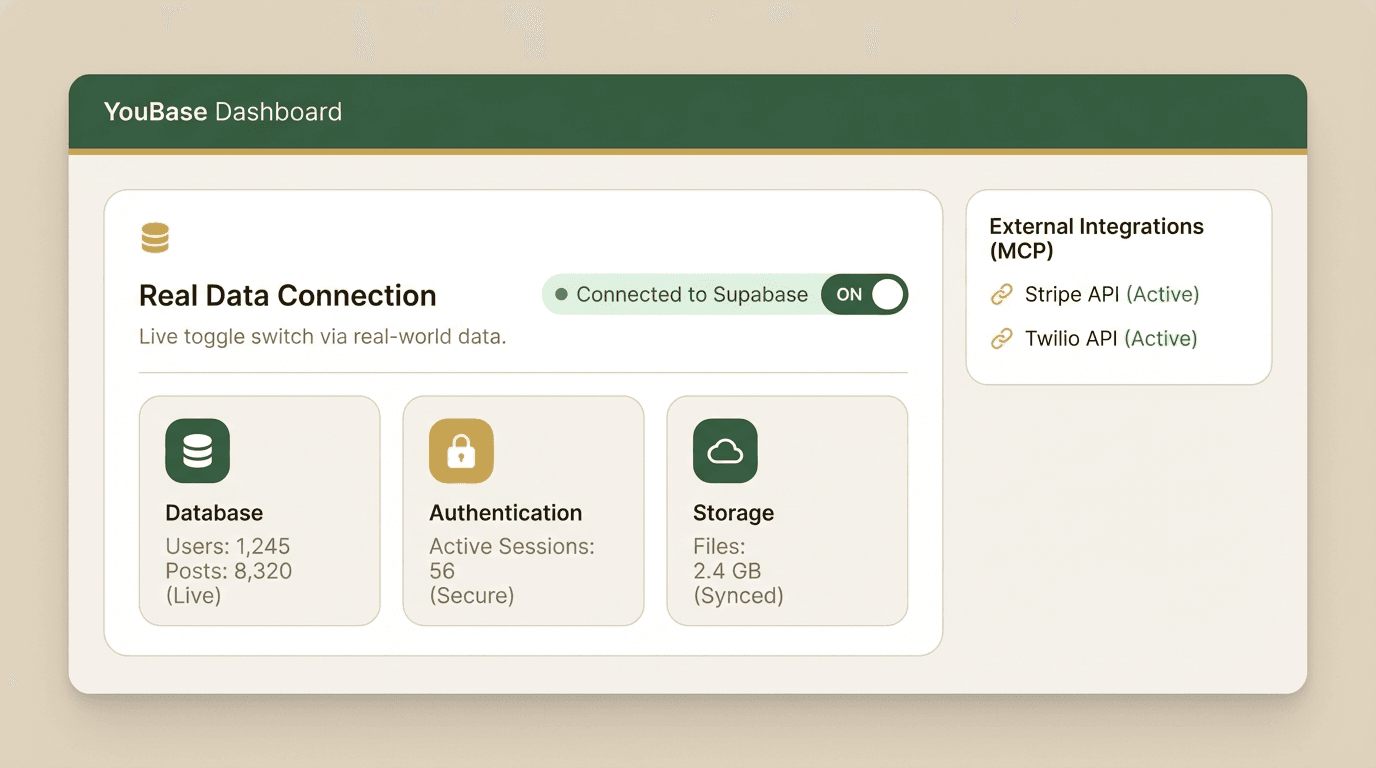
Improve Outreach and Referrals
A portfolio site gives you a single link to send in outreach emails, proposals, and referral conversations. Instead of attaching files or explaining everything from scratch, you can share a page that immediately shows who you are, what you do, and why a client should keep reading.
Keep the Story Updated as Your Work Changes
Freelance work evolves. New projects replace old ones, services become more specialized, and your positioning gets sharper over time. YouWare makes it easier to update your portfolio site in the browser so it keeps matching the kind of clients and work you want next.
Key Capabilities for a Strong Freelancer Portfolio Builder
If you want a portfolio site that helps win work, these are the capabilities that matter most.

How to Build a Freelancer Portfolio in 3 Steps
1. Define Your Audience and Offer
Start by describing the kind of clients you want, what service you provide, and how you want to position yourself. For example, you might be a freelance product designer focused on SaaS, a developer who builds internal tools, a photographer specializing in brands, or a consultant selling strategy packages.
2. Generate the Portfolio Structure
YouWare creates a browser-based portfolio site with key sections such as introduction, selected work, services, about, trust-building details, and contact. Review whether the story is clear and whether the showcased projects support the kind of work you want more of.
3. Refine, Publish, and Share
Adjust copy, update projects, improve calls to action, and make your contact path obvious. Then publish the portfolio site and use the link in proposals, emails, social profiles, and client conversations. Keep iterating as your portfolio and business evolve.
YouWare vs Traditional Portfolio Building vs General Site Builders
What Creators Like About Building Portfolio Sites with YouWare
Freelancer Portfolio Use Cases
Designers and Developers
Show selected projects, explain your process, and make your niche clear so clients understand the type of digital work you deliver. This helps turn a vague portfolio into a more persuasive service site.
Photographers and Visual Creators
Use the site to organize visual work, present style or specialization, and guide prospects toward inquiry. A strong portfolio site can help move beyond social platforms alone.
Consultants and Solo Experts
Consultants, strategists, and other independent experts can use a portfolio site to package case studies, clarify offers, and present credibility in a format that is easier for prospects to evaluate and share internally.
Freelancer Portfolio Builder: Frequently Asked Questions
A freelancer portfolio builder helps independent professionals create a shareable site that shows their work, services, contact details, and credibility. Instead of piecing everything together from scratch, you can generate a first version quickly and then refine case studies, positioning, and layout in the browser.
Related YouWare Features
Explore more ways to create professional sites, prototypes, and apps in the browser.

