

Minecraft Banner Maker
Describe your flag — get the layered banner design plus the exact loom recipe to craft it in-game. Faction sigils, national flags, base decor. No trial-and-error at the loom.
Free to start · Includes step-by-step loom recipes
Trusted by 1M+ creators. Featuring integrations from:

How to Create Your Minecraft Banner
Step 1: Describe Your Flag
Tell the AI what your banner should look like — 'a purple and gold royal sigil for my castle' or 'a skull flag for our pirate faction.' Mention colors, the motif, and where it will hang. The more specific, the closer the first result.
Step 2: Preview the Layered Design
The AI composes your banner from real Minecraft patterns — base color, then up to six pattern layers like stripes, crosses, borders, gradients and charges. You see the finished banner and every layer that builds it.
Step 3: Craft It with the Loom Recipe
Get the step-by-step loom recipe: which dye and which pattern to apply at each layer, in order. Follow it at a loom in-game and your banner comes out exactly as previewed. Share the link so your whole faction flies the same flag.
From Idea to Loom Recipe in One Step
Other banner tools make you drag layers by hand. Here you describe the flag and get the layers.
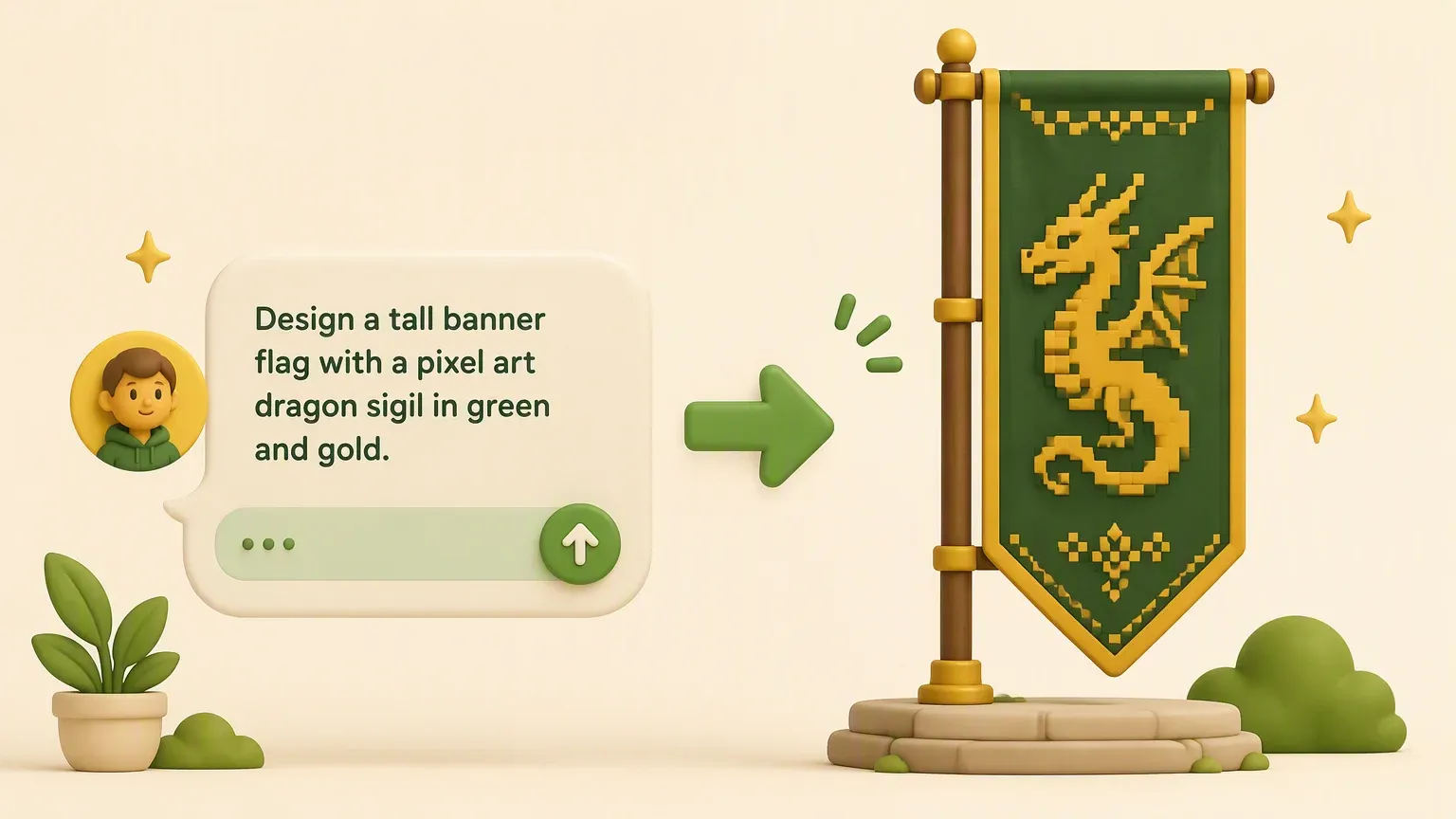
AI Design from a Description
Skip the layer-by-layer trial and error. Describe the flag you're imagining — a faction sigil, a kingdom crest, a shop sign — and the AI proposes a layered design that's actually craftable with in-game patterns and dyes.
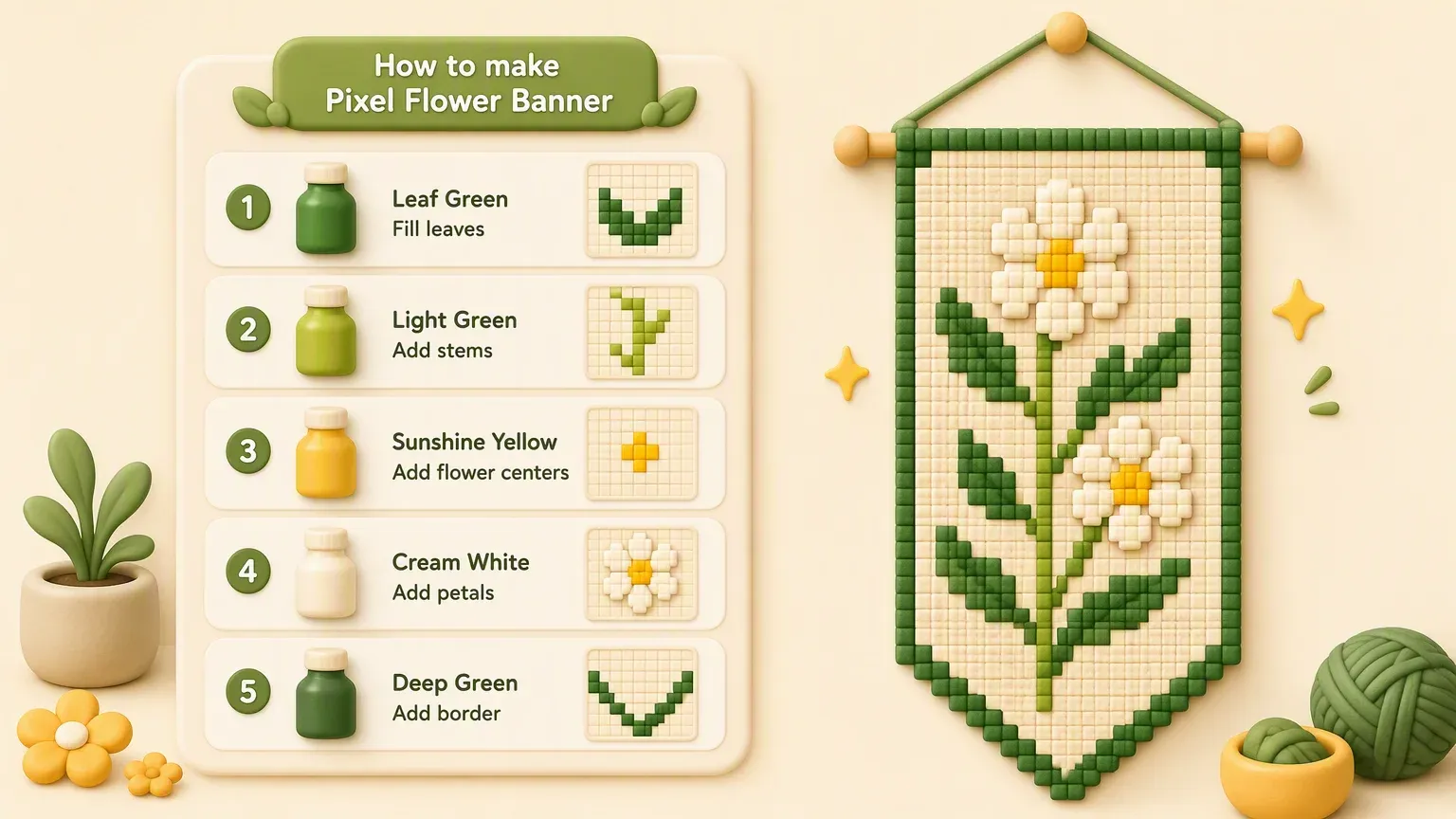
Step-by-Step Loom Recipes
Every design comes with its crafting recipe: base wool color, then each loom step in order — dye, pattern, repeat. No screenshots to reverse-engineer. Follow the list and the in-game result matches the preview.
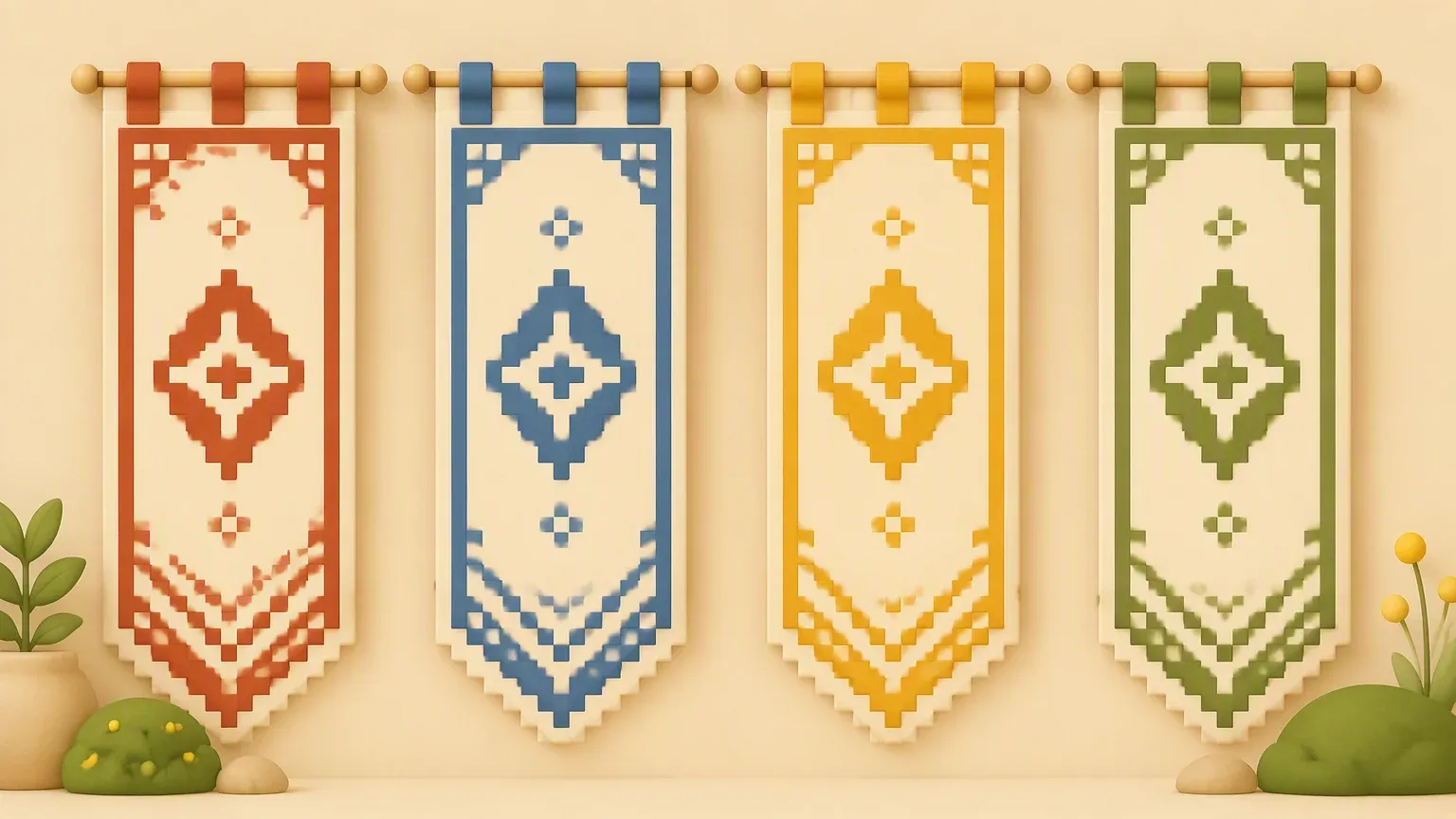
Matching Banner Sets for Factions
Generate coordinated variations of one design — same sigil in war colors, trade colors, and ceremony colors. Give your faction, server towns, or shop network a consistent visual identity across every base and hall.
Who Uses the Minecraft Banner Maker
Faction & Guild Leaders
A faction needs a flag. Design a sigil once, get the loom recipe, and share the link so every member can craft the exact same banner at their own base.
Server Admins
Spawn plazas, town halls, event arenas — consistent banners make a server feel designed. Build a banner maker themed to your server and let players create within your palette.
Shield Customizers
In Java Edition, combining a banner with a shield puts your design on it. Design the banner here, craft it with the recipe, then carry your sigil into battle.
Base Decorators
Entry halls, throne rooms, castle walls. Generate designs that match your build's palette and hang coordinated banners instead of the same three default patterns.
Adventure Map Makers
Kingdoms in your story need distinct heraldry. Generate a coherent set of flags for each faction in your map — players read the world faster when every region flies its own colors.
Flag & Heraldry Fans
Recreate real-world flags or invent heraldic designs within Minecraft's pattern system. The AI knows which motifs are achievable with in-game patterns — and tells you how.
Banner Styles You Can Design
Describe the style — get the layers and the recipe.
AI Banner Maker vs Layer Editors vs In-Game Guessing
What Players Say
Minecraft Banner Maker — Frequently Asked Questions
Craft a blank banner from six wool blocks and a stick, then use a loom to apply patterns: place the banner and a dye in the loom, pick a pattern, and repeat for each layer. A banner maker removes the guesswork — design the flag first, then follow the generated loom steps in order.
More Minecraft and Builder Tools on YouWare
Skins, circle blueprints, and game tools for your next build.

