

Minecraft Circle Generator
Get a block-by-block circle blueprint for any diameter — circles, ovals, domes, rings. Then customize your own generator with even/odd sizes, thick or thin outlines, and a block counter. No graph paper required.
Free to start · Works for circles, ovals, domes and rings
Trusted by 1M+ creators. Featuring integrations from:

How to Get Your Minecraft Circle Blueprint
Step 1: Describe the Circle Tool You Need
Tell the AI what you're building — 'a circle generator with diameter slider and block counter' or 'an oval planner for my stadium build.' Mention the diameter range, outline thickness options, and anything else your build needs.
Step 2: AI Builds Your Circle Generator
In about 30 seconds, the AI assembles a working circle generator app — a zoomable grid that renders block-perfect circles for any diameter, with even and odd sizes, thick or thin outlines, and a live block count for gathering materials.
Step 3: Follow the Grid In-Game
Open your generator on a second screen or your phone, set the diameter, and place blocks layer by layer following the highlighted grid. Publish the link and share it with your server so every builder uses the same blueprints.
Everything a Circle Chart Site Does — Plus It's Yours
Static circle charts show one shape. Your generator renders any shape, your way.
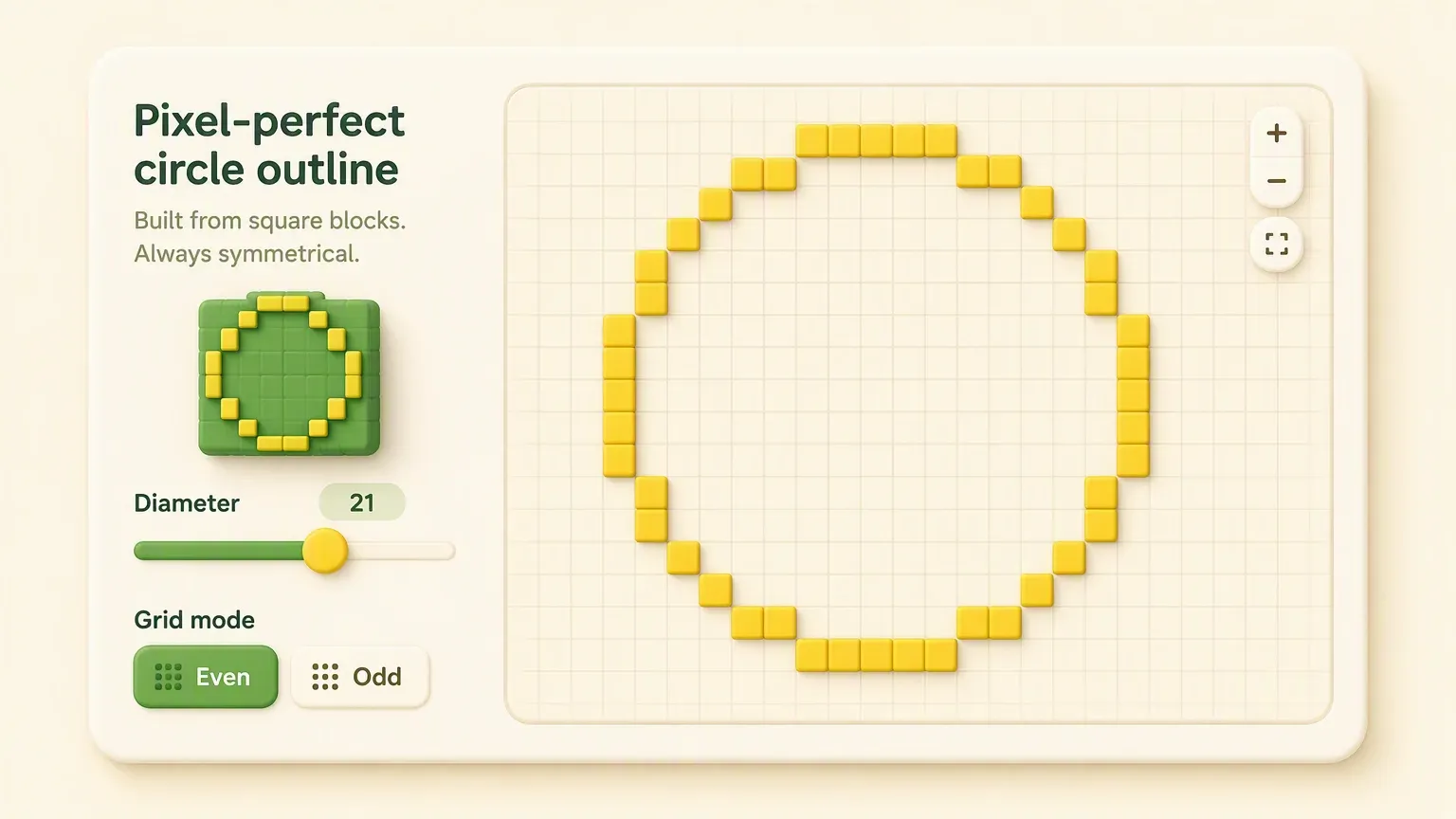
Any Diameter, Even or Odd
Render block-perfect circles from tiny 5-block accents to 200+ block mega-structures. Even and odd diameters produce different center alignments — your generator handles both, so towers line up with your build grid every time.
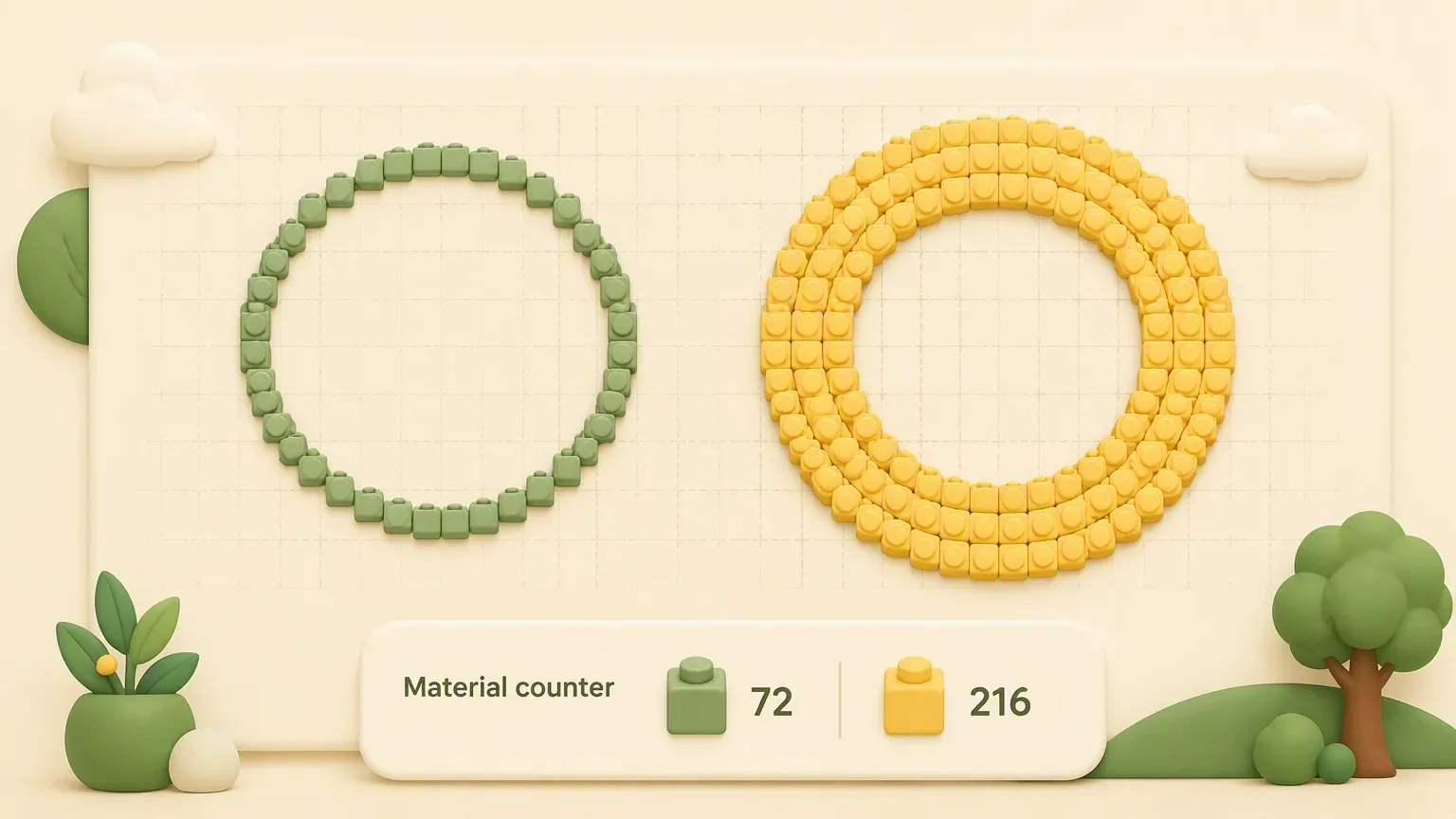
Thick or Thin Outlines with Block Counter
Switch between thin outlines for decorative rings and thick outlines for structural walls. The live block counter tells you exactly how many blocks to gather before you start — no more mid-build trips back to the quarry.

Ovals, Domes and Rings Too
Circles are just the start. Stretch the width and height independently for ovals, generate layer-by-layer dome slices for spheres and domes, or plan concentric rings for arenas and farms. One tool for every round build.
Who Uses a Minecraft Circle Generator
Mega-Base Builders
Circular castles, round towers, colosseums — big round builds live or die by an accurate blueprint. Generate the exact block layout before placing a single block.
Tower & Lighthouse Builders
Odd-diameter circles keep towers symmetric around a center column. Get clean layouts for every floor and taper the diameter as you go up.
Dome & Sphere Builders
Domes are stacked circle layers with shrinking diameters. Generate each slice layer by layer and follow them in order — no more lumpy domes.
Farm & Redstone Designers
Perimeter walls, mob farm rings, circular storage halls. Use the block counter to plan materials and keep spacing consistent around the loop.
Server Build Teams
Publish your circle generator as a link and pin it in Discord. Every builder on the team follows the same blueprints — consistent results across the whole map.
Creative Mode Beginners
Circles are the hardest 'basic' shape in a square-block world. A generator turns guesswork into a paint-by-numbers grid anyone can follow.
Round Shapes You Can Generate
Set the size — get the block-by-block layout.
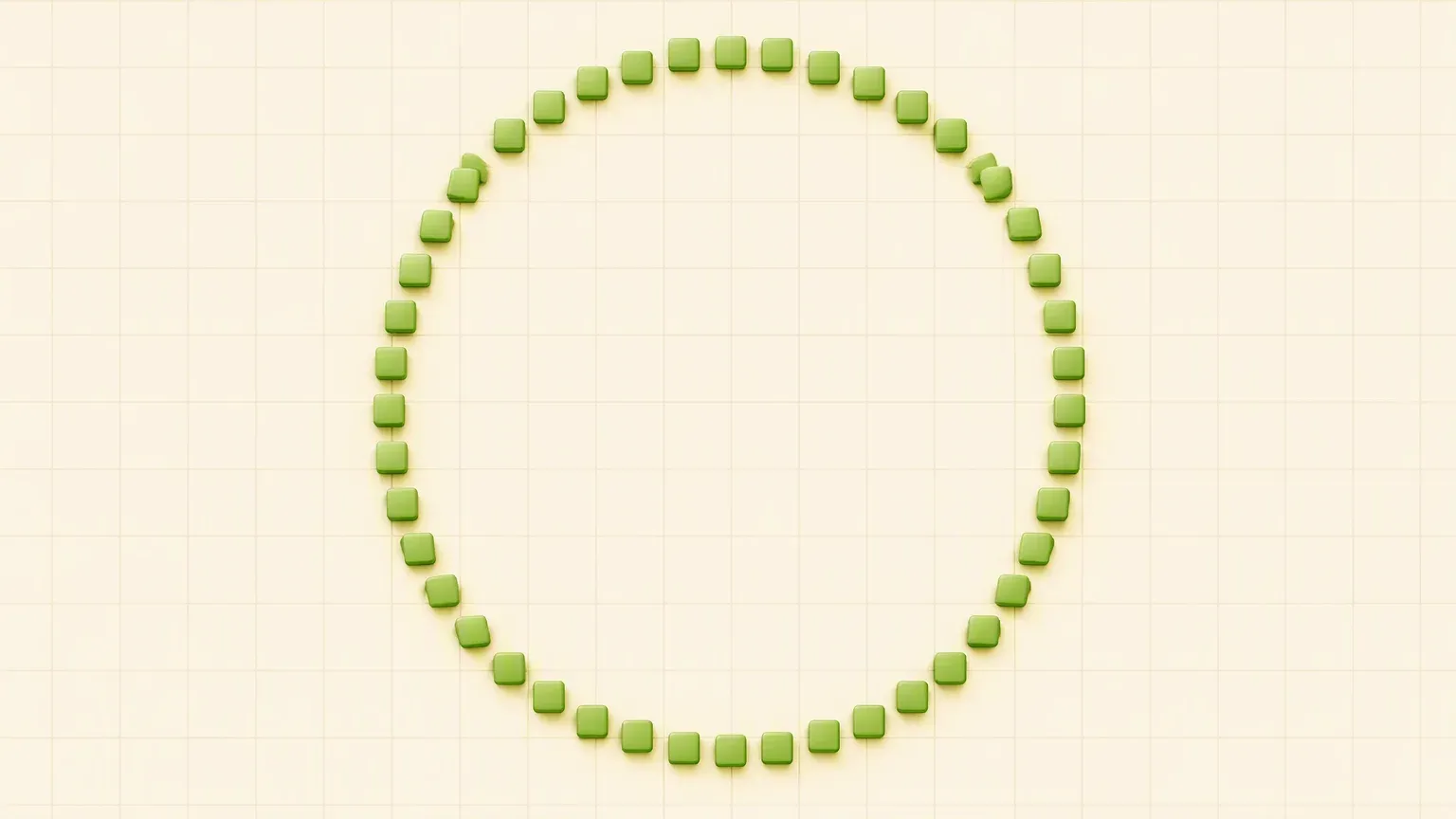
Your Own Circle Generator vs Static Chart Sites
What Builders Say
Minecraft Circle Generator — Frequently Asked Questions
Minecraft has no circle tool, so builders approximate curves with straight block runs that step inward — longer runs near the top and bottom of the circle, shorter diagonal steps at the sides. A circle generator calculates those runs for you: set the diameter, get the exact block-by-block layout, and copy it in-game layer by layer.
More Minecraft and Builder Tools on YouWare
Round out your toolkit — skins, banners, and game tools.

