

Online Clock
Check the current time online — or build a custom clock app with world time zones, analog display, or embeddable widget using YouWare.
Free to start · No coding required
Trusted by 1M+ creators. Featuring integrations from:

What Is an Online Clock?
A browser-based time display for quick checking or full-screen use.
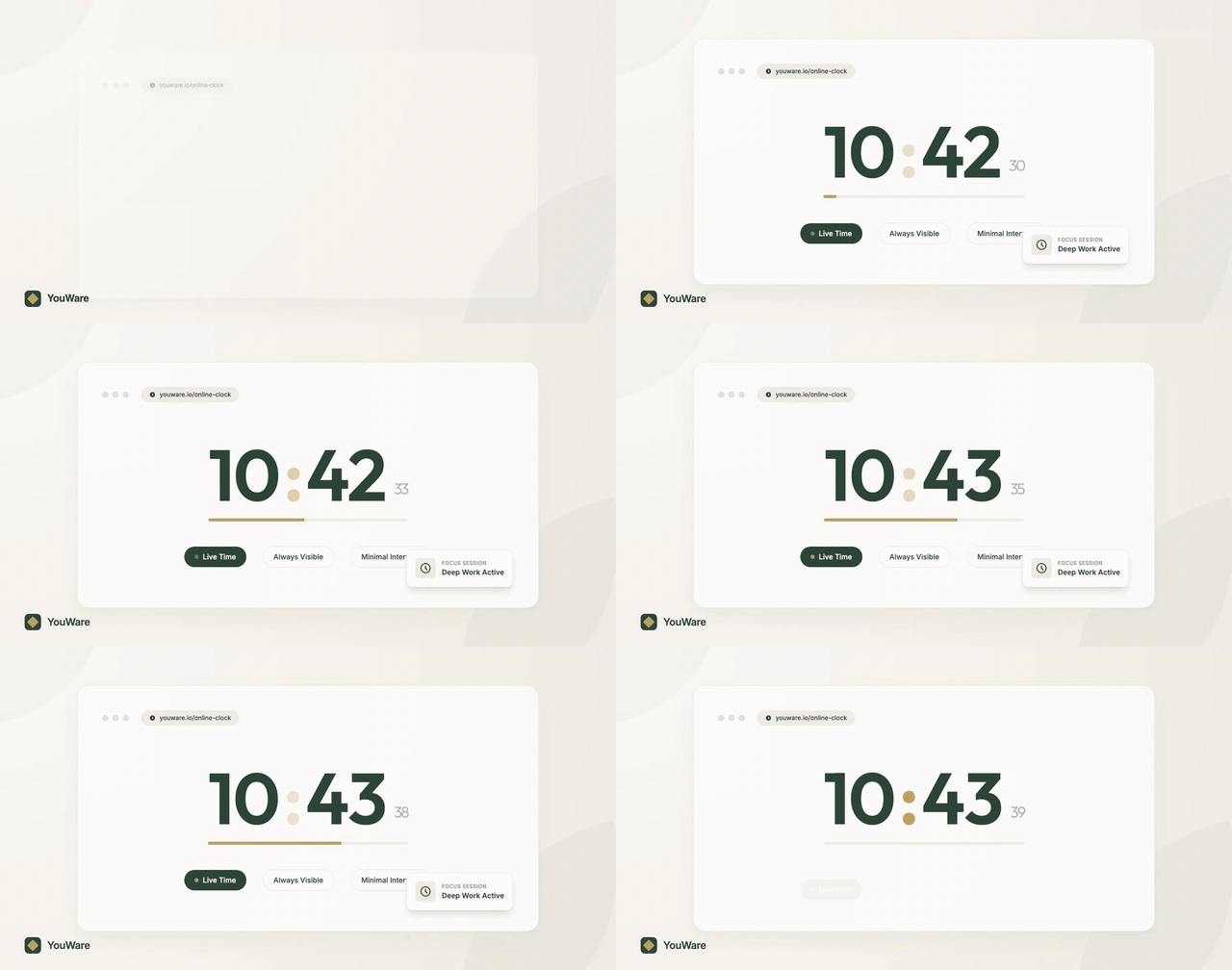
See the current time instantly
An online clock gives you a clean live time display in your browser without opening native apps or system menus. It is ideal when you need a simple, always-visible time reference.

Compare world time zones
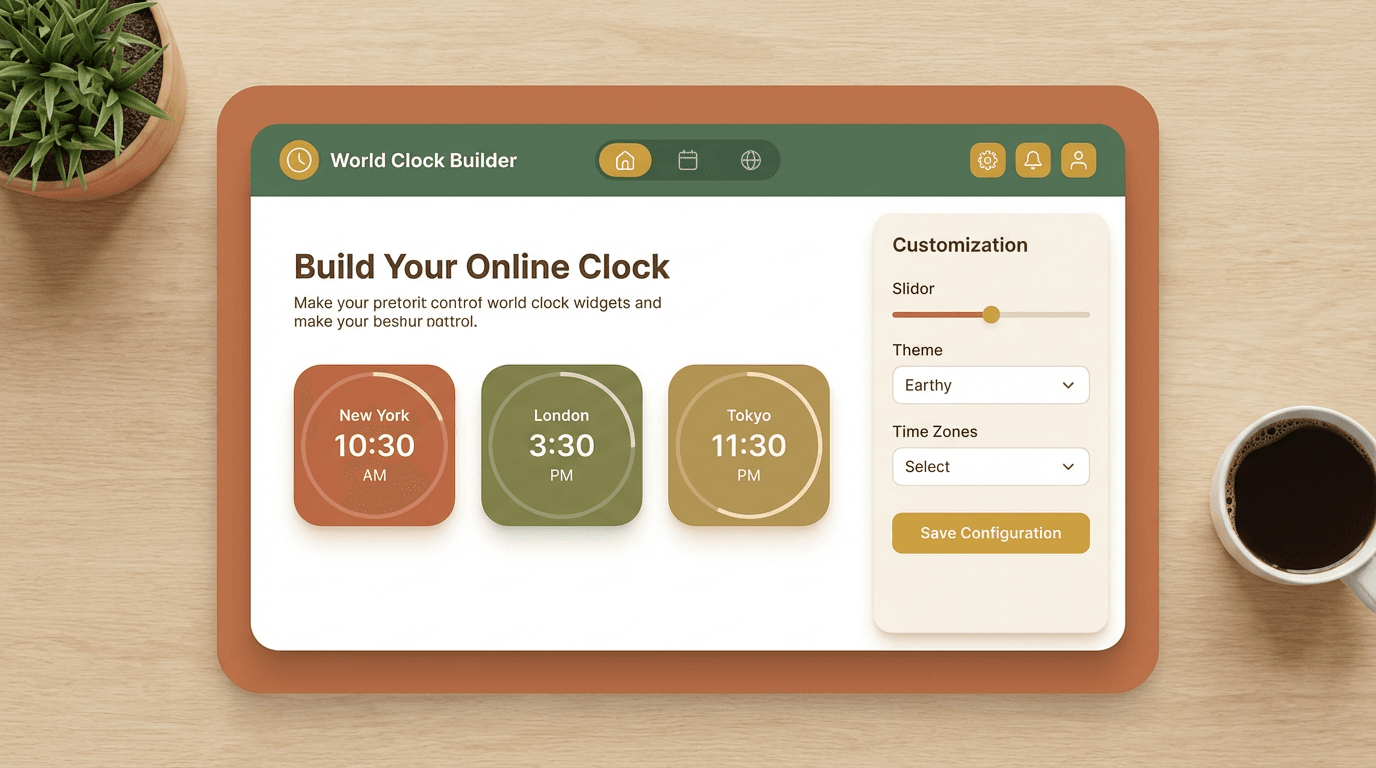
A useful online clock can show multiple cities side by side so remote teams, classrooms, and stream hosts can keep track of time across regions without switching tabs.
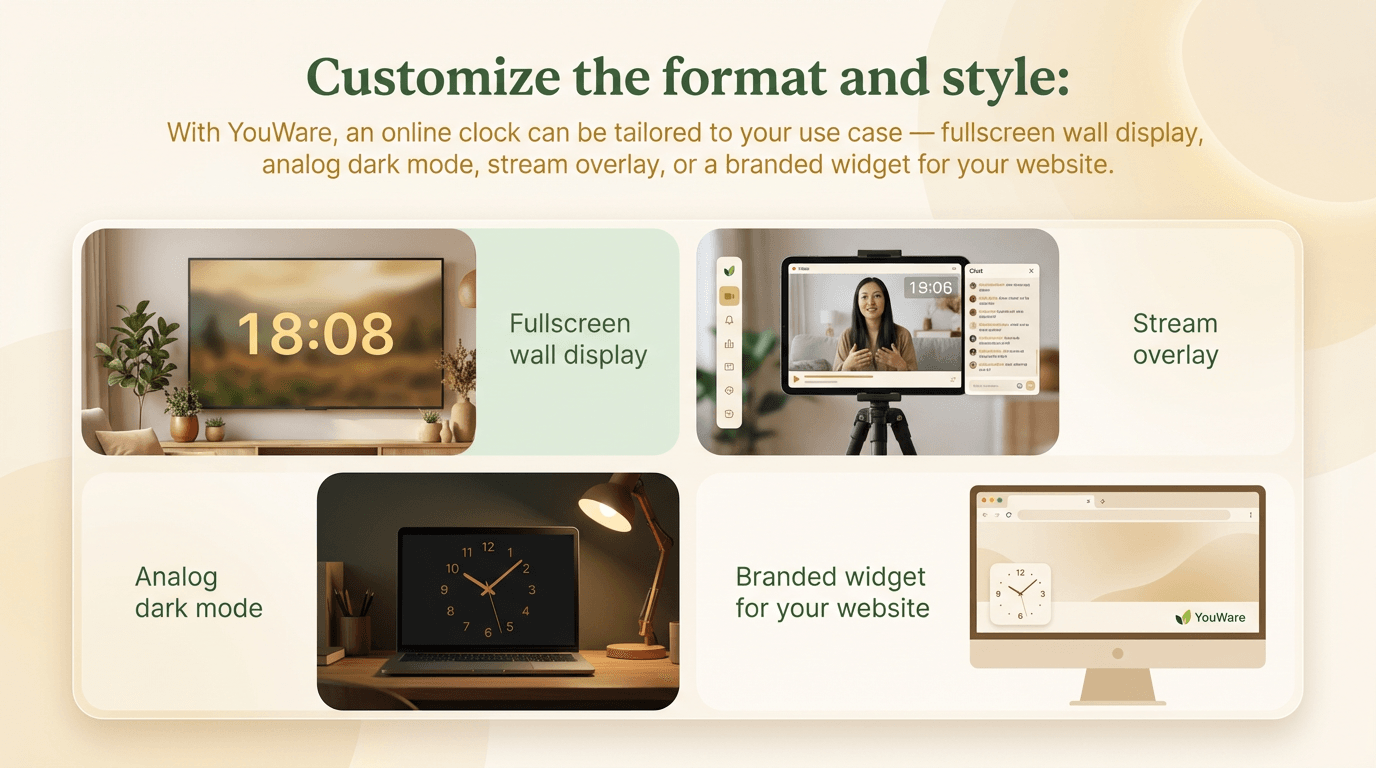
Customize the format and style
With YouWare, an online clock can be tailored to your use case — fullscreen wall display, analog dark mode, stream overlay, or a branded widget for your website.
What You Can Do With This Online Clock
Useful in classrooms, streams, websites, and remote work.
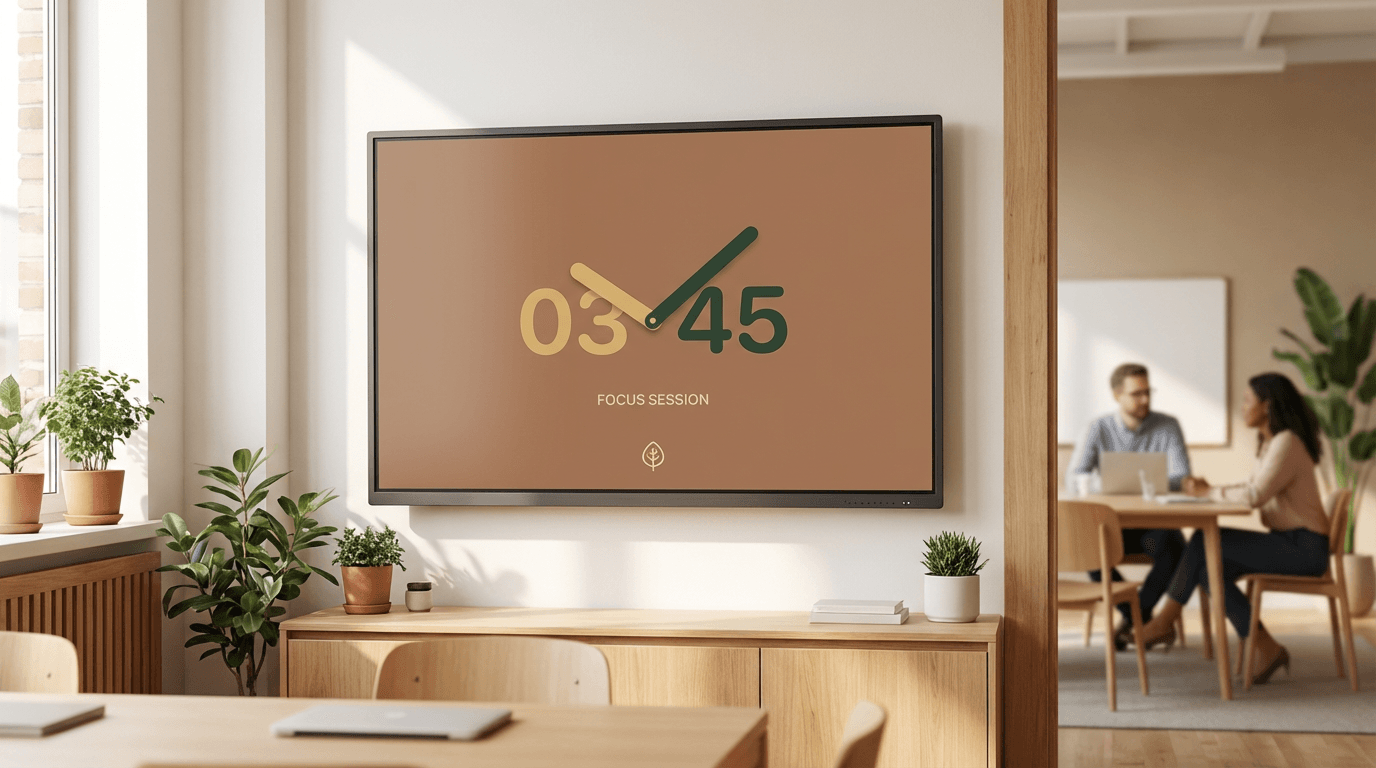
Fullscreen classroom or office clock
Use an online clock as a visible wall display for lessons, meetings, focus sessions, and events where everyone needs to see the current time clearly.
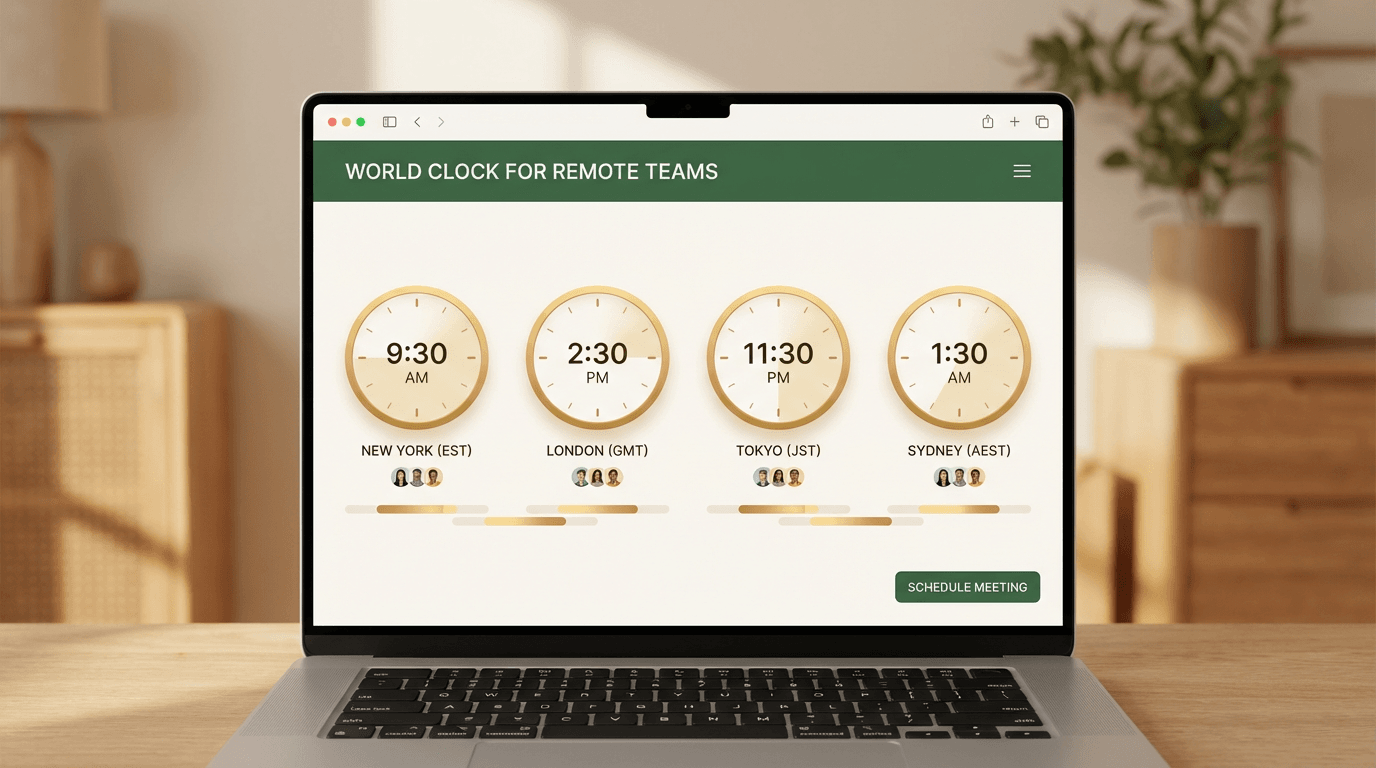
World clock for remote teams
Keep New York, London, Tokyo, and other cities in one view so distributed teams can coordinate calls and deadlines without timezone confusion.
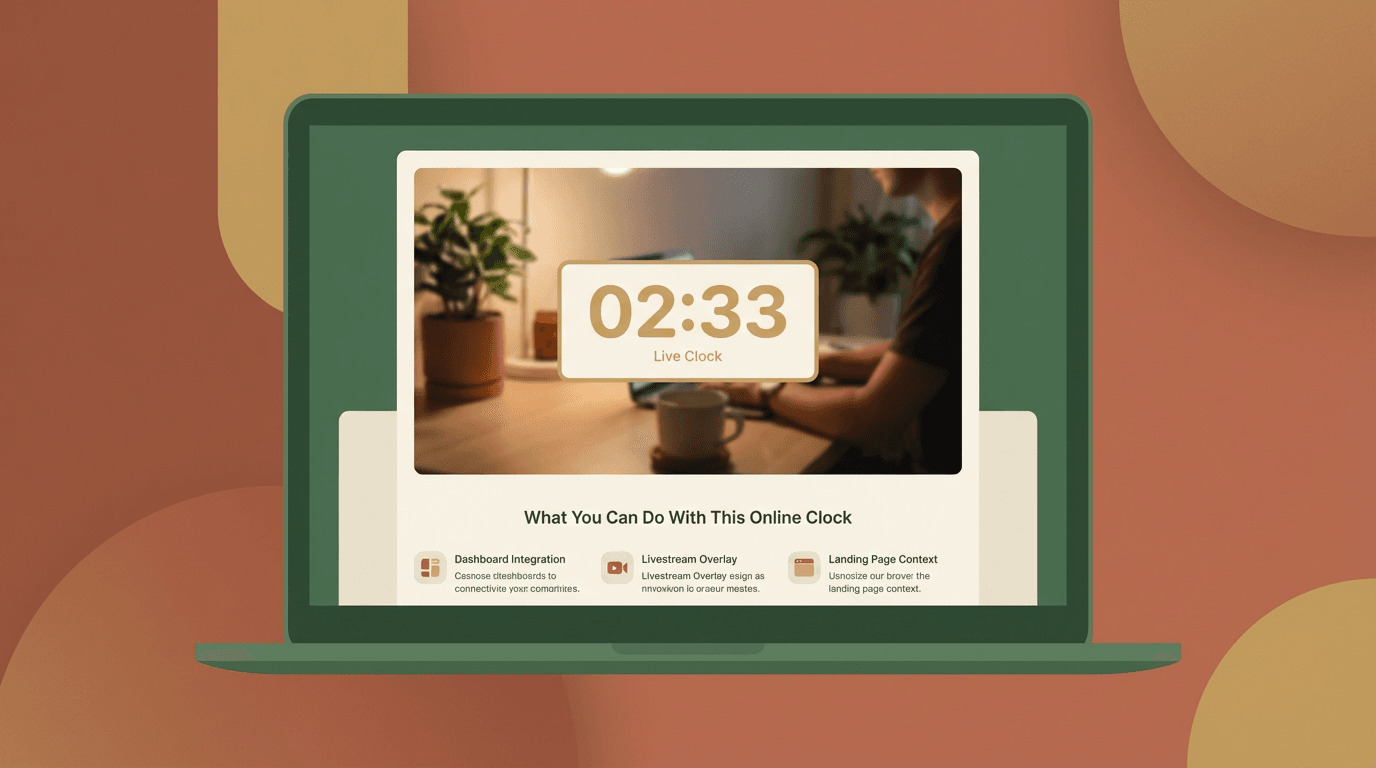
Embeddable website or stream widget
Build an online clock that matches your brand and place it on a dashboard, a livestream overlay, or a landing page where live time context helps users.
How to Build an Online Clock in 3 Steps
1. Describe the clock you want
Tell YouWare whether you need digital, analog, world cities, fullscreen mode, dark theme, or an embeddable layout.
2. Let AI generate the clock app
YouWare builds a working online clock app in about 30 seconds with the layout and interaction you requested.
3. Publish and reuse anywhere
Share the clock by link, open it fullscreen, or remix it to create versions for different teams, websites, or streams.
Why Build an Online Clock on YouWare
Live time, no setup
Open the clock in your browser and see the current time instantly.
World cities in one view
Display multiple time zones side by side for planning and coordination.
Analog or digital styles
Choose the presentation that fits your room, stream, or product.
Fullscreen ready
Use it as a large-screen time display for meetings, classrooms, and events.
Embeddable concept
Build a clock widget that fits your brand and your context.
Free to start
Use trial credits to build and publish your first custom clock app.
Build Any Kind of Online Clock
One clock format does not fit every use case.
YouWare Online Clock vs Generic Time Sites
Why People Choose It
Built by the Community
Online Clock — Frequently Asked Questions
Yes. You can use this online clock for free in your browser with no sign-up or download.

