

Online Timer — Free Countdown Timer
Use a free online timer instantly — or describe your ideal countdown app and let YouWare build a shareable, customizable version in seconds.
Free to start · No coding required
Trusted by 1M+ creators. Featuring integrations from:

What Is an Online Timer?
A countdown tool you can use now — or customize for how you actually work.
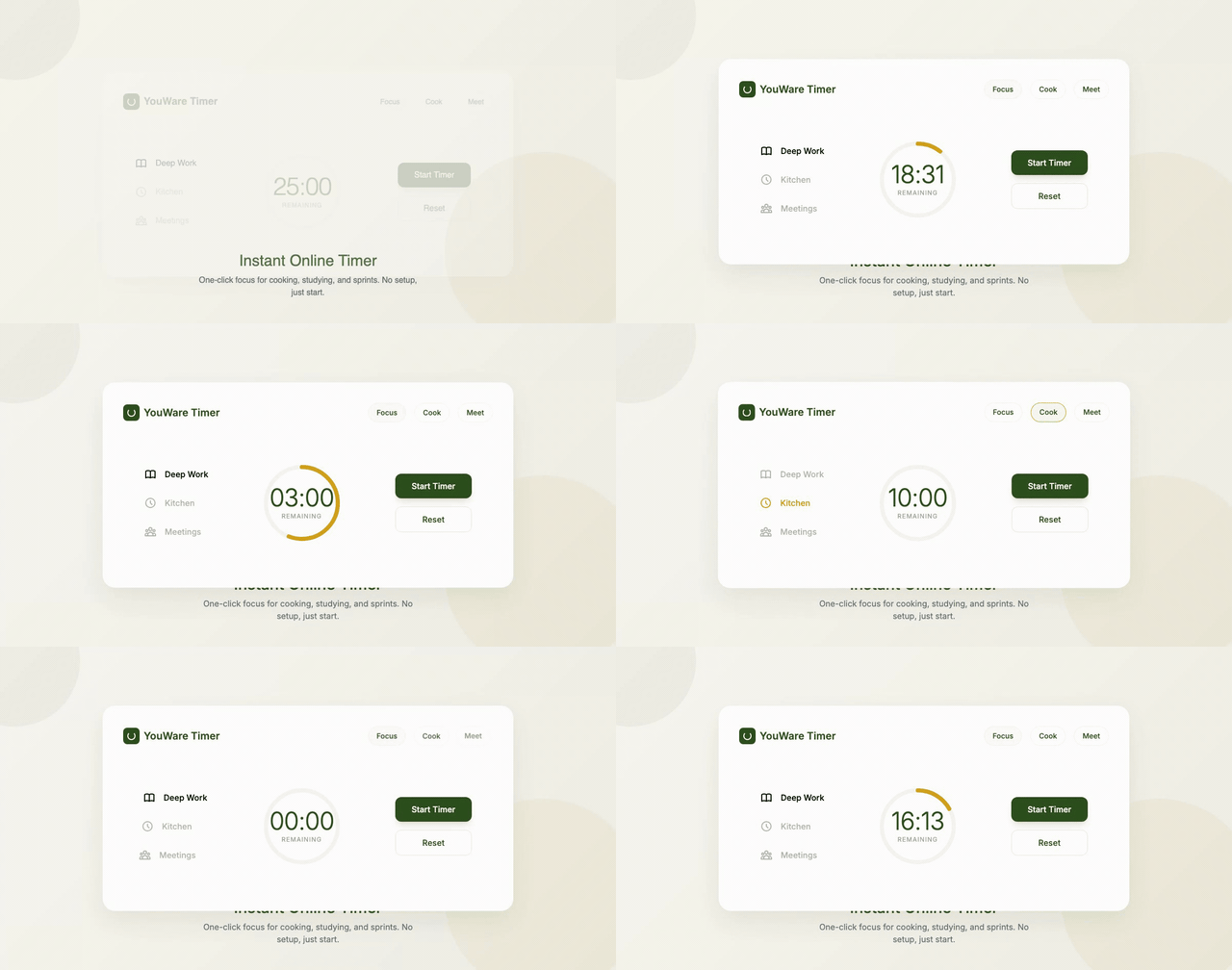
Use an Online Timer Instantly
Sometimes you just need an online timer right now for cooking, studying, a meeting, or a quick focus sprint. This page matches that intent first: simple countdown utility, fast start, no setup friction.
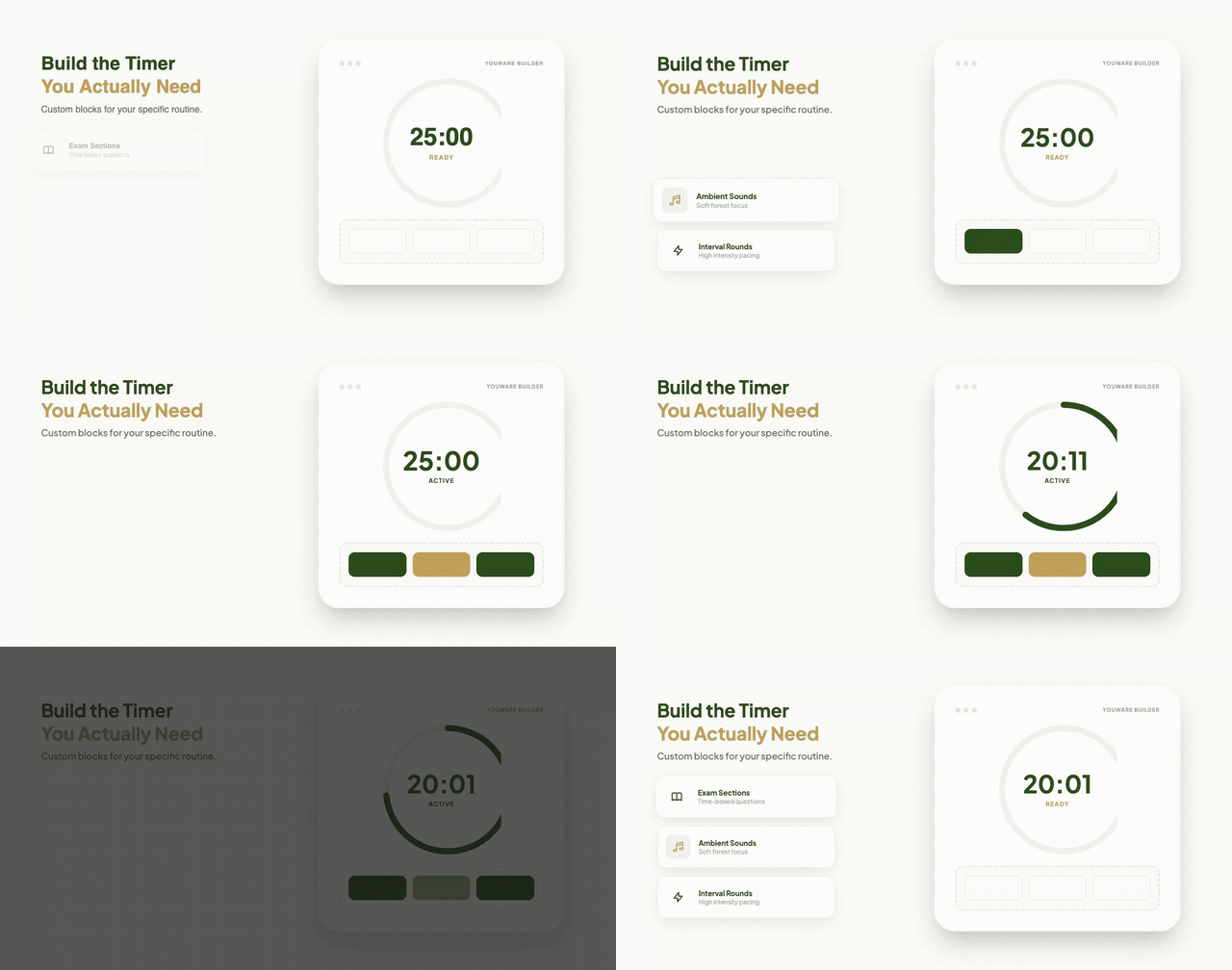
Build the Timer You Actually Need
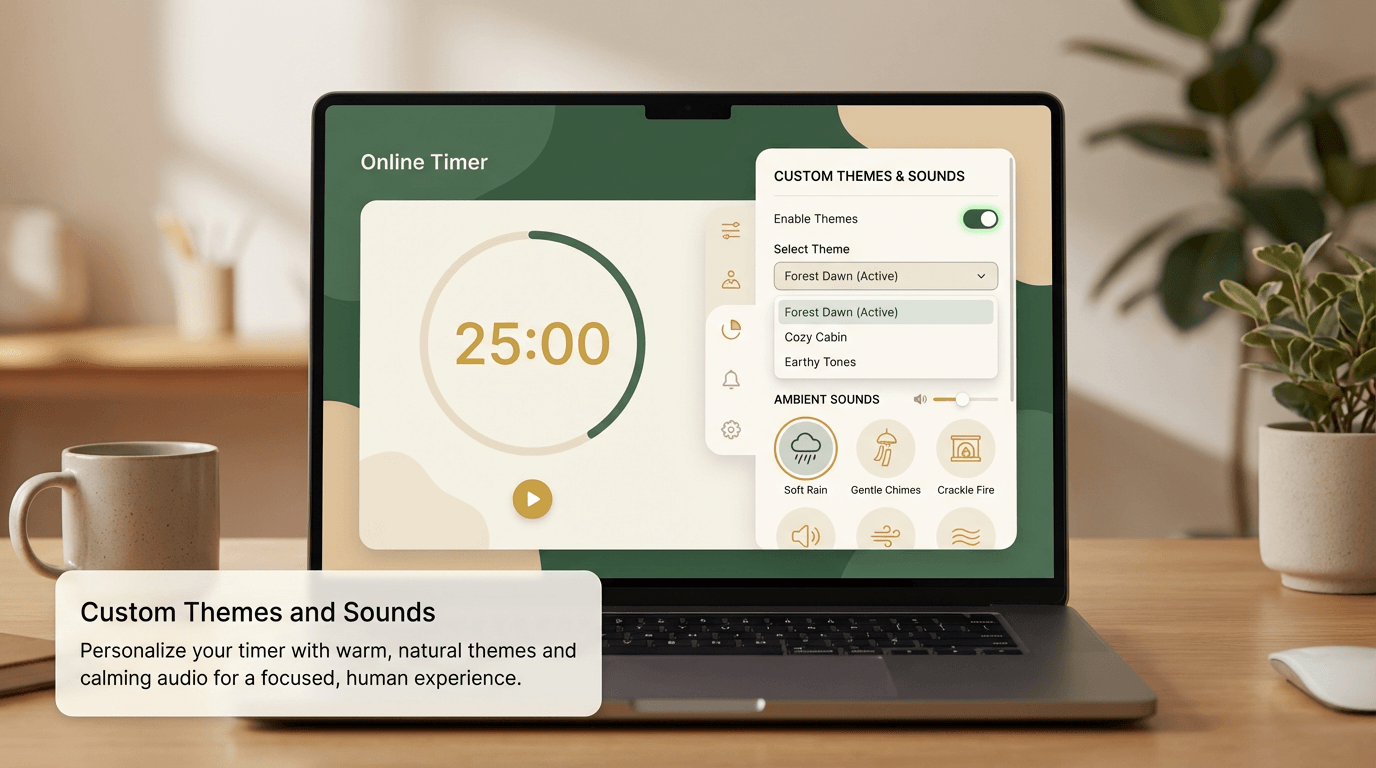
Fixed timer tools are fine until your routine gets more specific. A student might want exam sections, a designer might want soft ambient sounds, and a coach might need interval rounds. YouWare helps you build that custom online timer instead of settling for presets.
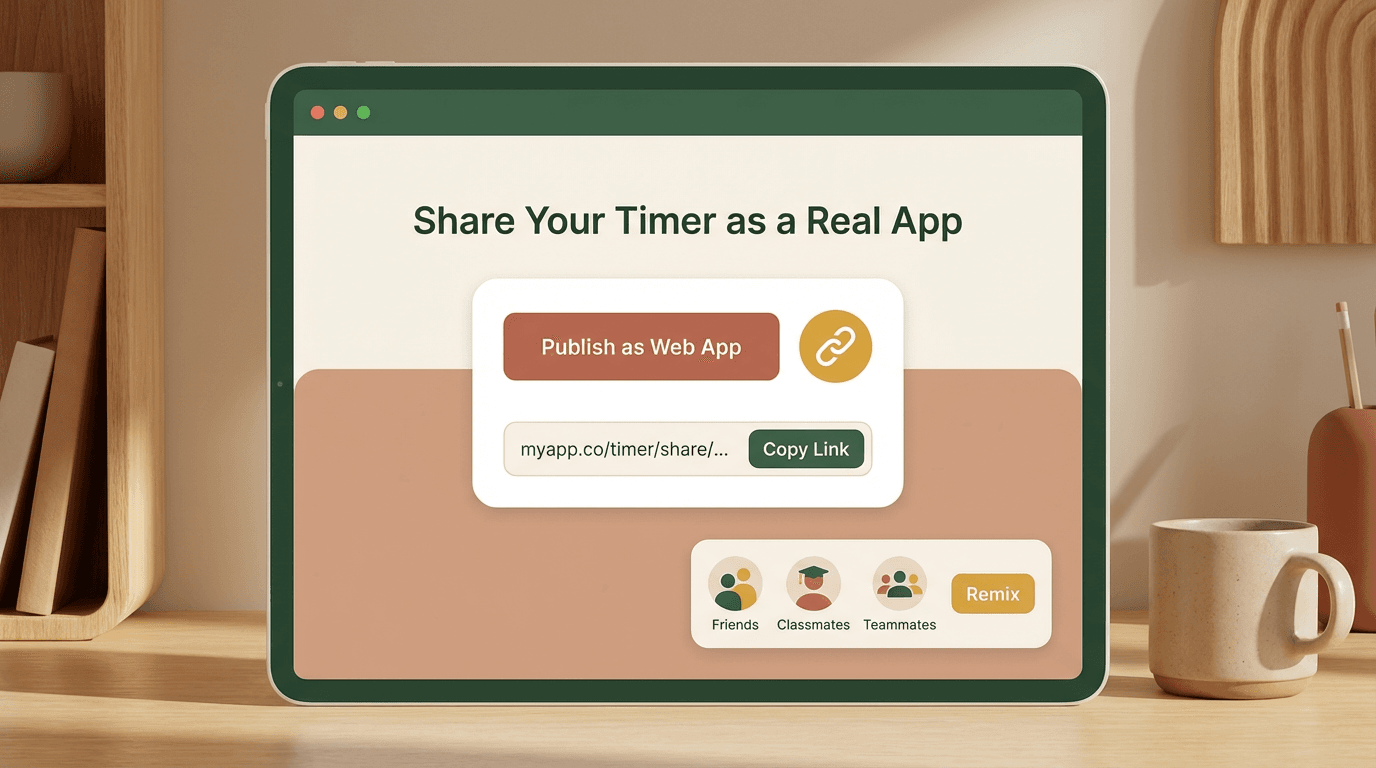
Share It as a Real App
When your timer works the way you want, publish it as a real web app with a shareable link. Friends, classmates, and teammates can open it immediately or remix it into their own version.
Why People Use an Online Timer
One keyword, many real-life countdown scenarios.
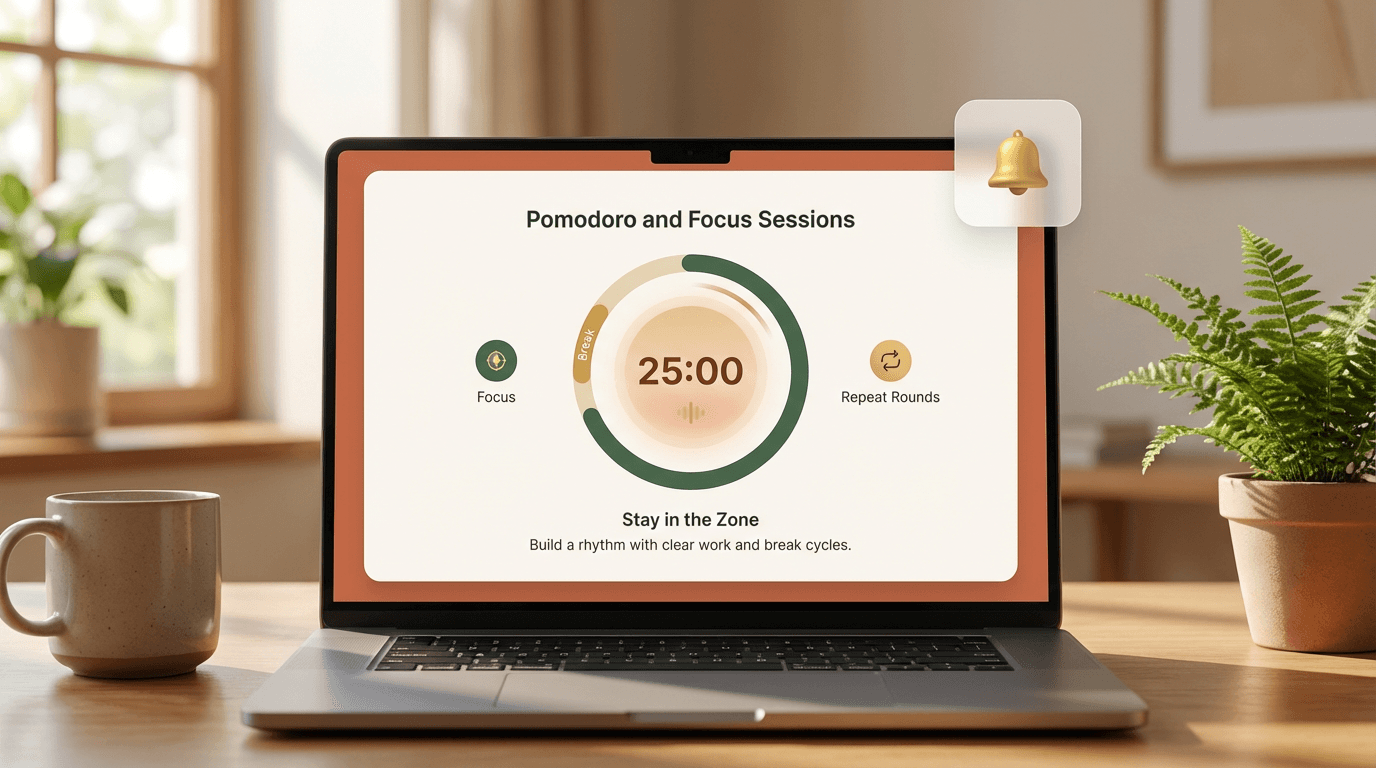
Pomodoro and Focus Sessions
A good online timer keeps work and break cycles clear. Build a Pomodoro timer with progress visuals, gentle alerts, and repeat rounds so the routine feels easy to stick to.
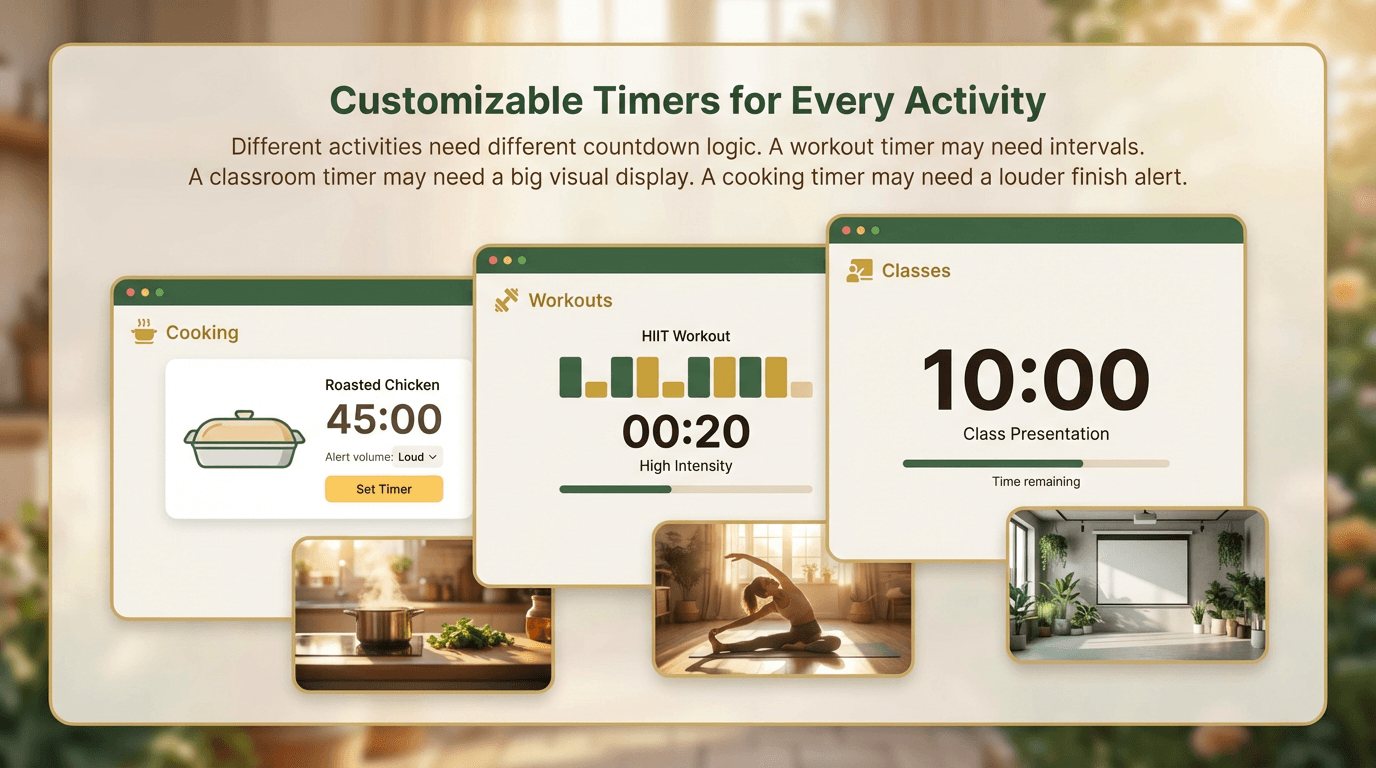
Cooking, Workouts, and Classes
Different activities need different countdown logic. A workout timer may need intervals. A classroom timer may need a big visual display. A cooking timer may need a louder finish alert.
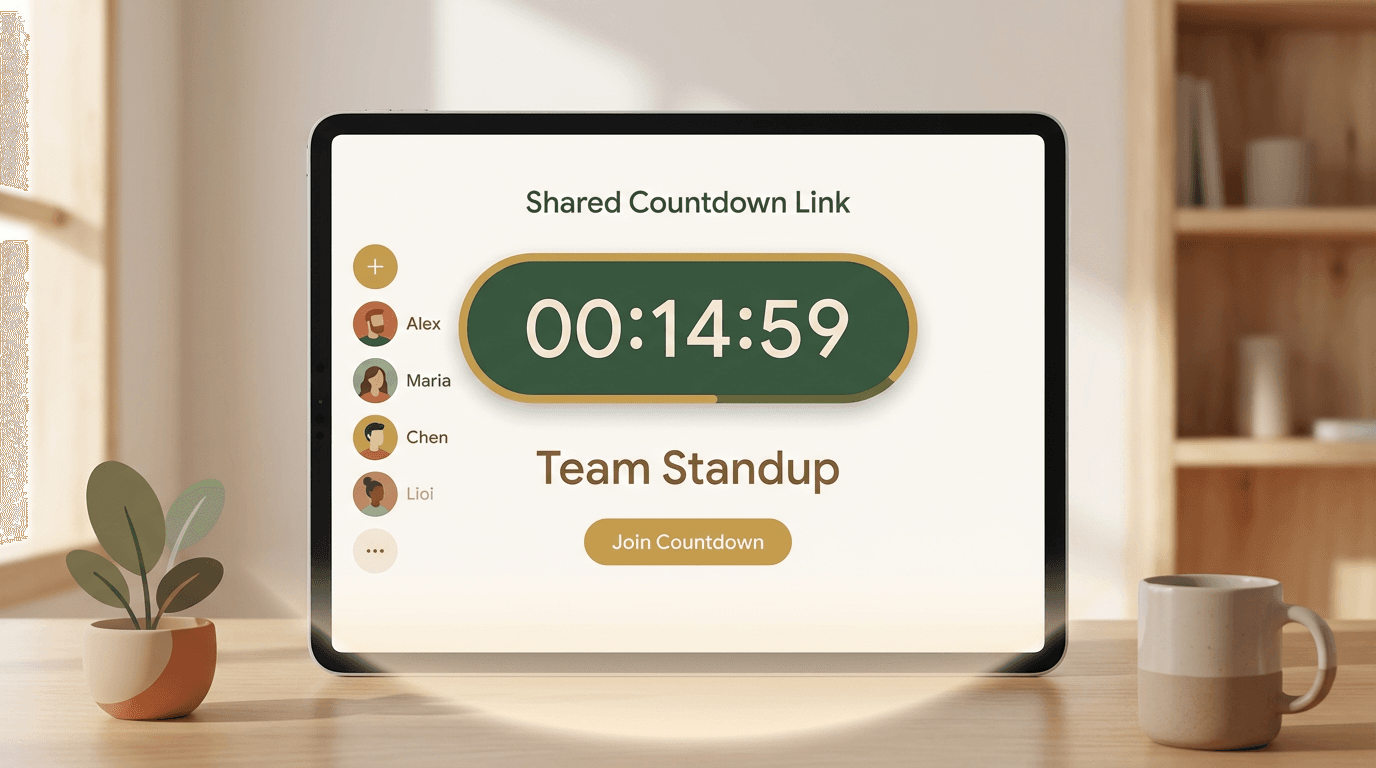
Meetings and Shared Countdown Links
Sometimes the timer is not only for you. Teams use shared countdowns for standups, facilitators use them for workshops, and teachers use them for tests. Publishing a timer link makes that setup much easier.
What a Custom Online Timer Can Include
Describe your countdown flow and let AI build it.
How to Build an Online Timer in 3 Steps
1. Describe Your Countdown
Tell YouWare what kind of online timer you want, including duration, stages, sounds, visual style, and whether it should be shared with others.
2. AI Builds the Timer App
YouWare generates a real React app based on your prompt. You get working countdown logic, controls, and UI without writing setup code yourself.
3. Publish and Share
Launch the timer with a public link, use visual editing to polish details, and let others open or remix the countdown for their own workflow.
Online Timer: YouWare vs Fixed Timer Tools
Why Choose YouWare for an Online Timer
Instant Countdown + Custom Build Path
The page fits immediate timer intent first, then gives you a path to build something more useful than a one-size-fits-all countdown.
Real React App Output
YouWare generates a real React application, not a fake mockup. You get an app you can use, publish, and continue improving.
Shareable by Link
If your team, class, or community needs the same timer, publish it and send one link instead of re-explaining settings every time.
Visual Editing for Quick Polish
Use Visual Editing to tweak text, spacing, color, and layout without burning credits on simple UI cleanup.
Works for Many Timer Scenarios
Pomodoro, interval training, workshops, exam countdowns, and focus sprints all benefit from different logic. You can adapt instead of compromise.
Free to Start
The free plan includes trial credits so you can test a timer concept before you commit to a bigger workflow or paid plan.
What People Like About Building on YouWare
Online Timer — Frequently Asked Questions
Yes. You can use a free online timer immediately, and with YouWare you can also turn that need into a custom timer app. The free plan includes trial credits and lets you prototype a personalized countdown without coding.
Built by the YouWare Community
Explore timer-adjacent tools and remix the one that matches your workflow.


