5 Practical Weather Apps You Can Build This Weekend (Beginner Project Ideas)

Key Takeaways
Weather apps are ideal beginner projects because they combine API integration, UI design, and practical utility—skills you'll use in every future project. Using free APIs like OpenWeatherMap (1,000 calls/day) or WeatherAPI (1 million calls/month), you can build a functional weather app in 18-22 hours over a single weekend. YouWare simplifies this further by letting you describe your app in plain English and generate working code in about 30 seconds.
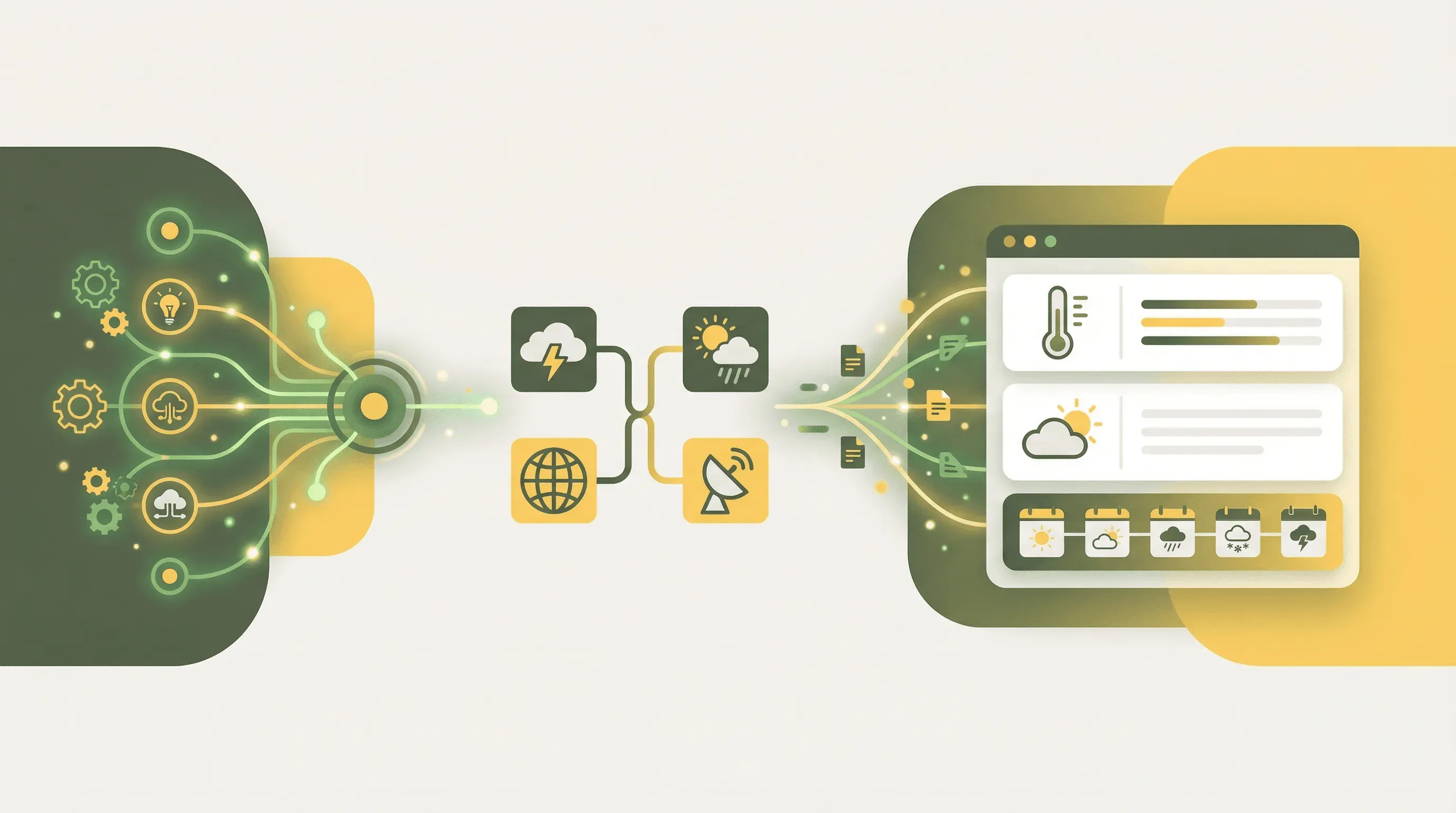 Weather apps combine visual appeal with practical utility—perfect for your first coding project
What You'll Build
By the end of this guide, you'll have the skills to create five different weather apps—from a simple dashboard showing current conditions to sophisticated tools that recommend outfits or plan your travel. Each project builds on fundamental concepts: fetching data from APIs, displaying it beautifully, and adding smart features that make your app genuinely useful.
You'll start with Project 1 (a basic weather dashboard) and can progress through increasingly complex projects as your confidence grows. Every project uses the same core workflow in YouWare, so once you nail the first one, the others become variations on a familiar theme.
Prerequisites
Before you start, make sure you have:
- A YouWare account — Sign up free at youware.com
- A weather API key — Get one from OpenWeatherMap (free tier: 60 calls/minute, 1,000/day) or WeatherAPI (free tier: 1 million calls/month)
- Basic understanding of what APIs do — They're like waiters that fetch data from another service; you ask, they deliver
- 2-4 hours per project — Each app can be completed in a single sitting
No coding experience required. YouWare handles the technical implementation while you focus on describing what you want.
 Building your first weather app takes just 18-22 hours over a weekend — Source: Pexels
Step 1: Set Up Your Weather API Key
Before building anything, you need access to weather data. Here's how to get your API key from OpenWeatherMap (the most beginner-friendly option):
- Go to openweathermap.org and click "Sign In" in the top right
- Create a free account with your email
- After confirming your email, navigate to "API keys" in your account dashboard
- Copy the default API key (or generate a new one with a memorable name like "weekend-projects")
What you should see: A 32-character alphanumeric string like a1b2c3d4e5f6g7h8i9j0k1l2m3n4o5p6.
Important gotcha: New API keys take 10-30 minutes to activate. If you get "Invalid API key" errors immediately after signup, wait a bit and try again.
Keep this key safe—you'll need it for every project. Never share it publicly or commit it to public code repositories.
Step 2: Create Your First Weather Dashboard in YouWare
Now let's build Project 1: a simple weather dashboard that displays current conditions for any city.
- Open YouWare and click "Create"
- In the prompt field, type:
"Create a weather dashboard that lets users search for any city and displays the current temperature, weather condition, humidity, and wind speed. Use a clean, modern design with weather icons."
- Click to generate. YouWare creates your complete app in about 30 seconds.
What you should see: A functional weather interface with a search box and placeholder data or a demo city's weather.
 Your weather dashboard will display real-time conditions from any city worldwide — Source: Pexels
Step 3: Connect Your API Key Securely
Your dashboard looks great, but it needs real data. Here's how to connect your OpenWeatherMap API key without exposing it in your code:
- In YouWare, click the "YouBase" tab on the left sidebar
- Navigate to the "Secrets" module and enable it
- Click "Add Secret" and enter:
- Key name:
OPENWEATHERMAP_API_KEY - Value: Your 32-character API key from Step 1
- Key name:
- Save the secret
Now tell YouWare to use this secret:
"Connect the weather search to OpenWeatherMap API. Use the OPENWEATHERMAP_API_KEY secret I stored in YouBase. When users search for a city, fetch the current weather and display temperature in Celsius, weather description, humidity percentage, and wind speed."
Why this matters: According to the Weather API Error Handling Guide, exposing API keys in frontend code is a common beginner mistake. YouWare's Secrets module stores keys server-side with enterprise-grade encryption, so they're never visible to users.
What you should see: Your dashboard nowfetches live weather data when you search for a city like "London" or "Tokyo."
Step 4: Add Error Handling and Loading States
Real apps need to handle things going wrong gracefully. Ask YouWare to add these safety features:
"Add a loading spinner while fetching weather data. If the city isn't found, show a friendly error message like 'City not found. Please check the spelling.' If there's a network error, show 'Unable to fetch weather. Please try again.'"
Common gotchas to handle:
| Error Type | What Causes It | How Your App Should Respond |
|---|---|---|
| Invalid city | User typo | "City not found" message |
| Network failure | No internet | "Unable to connect" with retry button |
| Rate limit exceeded | Too many requests | "Please wait a moment" |
| API key issues | Expired or invalid key | Backend error logging |
What you should see: Try searching for a nonsense city name like "asdfghjkl"—you should see your error message instead of a broken interface.
Step 5: Build Project 2 — Rain Alert Notification App
 Never get caught in the rain again with automated weather alerts — Source: Pexels
Now let's create something more useful: an app that alerts you when rain is forecast. According to a GitHub rain alert project analysis, these apps can send notifications via SMS, email, or desktop alerts.
- Click "Create" in YouWare for a new project
- Enter this prompt:
"Create a rain alert app where users can enter their city and email address. The app checks the weather forecast and displays whether rain is expected in the next 12 hours. Show a visual indicator: green checkmark for clear weather, blue umbrella icon for rain expected. Include the expected precipitation amount and time."
-
Enable YouBase modules:
- Database: To store user preferences and saved cities
- Users & Authentication: So users can save their settings
-
Connect the weather API the same way as Step 3.
Extending the concept: Once your basic rain alert works, you can prompt YouWare to add more features:
"Add a daily summary that shows the weather for morning, afternoon, and evening. Let users set their notification preferences—they can choose to be alerted only if rain probability exceeds 50%."
Step 6: Build Project 3 — Weather-Based Outfit Recommender
 Let your app recommend the perfect outfit based on today's weather conditions — Source: Pexels
This project combines weather data with practical advice. According to research on clothing recommendation systems, these apps analyze temperature, wind, humidity, and precipitation to suggest appropriate outfits.
Create a new YouWare project with:
"Build a weather outfit recommender. Users enter their city and the app shows current weather plus clothing suggestions. For cold weather under 10°C, suggest layers and a coat. For 10-20°C, suggest a light jacket. For over 20°C, suggest light clothing. If rain is expected, always recommend an umbrella. Show the reasoning: 'It's 8°C and windy, so we recommend a warm coat and scarf.'"
Make it smarter with these follow-up prompts:
"Add activity-based recommendations. Let users select if they're going to work, exercising outdoors, or attending a formal event, and adjust clothing suggestions accordingly."
"Include a 'feels like' temperature explanation. If it's 15°C but feels like 10°C due to wind, explain this and adjust recommendations."
Step 7: Build Project 4 — Multi-City Weather Comparison Tool
Sometimes you need to compare weather across multiple locations—planning a trip, deciding which city to visit this weekend, or checking conditions for remote family members.
 Weather data provides immediate, tangible results that make learning rewarding — Source: Pexels
Create this project with:
"Build a multi-city weather comparison tool. Users can add up to 5 cities and see their weather side-by-side in a table format. Show temperature, conditions, humidity, and wind for each city. Include a 'best weather' indicator that highlights which city currently has the most pleasant conditions. Let users save their city list for future visits."
Enable the YouBase Database module to store user preferences:
"Save each user's city list in YouBase so they don't have to re-enter cities when they return. Add a 'remove city' button next to each city in the comparison."
Enhancing with authentication:
"Enable Google login so users can access their saved cities from any device."
Step 8: Build Project 5 — Travel Weather Planner
 Plan smarter trips with destination weather forecasts and packing suggestions — Source: Pexels
The most sophisticated weekend project combines weather forecasting with travel planning. According to WeatherAPI documentation, their free tier includes 14-day forecasts—perfect for trip planning.
Create your travel planner:
"Build a travel weather planner. Users enter their destination city and travel dates (up to 14 days out). The app shows a day-by-day weather forecast with temperature highs and lows, expected conditions, and precipitation chance. Generate a packing checklist based on the forecast: if any day shows rain, add umbrella; if temperatures vary widely, suggest layers."
Add these smart features:
"Include a 'best days to visit' section that highlights which days in the forecast have the most favorable weather—low precipitation, moderate temperatures, and calm winds."
"Add sunrise and sunset times for each day so travelers can plan outdoor activities."
Tips & Tricks
After building a few weather apps, you'll discover patterns that make development faster and results better.
API selection matters: OpenWeatherMap serves over 8 million developers and offers excellent documentation, but WeatherAPI provides more generous free limits (1 million calls/month vs 1,000/day). Choose based on your expected traffic.
Cache aggressively: Weather doesn't change every second. Ask YouWare to cache responses for 10-15 minutes:
"Cache weather API responses for 15 minutes to reduce API calls. Show a 'last updated' timestamp so users know how fresh the data is."
Always use HTTPS: According to API best practices, HTTP calls can fail or expose data. YouWare handles this automatically, but keep it in mind for future projects.
Use metric and imperial options: Not everyone thinks in Celsius. Add a toggle:
"Add a temperature unit toggle that lets users switch between Celsius and Fahrenheit. Remember their preference for future visits."
Handle edge cases: Some cities share names (Paris, France vs Paris, Texas). Let users specify:
"When a city search returns multiple results, show a dropdown letting users select the correct city with country name."
Advanced Usage
Once you've mastered the basics, you can extend your weather apps with these advanced features:
Progressive Web App (PWA) capabilities: According to GitHub PWA weather projects, weather apps can work offline by caching previous data. Ask YouWare:
"Make this a Progressive Web App that caches the last viewed weather and shows it even when offline, with a clear indicator that data may be outdated."
Historical data comparison: OpenWeatherMap provides historical weather data up to 40 years back. Create a "this day in weather history" feature:
"Add a historical comparison showing today's weather versus the average for this date over the past 5 years."
Air quality integration: WeatherAPI includes air quality data in its free tier. Add health-conscious features:
"Display air quality index alongside weather data. If AQI exceeds 100, show a warning suggesting limited outdoor activity."
MCP integrations: YouWare's Web Scraper MCP can pull additional data sources:
"Use the web scraper to pull pollen counts from a local allergy website and display alongside weather data."
FAQ
Can I really build these apps with no coding experience?
Yes. YouWare generates complete, functional code from natural language descriptions. You describe what you want ("show temperature and humidity"), and the platform writes the HTML, CSS, and JavaScript. Over 2,781 weather app projects exist on GitHub as references, but you won't need to read any of that code to build your own.
What if my API key stops working?
First, verify you're within rate limits—OpenWeatherMap's free tier allows 1,000 calls per day. If you've exceeded this, you'll need to wait until the next day or upgrade your plan. Also check that your key is correctly stored in YouWare's Secrets module without extra spaces or characters. New keys can take up to 30 minutes to activate after creation.
How do I make my weather app look professional?
Use YouWare's visual editing mode to refine colors, fonts, and spacing without touching code. Click any element to edit it directly. For comprehensive improvements, try the Boost feature—it analyzes your app and enhances page structure, content quality, and user experience while preserving your original design.
Can users save their preferences without creating accounts?
Yes. YouWare's Users & Authentication module supports "temporary accounts" for frictionless access. Users get a persistent experience without registration friction. You can also offer Google OAuth for those who want cross-device sync.
What's the cost to run these apps?
Weather API calls are free within generous limits (1,000-33,000+ daily calls depending on provider). YouWare offers a free tier for project creation and basic editing. For apps needing database storage, user authentication, or secure secret management, YouWare Pro unlocks YouBase features. Your apps can handle hundreds of daily users without exceeding free tier limits on either platform.
Conclusion
Weather apps represent the perfect weekend project because they combine immediately useful functionality with foundational development skills. You've learned how to fetch data from APIs, handle errors gracefully, store user preferences, and build increasingly sophisticated features—from simple dashboards to intelligent outfit recommenders.
The five projects in this guide scale from beginner to intermediate, but they all share the same core workflow in YouWare: describe what you want, connect your API key securely, and iterate until your app does exactly what you need. Each project you complete builds confidence for the next one.
Pick one project and start this weekend. In a few hours, you'll have a working app you can actually use—and the skills to build whatever you imagine next.

References
- OpenWeatherMap API Documentation — Primary weather API with 8M+ developers
- WeatherAPI Documentation — Alternative API with 1M calls/month free tier
- Visual Crossing Weather App Building Guide — Development timeline estimates
- Weather API Error Handling Guide — Troubleshooting common API issues
- GitHub React PWA Weather Project — Reference implementation for offline capability
- GitHub Clothing Recommendation System — Weather-based outfit logic
- GeeksforGeeks Weather App Tutorial — Step-by-step beginner guide