Best Free Client Onboarding Software in 2026

Your new client just signed the contract. Now comes the part nobody warns you about: chasing questionnaire responses, manually creating project folders, and resending that welcome email three times because it got buried. Every hour spent on manual onboarding is an hour not spent on actual work.
Free client onboarding software changes that. The right tool automates the repetitive stuff — intake forms, welcome emails, document collection — so your first impression with clients isn't a mess of back-and-forth threads.
Here are the six best free options in 2026, plus what each one actually does well.
Summary
- Most "free" onboarding tools limit you to 3 clients or 100 form responses — only HubSpot CRM and ClickUp offer genuinely unlimited free tiers for solo operators.
- Building a custom onboarding portal with YouWare takes under 30 minutes and gives you full control over branding, data collection, and client experience — without writing code.
- Notion and ClickUp work best when onboarding is doc-heavy or project-based; they're poor fits if you need automated follow-ups or contract signing.
- The gap between free and paid onboarding tools is usually just automated email sequences and e-signature — worth paying for once you have more than 5 active clients at once.
- Start with the tool that matches your biggest bottleneck: intake forms (Typeform), project tracking (ClickUp), docs (Notion), or a fully custom branded portal (YouWare).
What to Look for in Free Client Onboarding Software
Not all "free" means the same thing. Before picking a tool, check these factors:
Actual free limits: Is it free forever or just a trial? Some tools are free for up to 3 clients — useful for testing, not for running a business. Others offer genuinely unlimited free tiers.
Intake and data collection: Can clients fill out a form and submit files directly? Some tools handle this natively; others need a third-party integration.
Automation: Does the tool send a welcome email automatically when a client signs up, or do you trigger everything manually? True automation is rare in free tiers.
Branding: Can you remove the tool's logo and use your own domain on the free plan? Most can't — that's usually a paid feature.
Client portal vs. backend tool: Some tools create a portal your clients log into. Others are checklists only you see. Know which you need before you commit.
Best Free Client Onboarding Software in 2026
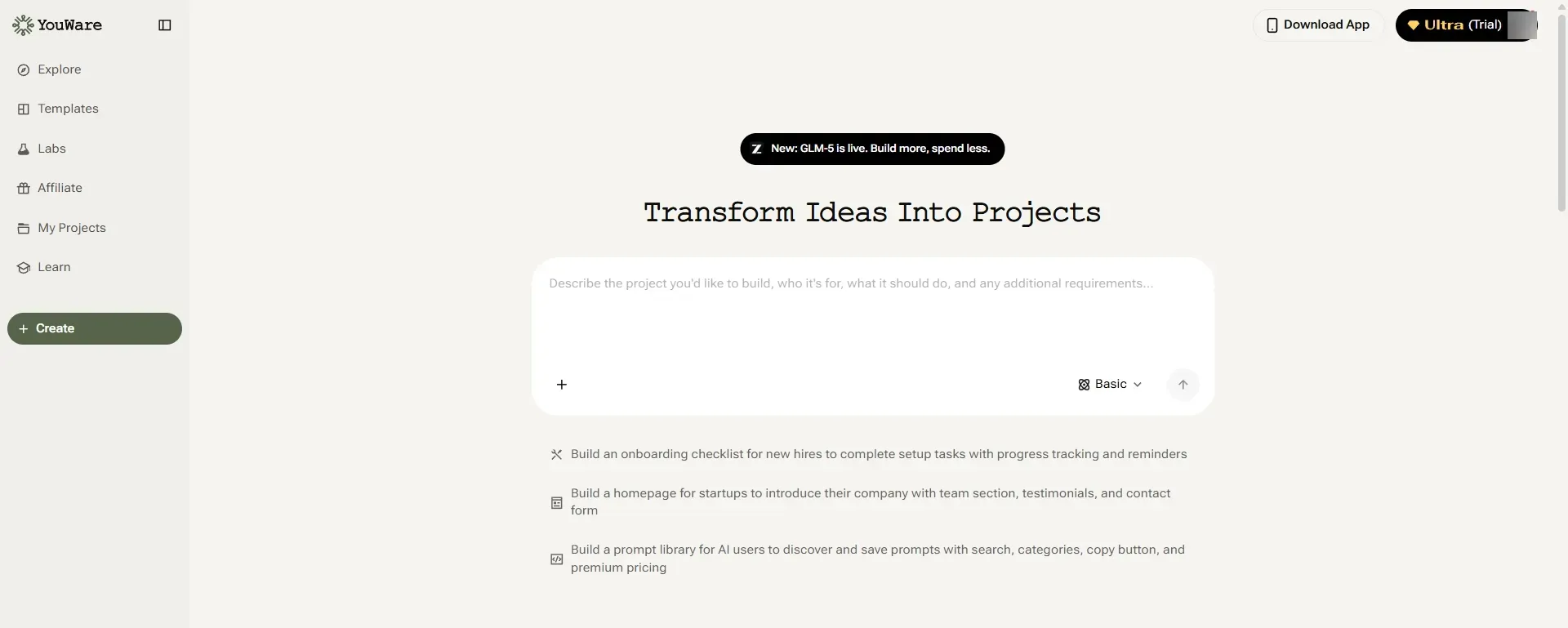
1. YouWare — Best for Custom AI-Powered Onboarding Portals
Most onboarding tools make you fit your process into their template. YouWare flips that: you describe what you need, and AI builds it.
With YouWare's no-code app builder, you can create a fully branded client onboarding portal — intake forms, welcome pages, project dashboards, resource libraries — in under 30 minutes. No templates to fight, no rigid workflows to work around. If you need a form that collects client brand assets, a project progress tracker, and an FAQ page, you can build exactly that combination.
The YouBase backend (available on Pro) stores client submissions in a built-in database, so you're not emailing yourself CSV exports. Visual Editing lets you tweak layouts without prompting the AI — useful when a client wants a color or logo changed without burning credits.
Key Features:
- AI builds custom onboarding portals from natural language descriptions
- Visual Editing for direct UI changes at zero credit cost
- YouBase database to collect and store client intake data (Pro+)
- Publish with a shareable link instantly; custom domain on Pro
- Remix: start from a community template and modify it to fit your workflow
Pricing: Free (trial credits); Pro $20/month; Ultra $200/month
Pros
Cons
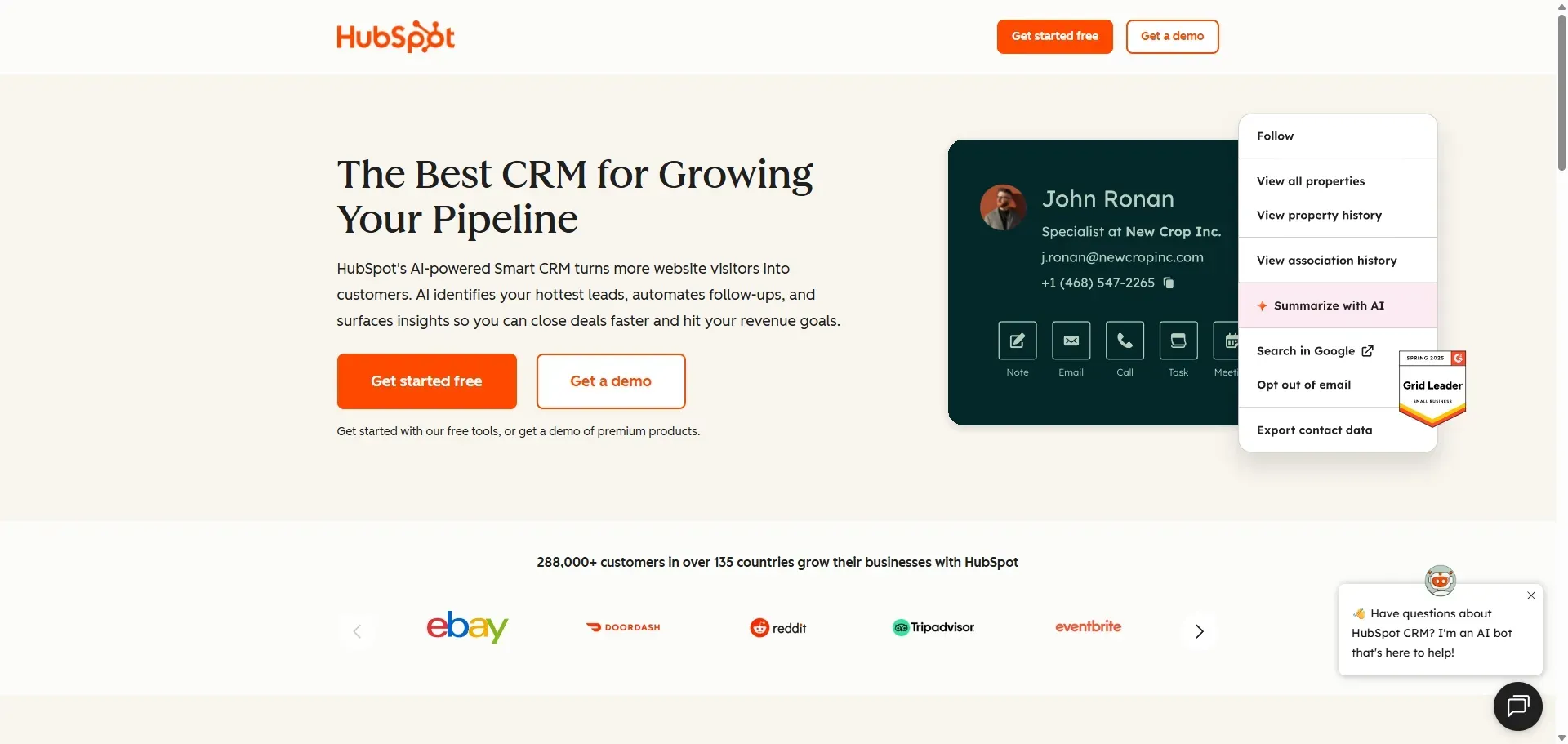
2. HubSpot CRM — Best for Sales-Driven Onboarding
If your onboarding is an extension of your sales process — tracking deals, sending follow-up emails, setting reminders — HubSpot's free CRM covers a lot of ground without a price tag.
The free tier includes unlimited contacts and deals, email templates, task management, and a meetings scheduler. You can build a basic onboarding checklist using tasks, trigger follow-up emails manually, and track where each client stands in the process.
It's not a dedicated onboarding tool, but for consultants and small agencies who already live in a CRM, adding onboarding tasks there creates less friction than adopting something entirely new.
Key Features:
- Unlimited free contacts and deals
- Email templates and tracked sends
- Task and reminder system
- Meeting scheduler built in
- Forms for capturing new client details
Pricing: Free forever; paid tiers start at ~$20/seat/month
Pros
Cons
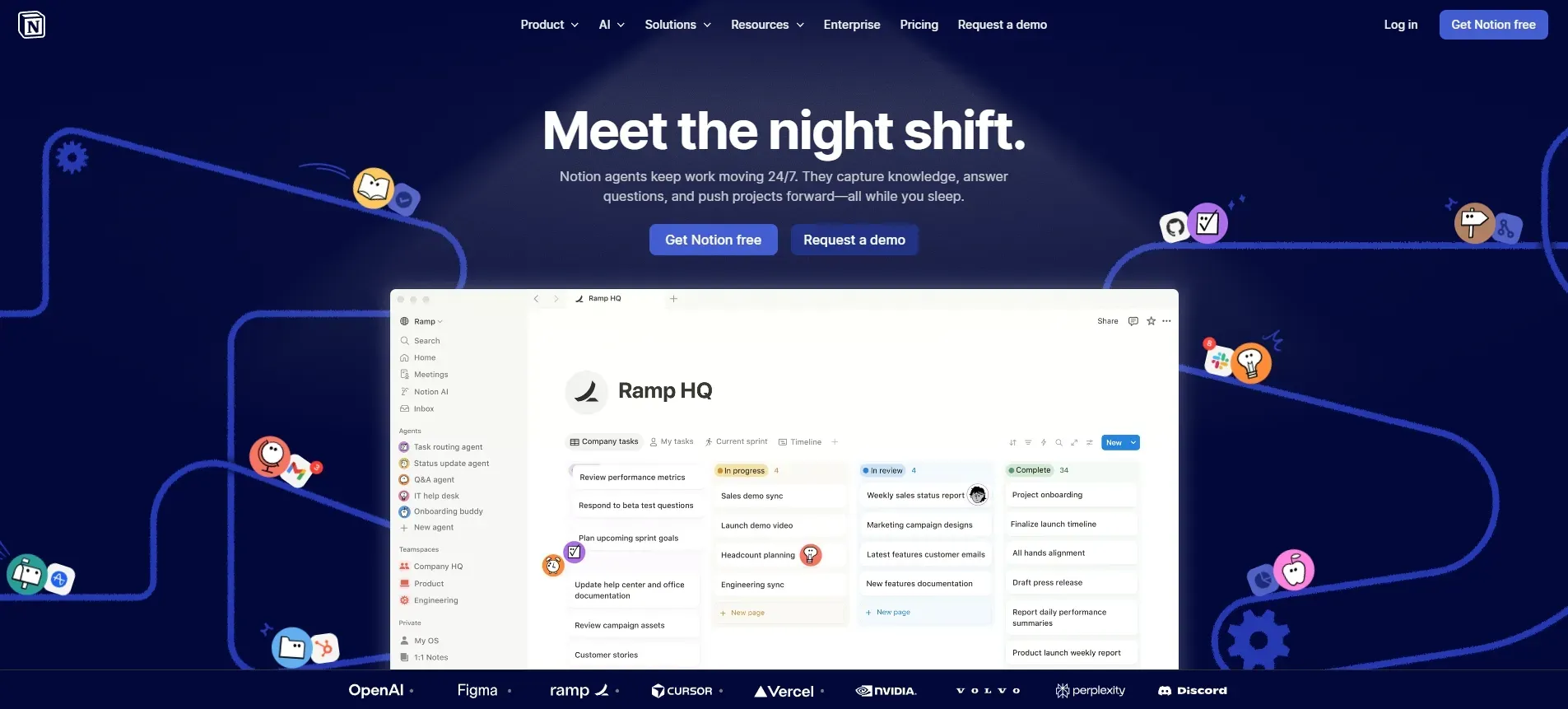
3. Notion — Best for Document-Heavy Onboarding
Agencies and consultants who send clients detailed onboarding guides love Notion. It's a flexible document workspace where you can build onboarding wikis, intake questionnaires, and shared project spaces.
The free plan supports up to 10 guests per workspace, which covers most solo operators. You can share a Notion page as a "client welcome portal" with embedded forms, checklists, and resource links — all accessible from one URL. No login required for guests if you publish the page publicly.
The catch: there's no automation. Every step requires manual action. If your onboarding relies on timed follow-up sequences, Notion needs a third-party tool to handle that.
Key Features:
- Flexible page and database builder
- Shareable pages with embedded content
- Templates for client wikis and project trackers
- 10 guest access slots on the free plan
Pricing: Free for personal use; Plus $10/user/month for teams
Pros
Cons
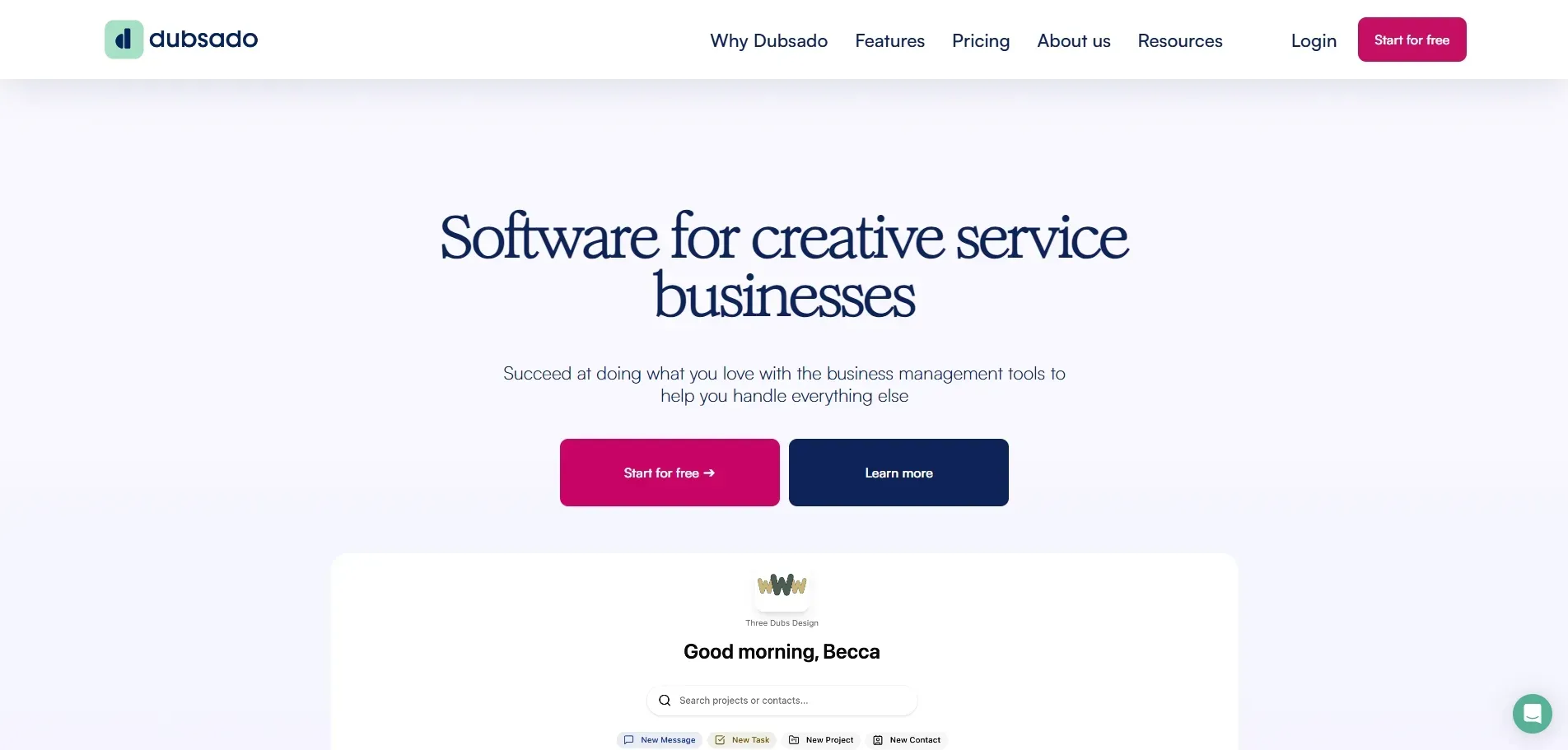
4. Dubsado — Best for Freelancers and Creative Agencies
Dubsado is purpose-built for client management: contracts, proposals, intake forms, invoices, and a client portal all in one place. The free plan lets you run up to 3 clients at full functionality — a strong way to test the workflow before committing.
The standout feature is workflow automation. Once a client signs a contract, Dubsado can automatically send a welcome email, assign tasks, and trigger an onboarding questionnaire — without you touching anything. For freelancers juggling multiple clients, that kind of hands-off flow is worth more than any feature list.
Key Features:
- Contract and proposal templates with e-signature
- Automated workflows triggered by client actions
- Client portal with branded URL (paid plans)
- Invoice and payment tracking
- Native intake form builder
Pricing: Free up to 3 clients; paid plans from ~$20/month
Pros
Cons
5. ClickUp — Best for Project-Based Onboarding
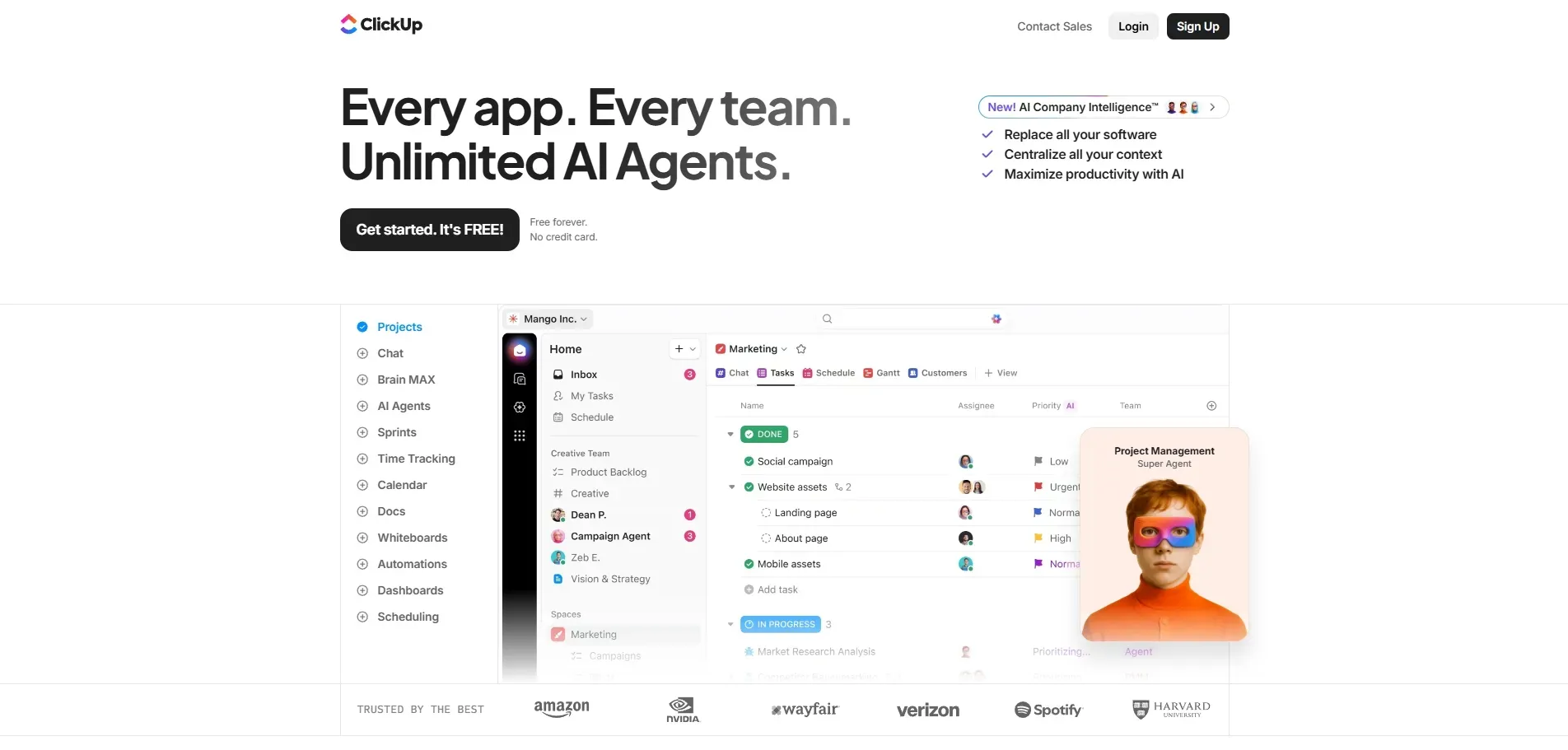
If your onboarding is essentially a checklist — kickoff call, brand questionnaire, access setup, first deliverable review — ClickUp's free plan handles it well. Unlimited tasks, subtasks, checklists, and due dates, all at no cost.
You can create an onboarding template that gets duplicated for each new client, assign tasks to yourself or team members, and track progress in board or list view. Clients can be added as guests to view only their project. ClickUp also works as an internal tools builder for teams managing both client work and internal processes in one place.
Key Features:
- Unlimited tasks and checklists on the free plan
- Board, list, and calendar views
- Client guest access (view-only on free)
- Task templates for repeatable onboarding flows
- Form view for basic intake collection
Pricing: Free Forever plan; Unlimited from $7/user/month
Pros
Cons
6. Typeform — Best for Client Intake Forms
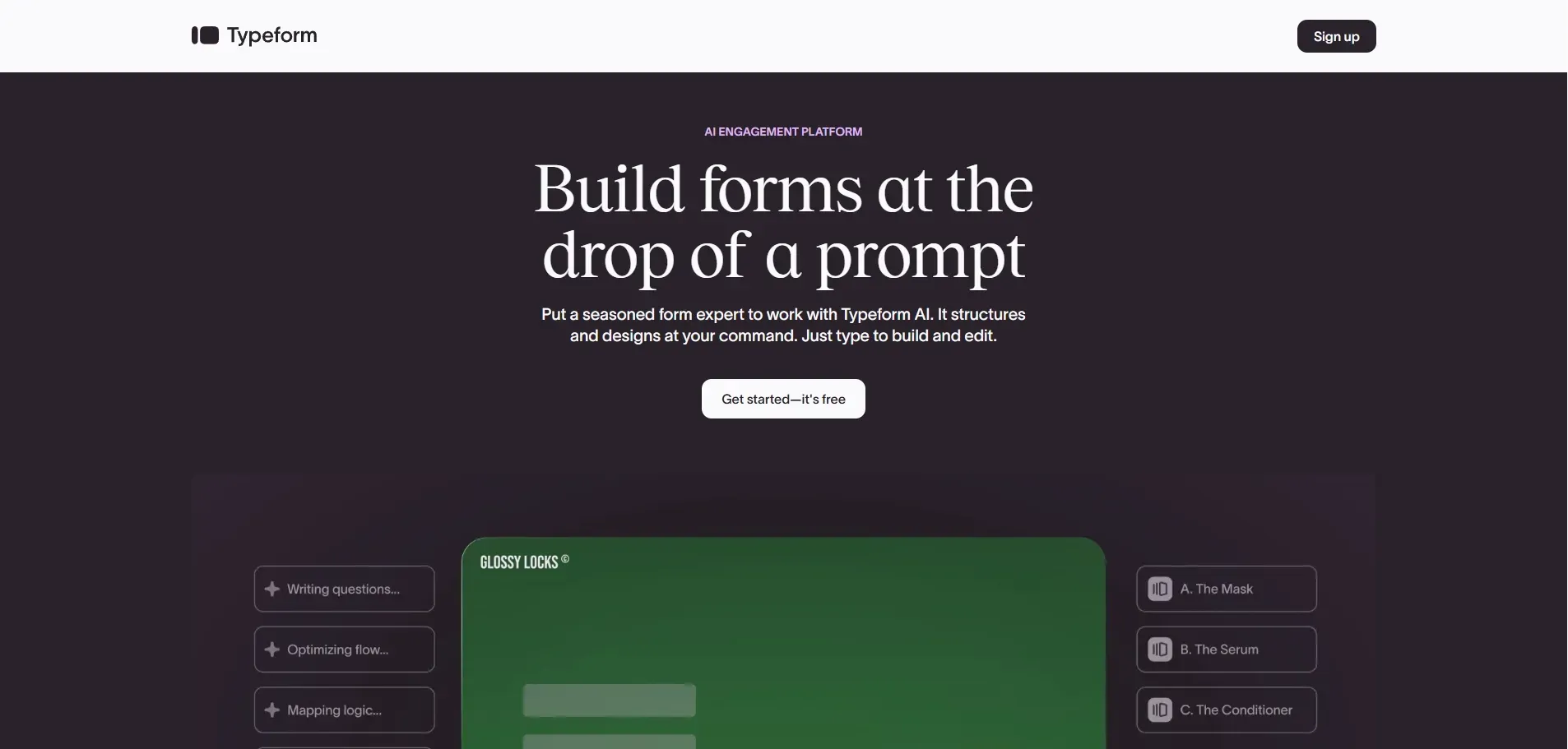
If the first step of your onboarding is a detailed questionnaire — goals, brand assets, budget, timeline — Typeform makes that experience far better than a plain form. The conversational one-question-at-a-time format consistently gets higher completion rates than traditional multi-field forms.
The free plan allows one form with up to 10 questions and 100 responses per month. For freelancers onboarding a handful of clients per month, that's often enough. Responses can sync to Google Sheets, Notion, or your CRM via Zapier.
Key Features:
- Conversational form design (one question at a time)
- Logic jumps: different questions based on previous answers
- File upload for brand asset collection
- Response notifications and basic analytics
Pricing: Free (1 form, 10 questions, 100 responses/month); Basic from $25/month
Pros
Cons
Quick Comparison Table
| Feature | YouWare | HubSpot CRM | Notion | Dubsado | ClickUp | Typeform |
|---|---|---|---|---|---|---|
| Free Tier Type | Trial credits | Forever free | Personal free | Up to 3 clients | Forever free | 100 responses/mo |
| Intake Forms | ✅ Custom-built | ✅ Basic | ✅ Manual | ✅ Native | ✅ Form view | ✅ Best-in-class |
| Client Portal | ✅ Custom | ❌ | ✅ Shared pages | ✅ Paid branding | ✅ Guest access | ❌ |
| E-Signature | ❌ | ❌ | ❌ | ✅ | ❌ | ❌ |
| Automation | ❌ Free / ✅ Paid | ❌ Free / ✅ Paid | ❌ | ✅ | ❌ | ❌ |
| Custom Domain | ✅ Pro ($20/mo) | ❌ | ❌ | ✅ Paid | ❌ | ❌ |
| Paid From | $20/mo | ~$20/seat/mo | $10/user/mo | ~$20/mo | $7/user/mo | $25/mo |
Build a fully custom client portal — no templates, no code, done in 30 minutes
Build My Portal FreeHow to Choose the Right Tool
The best free client onboarding software is the one that removes your biggest friction point — not the one with the longest feature list.
Paperwork keeps falling through the cracks. Dubsado handles contracts, forms, and invoices in one automated flow. Once a client signs, the follow-up sequence runs on its own.
You need a branded experience clients can actually navigate. YouWare lets you build a custom portal that looks like your brand — not a generic white-label tool. Describe the onboarding flow you need, and AI builds it. Pro adds a custom domain so clients see your URL.
Your onboarding is mostly documentation and project tracking. Notion and ClickUp together cover this well, both on free plans. Use Notion for the client-facing knowledge base and ClickUp for internal task tracking.
You just need better intake data. Typeform's free plan works for under 100 new clients per month.
You already use HubSpot for sales. Stay there. Adding onboarding tasks to your existing CRM beats adopting a new tool even if it's less purpose-built.
FAQ
What Is the Best Truly Free Client Onboarding Software?
HubSpot CRM and ClickUp offer the most generous free tiers with no client or user caps. Dubsado is free up to 3 clients. YouWare offers trial credits on its free plan — enough to build and test a full onboarding portal before deciding on a paid plan.
Can I Build a Client Portal Without Any Coding?
Yes. YouWare's AI no-code builder lets you describe the portal you want — intake form, welcome page, project tracker, resource library — and generates it automatically. No coding or design tools needed. You can publish a shareable client link in the same session.
Do Free Client Onboarding Tools Include E-Signature?
Most free tiers do not include e-signature. Dubsado is the exception — contract templates with e-signature are available even on its free plan (up to 3 clients). For other tools on this list, e-signature requires a paid upgrade or a separate service like DocuSign.
How Many Clients Can I Onboard on Free Plans?
It varies. HubSpot CRM and ClickUp have no client limits on their free plans. Dubsado caps at 3 clients. Typeform limits to 100 form responses per month. YouWare's free tier is credit-based — trial credits to build and test, with Pro ($20/mo) for ongoing production use.
Conclusion
Most freelancers and small agencies stick with manual onboarding longer than they should — not because better tools are expensive, but because picking one feels like a time investment. The fix: choose based on your single biggest bottleneck, not the most impressive demo.
If that bottleneck is "I spend too much time building and customizing client-facing materials," start with YouWare. If it's "contracts and follow-ups fall through the cracks," try Dubsado on its free plan. If it's "I need better intake data before kickoff," Typeform solves it.
The best free client onboarding software is whichever one removes one consistent, repeating problem from your week.

Stop chasing clients for intake docs — let your onboarding portal handle it
Try YouWare Free
![How to Build an Ecommerce Website from Scratch [2026 Guide]](https://forge-asset.youware.com/how_to_build_ecommerce_website_50086d68d6.webp)