10 Best Replit Alternatives and Competitors for Websites/Apps 2026

Replit has popularized collaborative coding with its browser-based IDE and Ghostwriter AI. But if you're seeking replit alternatives that offer no-code development, stronger AI capabilities, or specialized features for building websites and apps, this guide covers the 10 best alternatives in 2026.
Part 1. Top 10 Replit Alternatives for No-Coding Websites/Apps
1. YouWare
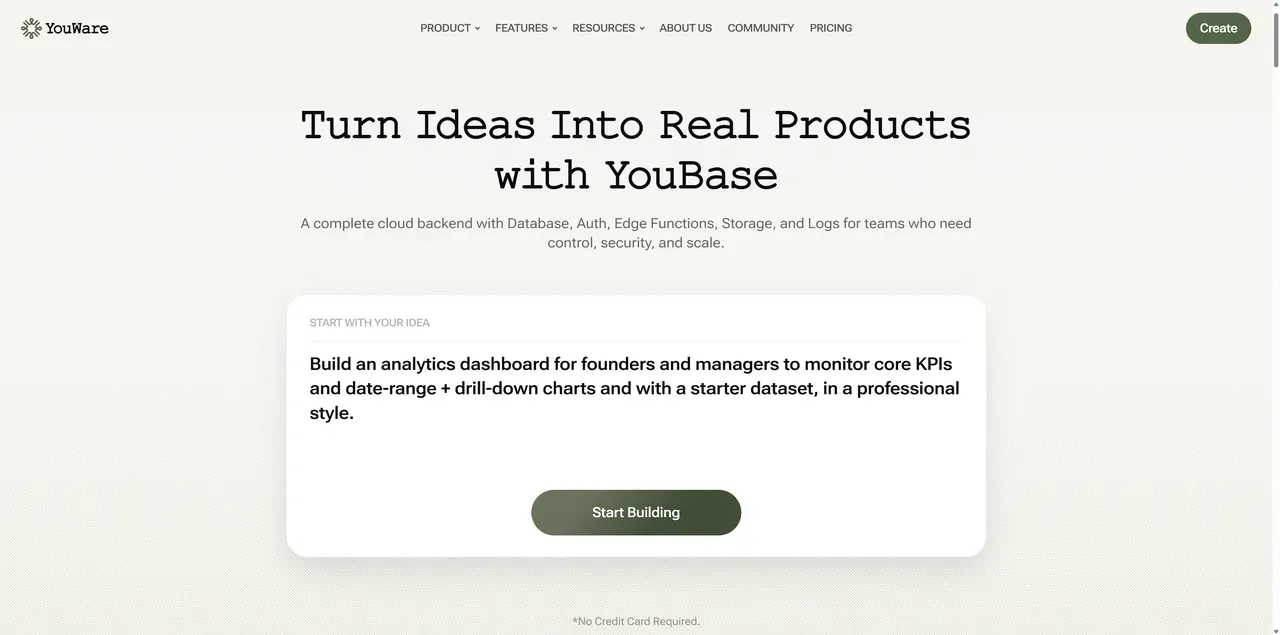
YouWare replaces Replit's coding-first approach with natural language vibe coding. While Replit requires you to write code with Ghostwriter AI assistance, YouWare generates entire applications from plain English descriptions, making development accessible without learning programming syntax or language-specific concepts.
Try for Free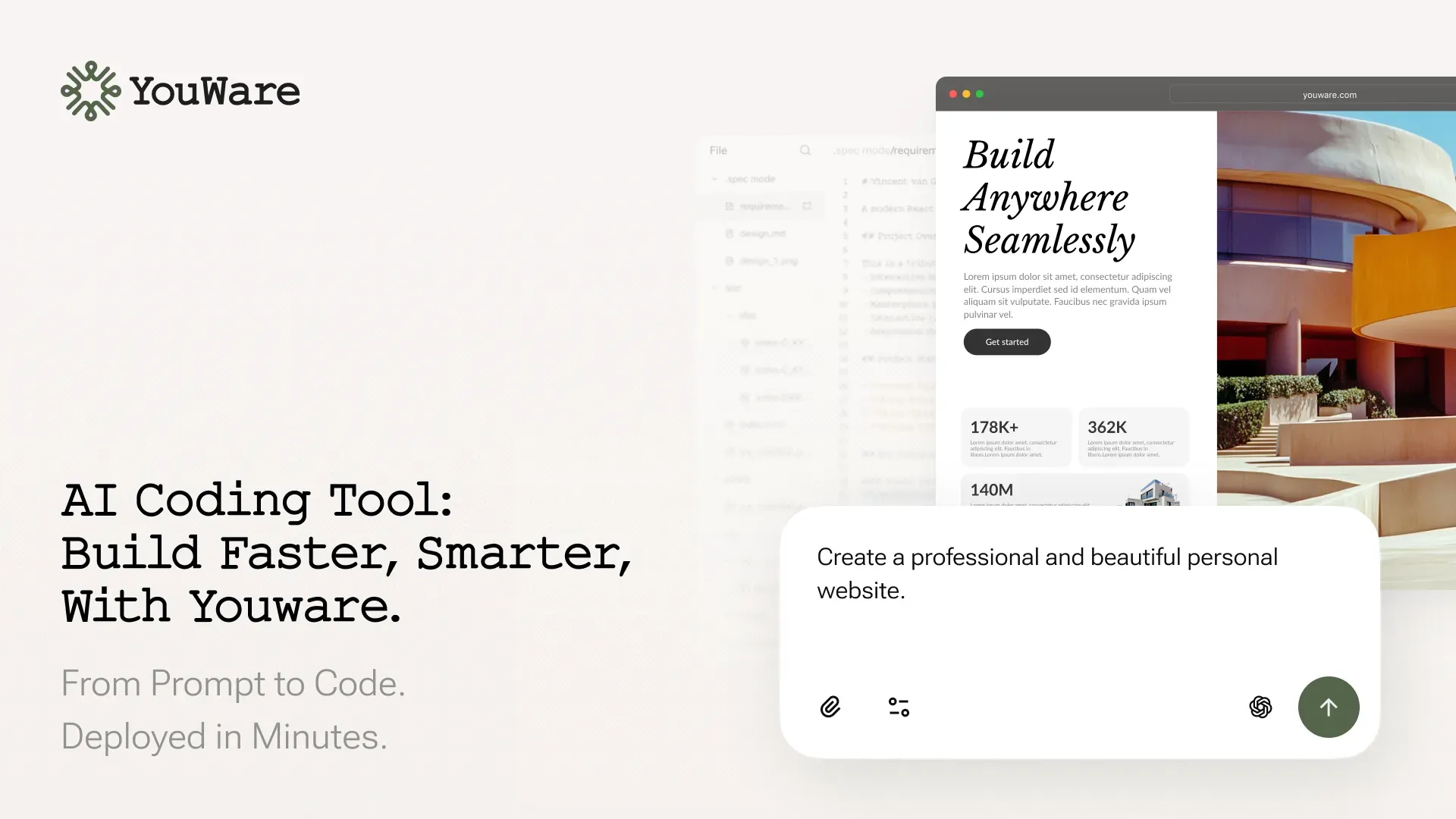
Key Features:
- Vibe Coding - Describe functionality in natural language, no syntax to learn
- YouBase Backend - Built-in backend eliminates separate server setup
- CoView - Record screen with voice to show exactly what you want changed
- Boost - AI analyzes and improves your site automatically
- Code Export - Take your code anywhere, unlike browser-locked platforms
- Multi-Model AI - Switch between AI models based on your needs
Pros:
- Completely skip learning JavaScript, Python, or any programming language
- Generate working apps in seconds vs hours of coding in Replit
- No need to configure databases, authentication, or APIs separately
- Own your code completely—deploy anywhere without platform restrictions
Cons:
- Internet-dependent unlike local IDEs
- Natural language precision improves with practice
2. Base44
Base44 bridges the gap between Replit's educational IDE and production-oriented workflows for early-stage teams. Like Replit, it supports team collaboration, but Base44 focuses on production workflows with stronger AI code generation for experienced developers building real applications rather than learning projects.
Key Features:
- AI-enhanced code writing and autocompletion
- Team workspaces with shared access
- Ready-to-use project scaffolding
- Git workflow integration
- Production deployment pipeline
Pros:
- Better for professional teams than Replit's educational focus
- Stronger AI for production code vs. Ghostwriter's learning assistance
- Designed for shipping products, not classroom projects
Cons:
- Steeper learning curve than Replit's beginner-friendly interface
- Less documentation and community resources than Replit
- No free tier matching Replit's generous offerings
3. Lovable
Lovable positions itself as an AI application builder for developers who want to move faster on production-style frontend applications. While Replit excels at teaching coding through collaboration, Lovable focuses on shipping production apps quickly with AI handling the repetitive work, letting developers concentrate on business logic and unique features.
Key Features:
- AI-powered code generation for web applications
- Component-based development approach
- Real-time preview and hot reload
- Built-in deployment pipeline
- Focus on React and modern JavaScript frameworks
Pros:
- Fast iteration cycles with AI assistance
- Modern tech stack with React focus
- Clean code generation
Cons:
- Requires JavaScript/TypeScript knowledge
- Limited backend services compared to full platforms
- Smaller ecosystem than Replit
4. Anything
Where Replit teaches you to code through hands-on practice, Anything eliminates coding entirely by converting conversational descriptions into polished applications. It's designed for founders and product managers who need functional prototypes without investing time in learning JavaScript, Python, or any programming language that Replit supports.
Key Features:
- Natural language to full application generation
- AI-driven design with emphasis on visual quality
- Integrated build and deployment pipeline
- End-to-end application delivery
- Focus on non-generic, polished interfaces
Pros:
- Natural language to full app flow
- Emphasis on clean, non-generic visual design
- Integrated build and deployment experience
Cons:
- Young platform with limited ecosystem maturity
- Fine-grained control over complex systems is still limited
- Long-term scalability is unproven
5. Bolt
Bolt takes Replit's browser-based development concept further by adding autonomous AI agents that build, test, and refactor code automatically. While Replit's Ghostwriter assists you as you code, Bolt's AI agents automate large parts of the development loop, with human supervision., making it ideal for developers who want to describe features rather than implement them line-by-line.
Key Features:
- AI agent workflow (build, test, refactor)
- Live code generation from natural language
- In-browser development environment
- Integrated testing and debugging
- One-click preview and deployment for demos and prototypes
Pros:
- Strong AI agent workflow (build, test, refactor)
- Runs fully in browser with no local setup
- Suitable for more complex web applications than pure no-code tools
Cons:
- Code quality can degrade in complex scenarios
- Less predictable than traditional development workflows
- Not ideal for users needing full manual control
6. Glide
Replit teaches coding through projects; Glide builds apps from your existing data without any coding. If you have business data in spreadsheets and need an app quickly, Glide converts Google Sheets or Airtable into mobile and web applications—a completely different approach from Replit's code-learning philosophy.
Key Features:
- Spreadsheet-based data management
- Integration with Google Sheets and Airtable
- Mobile and web app generation
- Pre-built templates for common use cases
- Real-time data synchronization
Pros:
- Extremely fast for data-backed apps
- Easy integration with spreadsheets and databases
- Ideal for internal tools and business workflows
Cons:
- Limited flexibility beyond data-centric use cases
- Complex logic can become difficult to manage
- Advanced features often require paid plans
7. Bubble
Bubble offers visual programming through drag-and-drop interfaces, contrasting with Replit's text-based coding environment. While Replit students write JavaScript functions and debug code, Bubble users connect visual blocks and design workflows—a fundamentally different paradigm that appeals to those who think visually rather than textually.
Key Features:
- Visual workflow builder with drag-and-drop
- Database designer with visual schema
- API connector for third-party services
- Extensive plugin ecosystem
- Responsive layout designer
Pros:
- Build complex logic visually vs. writing functions in Replit
- No syntax errors or debugging like traditional coding
- Massive community and learning resources
- Powerful for business applications beyond Replit's scope
Cons:
- Visual interface has learning curve (different from Replit's code learning)
- Performance issues at scale unlike optimized code
- Platform lock-in—can't export code like Replit
8. Webflow
Replit targets developers; Webflow targets designers and marketers. Where Replit helps you build web applications through code, Webflow focuses on pixel-perfect marketing websites with CMS capabilities. It's the choice when visual design matters more than backend logic or collaborative coding features.
Key Features:
- Professional design canvas with pixel control
- Content management system
- Advanced SEO and performance optimization
- E-commerce and membership features
- Clean code export capability
Pros:
- Designer-friendly vs. Replit's developer focus
- Beautiful marketing sites vs. functional web apps
- Professional client work vs. learning projects
- SEO built-in vs. manual optimization in Replit
Cons:
- Design skills needed vs. Replit's code focus
- Expensive for multiple sites vs. Replit's free tier
- Not for complex backend logic that Replit handles
9. Cursor
Cursor reimagines the traditional IDE with AI at its core, offering a more powerful coding experience than Replit's browser-based environment. It's for professional developers who've outgrown Replit's educational focus and need advanced features like deep codebase understanding, multi-file AI editing, and local development with full VS Code compatibility.
Key Features:
- Advanced AI code completion and generation
- Natural language code modifications
- Full codebase context understanding
- Multi-file simultaneous editing
- Complete VS Code extension compatibility
Pros:
- Professional desktop IDE vs. Replit's browser limitations
- Deeper AI understanding than Ghostwriter's suggestions
- Full VS Code power with AI augmentation
- Local development with privacy controls
Cons:
- Requires strong coding skills unlike Replit's beginner support
- Paid subscription for best features vs. Replit's free tier
- Desktop-only vs. Replit's anywhere access
10. Wix
Wix serves the opposite audience from Replit—users who want websites without learning to code at all. While Replit's mission is teaching programming through collaboration, Wix's mission is eliminating the need for programming knowledge through templates and AI-assisted design, making it perfect for simple business sites and portfolios.
Key Features:
- Drag-and-drop website builder
- AI design assistant (ADI)
- 800+ pre-made templates
- App marketplace for added functionality
- All-in-one hosting and domain management
Pros:
- Absolute beginner-friendly vs. Replit's coding requirement
- Beautiful templates vs. building designs from scratch
- Small business focused vs. developer/learner focused
- Fast site launch vs. development time in Replit
Cons:
- Template constraints vs. Replit's coding freedom
- Difficult to export and migrate unlike code portability
- Basic sites only vs. Replit's complex app capabilities
Part 2. Replit vs 10 AI Alternatives: Comparison Table
Understanding the differences between Replit and its alternatives helps you choose the right tool. Here's how these platforms compare across key features that matter for building websites and applications.
| Platform | AI Generation | Coding Required | Backend Included | Code Export | Free Tier | Best For |
|---|---|---|---|---|---|---|
| Replit | Assist (Ghostwriter) | Yes | Limited | Yes | Yes | Learning & collaboration |
| YouWare | Full vibe coding | No | Yes (YouBase) | Yes | Yes | No-code rapid development |
| Base44 | Assist | Yes | No | Yes | Limited | Team prototyping |
| Lovable | Full | Some | Limited | Yes | Trial | React app development |
| Anything | Full AI agent | No | Integrated | Yes | Limited | Visual app design |
| Bolt | Full AI agent | No | Limited | Yes | Trial | AI-assisted development |
| Glide | No | No | Limited | No | Yes | Data-backed apps |
| Bubble | No | No | Yes | No | Yes | Complex app logic |
| Webflow | Assist | No | No | Yes | Yes | Marketing websites |
| Cursor | Assist | Yes | No | N/A | Trial | Professional coding |
| Wix | Assist | No | Limited | No | Yes | Simple business sites |
Part 3. FAQs on Alternatives to Replit
Common questions about free replit alternatives, AI-powered options, and open-source solutions to help you find the best fit for your needs.
What is the best alternative to Replit?
YouWare is the best alternative to Replit, offering AI-powered vibe coding that generates complete websites and applications from natural language. Unlike Replit which requires coding knowledge, YouWare uses natural language prompts with integrated YouBase backend. Other strong alternatives include Cursor for developers who want AI assistance in a familiar VS Code environment, and Bolt for agentic AI workflows.
What are free alternatives to Replit for apps and websites?
YouWare offers the most comprehensive free tier among Replit alternatives, providing vibe coding, YouBase backend, and deployment capabilities without coding knowledge. Glide and Bubble also have free tiers for app building, while Wix offers free website creation with branding. Unlike Replit's coding-focused free tier, YouWare's free tier enables non-developers to build production-ready applications through natural language.
What are AI tools like Replit?
AI-powered alternatives to Replit include YouWare (vibe coding with natural language), Cursor (AI code editor), Bolt (agentic AI development), and Lovable (AI application builder). YouWare stands out by eliminating coding requirements entirely through vibe coding, while Cursor and Bolt require programming knowledge. Each offers different approaches to AI-assisted development.
What are AI alternatives to Replit?
The top AI alternatives to Replit are YouWare, which uses vibe coding to generate full-stack applications from natural language; Cursor, an AI-first code editor with powerful codebase understanding; and Bolt, featuring AI agent workflows for build-test-refactor cycles. YouWare differentiates by providing integrated backend (YouBase) and requiring zero coding knowledge, making it accessible to non-developers unlike Replit.
What are open-source alternatives to Replit?
While YouWare generates standard code using open-source technologies (React, TypeScript, PostgreSQL) that you can export and deploy anywhere with no vendor lock-in, Cursor (built on VS Code) is the closest open-source alternative for developers. Unlike Replit's proprietary environment, YouWare's code export ensures you own your codebase completely. For fully open-source development workflows, combine Cursor with self-hosted infrastructure.
Conclusion
The best alternative to Replit depends on whether you need coding capabilities or prefer no-code development. YouWare leads as a replit alternative for non-developers, offering vibe coding that generates complete applications from natural language with integrated YouBase backend. For developers, Cursor provides powerful AI assistance in a familiar IDE, while Bolt offers advanced agentic workflows. Replit remains strong for learning and collaboration, but these alternatives offer specialized strengths—from YouWare's no-code approach to Bubble's visual programming and Webflow's design focus. Most platforms offer free tiers, so experiment to find your best fit.

Build websites without coding using AI vibe coding
Try YouWare Free