What Is a Client Portal? Key Features and How to Build
What Is a Client Portal? Key Features and How to Build
YouWare TeamMarch 02, 2026
8 mins read
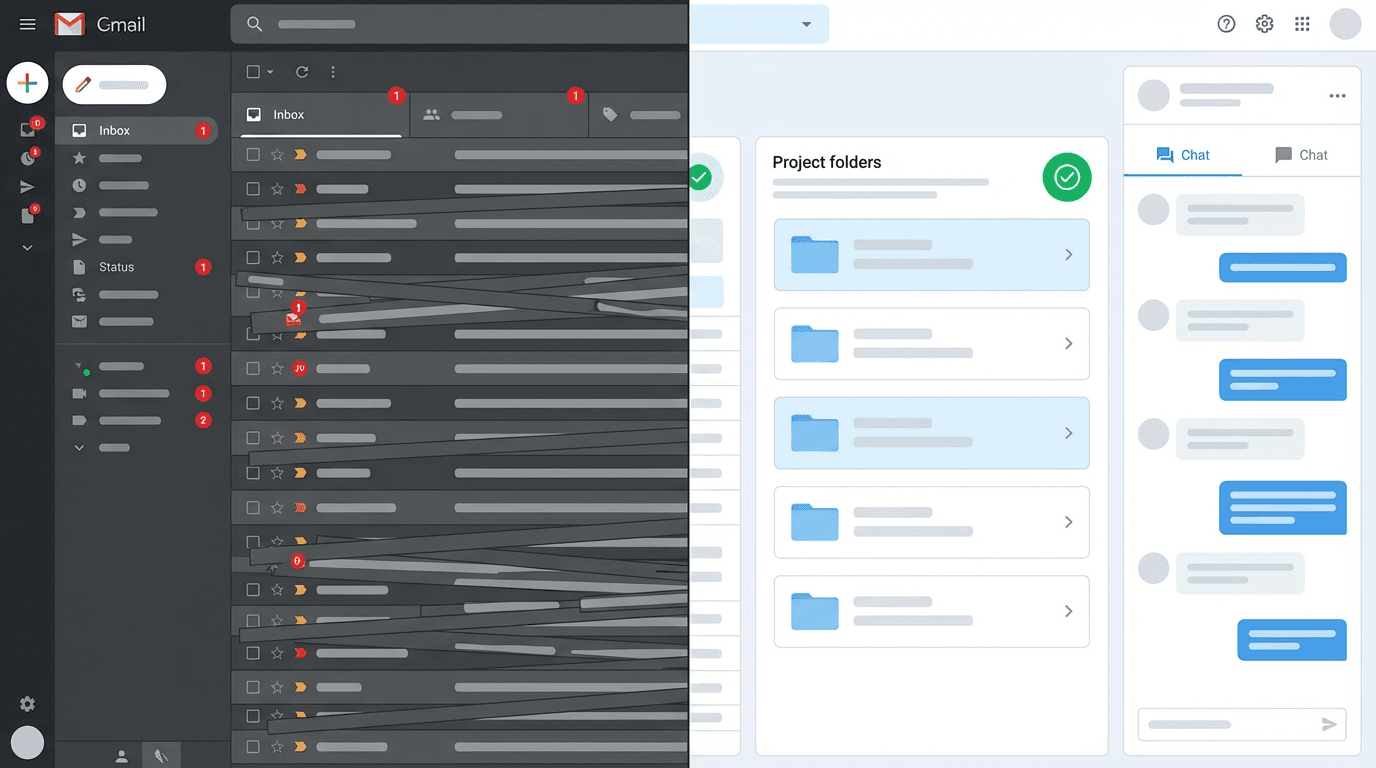
Your client just sent a third email asking where their invoice is. You uploaded it to Dropbox, linked it in Slack, and mentioned it on the call. And yet here you are, typing "it's in the shared folder" again. There's a name for the problem: you don't have a client portal.
Summary
Scattered tools (Dropbox + Slack + email) feel organized to you — your clients experience them as chaos, and every "where's my file?" email proves it
A portal at clients.yourcompany.com signals serious operation; a link to app.notion.so/... signals you're duct-taping tools together
SaaS portals charge $15–80/month per seat and scale costs with your client list — a custom-built portal on YouWare Pro ($20/month flat) has zero per-seat fees
Solo freelancers benefit most: no account manager buffer means every status-check email lands directly on you
If "did you get my file?" shows up in your sent folder twice a week, skip the better folder structure — build the portal
What Is a Client Portal?
A client portal is a secure, private website where you and your clients exchange files, track project progress, handle invoices, and communicate — all in one place.
Think of it as a private room you set up for each client relationship. Instead of bouncing between email threads, Dropbox folders, and Slack messages, everyone logs into one place and finds what they need. The client sees their specific files, their invoices, their project timeline. Nothing else.
The definition sounds simple. The business impact isn't. When a client has a dedicated portal, they stop emailing you for updates. They check the portal. That alone reclaims hours every week.
How a Client Portal Works
A client portal has three layers working together:
Authentication — Clients log in with a unique account. Only they access their specific space. Other clients see nothing.
Content — Files, invoices, contracts, project timelines, and messages all live inside. New items appear the moment you add them.
Actions — Clients can approve work, download deliverables, pay invoices, or leave feedback directly in the portal.
When you upload a new deliverable, the client gets notified. When they approve a milestone, you get pinged. No back-and-forth emails, no "did you see my message?" No chasing.
Key Features of a Client Portal
Not every portal is built the same. A well-built client portal should include:
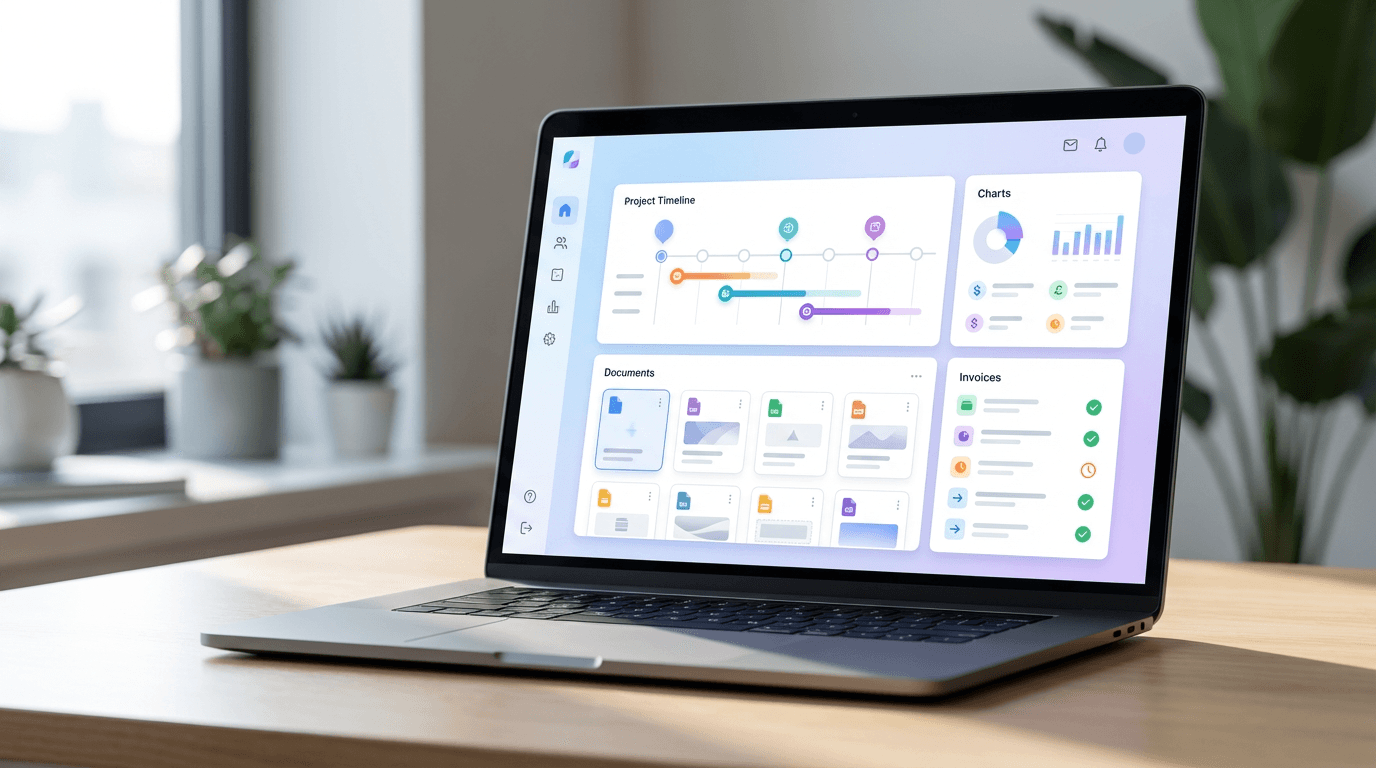
File sharing and storage — Drag, drop, and organize deliverables by project. Clients download what they need, when they need it.
Invoicing and payments — Send invoices and let clients pay directly inside the portal. No separate billing tool, no PayPal links in emails.
Project status and timelines — Show what's complete, what's in progress, and what's next. Clients get visibility without requiring a meeting.
Messaging — A dedicated thread for each project keeps conversations out of email and attached to context.
Contract and document signing — Upload agreements and collect digital signatures without adding another third-party tool.
Access control — You decide what each client sees. One client never accidentally sees another client's files.
Custom branding — Your logo, your colors, your domain. Not a generic SaaS interface with someone else's name in the corner.
That last point carries more weight than most people expect. A portal living at clients.yourcompany.com signals you're a serious operation. A link to app.notion.so/... does not.
Who Needs a Client Portal?
If you work with clients on recurring or multi-step projects, you probably need one. Specifically:
Freelancers managing multiple clients simultaneously — the people fielding every "where are we at?" message
Agencies handling creative deliverables, revision rounds, and approvals
Consultants who regularly share reports, strategy decks, and recommendations
Legal and financial professionals exchanging sensitive documents that need secure, controlled access
Coaches and course creators delivering session notes, materials, and program content
A CRM builder handles your internal client data. A portal handles the client's experience. If you're sending the same "did you get my file?" email more than twice a week, a portal pays for itself in time saved inside of a month. If you want to compare existing software options first, G2's client portal category tracks hundreds of tools with verified user reviews.
Client Portal vs. Project Management Tool
People confuse these constantly — and it's costing them.
A project management tool (Notion, Trello, Asana, Linear) is built for your team's internal workflow. It's not designed for client-facing use. Your sprint board isn't something a client needs to see.
A client portal is built for your client's experience. Everything in it is curated for them.
Client Portal
Project Management Tool
Primary user
Your clients
Your team
Access model
Client-specific login
Team-facing
Focus
Deliverables, invoices, approvals
Tasks, sprints, deadlines
Branding
Your brand
Tool vendor's brand
Payment built-in
Usually yes
Rarely
You might use both — but your clients should only ever touch the portal.
How to Build a Client Portal Without Code
This is where most "what is a client portal" articles stop short. They describe the concept, then point you at a $50/month SaaS subscription. You don't have to go that route.
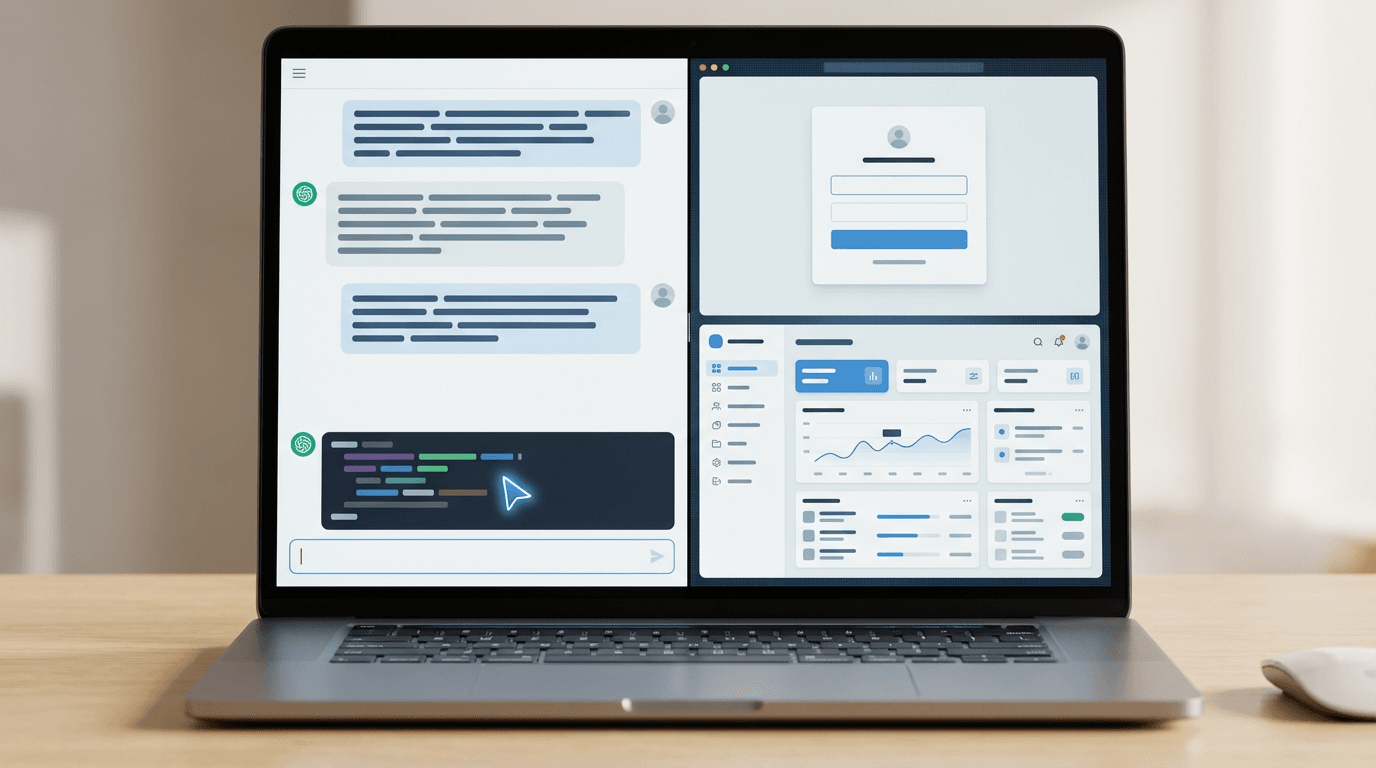
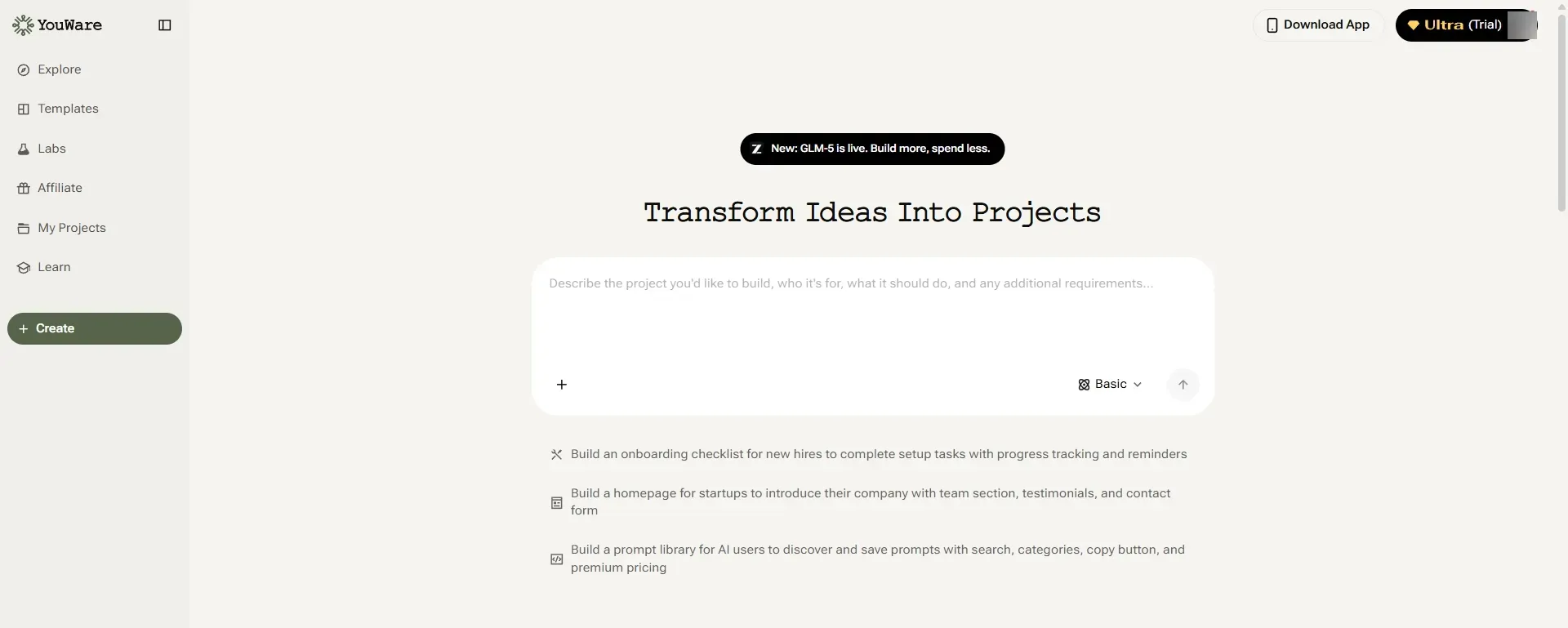
You can build a fully custom client portal using an AI app builder. Describe what you need in plain language — "a portal where clients log in, see their project status, download files, and pay invoices" — and the AI generates a working app.
With YouBase as the backend, your portal gets a real database for client data, authentication for login, and file storage — without writing a line of backend code. Add a custom domain and your portal lives at clients.yourcompany.com, not on a generic subdomain.
The practical workflow:
Open YouWare and describe your portal in a prompt
The AI builds the front-end interface
Connect YouBase for user authentication and data storage
Upload your logo, set your colors, and add a custom domain
Share a login link with each client
The result is a portal that works exactly the way your business operates — not constrained by what a generic SaaS tool supports.
"I need a developer to build one." Not anymore. AI-powered no-code app builders can generate a fully functional portal from a plain-language description. Time from idea to working prototype: hours, not months.
"A SaaS portal tool is good enough." Generic portals work — until they don't. Your workflow doesn't fit their feature set. You hit a pricing wall. The branding screams "this person is using someone else's software." A custom portal removes all three problems.
"Only large agencies need portals." Solo freelancers benefit most. You're the one fielding every status-check email, not a team of account managers. A portal lets you set boundaries without appearing unprofessional.
"Portals are hard to maintain." If you built it with AI, you can edit it with AI. Need to add a new section or feature? Describe it. The barrier to updating a custom portal is now the same as the barrier to editing a document.
FAQ
What Is the Difference Between a Client Portal and an Extranet?
An extranet is a broader private network extended to external users — often large enterprise systems. A client portal is a specific application built for client-facing deliverables, communication, and account management. Think of a portal as one purpose-built piece of what a full extranet might include.
How Much Does a Client Portal Cost?
SaaS portals typically run $15–80/month per seat. Building your own with YouWare starts free — the Pro plan is $20/month and includes YouBase backend access, custom domains, and code download. The key difference: you own the portal and pay no ongoing per-seat SaaS fees as your client list grows. For a full price comparison across off-the-shelf tools, Capterra's client portal directory lists pricing and user reviews for hundreds of options.
Can I Build a Client Portal Without Coding?
Yes. AI app builders generate fully functional portals from plain-language descriptions. You describe the features you need, the AI builds the interface, and YouBase handles the backend. No developer required.
Is a Client Portal Secure?
A well-built portal uses authentication, role-based access control, and encrypted data storage. YouBase handles authentication and data security out of the box, so each client only accesses their own data and files.
What Should I Put in a Client Portal First?
Start lean: a project status page, a file download section, an invoicing area, and a messaging thread. Get clients using those four things. Then add contract signing, intake forms, or anything else based on what they actually ask for.
Conclusion
A client portal is the difference between a business that runs on email chaos and one that projects confidence. The technology to build exactly the one you need — without a developer, without a bloated subscription — now fits into an afternoon.
If you've been patching together Dropbox links and invoice emails, the fix isn't a better folder structure. It's a portal.