

Online AI Flashcard Maker
Create flashcards you can keep using as your content changes.
*No Credit Card Required.
Trusted by 1M+ creators. Featuring integrations from:

Remix Existing Flashcards in Seconds
Educators and creators share flashcard maker projects in YouWare that others can learn from and adapt. These projects improve over time through teaching practice rather than staying static.


A Flashcard Maker Built for Real Teaching and Reuse
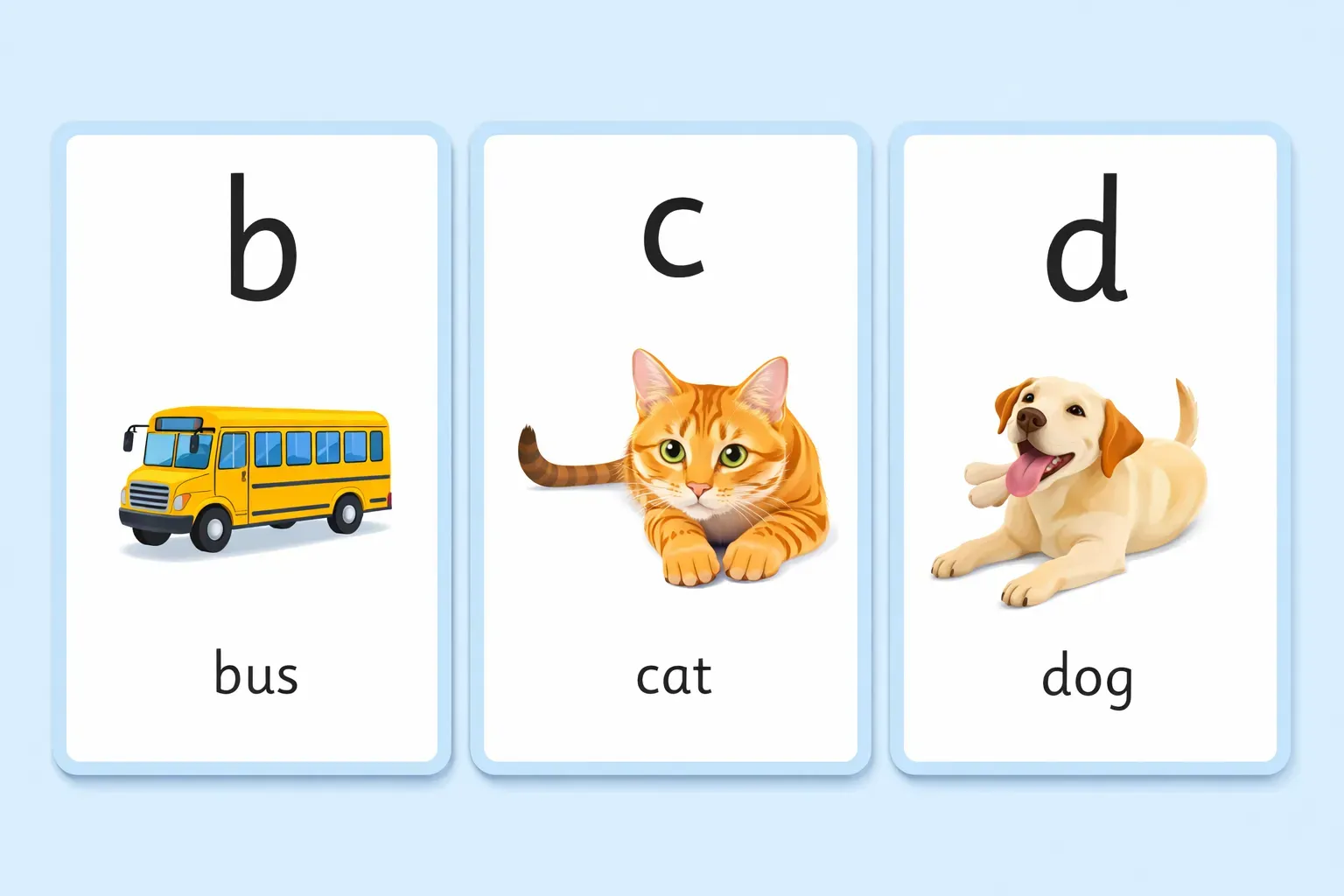
Set Up How Students Review Content
When building a flashcard maker, you decide how students go through the cards. You control what appears first, when answers are revealed, and how much explanation each card includes, so review feels clear instead of rushed.
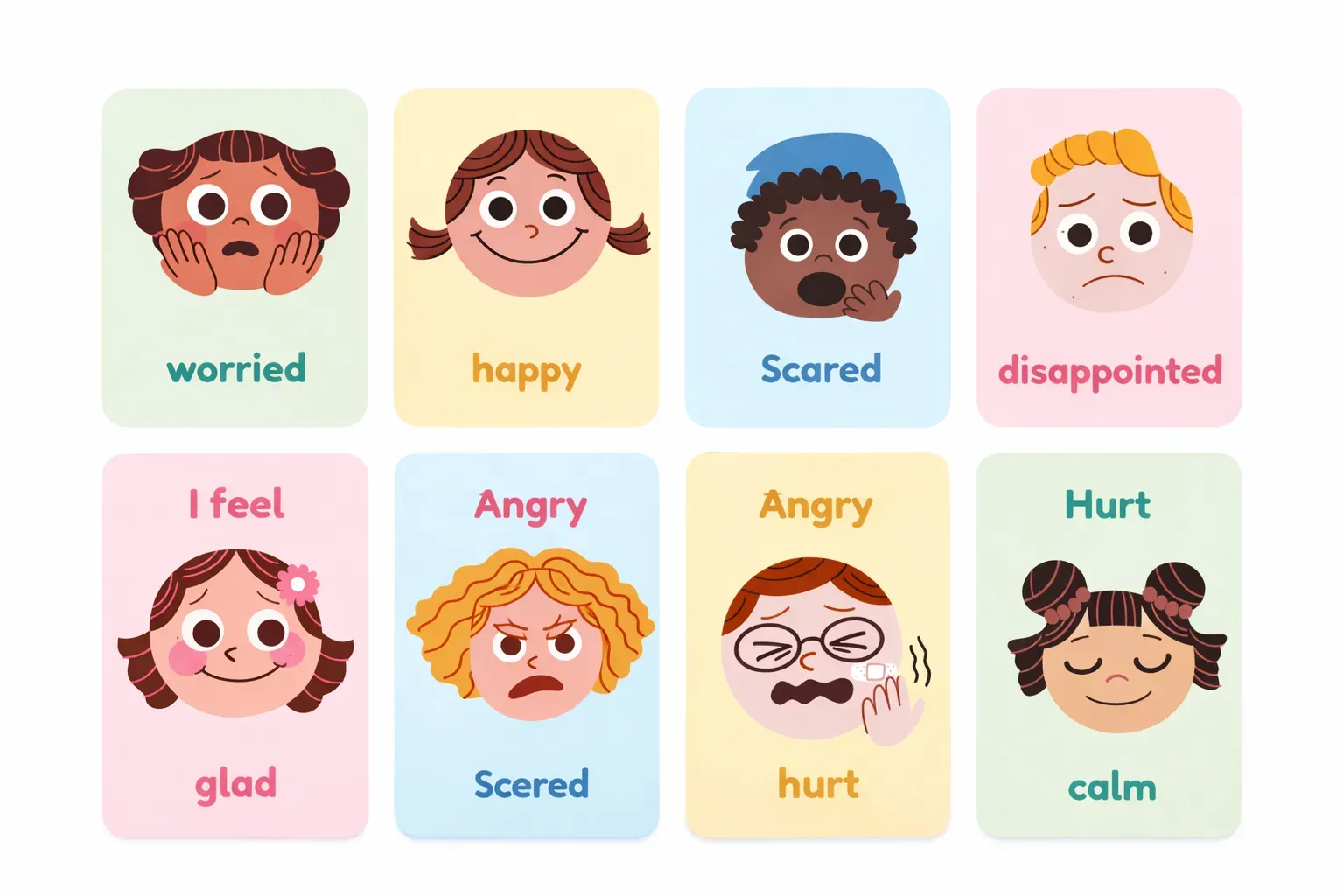
Keep the Same Flashcard Format Across Lessons
Teachers often want flashcards to look and behave the same every time. In YouWare, the flashcard format stays consistent even when you change topics or update examples. If learners use the cards over time, progress can be saved so they can return and continue without starting over.
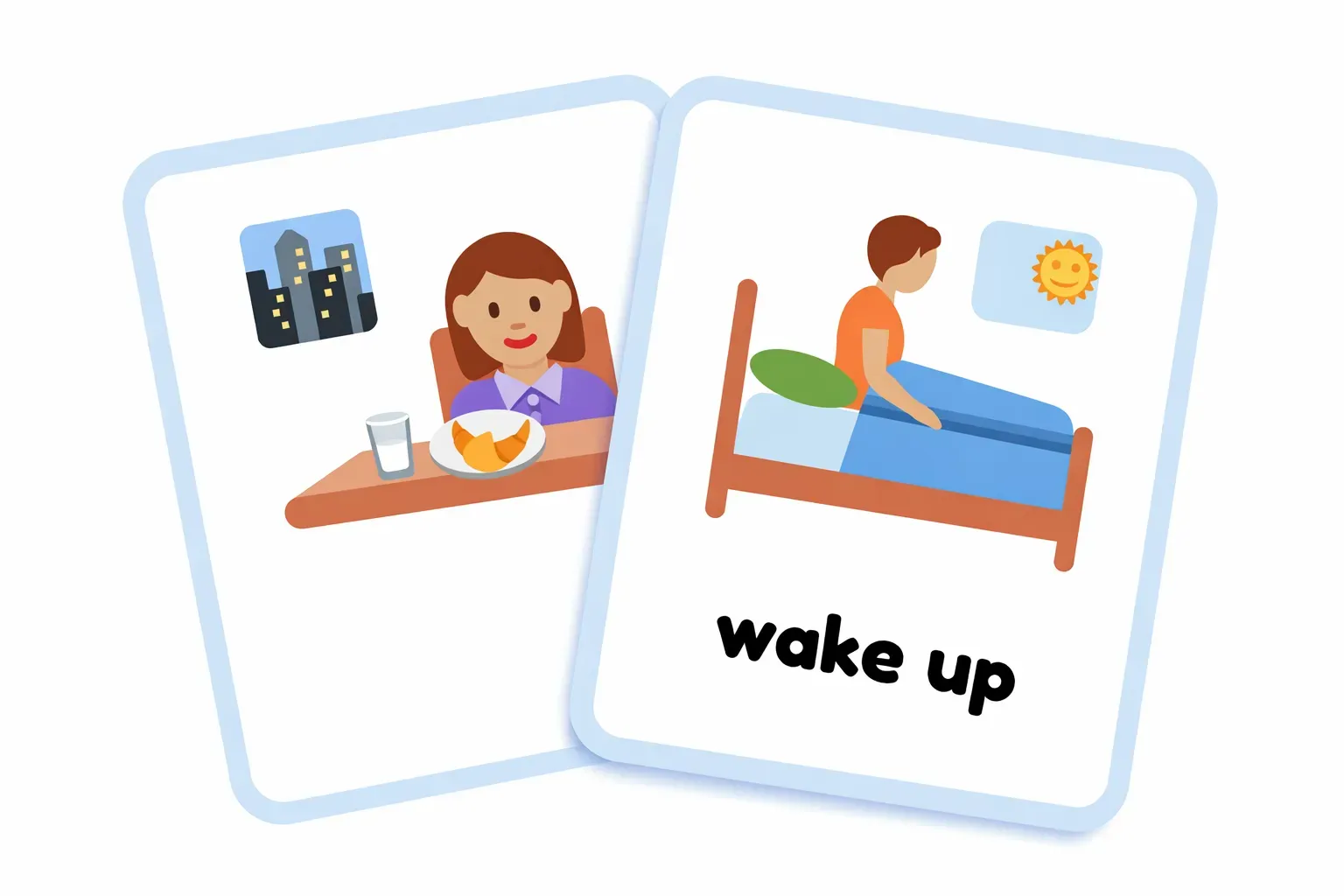
Edit Cards Where You See Problems
If a question is confusing or an explanation needs work, you fix it directly on the card. Changes feel like revising teaching material, not reconfiguring a tool or starting from scratch.
Reuse the Same Setup Next Semester
Many educators and course creators reuse materials across semesters or cohorts. With a flashcard maker project, you update the content while keeping the structure intact, saving time and avoiding repeated setup work.
What You Can Build with a Flashcard Maker
Common ways educators and content teams use it

Why You Should Choose YouWare AI Flashcard Maker
From Teaching Intent to a Working Flashcard Maker
Step 1: Decide how flashcards should work
Set the card pattern students will see, including what appears on the front, what’s revealed on the back, and how much explanation or example text is included for each item.
Step 2: Add and refine content
Bring in your terms, questions, and examples, then tighten wording and emphasis as you review the set. Keep the same structure while improving clarity across cards and lessons.
Step 3: Share with learners
Share one stable link for your class, course, or cohort. When you update cards later, learners return to the same place without needing a new deck or file.
How Educators and Creators Use YouWare for Flashcards
More Than a Flashcard Maker
A flashcard maker is one way to create in YouWare. The same project-based approach supports interactive exercises, reusable teaching tools, and other creations that evolve through iteration and sharing.
FAQs About Flashcard Maker
Yes. YouWare can be used as a free flashcard maker depending on your plan. Many teachers and creators start by building and sharing flashcards for free, then keep using the same setup as classes or courses grow.

