

Schedule Maker
Class timetable, weekly planner, or a shift rota for a small team — describe the schedule you need and AI builds the maker in about 30 seconds. Edit, print, share by link.
Free to start · Print-friendly and shareable
Trusted by 1M+ creators. Featuring integrations from:

How to Make Your Schedule
Step 1: Describe the Schedule You Need
Class timetable with color-coded subjects? Weekly planner with morning and evening blocks? A rotating shift schedule for five baristas? Say what you're scheduling, the time range, and how it should look.
Step 2: AI Builds Your Schedule Maker
In about 30 seconds you get a working schedule tool — a weekly grid with your time slots, color coding, and the fields you asked for. Not a static template: a tool you refill every week or semester.
Step 3: Fill, Print, Share
Add your entries, print the clean layout for your desk or fridge, and share the link — classmates copy your format, your team checks shifts from their phones, and updates reach everyone instantly.
One Maker, Every Schedule In Your Life
Templates force your life into their grid. Here the grid is built around your life.
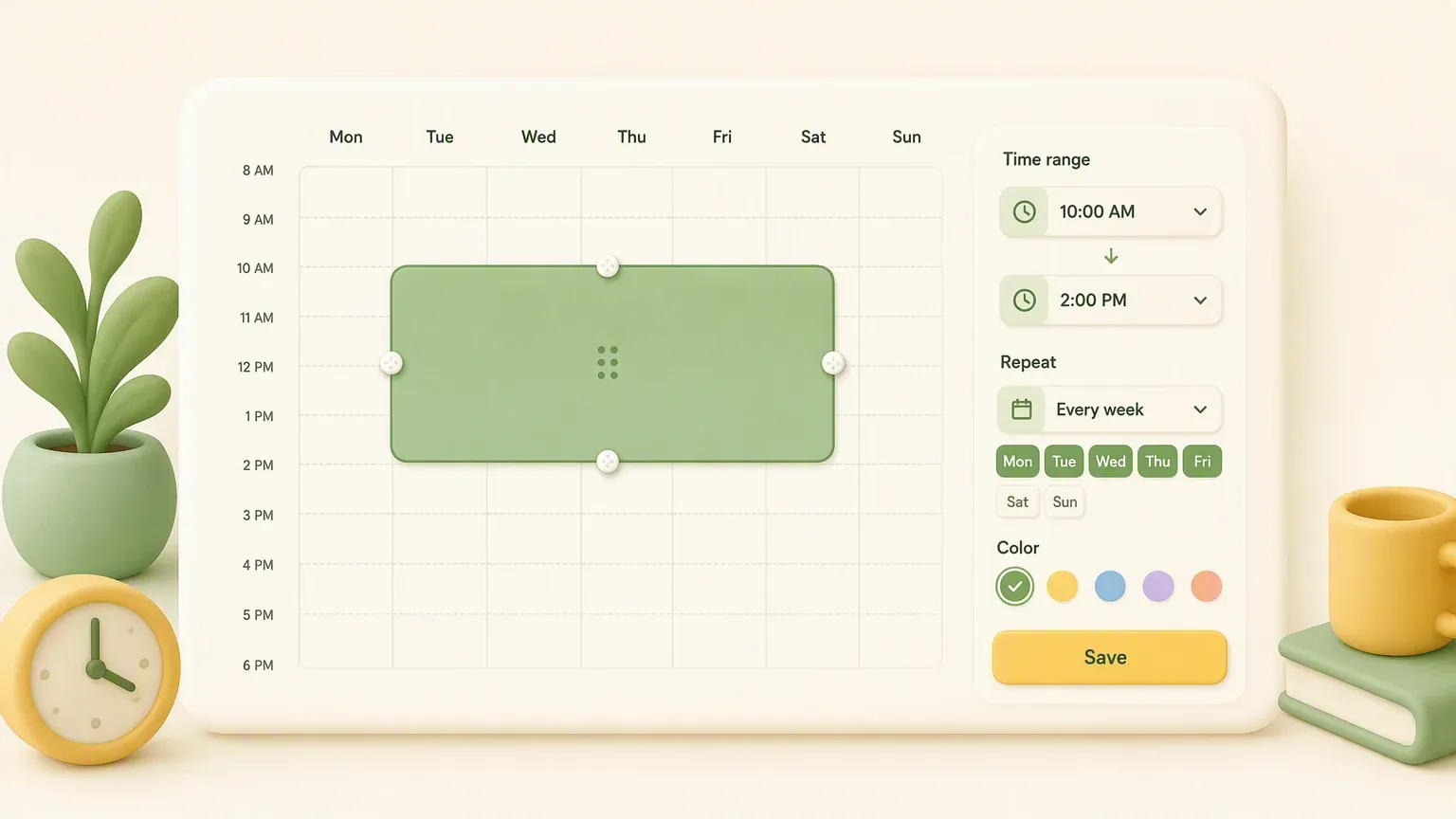
Exactly Your Grid
15-minute slots or 2-hour blocks, 5-day or 7-day weeks, 6am starts or midnight endings. Describe the structure your schedule actually needs instead of fighting a template's assumptions.
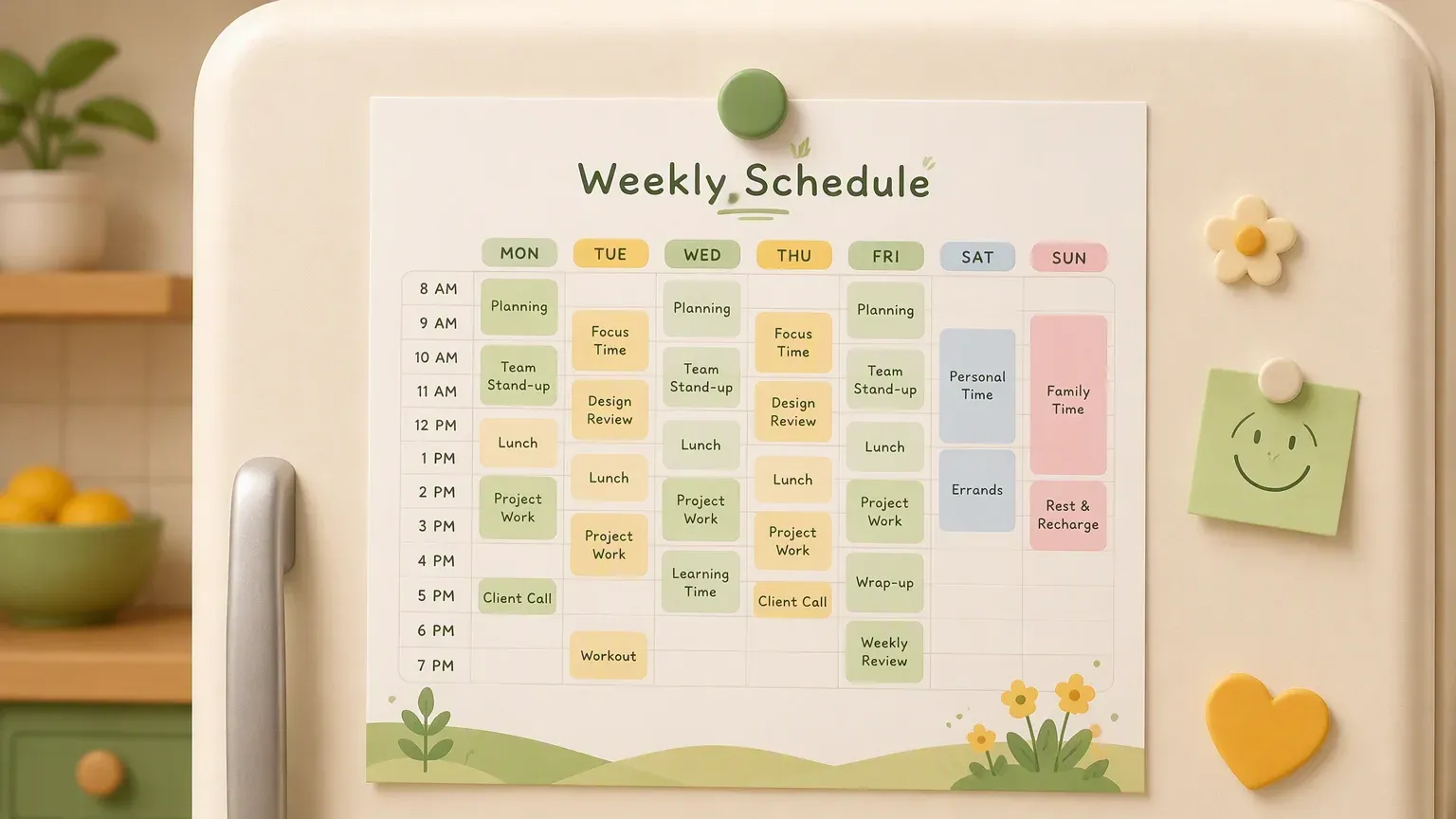
Color-Coded and Print-Ready
Subjects, shifts, and activity types each get a color, so a glance tells the story. The print layout stays clean on A4 or Letter — for binders, fridge doors, and the wall above your desk.
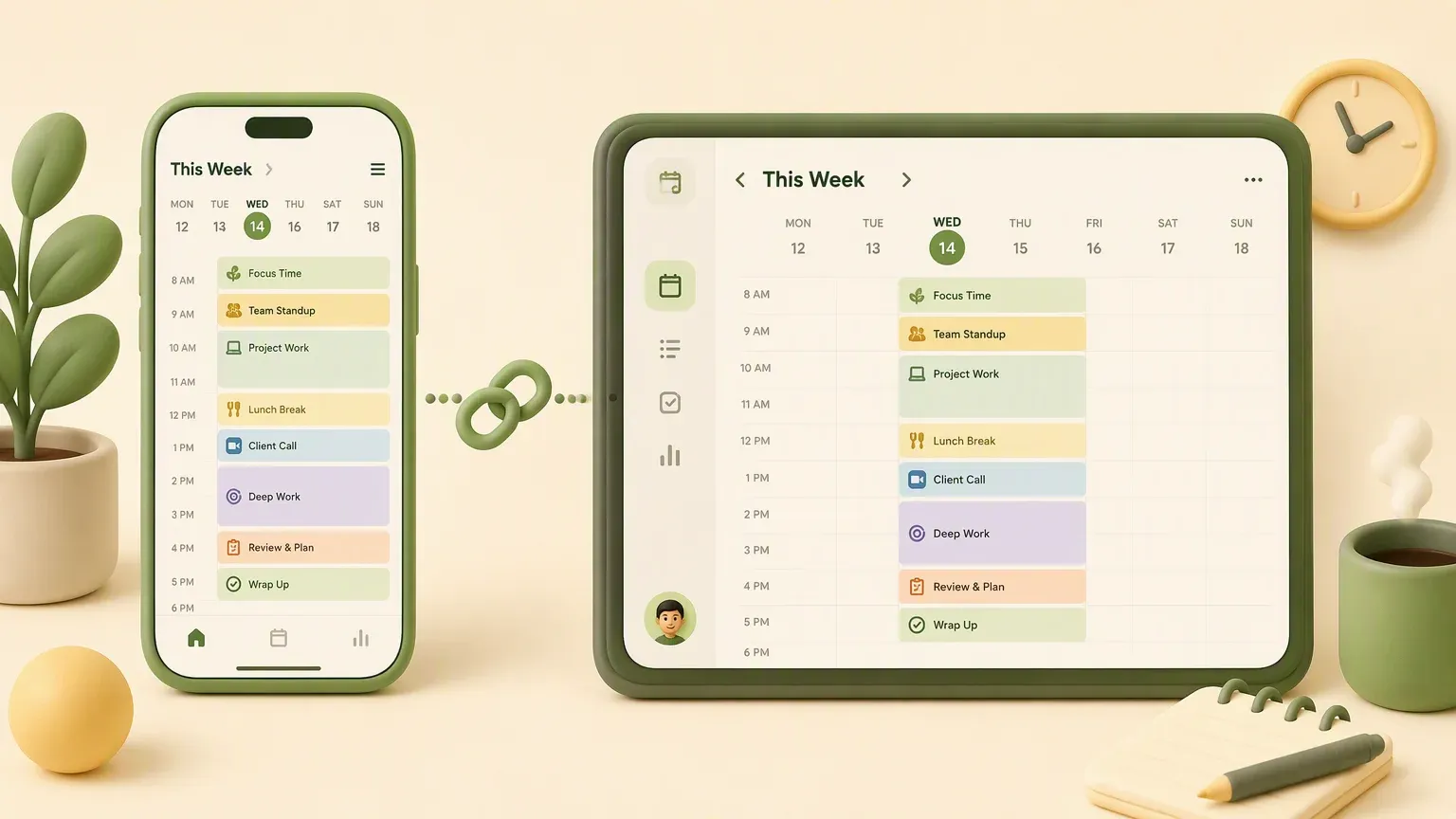
Share as a Living Link
A printed schedule is stale the moment plans change. Share yours as a link instead — edit once and everyone sees the update, whether it's your study group, your family, or your weekend shift crew.
Who Uses a Schedule Maker
Students
Class timetables with color-coded subjects, plus study blocks that actually get scheduled instead of vaguely intended. Print it, pin it, follow it.
Teachers
Lesson schedules, classroom rotations, tutoring hours. Build a format once and refill it every term — share the link with students and parents.
Small Team Managers
Cafe shifts, retail rotas, clinic coverage. A simple weekly rota your team checks by phone beats the group-chat screenshot workflow.
Families
Who drives which kid where on Thursday? A shared family schedule on the fridge and on every phone ends the morning negotiations.
Freelancers
Time-block client work, admin, and deep-focus hours. A visible plan is the difference between a schedule and a hopeful guess.
Clubs & Coaches
Practice times, court assignments, game-day timelines. Publish the season schedule as a link every parent can bookmark.
Schedule Types You Can Make
Same maker, different grids.
AI Schedule Maker vs Templates vs Spreadsheets
What Users Say
Schedule Maker — Frequently Asked Questions
Yes — the class timetable is the most common use. Describe your subjects, time slots, and week structure, and you get a color-coded weekly grid with room for rooms, teachers, and notes. Print it for your binder or share the link with classmates.
More Planning Tools on YouWare
Organize the rest of the week too.

