How to Create an Interactive Children's Book with AI in 2026 (No Coding Required)

TL;DR
Creating interactive children's books with AI in 2026 requires no coding skills thanks to platforms like YouWare that combine story generation, illustration creation, and interactive features in one place. According to Data Bridge Market Research, the US personalized children's book market is projected to reach $1.13 billion by 2032. Research from the Early Childhood Research Quarterly shows children who read personalized stories exhibit 37% longer attention spans and are 2.4 times more likely to retell plot points accurately. With YouWare, you can create a complete interactive children's book in under an hour using just natural language prompts.
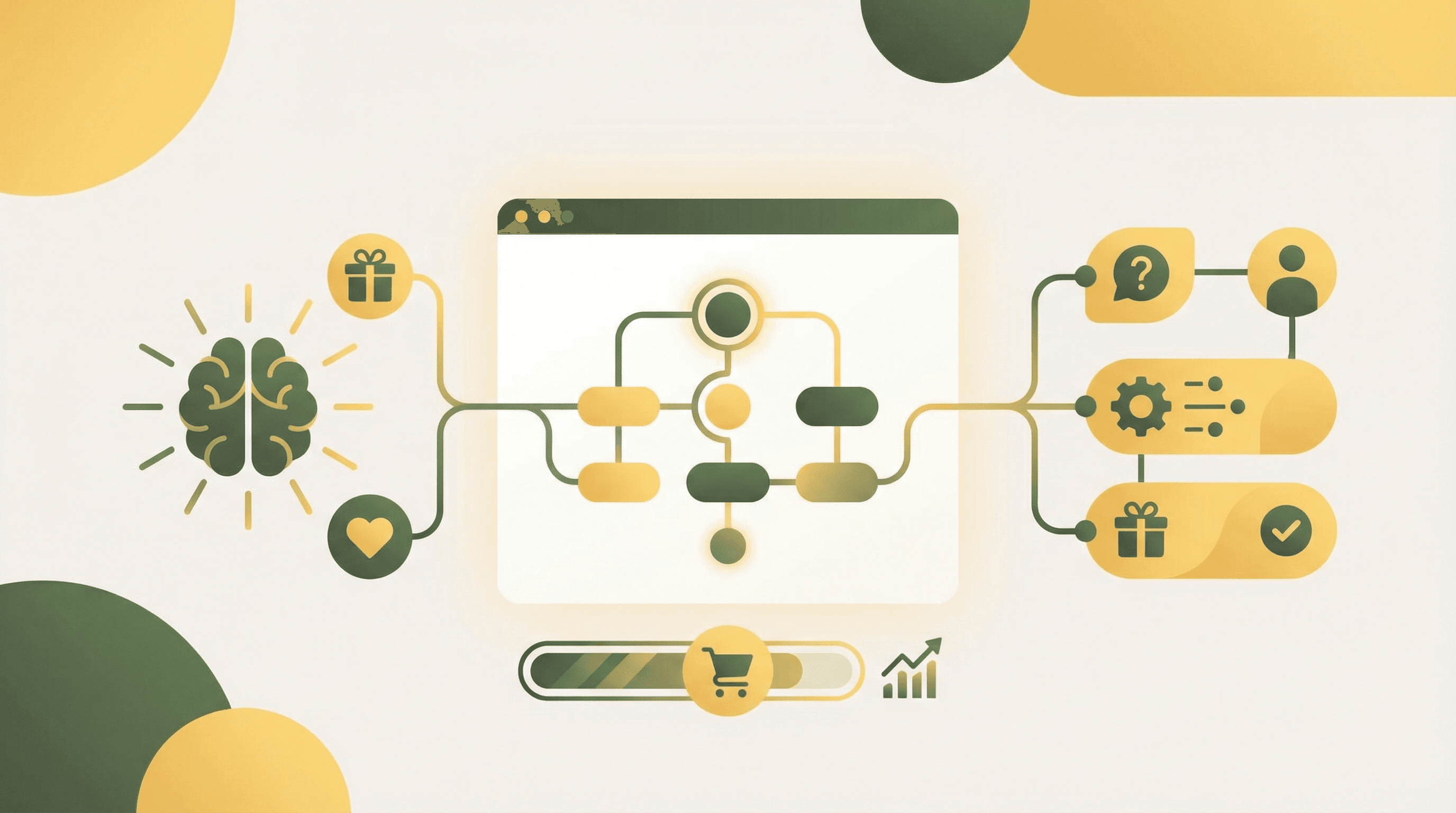
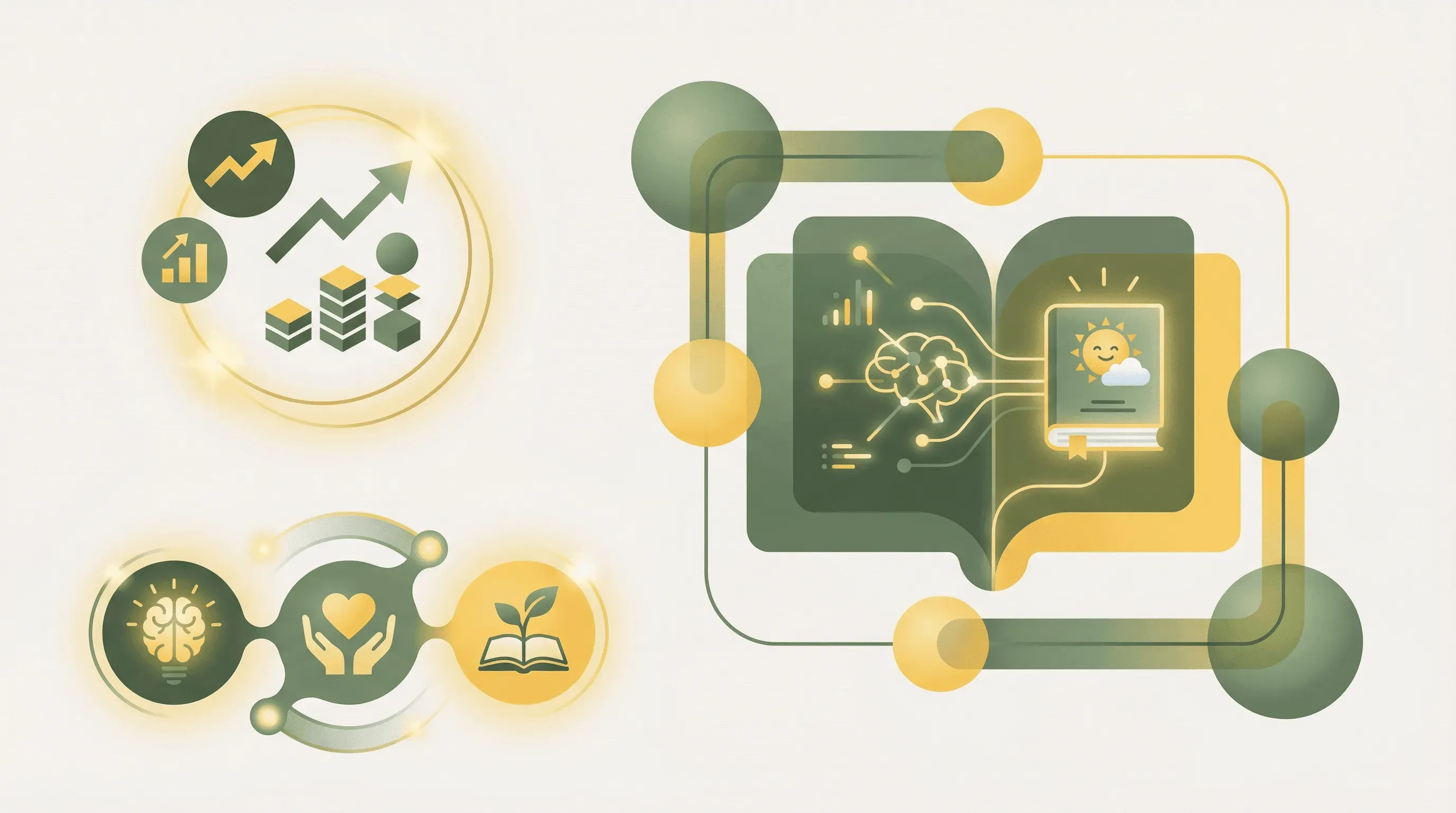 AI-powered children's book creation enables parents and educators to craft personalized, interactive stories without any coding knowledge
Introduction: The New Era of Children's Book Creation
The dream of creating a personalized children's book—one featuring your child's name, their favorite colors, or even their pet—used to require either expensive custom publishing services or professional illustration skills. In 2026, that barrier has completely disappeared.
AI-powered platforms now enable anyone—parents, grandparents, teachers, or aspiring authors—to create fully illustrated, interactive children's books using nothing but natural language descriptions. You don't need to know how to draw. You don't need to code. You simply describe what you want, and AI handles the rest.
This guide walks you through the entire process of creating an interactive children's book using AI tools, with a focus on YouWare—a no-code platform that combines story generation, image creation, database integration, and web publishing into a single workflow. Whether you want to create a one-of-a-kind birthday gift or launch a children's book business, you'll find everything you need to get started.
The $10 Billion Children's Book Market Opportunity
The children's publishing industry represents a massive and growing market. According to Global Growth Insights, the global children's publishing market reached $9.85 billion in 2025 and is projected to grow at a 3% compound annual growth rate through 2033.
What's particularly exciting is the personalized segment. Data Bridge Market Research reports that the US personalized children's books market alone was valued at $661.49 million in 2024 and is expected to nearly double to $1.13 billion by 2032—a growth rate of 7.93% CAGR. This outpaces the broader children's book market significantly, indicating strong consumer demand for customized storytelling experiences.
The self-publishing revolution has further democratized this market. According to Automateed's industry analysis, over 2.6 million self-published titles were released in 2023—a 7.2% increase over the previous year. Self-published books now outnumber traditionally published titles by more than 2 million annually, and print-on-demand technology has reduced upfront publishing costs by 60-70% compared to traditional print runs, according to Intel Market Research.
This convergence of market demand and accessible technology creates an unprecedented opportunity for creators who want to enter the children's book space without the traditional barriers of publishing deals, illustration budgets, or technical expertise.
Science-Backed Benefits of Personalized Children's Stories
Creating personalized children's books isn't just a novelty—it's backed by substantial research demonstrating cognitive and educational benefits.
A peer-reviewed study published in the Early Childhood Research Quarterly found that children who read AI-personalized stories exhibited 37% longer sustained attention spans during read-aloud sessions. Even more impressively, these children were 2.4 times more likely to accurately retell plot points compared to children reading generic stories.
Research compiled by MakeMyBook breaks down the benefits by age group, revealing that personalization effects vary across developmental stages. Toddlers aged 2-4 years show a 50-60% improvement in attention when reading personalized content. Preschoolers between 4-6 years demonstrate 40-50% better vocabulary retention. School-age children from 6-12 years experience 30-40% improvement in reading achievement scores.
The engagement numbers are staggering. According to research published in the Oxford Academic ELT Journal, AI story platforms like Let's Story have facilitated over 2.4 million story sessions since September 2024, demonstrating massive demand for AI-generated children's content.
These findings suggest that the time invested in creating personalized stories yields measurable educational returns—making AI-assisted children's book creation not just a creative endeavor buta valuable educational tool.
How YouWare Transforms Children's Book Creation
YouWare takes a fundamentally different approach compared to single-purpose AI story generators. While most tools focus exclusively on text generation or image creation, YouWare enables you to build complete interactive web experiences that combine story, illustrations, animations, and user engagement features—all without writing a single line of code.
Here's what makes YouWare particularly powerful for children's book creation:
AI-Powered Development with Multiple Models: YouWare supports multiple AI models including GPT-4o, Claude Sonnet 4.5, Gemini 2.5 Pro, and DeepSeek V3. This flexibility allows you to choose the model that best fits your story style—whether you need whimsical fairy tales, educational content, or adventure narratives. You interact entirely through natural language, describing what you want and letting YouWare's AI generate the complete application.
Built-in Image Generation: Creating consistent character illustrations throughout a children's book is one of the biggest challenges for non-artists. YouWare integrates image generation capabilities through Midjourney, GPT-image-1, and Gemini Imagen 4, allowing you to generate illustrations that maintain visual consistency across your entire book.
Visual Editing Mode: Once AI generates your initial book, YouWare's Visual Editing mode lets you click directly on any element—text, images, colors, spacing—and modify it without any technical knowledge. This is perfect for fine-tuning your children's book pages to get exactly the look you want.
Database Integration with YouBase: Want to create personalized reading experiences where children enter their name and see it throughout the story? YouWare's YouBase database module makes this possible. You can store reader names, track reading progress, save favorite stories, and even collect feedback—all managed through simple natural language prompts.
User Authentication: YouWare's built-in authentication system supports email login, Google OAuth, and even temporary accounts for frictionless access. This enables you to create member-only story libraries with personalized reading experiences for each child.
One-Click Publishing: When your book is ready, YouWare generates shareable links instantly. You can configure privacy settings, enable or disable remixing, and even deploy to custom domains for a professional presentation.
Step-by-Step: Creating Your First Interactive Children's Book
Let's walk through the complete process of creating an interactive children's book with YouWare.
Step 1: Define Your Story Concept
Before opening YouWare, spend a few minutes defining your story concept. Consider these elements that make children's books effective: a relatable protagonist (often a child or anthropomorphic animal), a clear problem or goal to achieve, a journey with 2-3 challenges, and a satisfying resolution with a positive message.
For this example, let's create a personalized bedtime story where a child helps a lost star find its way back to the night sky.
Step 2: Create Your Project with Natural Language
Open YouWare and click "Create." In the prompt box, describe your vision using natural language. YouWare recommends the "Prompt Craft" methodology: start with the feeling (vibe), tell a story (narrative flow), then sculpt (iterative refinement).
A strong initial prompt might be: "Create an interactive children's bedtime story website with a magical, dreamy feeling. The story follows a child who discovers a fallen star in their backyard and helps it return to the sky. Include 8 illustrated pages with soft watercolor-style images, gentle animations, and a form at the beginning where the reader enters their name to be included in the story."
YouWare's AI generates the complete web application—story pages, navigation, styling, and the personalization form.
Step 3: Generate Consistent Illustrations
For each story page, use YouWare's image generation capabilities. The key to professional-looking children's books is visual consistency. When prompting for illustrations, include specific style descriptors that you'll repeat across all images: "soft watercolor style, pastel colors, whimsical children's book illustration, gentle lighting."
Generate your protagonist illustration first, then reference that visual style for subsequent scenes. YouWare saves all generated images to your project's Assets folder automatically.
Step 4: Refine with Visual Editing
Switch to YouWare's Visual Editing mode to fine-tune your book without needing AI assistance. Click directly on text to adjust font sizes, colors, and alignment. Click on images to replace or reposition them. Adjust spacing and margins to create the perfect page layouts for your story.
This visual approach saves credits and gives you precise control over the final presentation.
Step 5: Add Interactive Elements
Children's books come alive with interactivity. Use YouWare's chat interface to add features like sound effects that play when pages turn, simple animations that trigger on tap or click, and interactive elements where children can "help" the protagonist (like tapping stars to light them up).
YouWare can even integrate video generation through Veo 3.1 or Sora 2 if you want to include short animated sequences.
Step 6: Set Up Personalization
To make your book truly personal, configure the YouBase database to store reader names. Ask YouWare: "Set up a simple form that asks for the child's name at the beginning, stores it, and displays it throughout the story wherever it says [CHILD_NAME]."
YouWare handles the database creation, form integration, and dynamic text replacement automatically.
Step 7: Publish and Share
Click Publish to generate a shareable link. Configure your sharing settings—you can make the book public, private with password protection, or accessible only to logged-in users. For family gifts, a simple shareable link works perfectly. For a children's book business, consider setting up user authentication for a subscription-based story library.
Adding Interactivity: From Static Pages to Engaging Experiences
Static digital books are just PDFs with extra steps. The real power of platforms like YouWare lies in creating genuinely interactive experiences that engage children in ways print books cannot.
Consider these interactive features that transform passive reading into active participation:
Name and Character Personalization: Beyond just inserting a child's name, you can create avatars based on preferences collected at the start. Ask about favorite colors, pet names, or hobbies, then weave these details throughout the narrative.
Choice-Based Storytelling: Create branching narratives where children make decisions that affect the story outcome. "Should Luna the star try the tall mountain or the deep forest?" YouWare's database capabilities can track these choices and present different story paths accordingly.
Reading Progress Tracking: For longer stories or multi-book series, use YouBase to save reading progress. Children can return to their bookmarked page, see which stories they've completed, and earn "reading badges" for finishing books.
Parent Dashboards: Build a simple admin view where parents can see reading activity, time spent on each story, and engagement patterns—valuable for educators creating classroom storylibraries.
Audio Narration: While YouWare doesn't have built-in text-to-speech, you can easily integrate third-party audio files or use MCP integrations to connect services that provide narration.
Copyright and Legal Considerations for AI-Generated Content
Before publishing or selling AI-generated children's books, you need to understand the legal landscape.
According to Mondaq's legal analysis of the Thaler v. Perlmutter case (2025), US copyright law requires human authorship for copyright protection. Purely AI-generated works without significant human creative input are not eligible for copyright.
However, this doesn't mean AI-assisted works can't be protected. The key is demonstrating substantial human creative contribution. When you craft detailed prompts, select and arrange generated content, edit and refine outputs, and make creative decisions about story structure and character development, you're adding the human authorship element that enables copyright protection.
For commercial children's book creation, document your creative process—the prompts you wrote, the selections you made, the edits you applied. This establishes the human creative contribution that supports your copyright claim.
Publishing platforms are also setting their own policies. According to Neolemon, IngramSpark—a major print-on-demand distributor—prohibits books with AI-generated illustrations as of late 2024. This underscores the importance of human creative input and may affect your distribution strategy if you plan to sell physical copies.
For digital distribution through your own YouWare-powered website, you maintain full control over your content and can establish your own terms of use.
Publishing Options: Digital Distribution vs Print-on-Demand
Your finished children's book can reach readers through multiple channels, each with different advantages.
Digital Distribution via YouWare: The simplest option is publishing directly through YouWare's built-in publishing features. You get an instant shareable link, mobile-responsive design that works on any device, interactive features that aren't possible in print, no upfront costs or inventory management, and the ability to update content anytime.
This approach works perfectly for family gifts, classroom story libraries, subscription-based story services, and MVP testing before investing in print production.
Print-on-Demand Services: If you want physical copies, services like Amazon KDP, Lulu, and Blurb offer print-on-demand publishing where books are printed only when ordered. This eliminates inventory costs while providing professional-quality printed books. Be aware that some platforms have restrictions on AI-generated content—check their terms of service carefully.
Hybrid Approach: Many successful children's book creators use both channels. They offer free digital versions through YouWare to build an audience, then provide premium print editions for those who want physical copies. The digital version serves as marketing for the print product while providing immediate value to readers.
Tips for Creating Effective AI Children's Book Prompts
The quality of your AI-generated children's book depends heavily on your prompts. Here are proven strategies for better results:
Be Specific About Visual Style: Rather than asking for "an illustration," specify "a warm watercolor illustration in the style of classic Beatrix Potter books, featuring a small gray rabbit in a blue jacket standing in a sunlit garden." Consistency comes from repeating these style descriptors across all image prompts.
Include Sensory Details: Children's books thrive on sensory language. Your prompts should specify textures, colors, sounds, and feelings: "The star felt warm and tingly in Emma's small hands, glowing with a soft golden light that made the whole backyard sparkle."
Structure Stories with Clear Beats: Break your story into clear narrative beats and prompt for each section separately. This gives you more control and makes iteration easier than trying to generate an entire book in one prompt.
Test with Your Target Audience: Before finalizing, read your AI-generated story to actual children. Their engagement (or lack thereof) reveals issues that adult eyes miss. YouWare's easy update process means you can quickly iterate based on feedback.
Use Reference Images: YouWare supports reference-based generation where you can upload images to guide the AI's style. If you have a visual reference for how you want your characters to look, provide it.
Common Mistakes to Avoid When Creating AI Children's Books
Learning from others' mistakes saves time and improves your results.
Inconsistent Character Design: The most common problem is characters that look different on every page. Maintain a detailed character description document and include it in every illustration prompt. Better yet, generate a "character sheet" first and reference it throughout.
Overcomplicating the Story: AI can generate elaborate plots, but young children benefit from simple, focused narratives. Aim for one main character, one clear goal, and three to four story beats maximum for picture books.
Ignoring Age-Appropriate Language: AI models default to adult vocabulary. Always specify the target age in your prompts: "Write for a 4-year-old audience using simple sentences and familiar words."
Skipping the Editing Phase: Raw AI output is rarely publication-ready. Plan to spend significant time in YouWare's Visual Editing mode refining text, adjusting layouts, and ensuring the book flows naturally when read aloud.
Neglecting the Read-Aloud Experience: Children's picture books are performative texts—they're meant to be read aloud. Test your story by reading it out loud. Awkward phrasing, tongue-twisters, and rhythm problems become obvious when spoken.
Forgetting Mobile Users: Many parents read digital books on phones and tablets. Always preview your YouWare project on mobile devices before publishing to ensure touch interactions work properly and text remains readable.
FAQ
Can I sell children's books I create with AI?
Yes, you can sell AI-assisted children's books, but with important caveats. You need to add substantial human creative input to establish copyright protection. This includes crafting the story concept, writing detailed prompts, selecting and arranging generated content, and editing the final product. Some distribution platforms like IngramSpark restrict AI-generated illustrations, so check their terms before committing to a distribution channel. Selling through your own YouWare-published website gives you complete control over your content and terms.
How long does it take to create a children's book with YouWare?
A simple 8-10 page personalized children's book can be created in 1-2 hours using YouWare. This includes prompting for the story, generating illustrations, and basic editing. More complex interactive books with branching narratives, extensive personalization, and polished animations might take 4-8 hours spread across multiple sessions. The visual editing mode significantly speeds up refinement compared to regenerating content through AI prompts.
What age groups work best for AI-generated children's books?
AI-generated children's books work well across all age groups, but the creation approach differs. For toddlers (2-4), focus on simple repetitive text, bold colorful images, and minimal interactivity. For preschoolers (4-6), add name personalization and simple choice elements. For early readers (6-8), you can include longer narratives and more complex interactive features. Research shows the largest engagement benefits appear in the toddler and preschool ranges, with 50-60% attention improvement for personalized content.
Do I need artistic skills to create children's book illustrations?
No artistic skills are required. YouWare integrates with AI image generators like Midjourney, GPT-image-1, and Gemini Imagen 4 that create illustrations from text descriptions. The key skill is writing effective prompts that describe the visual style, mood, and specific details you want. With practice, non-artists can achieve consistent, professional-looking illustrations by maintaining detailed style guides and character descriptions.
How do I ensure my AI-generated book is safe and appropriate for children?
Always review all generated content before publishing. AI occasionally produces unexpected results. Read every page of text aloud to catch inappropriate phrasing. Examine every illustration for unintended elements. YouWare's Visual Editing mode makes it easy to quickly modify or replace any problematic content. For additional safety, consider having another adult review the book before sharing with children.
Conclusion: Start Creating Today
The technology to create professional, interactive children's books without coding or illustration skills is here and accessible to everyone. The children's publishing market continues to grow, with personalized books representing one of the fastest-expanding segments. Research consistently shows that personalized stories deliver measurable educational benefits, from improved attention spans to better story comprehension.
YouWare removes the technical barriers that once stood between your story ideas and published books. With AI-powered development, built-in image generation, visual editing, database integration for personalization, and one-click publishing, you have everything needed to create engaging children's book experiences.
Whether you're a parent wanting to create a unique gift for your child, a teacher building a classroom story library, or an aspiring author exploring the personalized book market, the tools are ready. The only question is: what story will you tell?
Ready to create your first AI-powered children's book? Get started with YouWare today.
References
- Global Children's Publishing Market Report 2025 - Global Growth Insights
- US Personalized Children's Books Market Analysis - Data Bridge Market Research
- Early Childhood Research Quarterly - Personalized Stories Study - ScienceDirect
- Research on Personalized Children's Books - MakeMyBook
- Self-Publishing Statistics 2024 - Automateed
- Children's Book Self-Publishing Service Market - Intel Market Research
- AI and Language Skills - Oxford Academic - ELT Journal
- Copyright and Human Authorship in AI Age - Mondaq
- AI Illustration Mistakes in Children's Books - Neolemon
- YouWare Official Documentation - YouWare