Figma to Live Website in 30 Min: Claude Sonnet Workflow
From Figma to Live Website in 30 Minutes: A Claude Sonnet 4.6 + YouWare Workflow
YouWare TeamAugust 06, 2026
19 mins read
Key Takeaways
Figma's new "Code to Canvas" feature, launched February 17, 2026 in partnership with Anthropic, creates a revolutionary roundtrip workflow between design and code. Combined with YouWare's Figma MCP connection and Claude Sonnet 4.6's improved coding capabilities—including a 1 million token context window and 70% user preference over previous versions—design teams can now convert Figma designs to live, deployed websites in approximately 30 minutes. This workflow eliminates the traditional design handoff bottleneck that causes up to 30% of development delays and costs teams thousands in miscommunication.
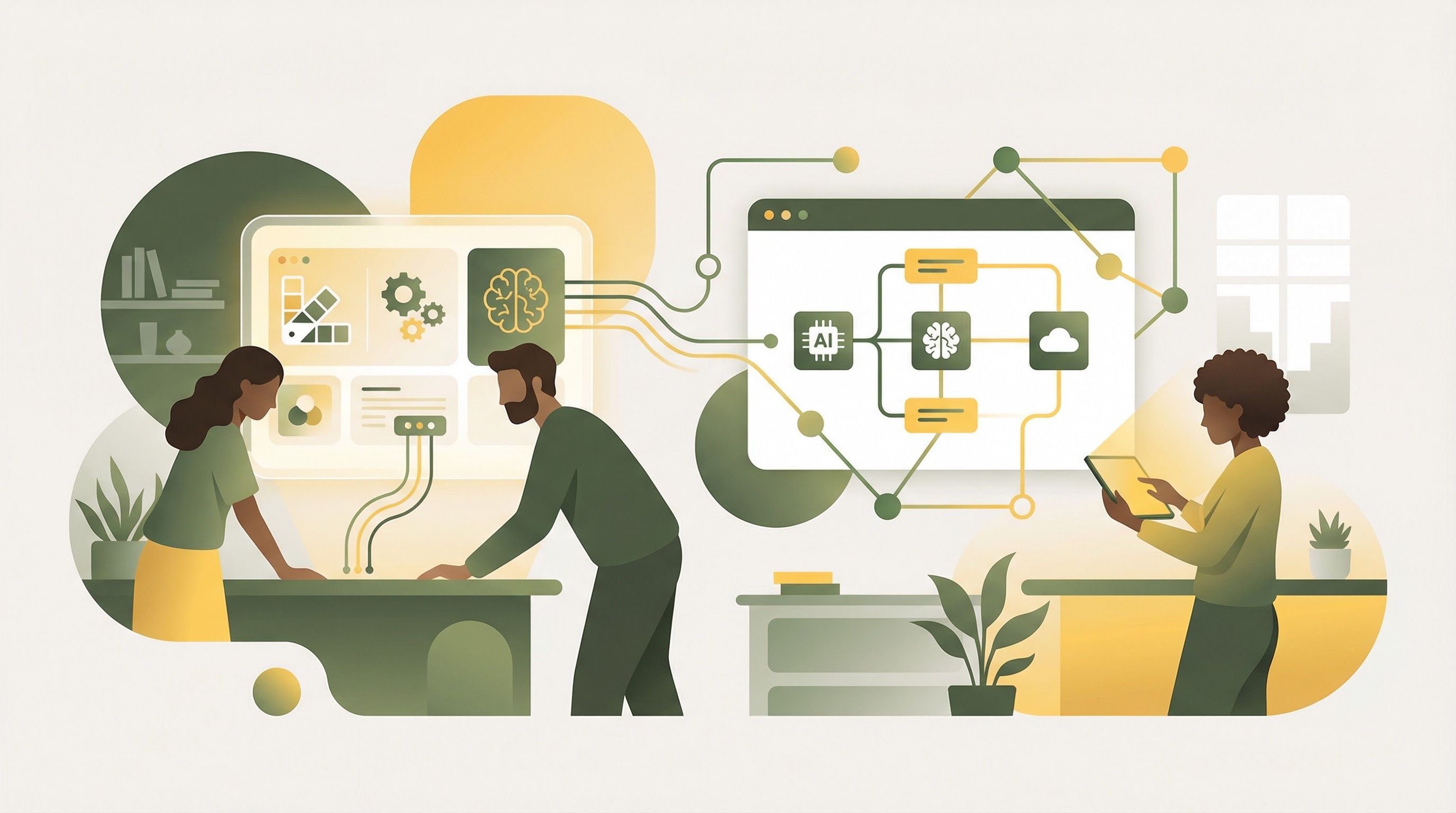
The revolutionary workflow connecting Figma designs to live websites through Claude Sonnet 4.6 and YouWare
Introduction
The gap between design and development has plagued product teams for decades. Designers craft pixel-perfect mockups in Figma, only to watch their vision get lost in translation as developers manually recreate layouts, guess at spacing values, and make countless "close enough" compromises. According to Inspiring Apps, 66% of designers and 65% of developers spend 4-8 hours weekly just clarifying designs and interpreting specifications—time that could be spent building products.
But on February 17, 2026, the landscape shifted dramatically. Figma announced their "Code to Canvas" feature in partnership with Anthropic, enabling teams to convert AI-generated production code back into editable Figma designs. When combined with YouWare's existing Figma-to-code MCP connection, this creates something unprecedented: a true roundtrip workflow where designs flow to code and code flows back to design, all powered by Claude Sonnet 4.6's dramatically improved coding capabilities.
This article walks through the complete workflow—from Figma design to live website in 30 minutes—and explains how YouWare's AI-powered development platform makes this possible without writing a single line of code.
Figma's Code to Canvas feature enables true roundtrip design-to-code workflows
For years, the design-to-code pipeline was a one-way street. Designers created mockups, exported assets, wrote documentation, and hoped developers could faithfully reproduce their work. Any changes required going back to the beginning—update the design, re-export, re-document, re-communicate. According to CNBC's coverage of the Figma-Anthropic partnership, this friction has cost enterprises millions in delayed launches and rework cycles.
The roundtrip workflow changes everything. Here's how the new paradigm works:
Design → Code (YouWare + Figma MCP): YouWare's Figma MCP connection converts design sections into pixel-perfect, responsive code. Designers select a section in Figma, copy the link, and YouWare generates production-ready HTML and CSS that matches the original design with remarkable accuracy.
Code → Design (Figma's Code to Canvas): When developers or AI tools generate new UI components, Figma's Code to Canvas feature converts that production code back into fully editable Figma layers. Teams can refine AI-generated interfaces, compare variations side by side, and align on design decisions before pushing to production.
This bidirectional flow means design and development are no longer separate phases—they're a continuous loop of refinement where changes in either direction automatically sync with the other. The Framelink MCP for Figma, with over 13,000 GitHub stars, demonstrates the massive community demand for exactly this kind of integration.
The Traditional Design Handoff Problem
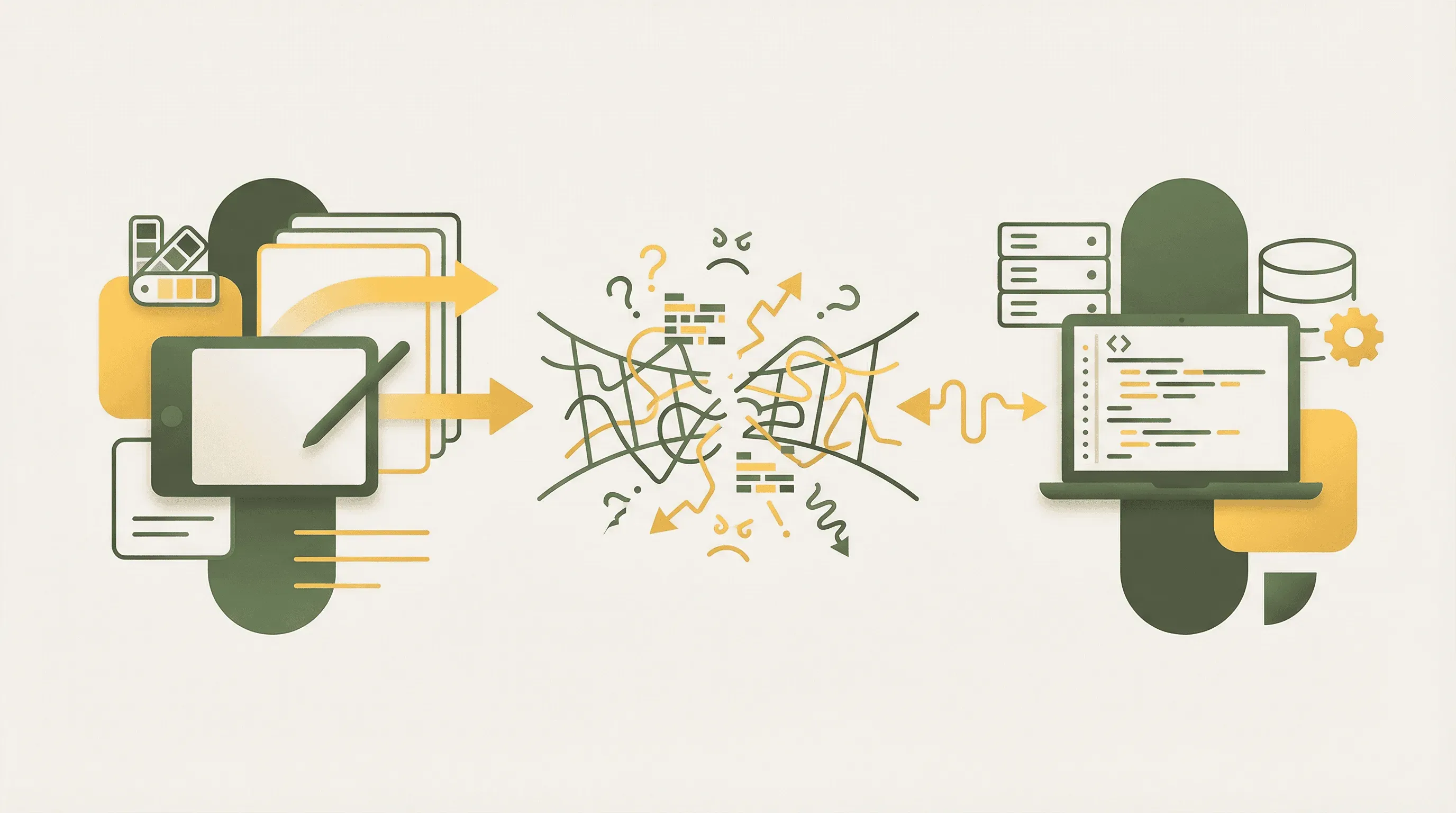
Traditional design handoffs create costly communication gaps between designers and developers
Before understanding why the new workflow matters, it's worth examining just how broken the traditional handoff process has become. According to Fast.io's research on design handoffs, up to 30% of development delays stem directly from poor communication during the handoff process. This isn't a minor inefficiency—it's a systemic failure that compounds with every project iteration.
The financial impact is staggering. Research from Inspiring Apps shows that fixing issues during implementation costs 6x more than addressing them during the design phase. Even worse, maintenance fixes discovered after launch can cost up to 100x more than catching them early. For a typical product team shipping quarterly releases, these compounding costs can easily reach six figures annually.
The human cost is equally significant. When designers spend 4-8 hours weekly explaining their intentions and developers spend equivalent time interpreting specifications, neither group is doing their best work. Morale suffers, deadlines slip, and the creative energy that should drive innovation gets consumed by administrative overhead.
Claude Sonnet 4.6: The AI Engine Behind Better Code
Claude Sonnet 4.6's neural architecture delivers cleaner, more production-ready code
The quality of AI-generated code depends entirely on the underlying model. Claude Sonnet 4.6, released in February 2026, represents a significant leap forward in AI coding capabilities. According to Anthropic's official announcement, users preferred Sonnet 4.6 over the previous Sonnet 4.5 roughly 70% of the time in Claude Code testing. Perhaps more remarkably, users even preferred Sonnet 4.6 to the larger Opus 4.5 model 59% of the time for coding tasks.
What makes Sonnet 4.6 particularly well-suited for design-to-code workflows? Several key improvements address the specific challenges of converting visual designs into functional code:
Reduced Overengineering: Previous AI models often generated unnecessarily complex code—adding abstractions, creating helper functions, and building architecture that simple UI components didn't need. Sonnet 4.6 is specifically trained to avoid this "clever code" tendency, producing cleaner implementations that match the actual complexity of the task.
Better Instruction Following: When YouWare passes specific design requirements—exact pixel values, precise color codes, specific responsive breakpoints—Sonnet 4.6 follows these instructions more faithfully than previous models. This means the generated code actually matches the Figma design rather than making "improvements" the designer didn't request.
Consistent Multi-Step Execution: Converting a full Figma design requires multiple sequential steps: parsing the design structure, generating HTML markup, adding CSS styling, implementing responsive behavior, and connecting interactive elements. Sonnet 4.6 shows improved follow-through on these multi-step tasks, with fewer false claims of success and more reliable completion.
1 Million Token Context Window: In beta, Sonnet 4.6 introduces a massive 1 million token context window. This means the model can process an entire codebase—or an entire Figma design with all its components—in a single request. For design-to-code conversion, this eliminates the fragmentation problems that occurred when previous models had to work section-by-section without understanding the full design context.
At $3 per million input tokens and $15 per million output tokens, Sonnet 4.6 also makes AI-powered development economically viable for teams of all sizes. A typical Figma-to-website conversion uses a few hundred thousand tokens—meaning the AI cost per website is measured in cents, not dollars.
Step-by-Step: From Figma Design to Live Website in 30 Minutes
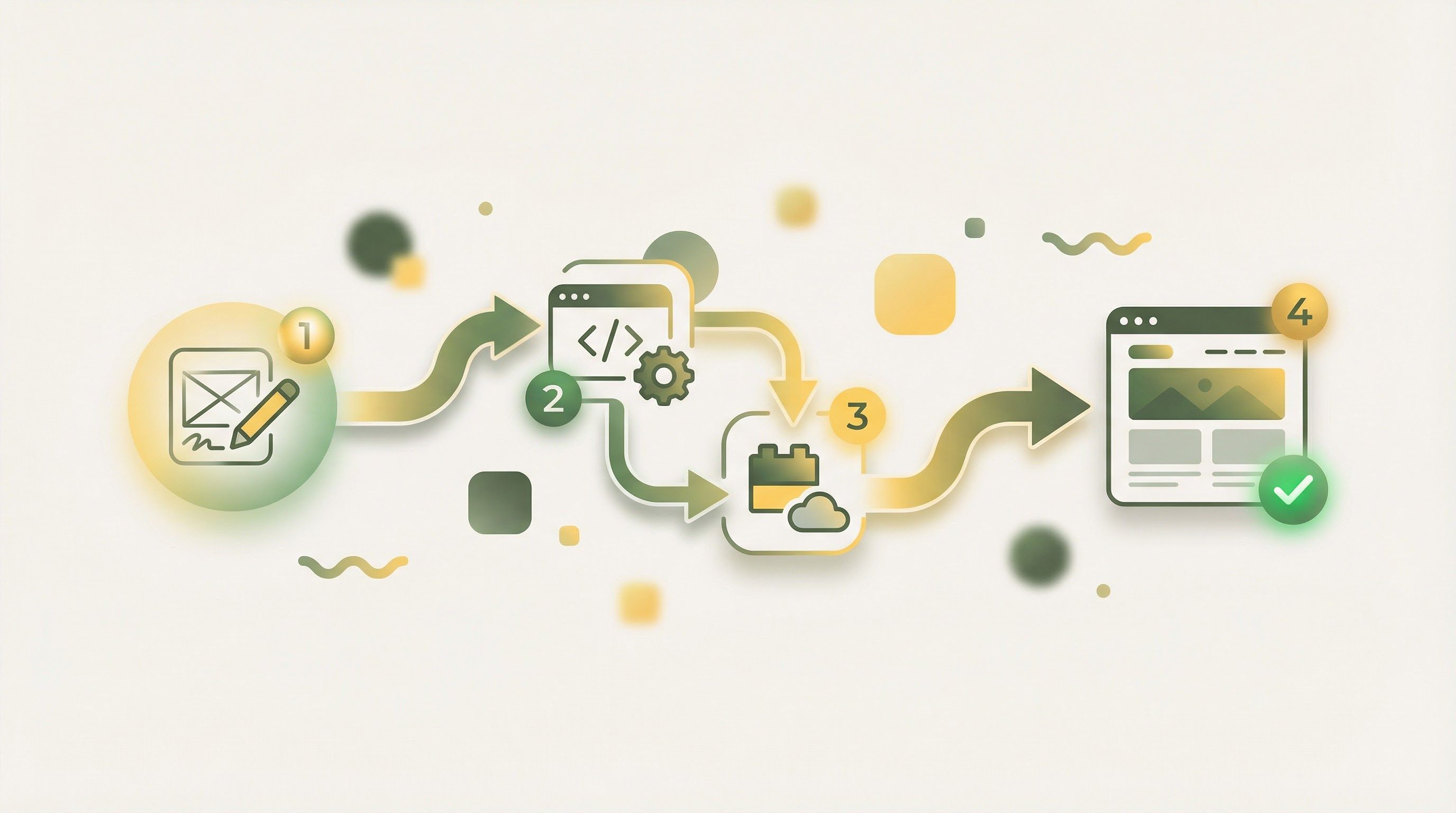
The 30-minute workflow: from Figma design to live, deployed website
The theoretical benefits of AI-powered design-to-code workflows only matter if they work in practice. Here's the exact process for converting a Figma design to a live, deployed website using YouWare and Claude Sonnet 4.6—tested and refined to complete in approximately 30 minutes.
Phase 1: Prepare Your Figma Design (5 minutes)
Before starting the conversion, ensure your Figma design is organized for optimal AI processing. YouWare's Figma MCP connection works best with section-by-section conversion, so structure your design accordingly.
Start by organizing your design into logical sections: header/navigation, hero section, feature blocks, testimonials, pricing tables, footer, and any other distinct components. Name your Figma frames descriptively—"Hero-Section-Desktop" converts better than "Frame 47." Check that all text is actual text (not rasterized images), colors use consistent style tokens, and spacing follows a predictable grid system.
Generate your Figma Personal Access Token if you haven't already. In Figma, go to Settings → Account → Personal Access Tokens and create a new token with read access to your files. This token allows YouWare to securely access your design data.
In YouWare, create a new project or open an existing one where you want to build the website. Enable the Figma MCP connection from the integrations panel and paste your Personal Access Token when prompted. YouWare encrypts this token and stores it securely—it's never exposed in frontend code.
Test the connection by pasting a link to any Figma frame. YouWare should confirm it can access the design and display a preview of the component structure it detected.
Phase 3: Convert Design Sections to Code (15 minutes)
This is where the magic happens. Rather than attempting to convert an entire multi-page design at once, YouWare's recommended workflow processes one section at a time for maximum accuracy.
Start with your header/navigation section. In Figma, select the header frame, right-click, and choose "Copy link to selection." In YouWare, paste the link with a prompt like: "Convert this Figma header design to responsive code. Include mobile hamburger menu navigation." YouWare and Claude Sonnet 4.6 analyze the design and generate pixel-perfect HTML and CSS within seconds.
Repeat for each major section: hero, features, testimonials, pricing, and footer. For each section, you can add specific instructions—"Make the feature cards animate on scroll" or "Use CSS Grid for the pricing table layout." The AI follows these instructions while maintaining visual fidelity to the original design.
As you complete each section, YouWare automatically combines them into a cohesive single-page layout. The AI ensures consistent styling, proper section spacing, and smooth scroll behavior between components.
Phase 4: Refine with Visual Editing (5 minutes)
With the core structure generated, use YouWare's visual editing mode to make refinements without touching code. Click any element to adjust text content, swap images, tweak colors, or modify spacing. The point-and-click interface makes it easy to perfect details that the AI might have interpreted slightly differently than intended.
If you need more complex changes, YouWare's natural language prompts let you describe modifications in plain English: "Make the hero section taller on desktop" or "Add a subtle gradient background to the features section." Claude Sonnet 4.6 processes these requests and updates the code accordingly.
If your website needs dynamic features—contact forms, user accounts, data storage—YouWare's YouBase backend makes this trivially simple. Enable the Database module and describe your data needs: "Create a table for contact form submissions with name, email, and message fields." Enable the Users & Authentication module if you need login functionality.
Connect these backend capabilities to your frontend with natural language: "When someone submits the contact form, save their information to the database and send a confirmation message."
Phase 6: Publish and Deploy (2 minutes)
Click YouWare's Publish button to deploy your website instantly. You'll receive a shareable URL (yourproject.youware.app) that's live immediately. For professional projects, upgrade to connect a custom domain—the DNS configuration takes just minutes.
Your Figma design is now a live, responsive, fully functional website. Total time: approximately 30 minutes.
How YouWare Supercharges the Figma-Claude Workflow
YouWare isn't just a code editor that happens to connect to Figma—it's purpose-built for the kind of AI-powered development workflow that makes 30-minute website creation possible. Several specific capabilities set it apart from attempting this workflow with standalone tools.
Section-by-Section Conversion: YouWare's Figma MCP connection is optimized for converting design sections individually rather than attempting full-page conversion. This approach produces dramatically higher accuracy because Claude Sonnet 4.6 can focus its attention on one component at a time, understanding the specific spacing, typography, and interaction patterns that make each section work.
Integrated Visual Editing: After AI generates code, YouWare's visual editing mode lets non-technical team members make refinements without learning HTML or CSS. Click an element, change its properties, and the underlying code updates automatically. This bridges the gap between the AI's interpretation and the designer's intent without requiring developer intervention.
One-Click Optimization with Boost: YouWare's Boost feature provides AI-powered optimization that analyzes your generated page for structural issues, content quality problems, and user experience improvements. With a single click, Claude Sonnet 4.6 reviews your entire site and suggests—or automatically implements—enhancements that would take manual review hours to identify.
Complete Backend Infrastructure: Converting a design to frontend code is only half the battle. YouWare's YouBase backend provides everything needed for full-stack functionality—database storage, user authentication with email and Google OAuth, file storage for user uploads, and secure secrets management for API integrations. All of this is accessible through natural language prompts, not code.
MCP Ecosystem Integration: Beyond Figma, YouWare connects to GitHub for version control, Notion for dynamic content management, Supabase for advanced database needs, and more. This means your Figma-to-website workflow can incorporate content from other tools automatically, creating truly dynamic sites rather than static conversions.
Real-World Use Cases
Teams across industries are adopting AI-powered design workflows to accelerate delivery
The Figma-to-YouWare workflow isn't theoretical—teams across industries are already using it to ship faster. Here's how different organization types are applying this approach.
Startup MVP Development
Early-stage startups face a critical timing challenge: they need to test market assumptions quickly, but traditional development timelines mean months of building before they can validate anything. The 30-minute workflow changes this calculus entirely. A founder with a Figma mockup can have a functional landing page live before lunch, collect real user signups, and iterate based on actual data rather than assumptions.
One common pattern is the "design sprint to production" approach. On Monday, the team sketches concepts. By Wednesday, they have polished Figma designs. By Friday, they have three live landing page variations collecting A/B test data. The following Monday, they know which direction resonates with users—all before a traditional development cycle would have completed its first sprint planning meeting.
Agency Client Delivery
Digital agencies live and die by their margins. When a client requests a new landing page, the traditional agency workflow involves designer hours, developer hours, QA hours, and project management overhead. The Figma-to-YouWare workflow compresses this into a single designer session.
Agencies report using this approach for rapid prototyping during client pitches—showing not just a mockup but a live, clickable website demonstrates capabilities that static presentations cannot match. For smaller projects like landing pages, campaign microsites, and event pages, the workflow is fast enough that agencies can offer same-day turnaround at premium prices while actually improving their margins.
Enterprise Design Systems
Large organizations face a different challenge: maintaining consistency across dozens of products and hundreds of pages. When a design system component changes, traditionally every implementation must be manually updated.
With the roundtrip workflow, enterprise teams use Figma as their design system source of truth. When a component updates in Figma, YouWare can regenerate all implementations using that component. Conversely, when developers improve a component's code (better accessibility, improved performance), Figma's Code to Canvas brings those improvements back into the design system for future use.
Freelance Designer Expansion
Independent designers have always faced a limitation: they could create beautiful mockups, but converting those designs to functional websites required either learning to code or hiring developers. This friction meant designers often had to turn down projects that required live deliverables.
YouWare eliminates this barrier. A designer can now deliver complete, deployed websites to clients while working entirely within their existing Figma-based workflow. This expands the services freelancers can offer, increases project values, and reduces dependency on external collaborators.
Comparing Traditional Development vs. AI-Powered Workflows
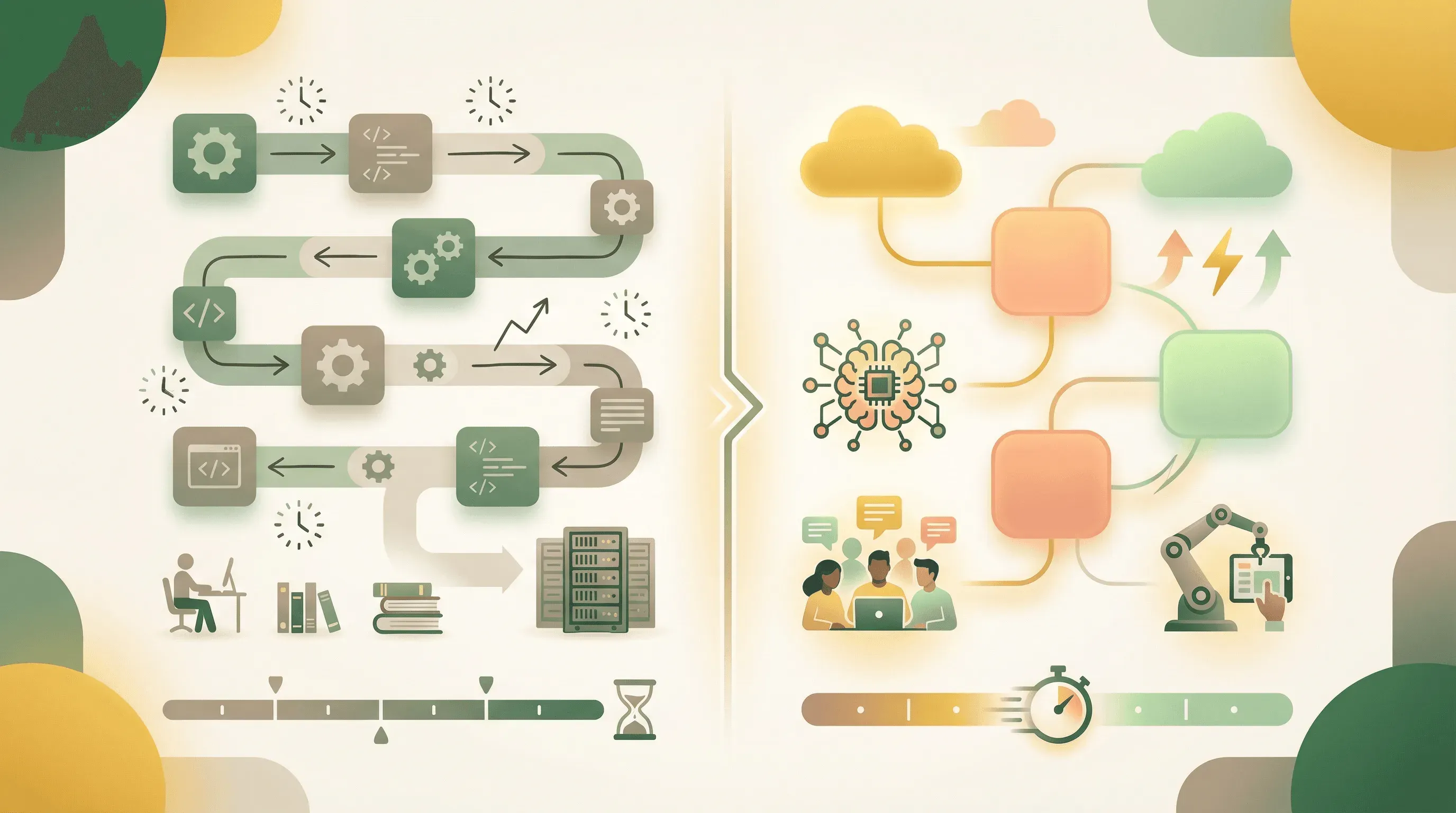
Time comparison between traditional development and AI-powered workflows
The productivity claims around AI coding tools require context. According to the Stack Overflow 2025 Developer Survey, 84% of developers now use or plan to use AI tools in their development process, up from 76% in 2024. But what do the actual productivity numbers look like?
Research from Elysiate's AI in Software Development Survey found that 87% of developers using AI tools regularly report an average productivity increase of 35%. A separate market analysis showed AI coding tools led to a 76% increase in individual developer code output—from 4,450 to 7,839 lines per developer on average.
Perhaps the most striking data point comes from TechRadar's report on Nvidia's adoption of AI coding tools: over 30,000 Nvidia engineers using Cursor tripled their code output while maintaining consistent defect rates. This suggests AI tools don't just make developers faster—they make them faster without sacrificing quality.
Metric
Traditional Development
AI-Powered Workflow
Figma to live site
2-4 weeks
30 minutes
Developer involvement
Required
Optional
Design iteration cycle
Days
Minutes
Backend setup time
Days to weeks
Minutes (YouBase)
Deployment complexity
High (DevOps required)
One click
Cost per landing page
$3,000-$10,000
<$100 in credits
The broader market reflects this shift. According to Fortune Business Insights, the global low-code/no-code platform market was valued at $29.4 billion in 2024 and is projected to reach $187 billion by 2030—a 25-30% compound annual growth rate. This isn't a niche trend; it's a fundamental restructuring of how software gets built.
Best Practices for Section-by-Section Design Conversion
While the Figma-to-YouWare workflow is straightforward, a few best practices significantly improve results.
Design for Components, Not Pages: Structure your Figma file as reusable components rather than monolithic page layouts. When YouWare converts a self-contained component (a testimonial card, a pricing tier, a feature block), the AI produces cleaner, more maintainable code than when it tries to parse complex nested layouts.
Use Consistent Naming Conventions: Figma frame names become code comments and class names. "Hero-Section-Desktop" tells the AI exactly what it's looking at. "Frame 127" forces the AI to guess based on visual inspection. Consistent naming produces code that's not just functional but readable and maintainable.
Provide Context in Prompts: When pasting Figma links into YouWare, don't just say "convert this." Add context: "Convert this pricing section to responsive code. Use CSS Grid for the three-column layout. Add hover effects on the cards. The 'Popular' tier should be visually emphasized." The more specific your instructions, the closer the output matches your intent.
Convert Mobile and Desktop Separately: If your Figma design has distinct mobile and desktop layouts, convert each separately with explicit instructions about breakpoints. The AI handles responsive adaptation well, but giving it clear mobile-first or desktop-first instructions produces more predictable results than asking it to infer responsive behavior from a single frame.
Iterate Rapidly, Not Perfectly: The 30-minute workflow enables a different development philosophy. Instead of trying to get the AI output perfect on the first attempt, make quick iterations. Generate, review, prompt for changes, regenerate. This iterative loop is so fast that perfectionism becomes a liability—you can refine faster than you can specify.
FAQ
Can YouWare convert any Figma design, or are there limitations?
YouWare handles most standard web design patterns effectively, including headers, hero sections, card layouts, forms, pricing tables, and footers. The section-by-section approach ensures high accuracy for individual components. Complex interactions like custom animations or highly unconventional layouts may require additional refinement through YouWare's code editor or natural language prompts after initial conversion.
Do I need coding knowledge to use this workflow?
No coding knowledge is required. YouWare's visual editing mode and natural language interface let you build and modify websites entirely through pointing, clicking, and describing changes in plain English. The underlying code exists if you want to access it, but most users complete entire projects without viewing code directly. This makes the workflow accessible to designers, marketers, and founders—not just developers.
How does pricing work for the Figma-to-YouWare workflow?
YouWare uses a credit-based system for AI generation. Converting Figma designs and making modifications consumes credits based on the complexity of requests. Importantly, copying or remixing existing projects doesn't consume credits—only AI-assisted changes do. Most landing page projects use credits equivalent to a few dollars, making the workflow dramatically more economical than traditional development costs of $3,000-$10,000 per page.
What happens if I update my Figma design after conversion?
YouWare doesn't automatically sync with Figma changes, but reconverting is fast. When your Figma design updates, simply repeat the conversion process for the changed sections. YouWare preserves any customizations you've made through visual editing, and you can selectively update specific components without regenerating the entire site. For teams wanting tighter integration, YouWare's GitHub connection provides version control and change tracking.
How does Code to Canvas complement YouWare's Figma connection?
The workflows are complementary rather than overlapping. YouWare's Figma MCP handles design-to-code (converting Figma designs to live websites). Figma's Code to Canvas handles code-to-design (converting production code back to editable Figma layers). Together, they create a roundtrip workflow where designers and developers can iterate in either direction—refining designs in Figma, generating code with YouWare, then bringing code improvements back to Figma for design system updates.
Conclusion
The combination of Figma's Code to Canvas feature, Claude Sonnet 4.6's improved coding capabilities, and YouWare's integrated development platform represents a fundamental shift in how design teams can work. What previously required weeks of handoffs, meetings, and manual development now completes in 30 minutes—without sacrificing design fidelity or requiring deep technical expertise.
For designers who've spent years creating beautiful mockups only to see them approximated in production, this workflow delivers on the long-promised ideal of design-to-code parity. For agencies and freelancers, it opens new service offerings and dramatically improved project economics. For startups, it compresses the MVP timeline from months to hours.
The statistics support what early adopters are already experiencing: AI-powered development workflows increase productivity by 35% or more while maintaining quality. The low-code/no-code market's projected growth to $187 billion by 2030 reflects a broader recognition that the traditional development model—with its handoffs, delays, and communication overhead—is becoming obsolete.
Whether you're a designer exploring development, a developer looking to prototype faster, or a business owner wanting to ship products without expanding your team, the Figma-to-YouWare workflow offers a practical path forward. The 30-minute timeline isn't marketing—it's the new baseline.



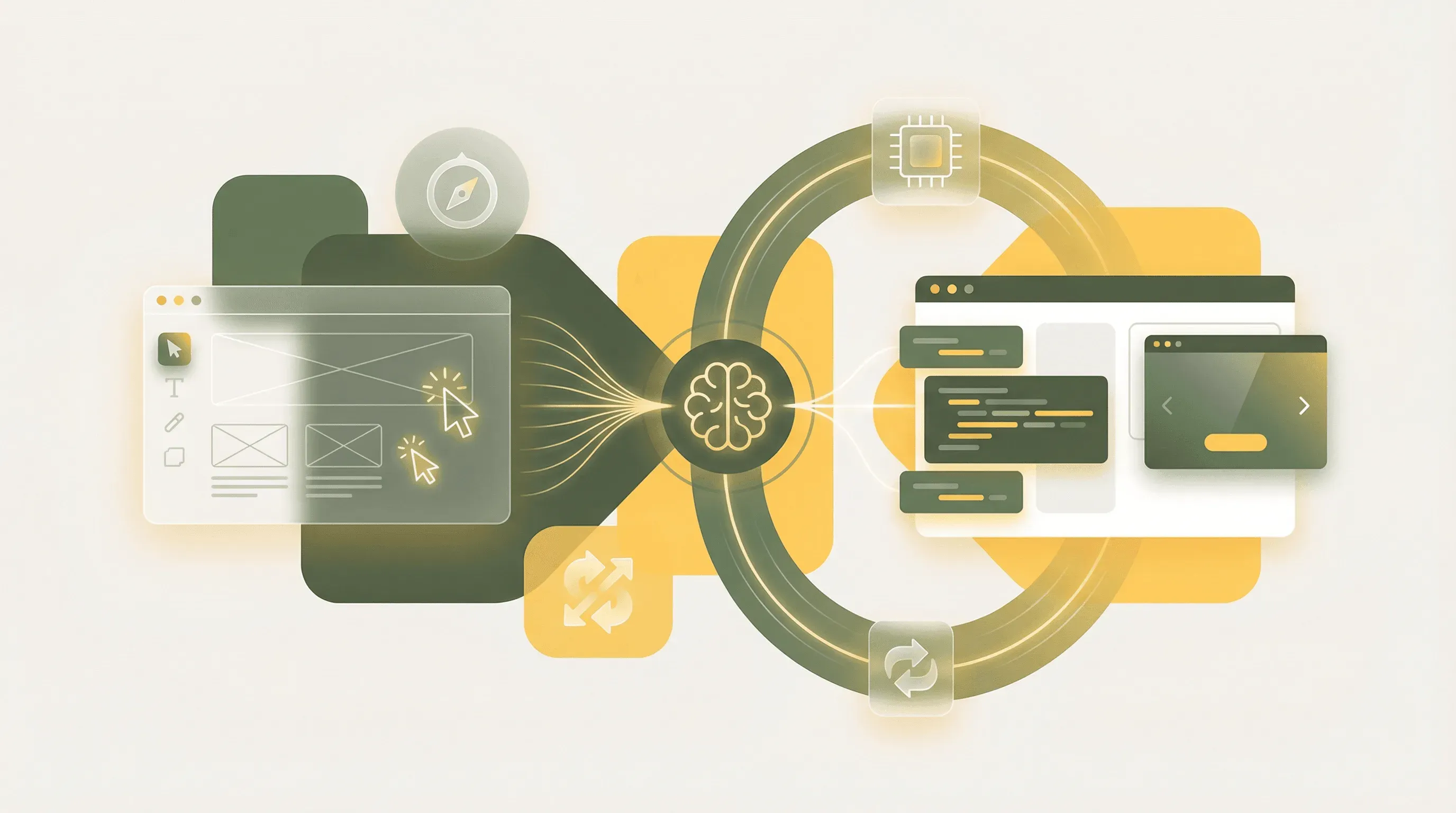 The revolutionary workflow connecting Figma designs to live websites through Claude Sonnet 4.6 and YouWare