How to Create a Personalized Valentine's Day Card with AI in Under 5 Minutes

TL;DR
Creating a personalized Valentine's Day card with AI takes less than 5 minutes and requires zero design skills. According to WiFi Talents, 60% of consumers now prefer AI-personalized cards over traditional options. With YouWare, you can describe your ideal card in plain English, generate stunning visuals, and publish a shareable digital card instantly—no Canva tutorials or Photoshop skills required.
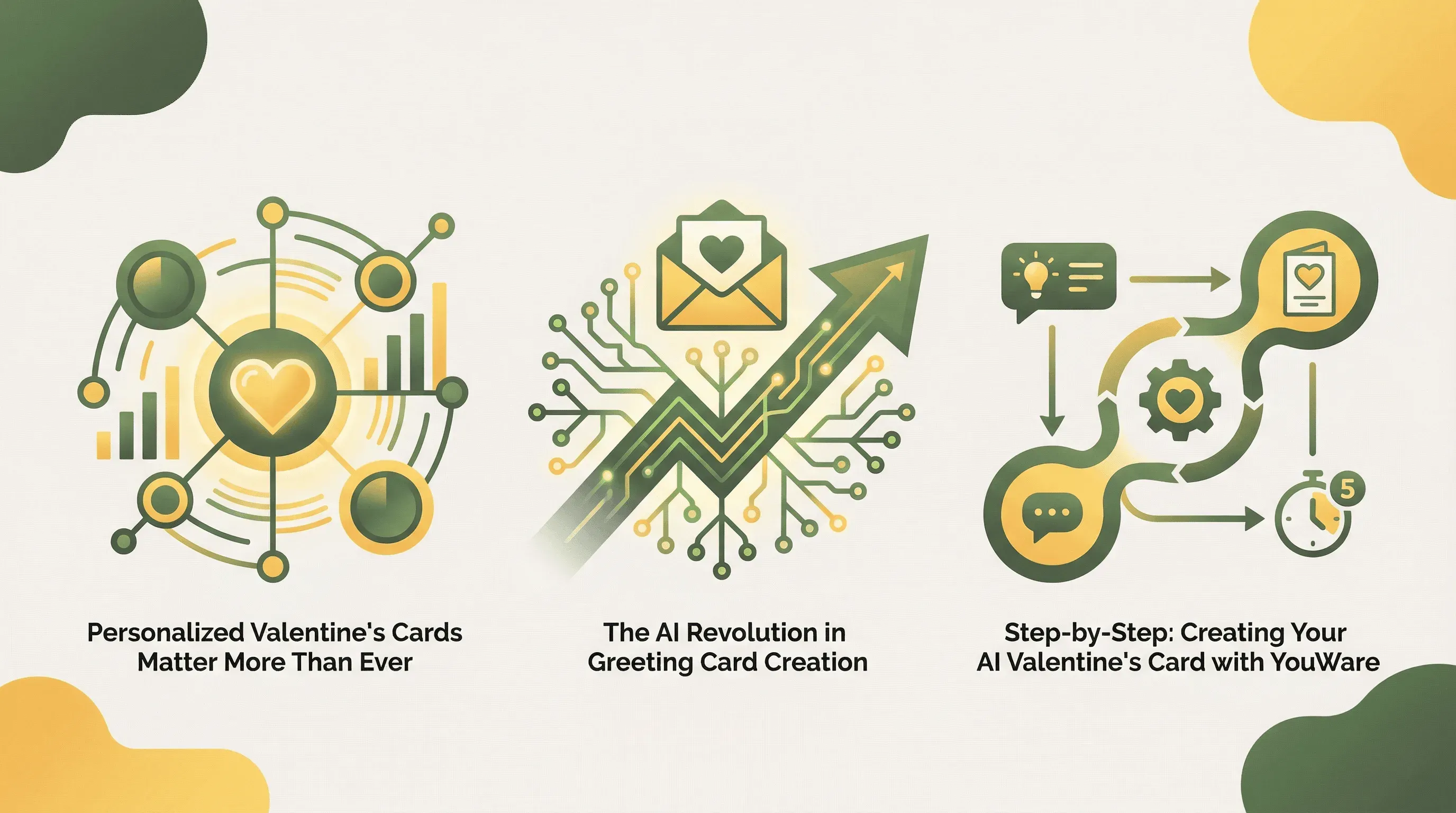 Create stunning AI-powered Valentine's cards in under 5 minutes
Introduction
Valentine's Day spending reached a record $27.5 billion in 2025, according to the National Retail Federation, with $1.4 billion spent on greeting cards alone. Yet finding (or creating) a card that truly captures your feelings remains challenging. Generic store-bought cards feel impersonal, while traditional design tools like Canva demand time and skills many people don't have.
AI has changed everything. Modern tools now enable anyone to create stunning, one-of-a-kind Valentine's cards by simply describing what they want in natural language. Whether you're crafting a card for your partner, best friend, or family member, AI-powered platforms eliminate the design learning curve entirely.
This guide walks you through creating a personalized Valentine's card using YouWare in under 5 minutes—complete with custom imagery, heartfelt messages, and a shareable link you can send instantly.
Why Personalized Valentine's Cards Matter More Than Ever
 Valentine's Day card-giving remains a beloved tradition worth personalizing — Source: Pexels
The data overwhelmingly supports what we intuitively know: personalized cards resonate more deeply. According to Zipdo's industry research, 72% of consumers are more likely to purchase a personalized greeting card, with AI enhancing this preference by 35% through intelligent data analysis and customization options.
Perhaps more telling is this finding from Zipdo: 89% of users say AI-generated cards feel "more personal," leading to higher emotional resonance with recipients. This counterintuitive result makes sense when you consider that AI enables hyper-specific customization that would be impossible to achieve at scale with traditional methods.
A Business Wire survey found that 55% of respondents favor personalized messages in greeting cards, while 30% prefer to include personal photos. AI tools now make both of these preferences achievable in minutes rather than hours, and the emotional payoff is significant: cards featuring user-specific elements see a 60% increase in sentiment compared to those using stock imagery, according to Zipdo.
The AI Revolution in Greeting Card Creation
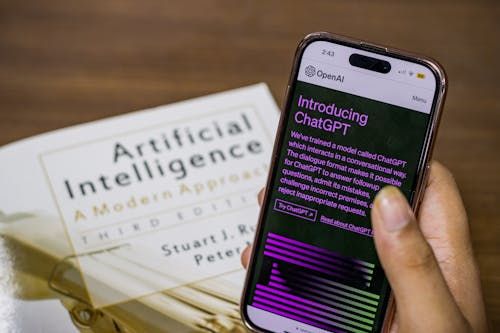 AI chatbots and image generators have transformed how we create personalized content — Source: Pexels
The greeting card industry is experiencing a fundamental transformation. According to EIN Presswire, the AI-generated personalized greeting card market reached $1.46 billion in 2025 and is projected to hit $3.87 billion by 2029—a compound annual growth rate of 21.5%.
This explosive growth reflects real productivity gains. WiFi Talents reports that Midjourney and DALL-E have enabled creators to produce card-ready illustrations 90% faster than manual drawing. Even more impressive, AI can generate over 1,000 unique card poem variations in under 5 seconds, dramatically accelerating the personalization process.
For small studios and individual creators, the impact is transformative. According to Zipdo, AI reduces greeting card design time by 40% on average, with layout tools automating 30% of graphic design tasks. One studio integrating AI tools reduced asset generation time from 4.2 hours per scene to just 18 minutes, according to Alibaba's industry analysis.
The message is clear: AI doesn't replace human creativity—it amplifies it, making professional-quality card creation accessible to everyone.
Step-by-Step: Creating Your AI Valentine's Card with YouWare
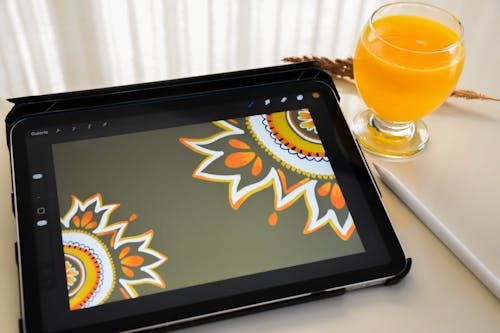 Creating digital art has never been easier with AI-powered tools like YouWare — Source: Pexels
YouWare enables anyone to create personalized Valentine's Day cards through natural language prompts—simply describe the card you want, and AI generates it in approximately 30 seconds. Here's the complete process:
Step 1: Start Your Project (30 seconds)
Visit YouWare and click "Create." In the prompt field, describe your Valentine's card idea in natural language. Be specific about the recipient and the mood you want to convey.
Example prompt: "Create a romantic Valentine's Day card for my wife with a soft pink and gold color scheme. Include a beautiful sunset illustration and space for a personalized message. Make it elegant and timeless."
YouWare generates a complete card design in about 30 seconds, including layout, colors, and placeholder content.
Step 2: Generate Custom Imagery (1-2 minutes)
Switch to Chat Mode within YouWare to generate unique images for your card. YouWare supports multiple AI image models including Nano Banana, Nano Banana Pro, Midjourney, and GPT-image-1.
Example image prompt: "Generate a watercolor-style illustration of two hearts intertwined, surrounded by soft roses and golden sparkles, romantic Valentine's Day theme."
All generated images automatically save to your project's Assets folder for easy reuse.
Step 3: Personalize with Visual Editing (1-2 minutes)
Use YouWare's visual editing mode to customize without coding. Click any element to edit text, adjust colors, change fonts, or reposition images. The point-and-click interface lets you fine-tune spacing, layout, and styles with precise control.
For more specific changes, describe what you want in natural language: "Change the background to a gradient from soft pink to white" or "Make the heading font more elegant and increase its size."
Step 4: Add Your Personal Message (30 seconds)
Click the text area and write your heartfelt message. If you need inspiration, use Chat Mode to brainstorm: "Suggest 5 romantic messages for my 10-year wedding anniversary card."
YouWare's AI can help you craft the perfect sentiment while keeping your authentic voice.
Step 5: Optimize and Publish (30 seconds)
Use YouWare's Boost feature for one-click AI optimization. This analyzes and enhances your card's structure, content quality, and visual balance while preserving your original design intent.
Click Publish to deploy your card with a shareable URL (e.g., myvalentine.youware.app). Send this link directly to your recipient or share on social media.
5 Romantic Card Ideas You Can Create in Minutes
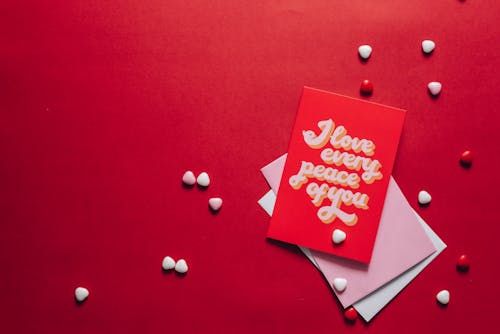 Personalized messages create deeper emotional connections than generic store-bought cards — Source: Pexels
Here are five card concepts you can create using YouWare, complete with sample prompts to get you started:
1. The Memory Lane Card
Celebrate your relationship's journey with a card that references shared experiences.
Prompt: "Create a Valentine's card with a timeline design showing 'Our Story' with space for 4 milestone dates. Use a romantic burgundy and cream color scheme with elegant script fonts."
2. The Inside Joke Card
Nothing says "I know you" like referencing something only you two understand.
Prompt: "Design a funny Valentine's card with a [your inside joke theme] illustration. Keep the style playful and colorful with space for a witty message."
3. The Photo Collage Card
Combine AI-generated backgrounds with your favorite photos.
Prompt: "Create a Valentine's card with a dreamy, ethereal background and space for 3 photo frames arranged in a heart shape. Add subtle floating hearts and soft lighting effects."
4. The Long-Distance Love Card
Perfect for couples separated by distance.
Prompt: "Design a Valentine's card showing two hearts connected by a golden thread stretching across a stylized map. Include 'Distance means nothing when someone means everything' as the headline."
5. The "Reasons I Love You" Card
Create a list-style card that enumerates your partner's best qualities.
Prompt: "Create an elegant Valentine's card with a numbered list layout titled '10 Reasons I Love You.' Use soft watercolor backgrounds and romantic typography."
Tips for Writing the Perfect AI-Generated Love Message
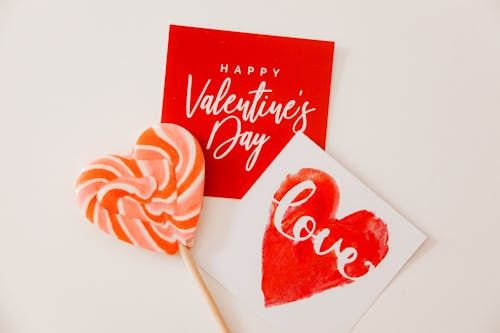 The right words can turn a simple card into a treasured keepsake — Source: Pexels
While AI can generate thousands of message variations in seconds, the best results come from combining AI assistance with your personal touch. Here's how to craft messages that feel authentic:
Be specific about your relationship. Instead of asking for "a romantic message," try: "Write a Valentine's message for my husband who loves astronomy and makes me laugh every morning." The more context you provide, the more personalized the output.
Request multiple options. Ask YouWare's Chat Mode for 5-10 variations, then mix and match phrases that resonate. You might love the opening of one message and the closing of another.
Add a handwritten element. Even in a digital card, you can include a section that says "In my own words:" followed by a brief personal note. This hybrid approach combines AI efficiency with human authenticity.
Match the tone to your recipient. Specify whether you want the message to be funny, heartfelt, nostalgic, or playful. YouWare can adapt its suggestions to match your relationship's unique dynamic.
Reference shared experiences. The most meaningful messages often reference specific moments: "Remember when we got lost in Paris and found that tiny café? Every day with you still feels like an adventure."
AI vs Traditional Design Tools: The Time Comparison
Traditional design platforms require significant learning investment before you can create professional-looking cards. According to Zipdo, AI-driven design tools increase productivity in the greeting card industry by 45%.
Here's how the approaches compare for a first-time user creating a Valentine's card:
| Task | Traditional Tools (Canva) | AI-Powered (YouWare) |
|---|---|---|
| Learning the interface | 30-60 minutes | 0 minutes (natural language) |
| Choosing a template | 10-15 minutes | Instant (AI generates custom design) |
| Creating custom images | Requires external tools or stock photos | Built-in AI generation (30 seconds) |
| Writing the message | Manual (your creativity only) | AI-assisted with personalization |
| Adjusting layout and colors | Manual drag-and-drop | Describe changes in plain English |
| Publishing and sharing | Export → upload → share link | One-click publish with instant URL |
| Total time for first card | 1-2 hours | Under 5 minutes |
The difference is particularly stark for non-designers. With YouWare, you skip the learning curve entirely because you communicate in natural language rather than learning tool-specific interfaces.
Common Mistakes to Avoid
Being too vague with prompts. "Make a Valentine's card" gives AI little to work with. Instead, specify colors, mood, recipient details, and any specific elements you want included.
Forgetting mobile viewers. Many recipients will view your digital card on their phones. Use YouWare's visual editor to verify your card looks great on smaller screens.
Overcomplicating the design. The most effective cards often have simple, elegant designs with one focal point. Resist the urge to include every romantic element imaginable.
Skipping the preview. Always preview your card before publishing. Check for typos, ensure images display correctly, and verify the overall balance looks intentional.
Not saving your work. YouWare automatically saves generated images to your Assets folder, but make sure to save your project before closing. You may want to create variations or reuse elements for future occasions.
FAQ
Can I print an AI-generated Valentine's card?
Yes. YouWare generates high-quality web-based cards that can be screenshotted or exported for printing. For best results, generate images at high resolution and use a professional printing service.
How do AI-generated images compare to stock photos?
According to Zipdo, AI-generated cards with user-specific elements see a 60% increase in emotional sentiment compared to stock photos. AI images can be tailored to your exact specifications, creating truly one-of-a-kind visuals.
Is it obvious when a card is AI-generated?
Not necessarily. YouWare generates professional-quality designs that rival traditional graphic design. The key is adding personal touches—your own message, references to shared experiences, and thoughtful customization—that make the card feel authentically "from you."
Can I create cards for occasions other than Valentine's Day?
Absolutely. YouWare enables you to create personalized cards for birthdays, anniversaries, holidays, and any special occasion by simply describing what you want in your prompt.
How much does it cost to create a Valentine's card with AI?
YouWare operates on a credit-based system where you only consume credits when AI executes tasks. Remixing existing templates is free, and basic project creation is available on free plans. For advanced features like custom domains or YouBase backend services, Pro and Ultra plans are available.
Conclusion
Creating a personalized Valentine's Day card no longer requires design skills, expensive software, or hours of your time. With AI-powered tools, anyone can produce stunning, one-of-a-kind cards that communicate genuine emotion—all in under 5 minutes.
YouWare makes this process remarkably simple: describe what you want, let AI generate the visuals, customize with point-and-click editing, and publish with a shareable link. The result is a card that feels personal because it is personal—tailored to your recipient, your relationship, and your unique message.
According to Zipdo, users share AI-customized cards 3.2x more frequently on social media than static cards. This Valentine's Day, give a gift that stands out from generic store-bought options.
Ready to create your perfect Valentine's card? Get started with YouWare today.
References
- National Retail Federation - Valentine's Day Spending Survey 2025
- WiFi Talents - AI in the Greeting Card Industry Statistics
- Zipdo - AI in the Greeting Card Industry Statistics
- EIN Presswire - AI-Generated Personalized Greeting Card Market Report
- Business Wire - Traditional Touch in a Digital Age Survey
- Alibaba - AI Art Generators Analysis 2025
- Grand View Research - E-Card Market Statistics