How to Write Better Prompts for Vibe Coding: The Prompting Guide That Actually Works

Key Takeaways
Vibe coding—AI-assisted development through natural language prompts—now accounts for 41% of all code written, yet 46% of developers don't trust AI accuracy, primarily because of poorly structured prompts. The difference between frustrating AI failures and 81% productivity gains comes down to four pillars: context, role, constraints, and output format. Research shows that 55% of successful AI users continuously refine their prompts through iterative cycles, while automated prompt refinement techniques can improve code generation outcomes by up to 12.9%. YouWare makes better prompting accessible through features like Tab Tab Completion, Chat Mode for brainstorming, and visual editing that lets you verify and adjust AI output without reading code.
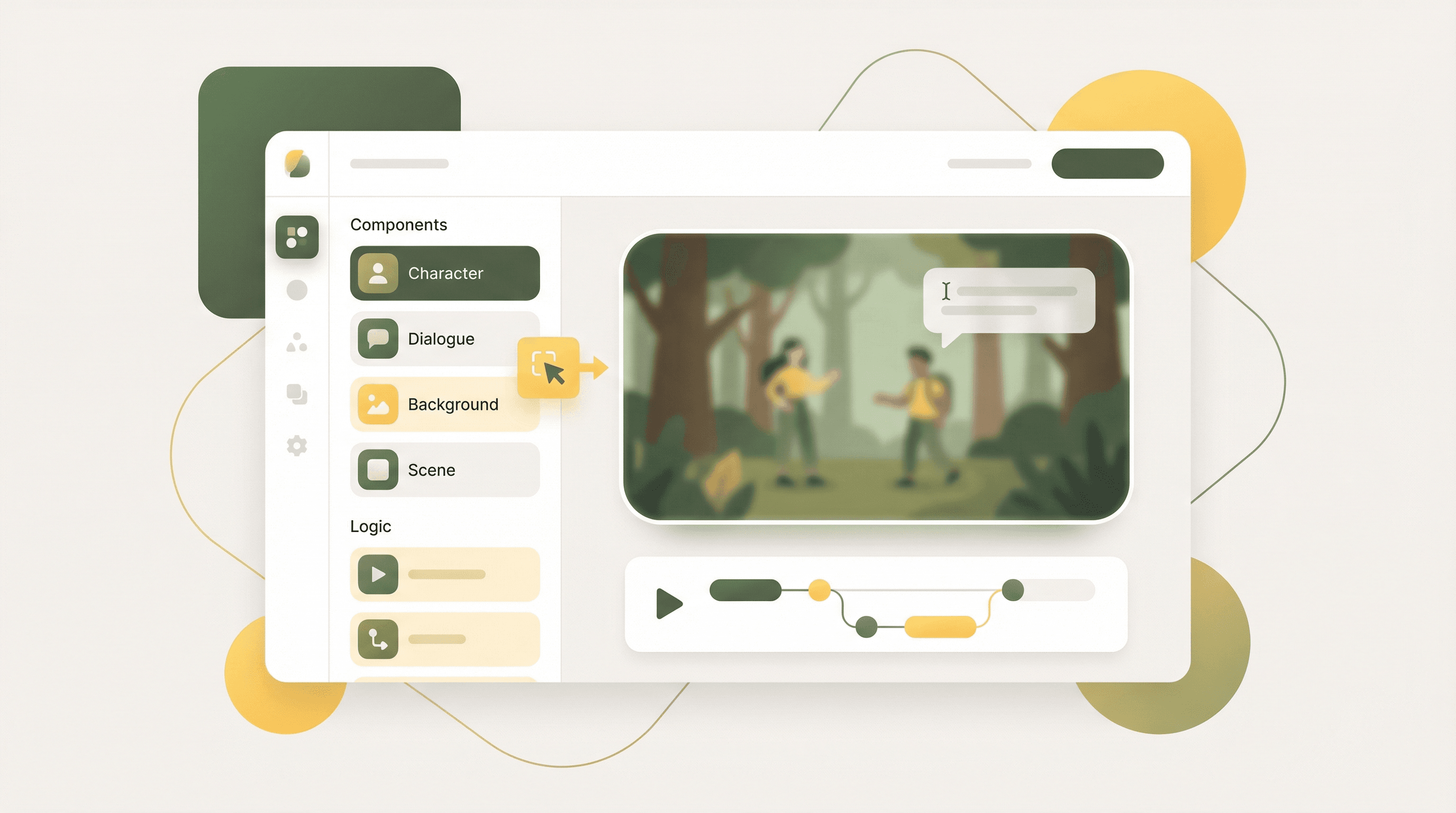
 The art of vibe coding—where natural language becomes functional software
What Is Vibe Coding? The Andrej Karpathy Definition
In February 2025, Andrej Karpathy—former Tesla AI director and OpenAI founding member—coined the term "vibe coding" to describe a fundamental shift in how software gets built. According to Wikipedia, Karpathy described vibe coding as "fully giving in to the vibes, embracing exponentials, and forgetting that the code even exists."
This isn't just a catchy phrase. It represents a paradigm shift from manually writing every line of code to guiding AI through natural language conversations. Instead of memorizing syntax, developers describe what they want. Instead of debugging semicolons, they refine their instructions until the AI produces the desired result.
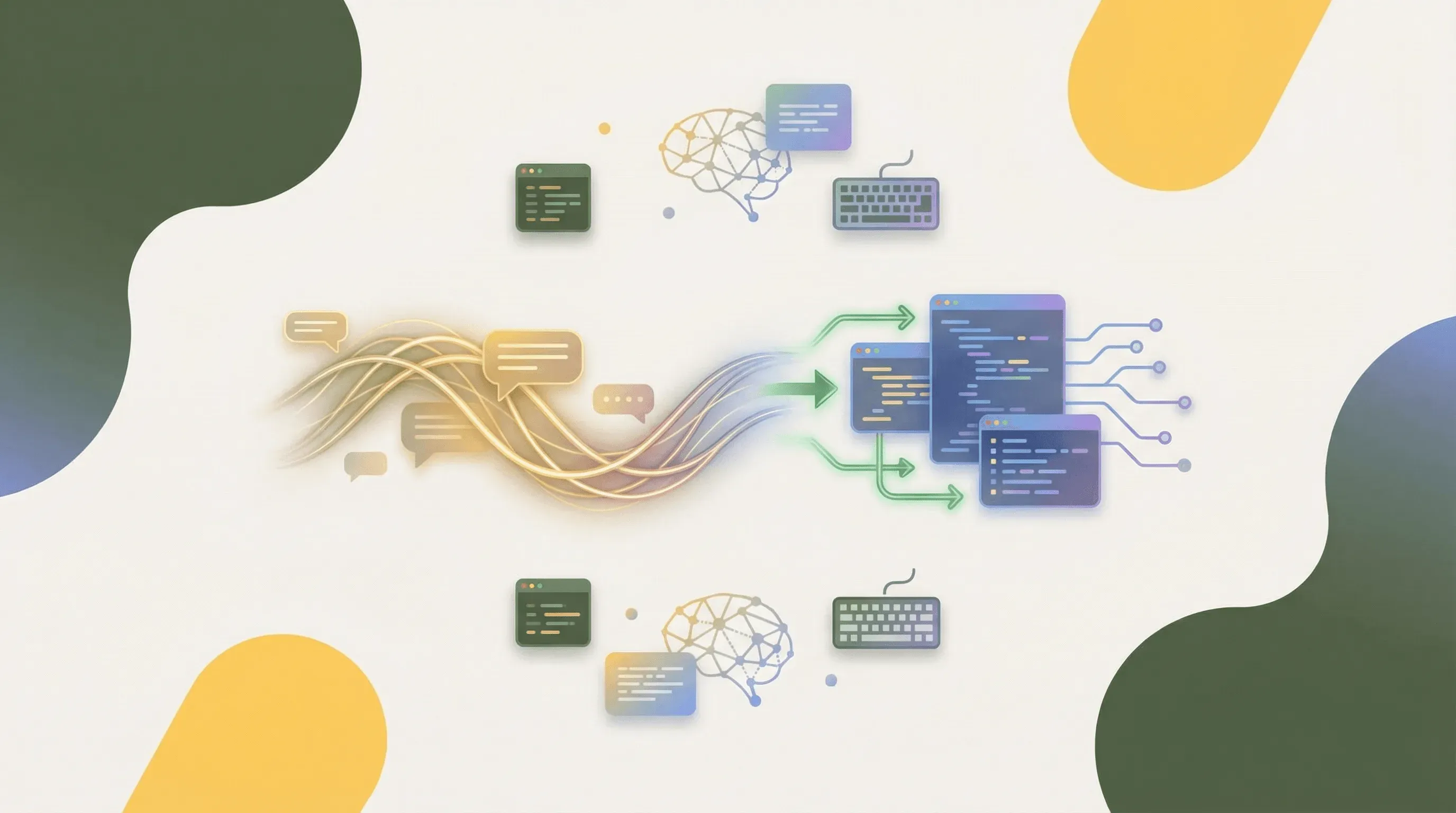 Vibe coding transforms natural language into working code through AI interpretation
The numbers tell the story of rapid adoption. According to the Index.dev Developer Productivity Report, AI tools now write 41% of all code. The Stack Overflow Developer Survey 2025 found that 84% of developers now use or plan to use AI tools in their workflows, up from 76% in 2024.
Yet here's the paradox: despite this explosive adoption, 46% of developers still don't trust the accuracy of AI outputs. This trust gap isn't caused by AI limitations—it's caused by a skills gap in prompt writing. The quality of your prompts determines whether vibe coding frustrates you or transforms your productivity.
The Prompt Quality Crisis: Why Nearly Half of Developers Don't Trust AI
When developers complain that AI tools "don't work," they're usually experiencing a prompting problem disguised as a technology problem. The Stack Overflow data reveals a troubling trend: distrust in AI accuracy jumped from 31% in 2024 to 46% in 2025—even as AI capabilities improved dramatically.
The root cause becomes clear when you examine how most people write prompts. Consider the difference between these two approaches:
Vague prompt (typical): "Make me a login page"
Structured prompt (effective): "Create a responsive login page with email and password fields, form validation that checks for valid email format and minimum 8-character passwords, a 'forgot password' link, and error messages that appear inline below each field. Use a clean, minimal design with a maximum width of 400px centered on the page."
The first prompt forces the AI to guess at dozens of design decisions. The second gives clear constraints that produce predictable results. According to eWeek's research on prompt engineering, strong prompts succeed because they provide four essential elements: context, role, constraints, and output format.
The consequences of poor prompting extend beyond frustration. A Veracode GenAI Code Security Report found that nearly 45% of AI-generated code contains security vulnerabilities. These vulnerabilities don't emerge because AI lacks security knowledge—they emerge because prompts lack security instructions. When you don't tell AI to implement input validation or protect against SQL injection, it often won't.
The Four Pillars of Effective Vibe Coding Prompts
 The four pillars that transform vague prompts into precise instructions
Research from eWeek and industry practitioners reveals that effective prompts consistently include four elements. Mastering these pillars transforms vague requests into precise instructions that AI can execute reliably.
Context answers the question "what situation is this for?" Without context, AI makes assumptions that may not match your needs. Instead of "create a chart," try "I'm building a financial dashboard for small business owners who need to track monthly revenue trends. Create a chart that displays 12 months of revenue data with clear month labels and dollar amounts."
Role tells the AI what perspective to adopt. Different roles produce different outputs. "As a senior security engineer, review this authentication code for vulnerabilities" produces more thorough security analysis than "check this code." YouWare handles this automatically through intent detection—recognizing whether you want to chat, generate assets, or build a website and adjusting its approach accordingly.
Constraints define boundaries that prevent AI from making unwanted decisions. Specify technologies ("use vanilla JavaScript, no frameworks"), limitations ("maximum 500 lines of code"), requirements ("must support mobile screens"), and exclusions ("don't use any external APIs"). The more constraints you provide, the less the AI has to guess.
Format describes what the output should look like. Do you want code with comments? A step-by-step explanation? A comparison table? Bullet points or paragraphs? Being explicit about format eliminates the need for follow-up prompts asking the AI to restructure its response.
Here's how the four pillars combine in practice:
| Pillar | Question It Answers | Example |
|---|---|---|
| Context | What situation? | "For an e-commerce checkout flow..." |
| Role | What expertise? | "As a UX designer focused on conversion..." |
| Constraints | What boundaries? | "Using only Tailwind CSS, no JavaScript animations..." |
| Format | What structure? | "Return the HTML with inline comments explaining each section..." |
This framework transforms a prompt from "make a product card" into a complete instruction that produces consistent, high-quality results.
Zero-Shot vs. Few-Shot: Why Modern AI Prefers Direct Instructions
Traditional prompt engineering advice emphasized "few-shot" prompting—providing multiple examples before asking for output. This approach worked well with earlier language models that needed examples to understand patterns.
Modern reasoning models have changed the calculus. According to Adaline AI's research on prompt engineering, models like o1 and DeepSeek-R1 perform better with zero-shot prompting (direct instructions) rather than few-shot examples. This contradicts years of accumulated wisdom about prompt engineering.
The reason relates to how reasoning models process information. When given examples, they may spend computational resources analyzing patterns in the examples rather than focusing on your actual request. With direct, well-structured instructions, they can devote full attention to generating the output you need.
This doesn't mean examples are never useful. For code style matching or specific formatting requirements, showing one example can communicate preferences more efficiently than describing them. The key insight is that modern AI tools are smart enough to understand well-written instructions without needing to see worked examples first.
For vibe coding specifically, this means: spend your effort crafting clear instructions rather than building elaborate example libraries. A single well-structured prompt with context, role, constraints, and format will outperform a prompt padded with examples but lacking specificity.
Common Prompting Mistakes That Sabotage Your Results
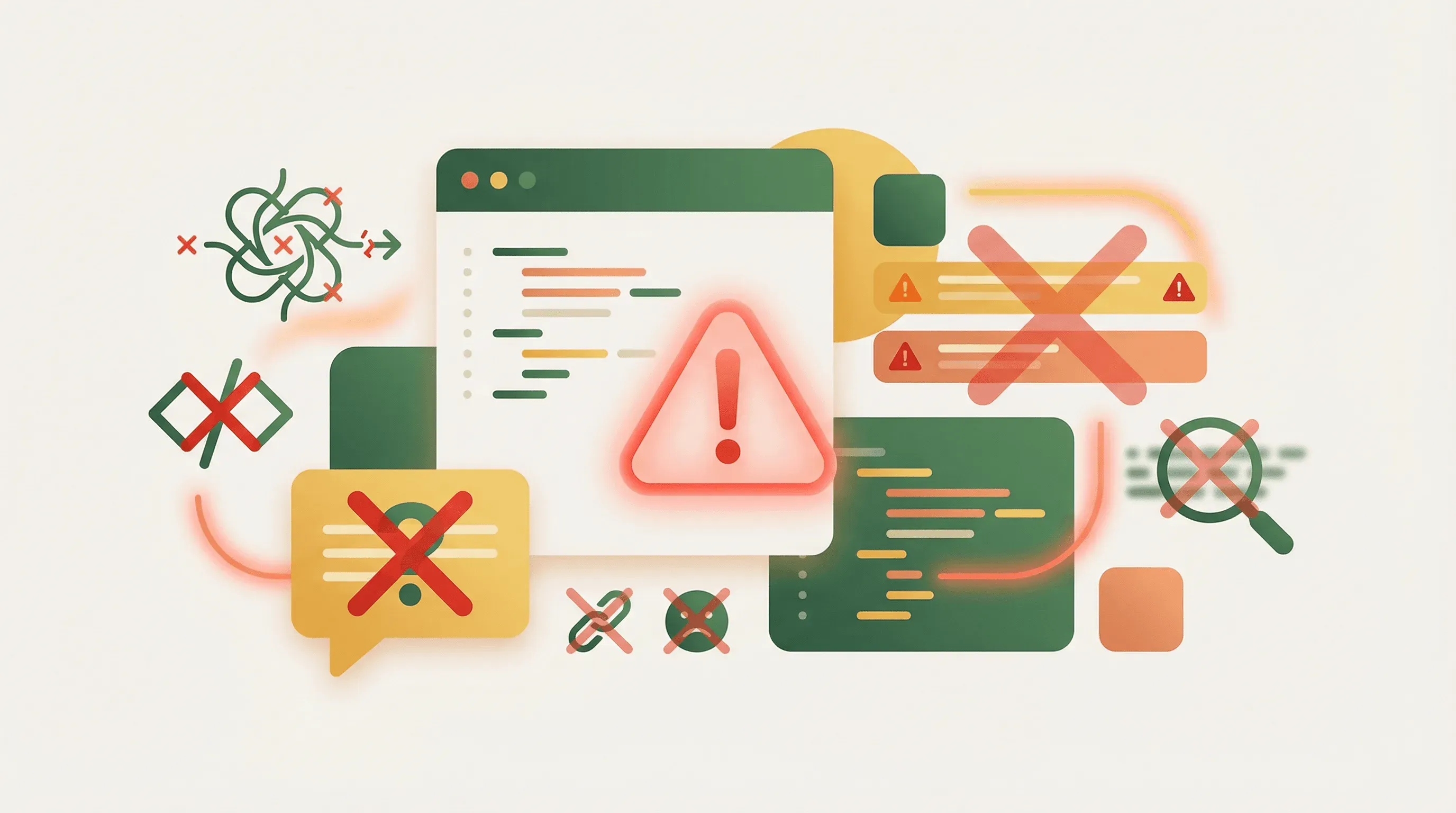 Recognizing these common mistakes is the first step to writing better prompts
Understanding what not to do is just as valuable as knowing best practices. These patterns consistently produce poor results across all vibe coding tools.
Asking for everything at once overwhelms AI with competing priorities. "Build me a complete social media app with user profiles, messaging, news feed, notifications, and analytics" asks for too much in a single prompt. Break complex projects into focused requests: start with the data model, then the core user interface, then individual features. YouWare's Chat Mode supports this approach by letting you brainstorm and explore ideas conversationally before committing to building.
Being vague about technical requirements forces AI to make assumptions. "Make it fast" could mean server-side rendering, code splitting, image optimization, or caching—all different solutions. "Optimize initial page load to under 2 seconds by implementing lazy loading for images and deferring non-critical JavaScript" tells AI exactly what to do.
Ignoring security in prompts produces the 45% vulnerability rate found in the Veracode report. If you don't mention input validation, SQL injection prevention, or authentication requirements, AI may not implement them. Always include security constraints: "Sanitize all user inputs, use parameterized queries for database access, and implement rate limiting on the API endpoint."
Expecting perfection on the first try sets you up for disappointment. Even expert prompt engineers iterate. The difference is they iterate strategically, refining specific aspects rather than rewriting from scratch. According to research cited by Nucamp, 55% of successful AI users regularly revise prompts through iterative refinement.
Using jargon without context assumes AI shares your implicit knowledge. "Add Redux boilerplate" makes sense to experienced React developers but may produce inconsistent results without specifying the exact pattern you want. "Add Redux state management using the Redux Toolkit createSlice pattern with a 'users' slice containing name, email, and preferences fields" removes ambiguity.
The Iterative Refinement Loop: How Successful Users Write Prompts
 Successful prompt engineers embrace continuous iteration rather than one-shot perfection
The most productive vibe coders don't write perfect prompts—they refine prompts through structured iteration. Research from Nanjing University found that 55% of AI users regularly revise their prompts, and automated prompt refinement techniques can improve code generation outcomes by up to 12.9% according to arXiv research.
The iterative refinement loop follows a predictable pattern:
Start broad, then narrow. Begin with your core intent: "Create a contact form." Review what AI produces, then refine: "Good start, but add phone number as an optional field and make the submit button disabled until all required fields are valid." Each iteration adds specificity based on what you see.
Identify one issue per iteration. When output falls short in multiple ways, resist the urge to address everything at once. Fix the most important problem first, verify it's resolved, then move to the next. This prevents the AI from "fixing" one thing while breaking another.
Save successful patterns. When a prompt produces excellent results, document it. The Keploy engineering-prompts repository on GitHub demonstrates this approach with open-source prompt libraries organized by domain. Building your own library of proven prompts accelerates future projects.
Use conversation history strategically. AI tools maintain context within a session. Rather than rewriting your entire prompt, reference previous output: "Keep the header and footer from the previous version, but redesign the middle section to use a three-column grid layout." This builds on successful elements while targeting specific changes.
YouWare supports iterative refinement through its Tab Tab Completion feature, which provides inline prompt suggestions to help you express ideas more precisely. The Boost feature offers one-click AI optimization, automatically enhancing page structure and content quality—reducing the gap between rough prompts and polished results.
Security-First Prompting: Avoiding the 45% Vulnerability Trap
 Security-conscious prompting prevents vulnerabilities before they enter your codebase
The Veracode GenAI Code Security Report revealing that 45% of AI-generated code contains security vulnerabilities should alarm every vibe coder. But this statistic reflects prompting failures more than AI limitations.
When security requirements aren't in the prompt, AI optimizes for other factors—often functionality and brevity. Adding security constraints changes what AI prioritizes.
Authentication prompts should specify: "Implement login with bcrypt password hashing (minimum cost factor 12), secure session management with HTTP-only cookies, CSRF protection tokens on all forms, and account lockout after 5 failed attempts within 15 minutes."
Database prompts should require: "Use parameterized queries for all database operations—never string concatenation. Implement input validation on the server side regardless of client-side validation. Return generic error messages that don't expose database structure."
API prompts should include: "Add rate limiting of 100 requests per minute per IP address. Validate and sanitize all incoming data against a strict schema. Log failed authentication attempts with IP addresses for security monitoring."
YouWare addresses security concerns through its YouBase infrastructure. The Secrets module stores API keys and credentials with enterprise-grade encryption, ensuring sensitive data is never exposed to frontend code. The visual editing mode allows non-developers to review and verify AI output—catching potential issues even without reading the underlying code.
For teams adopting vibe coding, consider creating a security prompt template that gets prepended to all code generation requests. This ensures baseline security practices apply even when individual prompts forget to mention them.
From Vibe Coding to Agentic Engineering: The Evolution Continues
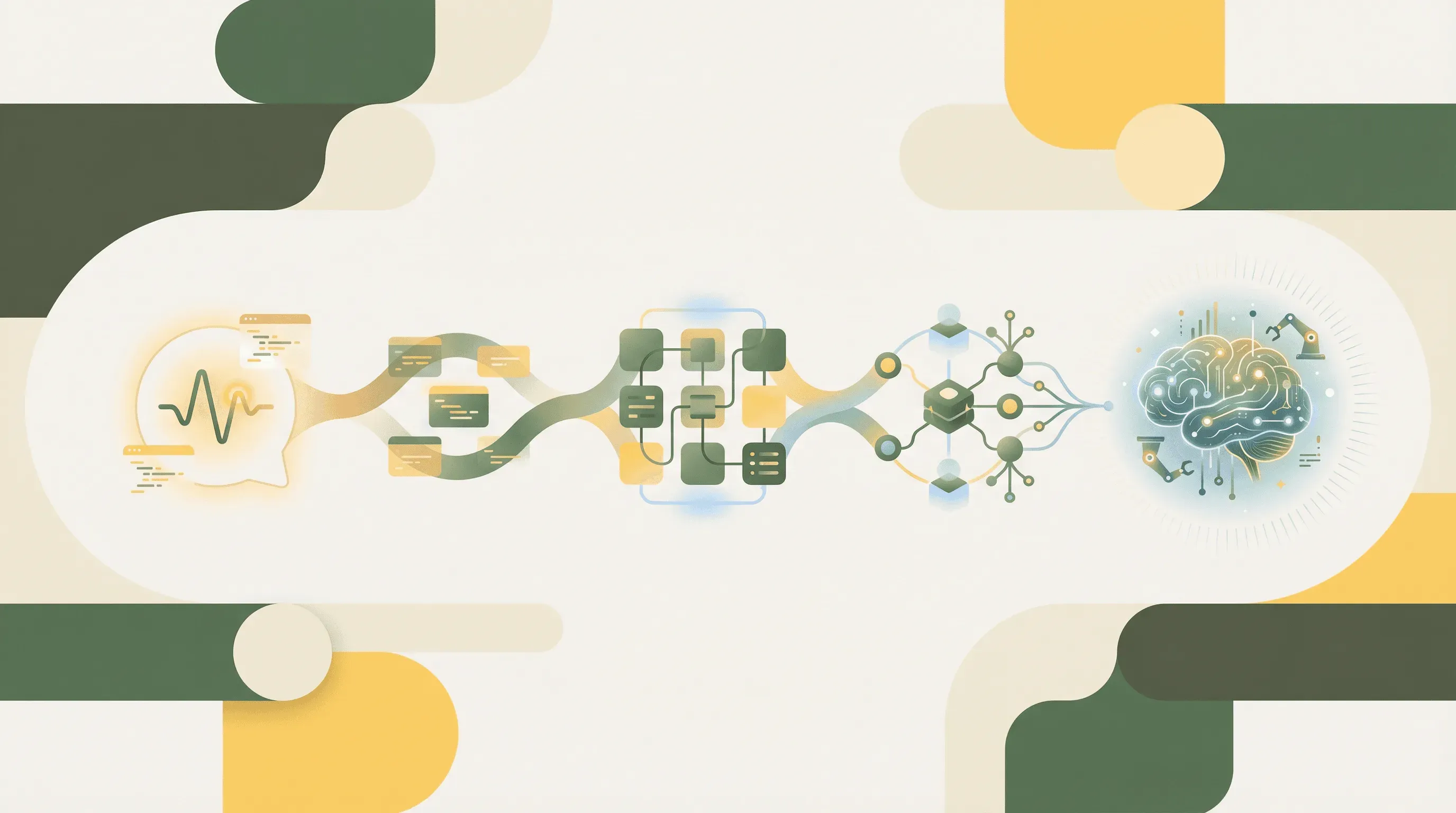 The evolution from simple prompts to sophisticated agent orchestration
Andrej Karpathy himself has signaled the next evolution. According to The Hans India, Karpathy now describes "agentic engineering" as the natural progression—where engineers manage intelligent agents rather than writing code directly.
This shift doesn't invalidate prompt skills. Instead, it elevates them. Agentic engineering requires prompting at a higher level of abstraction: defining goals, constraints, and success criteria for AI agents that then handle implementation details autonomously.
An arXiv enterprise study tracking 300 engineers over one year found that top AI adopters achieved a 61% increase in code pushed to production, with 30-40% of shipped code generated through AI tools. These gains came not from better AI models but from better human-AI collaboration patterns—essentially, better prompting at both tactical and strategic levels.
The study also found a 31.8% reduction in PR review cycle time. When prompts consistently produce high-quality code that follows established patterns, reviews become faster because reviewers spend less time catching basic issues.
For vibe coders preparing for this evolution, the advice remains consistent: master the fundamentals of clear communication with AI. Context, role, constraints, and format matter whether you're prompting a code completion tool or orchestrating a team of specialized AI agents.
Making Better Prompting Accessible: The YouWare Approach
The gap between knowing prompt best practices and applying them consistently is where many vibe coders struggle. YouWare bridges this gap through features designed to make effective prompting natural rather than effortful.
Intent detection eliminates the need for complex prompt structures by automatically recognizing whether you want to chat, generate assets, or build a website. You describe what you want in plain language; YouWare figures out how to interpret it.
Tab Tab Completion provides inline prompt suggestions when you press Tab twice, helping you express ideas more precisely without learning technical jargon. It's like autocomplete for your thoughts.
Chat Mode supports the brainstorming phase that expert prompt engineers know is essential. You can explore ideas conversationally before committing to building, aligning with the iterative refinement approach that 55% of successful users employ.
Visual editing mode addresses the 46% trust gap directly. After AI generates code, you can click any element to edit text, images, colors, or layout without reading code. This makes verification accessible to everyone, not just developers who can read and understand source files.
The Boost feature provides one-click AI optimization, automatically enhancing page structure and content quality. This catches issues that vague initial prompts might have introduced, reducing the iteration cycles needed to reach a polished result.
YouWare's approach embodies what research confirms: the goal isn't to make everyone an expert prompt engineer, but to make quality results accessible regardless of prompting expertise.
FAQ
What is the difference between vibe coding and traditional coding?
Traditional coding requires you to write every line of code manually, knowing specific syntax and programming language rules. Vibe coding, a term coined by Andrej Karpathy in February 2025, describes AI-assisted development where you describe what you want in natural language and AI generates the code. According to the Index.dev Developer Productivity Report, 41% of all code written in 2025 is now AI-generated. The key difference is communication style: traditional coding communicates with computers through precise syntax, while vibe coding communicates through natural language prompts that AI translates into code.
How long should a vibe coding prompt be?
There's no ideal length—what matters is completeness. A 20-word prompt that includes context, constraints, and format will outperform a 200-word prompt that rambles without specificity. Research from Nanjing University shows that 55% of successful AI users iterate on prompts rather than trying to perfect them upfront. Start with your core intent in one or two sentences, review the output, then add specificity where needed. YouWare's Tab Tab Completion feature helps by suggesting how to expand prompts without adding unnecessary length.
Why does AI sometimes ignore parts of my prompt?
AI processes prompts holistically, not as checklists. When prompts contain contradictory requirements, ambiguous language, or too many competing priorities, AI makes judgment calls about what to prioritize. The solution is clearer structure: break complex requests into sequential prompts, use numbered lists for requirements that must all be met, and verify each requirement is addressed before adding more. If a specific requirement keeps getting ignored, try making it a separate follow-up prompt rather than burying it in a longer instruction.
Can vibe coding replace learning to code?
Vibe coding changes what coding knowledge is essential, but doesn't eliminate the value of understanding code. The 45% security vulnerability rate in AI-generated code (per Veracode's 2025 report) demonstrates that someone needs to verify AI output. You don't need to memorize syntax, but understanding concepts like authentication flows, database design, and security principles helps you write better prompts and catch AI mistakes. Platforms like YouWare bridge this gap with visual editing that makes code review accessible to non-developers, but foundational knowledge still accelerates results.
How do I know if my prompt produced secure code?
Don't assume—verify. Include security requirements explicitly in your prompts: "implement input validation," "use parameterized queries," "add CSRF protection." After generation, use security scanning tools or have someone with security expertise review the output. YouWare's visual editing mode lets you inspect and modify code behavior without reading source files, while the Secrets module ensures API keys and credentials are stored securely rather than exposed in frontend code. For production applications, always treat AI-generated code as a starting point that requires security review before deployment.
Conclusion
The productivity gap between frustrated vibe coders and those achieving 81% efficiency gains comes down to prompt quality. While 84% of developers now use AI tools and 41% of code is AI-generated, the 46% who don't trust AI accuracy are often experiencing prompting failures rather than technology limitations.
The path forward is clear: structure prompts with context, role, constraints, and format. Embrace iterative refinement instead of expecting one-shot perfection. Include security requirements explicitly. And use tools that bridge the gap between prompt best practices and practical application.
Whether you're building a simple landing page or a complex application with user authentication and database storage, the principles remain the same. Clear communication with AI produces clear results. Vague communication produces frustration—and often, security vulnerabilities.

References
- Wikipedia: Vibe Coding - Definition and origin of the term coined by Andrej Karpathy
- Stack Overflow Developer Survey 2025 via ITPro - Developer AI adoption and trust statistics
- Index.dev: Developer Productivity Statistics with AI Coding Tools 2026 - Comprehensive AI productivity metrics
- arXiv: Measuring AI's True Impact on Developer Productivity - Enterprise study with 300 engineers
- arXiv: Prochemy Prompt Refinement Research - Automated prompt optimization techniques
- Adaline AI: Best Practices for Prompt Engineering in 2025 - Zero-shot vs. few-shot prompting research
- Nucamp: Top 10 Prompting Tips for 2025 - Prompt iteration statistics
- ITPro: Vibe Coding Security Risks - Security considerations for AI-generated code
- Veracode via TechRadar: AI Code Security Flaws - 45% vulnerability rate in AI code
- eWeek: ChatGPT Prompt Engineering Tips 2026 - Four pillars of effective prompts
- The Hans India: Agentic Engineering - Karpathy on the evolution beyond vibe coding
- GitHub: Keploy Engineering Prompts - Open-source prompt library