From Story Idea to Published Web App in 30 Minutes: A Beginner's AI Storytelling Tutorial

TL;DR
You can go from a story idea to a published, shareable web app in just 30 minutes—even if you've never written a line of code. According to WiFi Talents, microlearning improves information retention to 80% compared to just 20% with traditional methods, making this bite-sized tutorial format ideal for beginners. YouWare enables you to describe your story concept in plain English, generate visuals with built-in AI, and publish your interactive storytelling app with one click. By the end of this tutorial, you'll have a live web app you can share with anyone.
 AI storytelling transforms creative ideas into published applications in minutes
Introduction
Creating digital content used to require months of learning code, design tools, and deployment pipelines. For aspiring storytellers, this technical barrier meant their stories stayed locked in their imagination—or at best, confined to static documents that couldn't capture the interactive magic they envisioned.
But the landscape has changed dramatically. According to the Adobe MAX 2025 Creators Survey, 86% of creators are now incorporating generative AI into their workflows, with 81% stating AI enables them to produce content they otherwise couldn't have created. The no-code revolution has made software development accessible to everyone, with Emergen Research projecting the market to reach $29.4 billion in 2025.
This tutorial will guide you through creating an interactive storytelling web app using YouWare—from your initial creative spark to a published application you can share with the world. No coding experience required. No technical jargon to memorize. Just your imagination and 30 minutes.
 Transform your creative vision into a shareable web application in just 30 minutes
Why 30 Minutes is the Sweet Spot for Learning AI Storytelling
The 30-minute format isn't arbitrary—it's backed by learning science. According to CLO100's research on microlearning, shorter learning sessions increase learner engagement by 50% compared to hour-long sessions. This matters because, as Zipdo reports, the average online course completion rate is only 13.4%.
The psychology behind quick wins is equally compelling. According to Psychology Today, small daily achievements can significantly boost self-efficacy and overall creative confidence. When you complete something tangible in 30 minutes—a published web app you can actually share—you build the momentum to tackle larger creative projects.
Digital storytelling itself enhances engagement. Research published in the International Journal of History found that digital storytelling leads to a 75% increase in participation, 85% improvement in information retention, and an 80% boost in motivation levels. When you combine these benefits with AI-powered tools, you're not just learning faster—you're creating content that resonates more deeply with your audience.
What You'll Build: An Interactive Story App (With Zero Code)
By the end of this tutorial, you'll have created a fully functional web application featuring your original story. Here's what your finished project will include:
Your story app will feature a visually engaging landing page that draws readers into your narrative world. You'll have custom AI-generated illustrations that bring your scenes and characters to life—no stock photos or design skills required. The app will include interactive elements that let readers make choices or explore different story paths, transforming passive reading into an engaging experience.
Most importantly, your creation will be published and shareable with a real URL. You can send it to friends, post it on social media, or use it as the foundation for more ambitious storytelling projects. All of this happens through YouWare, which handles the technical complexity while you focus on what matters: your story.
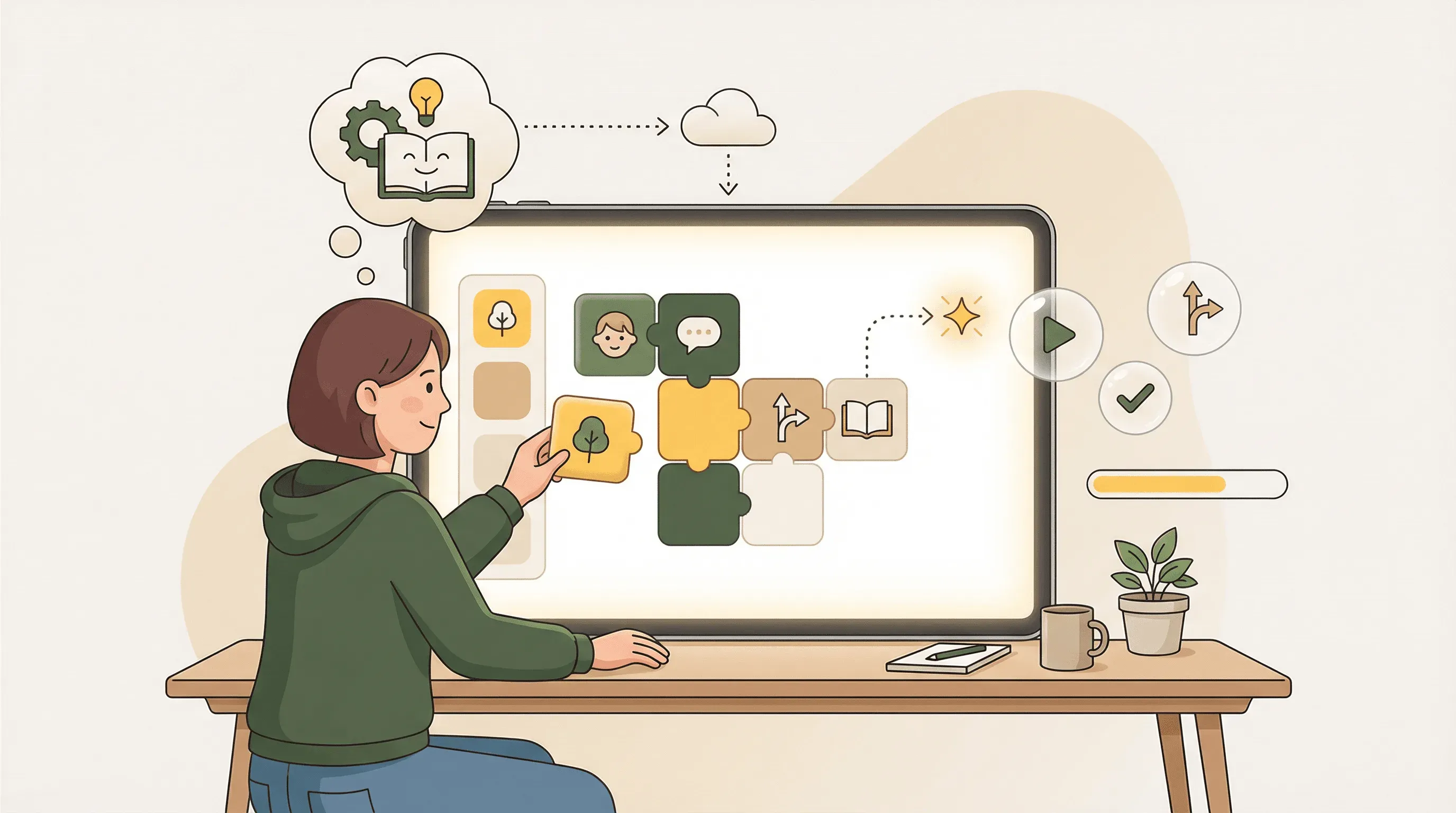 YouWare's visual interface makes building story apps accessible for complete beginners
How YouWare Makes AI Storytelling Accessible to Beginners
Traditional app development requires understanding programming languages, frameworks, databases, hosting, and deployment. YouWare eliminates these barriers by letting you describe what you want in natural language—the same way you'd explain your idea to a friend.
YouWare uses a methodology called Prompt Craft that's particularly powerful for storytelling. Instead of writing technical specifications, you start with the feeling: What mood do you want to create? What emotions should your reader experience? Then you tell a story: Describe the flow, the journey, the transformation you want readers to undergo. Finally, you sculpt: Refine iteratively through conversation, adjusting details until your vision comes to life.
YouWare provides everything you need for creative storytelling in one place. Built-in image generation using Midjourney, GPT-image-1, and other models means you can create custom illustrations without leaving the platform. Video generation with Veo 3.1 and Sora 2 opens possibilities for animated story elements. YouWare's Visual Editing mode lets you tweak text, colors, and spacing directly—no AI credits required for these quick adjustments.
For interactive stories, YouWare's YouBase database module can store reader choices and track story progress, enabling branching narratives where readers shape the plot. The built-in authentication system means you can create personalized experiences where returning readers continue their unique story journey.
Perhaps most importantly for beginners, YouWare's History feature provides a safety net for creative experimentation. Try bold ideas knowing you can always restore a previous version if something doesn't work. This freedom to experiment without fear is essential for developing creative confidence.
Step 1: Setting Up Your Creative Canvas (5 Minutes)
Getting started with YouWare takes just a few minutes. Visit youware.com and create a free account—you'll get access to core creation features, visual editing, AI chat, and basic sharing without any payment required.
Once you're logged in, click the "Create" button. You'll see an input field where you'll describe your story concept. Before you type anything, take a moment to think about the experience youwant to create. YouWare's Prompt Craft methodology suggests starting with the feeling rather than technical details.
Consider these questions: What emotion do you want readers to feel when they land on your page? Excitement? Mystery? Warmth? What's the core promise of your story—the hook that makes someone want to read more? Answering these questions first will help you craft a prompt that produces better results.
For this tutorial, let's create a short interactive mystery story. Here's an example prompt that demonstrates the Prompt Craft approach:
"Create a mysterious, atmospheric landing page for an interactive detective story. The feeling should be intriguing and slightly suspenseful—like stepping into a noir film. The story begins with the reader finding a mysterious letter that leads them to investigate a series of clues. Include a dramatic hero section with a dark, moody color scheme, an introduction to set up the mystery, and a 'Begin Investigation' button that feels like stepping through a door into the unknown."
Notice how this prompt focuses on feelings (mysterious, atmospheric, intriguing) and story elements (detective narrative, mysterious letter) rather than technical specifications. YouWare translates this creative vision into code automatically.
 Describe your story concept in natural language and watch it come to life
Step 2: Crafting Your Story Concept Through Natural Language (5 Minutes)
After submitting your initial prompt, YouWare generates a complete web page based on your description. Review what appears in the preview pane—this is your starting point, not your final product. The iterative refinement process is where your story really takes shape.
Use YouWare's Chat mode to have a conversation about your story. Think of it as brainstorming with a creative partner who can instantly implement your ideas. According to All About AI, content creators save an average of 12.3 hours per week using AI writing tools, with 30-80% acceleration in content production times. This efficiency comes from the conversational workflow—you describe what you want, see it implemented, and refine from there.
Try prompts like these to develop your story further:
"Add a section that reveals the first clue—a cryptic note with faded handwriting. Make it feel like an old document the reader just discovered."
"Create a character introduction for Detective Morgan, our protagonist. Include a brief backstory that hints at why this case is personal."
"Add an atmospheric soundtrack suggestion—describe how eerie piano music would complement this scene."
Each refinement brings your vision closer to reality. The key is specificity combined with emotional description. Instead of saying "add more content," describe the feeling and purpose of what you want added. YouWare responds better to prompts that paint a picture rather than provide technical instructions.
Step 3: Generating Visual Assets for Your Narrative (8 Minutes)
Every compelling story needs visuals that transport readers into your world. YouWare includes built-in image generation so you can create custom illustrations without external tools or design skills.
To generate images, use Chat mode with descriptive prompts focused on mood and story relevance. For our mystery story, you might request:
"Generate a dramatic image of an old letter with a wax seal, partially opened, with mysterious symbols visible on the paper. Dark, moody lighting like a single desk lamp in a detective's office."
"Create an atmospheric illustration of a foggy street at night, with a single streetlamp casting long shadows. Vintage noir style, suggesting secrets hiding in the darkness."
YouWare offers multiple image generation models including Midjourney and GPT-image-1, allowing you to choose the style that best fits your narrative. Generated images are automatically saved to your project's Assets folder, ready to be placed anywhere in your story.
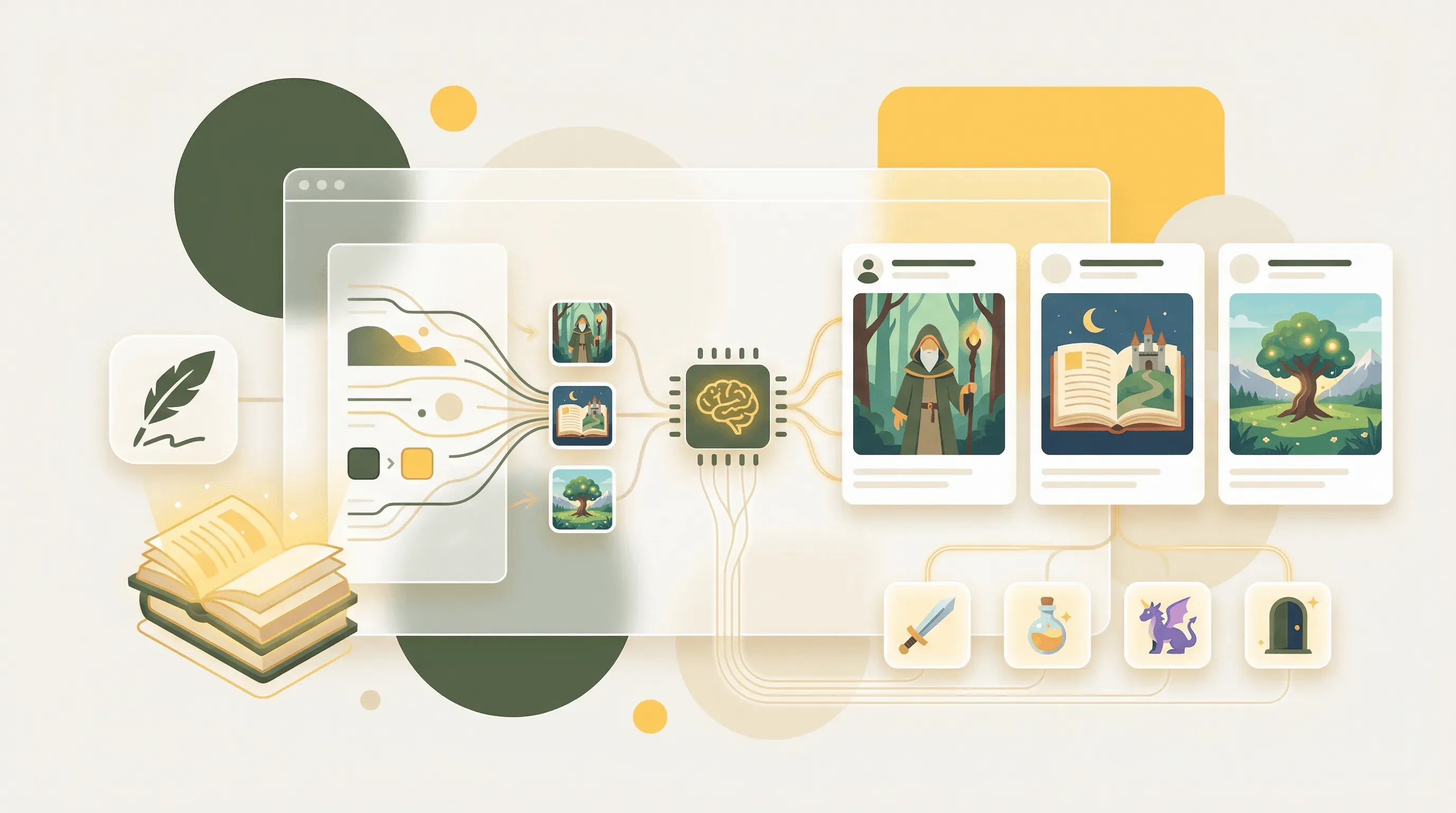 Generate custom illustrations and scene backgrounds with built-in AI image generation
Visual Editing mode makes placing and adjusting images intuitive. Click directly on any element in the preview to modify it—change sizes, adjust positioning, or replace images entirely by uploading new ones. These visual edits don't consume AI credits, making experimentation cost-effective.
Consider creating visuals for key story moments: the inciting incident that hooks readers, major plot reveals, character introductions, and the climactic scene. Consistent visual style across these images creates a cohesive world that readers can immerse themselves in.
Step 4: Building Interactive Story Elements (7 Minutes)
What transforms a static story into an engaging experience? Interactivity. With YouWare, you can add choices, branching paths, and reader-driven elements that make your story a true experience rather than passive consumption.
Request interactive elements through Chat mode with prompts like:
"Add three choice buttons at the end of the first scene: 'Examine the letter more closely,' 'Search the room for more clues,' and 'Call your former partner.' Each choice should lead to different content."
"Create a clue collection system where readers can click on highlighted objects to add them to an 'Evidence Board' that appears in the corner of the screen."
For more sophisticated interactivity, YouWare's YouBase database module can store reader progress and choices. This enables features like saving game state so readers can return to their story, tracking which clues have been discovered, and creating personalized endings based on accumulated choices.
If you want readers to have accounts for a personalized experience, YouWare's built-in authentication supports email login, Google OAuth, and even temporary accounts for frictionless access. You might prompt: "Add a 'Save My Progress' feature that lets readers create an account and continue their investigation later."
Test your interactive elements by clicking through your story in the preview. Does each choice feel meaningful? Do the transitions maintain the mood you've established? Use Visual Editing to adjust button colors, spacing, and text to ensure interactions feel natural and engaging.
Step 5: Publishing and Sharing Your Creation (5 Minutes)
You've built something remarkable—now it's time to share it with the world. YouWare's one-click publishing generates a shareable link for your story app instantly.
Click the Publish button to generate your live URL. Your story is now accessible to anyone with the link. According to Psychology Today, completing tangible creative projects builds confidence for future work—and there's nothing more tangible than a live web app you can share.
YouWare provides several sharing options to control how your story reaches readers. You can make it fully public for anyone to discover and share, or keep it private with password protection for select readers. Remix permissions let you decide whether other creators can use your story as a starting point for their own projects—a generous option that contributes to the creative community.
For a polished presentation, enable fullscreen mode to share projects without the YouWare header. This creates a more immersive experience where readers see only your story world. Pro and Ultra subscribers can even deploy under custom domains for a fully branded experience.
Share your creation on social media, send it to friends and family, or embed it in your portfolio. Each share is an opportunity for feedback that can inform your next storytelling project.
Common Beginner Mistakes and How to Avoid Them
Even with user-friendly tools, beginners often fall into predictable patterns that limit their results. Here's how to avoid the most common pitfalls in AI-assisted storytelling.
The first mistake is being too vague in prompts. Writing "make a cool story page" gives the AI little to work with. Instead, describe specific feelings, colors, moods, and story elements. Compare "Add a button" to "Add a weathered wooden button that looks like it belongs in an old train station, with text that reads 'Begin Your Journey' in vintage serif font." The second prompt produces dramatically better results.
Another common error is trying to build everything in one prompt. Break your story into scenes or sections and develop each one through conversation. This iterative approach produces more coherent results and gives you more control over the final product. Use YouWare's History feature to track your progress and experiment freely.
Many beginners also skip the visual editing phase. While AI generates impressive initial results, the magic often happens in refinement. Use Visual Editing to perfect colors, adjust spacing, and fine-tune text without consuming AI credits. Small adjustments—like increasing padding around text or adjusting an image's position—can dramatically improve the reading experience.
Finally, don't forget about mobile readers. Preview your story on different screen sizes to ensure it looks great everywhere. Most interactive stories are consumed on phones, so mobile experience matters as much as desktop appearance.
What's Next: Leveling Up Your AI Storytelling Skills
Completing this tutorial marks the beginning of your AI storytelling journey, not the end. With your first published story app under your belt, you're ready to explore more ambitious projects.
Consider expanding your current story into a multi-chapter experience. Use YouWare's YouBase database to track reader progress across sessions, creating a serialized narrative that readers return to chapter after chapter. Add email collection to notify readers when new chapters are available.
Explore multimedia storytelling by incorporating video elements. YouWare supports video generation through Veo 3.1 and Sora 2, enabling animated scene transitions, character introductions, or atmospheric background loops that enhance immersion.
Connect external tools through YouWare's MCP integrations. Import visual designs from Figma, pull dynamic content from Notion, or integrate with GitHub for version control on larger projects. These connections enable professional-grade workflows while maintaining the accessible creation experience.
Join the creative community by remixing existing public projects. Study how other storytellers structure their narratives, handle interactivity, and create atmosphere. Remixing isn't copying—it's learning by doing, understanding techniques through hands-on exploration.
According to All About AI, businesses using AI writing tools reported a 61% increase in overall productivity and 42% rise in monthly content output without expanding team sizes. As you develop your skills, you'll find AI-assisted storytelling becomes not just faster but more creatively ambitious—you'll attempt projects you never would have considered before.
FAQ: Beginner Questions About AI-Powered Storytelling
Do I need any coding experience to complete this tutorial?
No coding experience is required. YouWare handles all technical implementation through natural language prompts. You describe what you want in plain English, and the platform generates the necessary code, design, and functionality. The Visual Editing mode lets you make adjustments by clicking directly on elements rather than writing code.
How much does it cost to create a story app with YouWare?
YouWare offers a free tier that includes core creation features, visual editing, AI chat, and basic sharing—everything you need to complete this tutorial. Credits are used for AI-powered code generation and modification, but visual edits and copying templates don't consume credits. Monthly credit rewards help sustain ongoing creative work.
Can I create interactive stories with branching narratives?
Absolutely. YouWare's YouBase database module enables sophisticated interactivity including choice tracking, progress saving, and branching storylines. You can create stories where reader decisions genuinely affect outcomes, track which paths readers explore, and create personalized experiences based on accumulated choices.
What if I make a mistake or want to try something different?
YouWare's History feature maintains a complete timeline of your project with descriptions and timestamps. You can preview any previous version and restore it instantly if an experiment doesn't work out. This safety net encourages creative risk-taking—try bold ideas knowing you can always return to a working version.
Can I share my story privately before making it public?
Yes. YouWare provides granular sharing controls including password protection for private sharing, public links for broad distribution, and remix permissions that control whether others can use your project as a starting point. You can share with select beta readers before launching publicly.
Conclusion
You've just accomplished something remarkable: going from a story idea to a published, shareable web application in 30 minutes. This isn't just a tutorial completion—it's proof that AI-powered creative tools have fundamentally changed what's possible for beginners.
The 86% of creators using generative AI aren't doing so because it's trendy—they're doing it because tools like YouWare unlock creative potential that was previously gated behind years of technical learning. Your first story app might be simple, but it represents a door opening to increasingly ambitious projects.
Remember: every expert storyteller started exactly where you are now. The difference between those who develop their craft and those who don't isn't talent—it's the willingness to ship creative work, learn from feedback, and iterate. You've already shipped your first project. The next one will be better. And the one after that, better still.
Ready to bring your next story to life? Start building with YouWare today at youware.com.
References
- Adobe MAX 2025 Creators Survey - Industry research on AI adoption among creators
- WiFi Talents Microlearning Statistics - Research on microlearning effectiveness
- CLO100: Key Microlearning and AI Statistics for 2025 - Learning engagement data
- Emergen Research: No-Code Development Platforms Market Report - Market analysis
- International Journal of History: Digital Storytelling Benefits - Academic research on storytelling engagement
- All About AI: AI Writing Statistics 2025 - AI productivity research
- Zipdo: Online Course Industry Statistics - Course completion data
- Psychology Today: How to Build Creative Confidence - Psychology of creative development