Vibe Coding for Complete Beginners: Your First App in 30 Minutes (No Experience Needed)

15 mins read



Getting Started
August 06, 2026
Getting Started
August 06, 2026
Getting Started
August 06, 2026


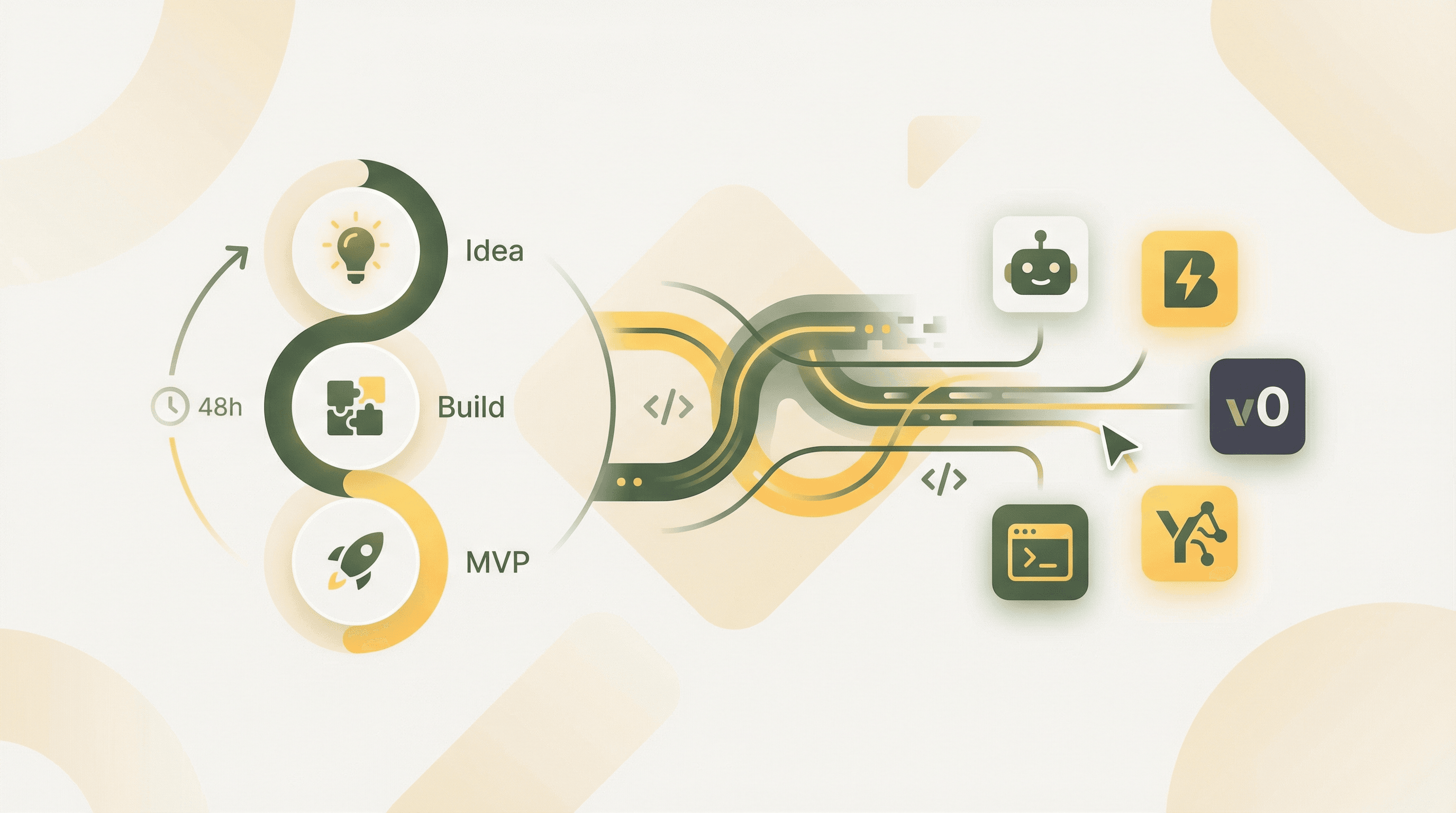
Vibe coding allows complete beginners to build functional web applications by describing ideas in plain English—no programming experience required. Named Collins Dictionary's Word of the Year 2025, this AI-assisted development approach has enabled Y Combinator startups to build codebases that are 95% AI-generated. YouWare makes this accessible to everyone, generating complete applications from natural language descriptions in approximately 30 seconds with built-in databases, authentication, and visual editing.
 Vibe coding enables complete beginners to build functional apps using natural language
Vibe coding is an AI-assisted software development approach where you describe what you want to build in natural language, and artificial intelligence generates the code for you. The term was coined by Andrej Karpathy, co-founder of OpenAI and former Tesla AI leader, in February 2025. He described it as "fully giving in to the vibes, embracing exponentials, and forgetting that the code even exists."
Unlike traditional programming, which requires learning syntax, understanding algorithms, and memorizing commands, vibe coding lets you communicate with AI the same way you'd explain an idea to a colleague. You might say "create a recipe app where users can save their favorite dishes" rather than writing hundreds of lines of code manually.
This approach has gained remarkable traction. According to Wikipedia, Collins English Dictionary named "vibe coding" their Word of the Year for 2025, and Merriam-Webster listed it as "slang & trending" in March 2025. The concept has moved from experimental to mainstream faster than almost any development methodology in history.
 Developer working at a coding workspace - vibe coding makes this accessible to everyone — Source: Pixabay
The traditional path to building software has always been steep. Learning to code typically requires months of dedicated study, understanding abstract concepts, and developing muscle memory for syntax that feels completely foreign at first. Vibe coding eliminates these barriers almost entirely.
According to GitHub's research on developer productivity, developers using AI coding assistants completed tasks 55% faster—finishing an HTTP server task in 1 hour 11 minutes versus 2 hours 41 minutes without AI assistance. For complete beginners, the impact is even more dramatic because there's no baseline knowledge required.
The numbers tell a compelling story about this shift. According to Radixweb, nearly 60% of custom applications are now built outside traditional IT departments, with 30% built by employees with limited or no technical skills. The low-code and no-code market is projected to reach $45.5 billion in 2025, according to Accio.com, growing at a 28.1% compound annual rate since 2020.
New York Times journalist Kevin Roose, who had no coding background, successfully created several small applications using vibe coding. He described them as "software for one" because of their personalization capabilities—apps built specifically for his needs that no commercial product could match.
YouWare enables complete beginners to build their first functional app by simply describing it in natural language. The platform generates complete web applications in approximately 30 seconds, handling all the technical complexity behind the scenes.
 The human element remains central to vibe coding - AI assists, but you direct the vision — Source: Pixabay
What makes YouWare particularly powerful for beginners is its Visual Editing mode. Rather than trying to describe changes to an AI or understanding code, you can click directly on any element—text, images, colors, or layout—and modify it instantly. This point-and-click approach eliminates the frustration of trying to articulate exactly what you want changed.
YouBase, YouWare's built-in backend infrastructure, removes the most intimidating aspects of app development. You get a database for storing information, user authentication for login functionality, and file storage for uploads—all without writing a single line of backend code or understanding server architecture. When you want to add login functionality, you simply enable the Users & Authentication module and choose from Email login, Google OAuth, or temporary accounts for frictionless access.
The platform also includes a "Boost" feature that provides one-click AI optimization. When you're not sure what to improve, Boost analyzes your page structure, content quality, and user experience, then enhances everything automatically while preserving your original design. For beginners who don't know what "good" looks like yet, this feature is invaluable.
Building your first application with vibe coding is straightforward when you follow a clear process. Here's how to go from idea to published app:
Step 1: Choose Your App Idea (5 minutes)
Start with something personally useful. The best first projects solve a real problem you face. Consider a personal expense tracker, a recipe collection, a workout log, or a reading list manager. Avoid overly ambitious first projects—you can always add features later.
Step 2: Describe Your App Clearly (5 minutes)
Write a clear description of what you want. Be specific about the main features but don't worry about technical details. For example: "Create a personal expense tracker where I can add purchases with the amount, category, and date. Show me a summary of spending by category and let me see my history for the past month."
Step 3: Generate Your Initial App (1 minute)
With YouWare, click "Create" and paste your description. The AI generates your complete application in approximately 30 seconds. You'll immediately see a working version you can interact with.
Step 4: Refine Through Conversation (10 minutes)
Your first generated version won't be perfect—and that's expected. Use natural language to request changes: "Make the add expense button larger," "Change the color scheme to blue tones," or "Add a notes field for each expense." Each request refines your app further.
Step 5: Enable Backend Features (5 minutes)
If your app needs to save data, enable YouBase modules. For an expense tracker, you'd enable the Database module to store purchases and potentially the Users module if you want login functionality for accessing your data across devices.
Step 6: Test and Publish (4 minutes)
Click through your app as a user would. Add some test data. Make sure the core features work as expected. When satisfied, click Publish to deploy your app with a shareable URL.
While vibe coding eliminates the need to write code, understanding a few foundational concepts helps you communicate more effectively with AI and troubleshoot issues when they arise.
Frontend vs. Backend: The frontend is everything users see and interact with—buttons, text, images, layouts. The backend handles data storage, user accounts, and server logic. YouWare manages both, but knowing the distinction helps when you're describing problems or requesting features.
Prompts: A prompt is your instruction to the AI. Better prompts produce better results. Instead of "make it look nicer," try "increase the spacing between sections, use a clean sans-serif font, and add subtle shadows to the cards." Specificity matters.
Iteration: Vibe coding is inherently iterative. Expect to refine your prompts and make multiple requests to reach your desired outcome. This isn't a failure—it's the normal process. Professional developers iterate constantly; you should too.
State and Data: When your app needs to remember information (like expense entries or user preferences), that data needs to be stored somewhere persistent. YouWare's YouBase handles this automatically when you enable the Database module, but understanding that data persistence requires explicit setup helps you know when to enable these features.
According to analysis from multiple vibe coding resources, beginners consistently fall into predictable traps. Knowing these in advance saves hours of frustration.
Mistake 1: Writing Vague Prompts
Generic requests like "make my app better" or "add some features" leave too much interpretation to the AI. The solution is specificity. Describe exactly what you want: the placement, the behavior, the appearance. "Add a green 'Save' button in the top right corner that saves the current form data" works far better than "add a save function."
Mistake 2: Ignoring Error Messages
When something doesn't work, beginners often try random fixes or rephrase their request without understanding what went wrong. Error messages, while technical, usually point to the specific problem. Copy the error into your next prompt: "I'm getting this error: [paste error]. What's causing it and how do I fix it?" The AI can interpret error messages for you.
Mistake 3: Building Too Much Too Fast
Enthusiasm leads many beginners to request complex features before basic functionality works. Build incrementally. Get the core feature working first, test it thoroughly, then add the next piece. A working simple app beats a broken complex one.
Mistake 4: Skipping Version Control
Making dozens of changes without any way to go back creates risk. If a change breaks something, you might not know which modification caused the problem. YouWare addresses this with built-in History tracking—use it. YouBase even offers Time Travel to restore your database to any previous state.
Mistake 5: Not Testing Before Publishing
Excitement about completion leads to premature publishing. Always test your app from a fresh perspective: What happens if a user enters unexpected data? What if they click buttons in an unexpected order? Five minutes of testing prevents embarrassment and user frustration.
 AI-powered development tools are transforming how applications are built — Source: Pixabay
The vibe coding ecosystem has expanded rapidly, but platforms differ significantly in their approach and capabilities. Understanding these differences helps you choose the right tool for your needs.
| Platform Type | Best For | Learning Curve | Backend Support |
|---|---|---|---|
| AI Code Assistants (Copilot, Cursor) | Developers wanting acceleration | Moderate - requires coding knowledge | Requires manual setup |
| No-Code Builders | Simple websites, landing pages | Low | Limited or none |
| Full-Stack AI Platforms (YouWare) | Complete applications | Very Low | Built-in (YouBase) |
| Specialized AI Tools | Specific use cases (mobile, games) | Varies |
For complete beginners wanting to build functional applications with databases and user accounts, full-stack AI platforms provide the most comprehensive solution. YouWare's combination of natural language generation, visual editing, and built-in backend infrastructure means beginners don't need to piece together multiple tools or understand how different services connect.
The Remix feature also provides a gentler on-ramp than starting from scratch. By copying and modifying existing public projects, beginners can learn patterns from working examples while customizing them to their needs—without the blank-canvas intimidation factor.
Even with AI assistance, you'll encounter issues. According to ByteIota, approximately 45% of AI-generated code contains vulnerabilities or errors, highlighting the importance of knowing how to troubleshoot.
Your App Doesn't Look Right: Visual issues are usually the easiest to fix. Be extremely specific about what's wrong and what you want instead. "The header text is too small—make it 24 pixels and bold" is actionable. Using YouWare's Visual Editing mode often solves appearance issues faster than describing them.
Data Isn't Saving: If information disappears when you refresh, your database isn't connected properly. Make sure you've enabled YouBase's Database module and that your app is actually writing to it. Ask the AI: "How is this app storing data? Show me where expenses are saved to the database."
Login Doesn't Work: Authentication issues require checking your configuration. In YouWare, verify that the Users & Authentication module is enabled and properly configured. If using Google OAuth, ensure your credentials are set up correctly in the platform.
The App Works Locally But Not When Published: Some features work differently in development versus production. Check if your app relies on any local-only resources. YouWare's publishing process handles most of these transitions automatically, but complex integrations may need adjustment.
You're Stuck in a Loop: If the AI keeps generating the same problematic code, break the pattern. Describe the problem differently, ask for an alternative approach, or request a simpler solution that you can build upon.
Once you've completed your first app, you're ready to tackle more ambitious projects. The progression should build on your experience while introducing new concepts gradually.
Your second project might incorporate user accounts if your first didn't. Adding authentication transforms a personal tool into something others can use, with each person maintaining their own data. YouWare's built-in authentication makes this surprisingly straightforward.
Consider projects that involve external integrations. YouWare supports MCP connections to services like Figma for design conversion, Notion for content management, and GitHub for version control. Connecting your app to external services teaches you about APIs without requiring you to understand the underlying code.
Multi-page applications represent another natural progression. Your first app might have been a single screen; your second could include navigation between different views—a dashboard, a settings page, a detail view. This introduces routing and state management concepts organically.
The vibe coding landscape continues evolving rapidly. According to ByteIota, 92% of US developers now use AI coding tools daily, and 30% of Microsoft's code is AI-generated. For beginners, these trends suggest that skills learned today will only become more valuable.
Even legendary programmers have embraced the approach. In January 2026, Linus Torvalds used vibe coding with Google Antigravity to create a Python visualizer tool, demonstrating that this isn't just for newcomers—it's a fundamental shift in how software gets built.
According to Yoroflow, over 65% of enterprises have adopted some form of citizen development model, with over 70% maintaining active citizen developer programs. The distinction between "developers" and "everyone else" is blurring permanently.
For beginners starting today, this means your timing is excellent. The tools will continue improving, the ecosystem will expand, and the applications you can build will become increasingly sophisticated—all while the learning curve remains accessible.
Can I really build a functional app with zero coding experience?
Yes, that's the core promise of vibe coding. Platforms like YouWare generate complete applications from natural language descriptions. You describe what you want, and AI handles the technical implementation. The 30-minute timeline in this article's title is realistic for a simple but functional application.
What happens when the AI generates code that doesn't work?
This is normal and expected. Communicate the issue clearly: describe what's broken, what you expected to happen, and what actually happens. Include any error messages. The AI can interpret problems and suggest fixes. With YouWare's Visual Editing mode, many issues can be resolved by directly clicking and modifying elements without involving code at all.
Is vibe coding secure enough for real applications?
Security depends on implementation. According to research, approximately 45% of AI-generated code contains some vulnerabilities. For personal projects and learning, this is manageable. For applications handling sensitive data, use platforms with built-in security features. YouWare's Secrets module stores API keys and credentials with enterprise-grade encryption, and its authentication system handles security best practices automatically.
How is vibe coding different from traditional no-code platforms?
Traditional no-code platforms use visual builders with drag-and-drop interfaces and predetermined components. Vibe coding uses natural language—you describe what you want in plain English, and AI generates custom solutions. This provides more flexibility and handles more complex requirements, though the distinction is blurring as platforms adopt hybrid approaches.
What should I build for my first vibe coding project?
Start with something personally useful but modest in scope. Good first projects include personal expense trackers, reading lists, simple note-taking apps, or habit trackers. Avoid social networks, marketplaces, or anything requiring complex user interactions for your first attempt. Build something you'll actually use—motivation matters.
Vibe coding represents a genuine paradigm shift in software development. What once required months of study and years of practice can now be accomplished by anyone willing to clearly describe what they want to build. The barriers that kept most people from creating custom software—syntax memorization, algorithm understanding, server configuration—have been abstracted away by AI.
The statistics reflect this transformation: 92% of professional developers now use AI coding tools daily, 25% of top startup codebases are 95% AI-generated, and the no-code market continues expanding at nearly 30% annually. This isn't a trend—it's the new foundation of how software gets built.
Your first app is waiting. Describe it, generate it, refine it, and publish it. In 30 minutes, you can join the millions of people who have discovered that building software is no longer about mastering code—it's about clearly communicating ideas.

| Depends on tool |